
Wink is the first pick: its store listings say it upscales 480p and 720p clips to 4K, and it is live on iPhone and Android. YouCam Enhance, PowerDirector, CapCut, AirVid and KineMaster also list AI upscaling. We compared vendor claims and in-app prices, not output quality, so run one clip through two apps before you pay.
A mobile AI video enhancer takes a soft, noisy or low-resolution clip and rebuilds it at a higher resolution on your phone. These six apps all list it as a feature on the App Store or Google Play.
We checked each app’s store listing and the vendor’s own pages in November 2026 and quote only what they say. We did not run the apps or judge how the footage looks, so use this as a shortlist and test your own clip.
What a mobile AI video enhancer can and can’t do
An enhancer sharpens edges, cuts noise and scales the frame up, usually to 1080p or 4K. The extra pixels are AI guesses, so the result depends on how much real detail the clip started with.
Heavy processing is also why most apps run it in the cloud or charge credits. Expect a paywall after the first clip.
If you only need a trim, captions or a template, a regular editor will do. For that, see our guide to the best mobile AI video editor apps.
To make new footage instead of fixing old footage, read the mobile AI video generator roundup.
Quick picks
| Want | Use |
|---|---|
| A dedicated enhancer on iPhone and Android | Wink |
| Enhancer with denoise and low-light fixes | YouCam Enhance |
| Credit-based upscaling inside a full editor (Android) | PowerDirector |
| Upscale inside an editor you already have | CapCut |
| Cheaper in-app items on Google Play | AirVid |
| Upscaling plus a layered editor | KineMaster |
How we ranked them
We ordered the apps by how plainly the vendor states the upscaling resolution and by platform coverage. This is not a ranking of output quality, because we did not test any of them.
Prices are US store prices from each listing, checked November 2026. In-app prices change by region and store, so read the live listing before you buy.
1. Wink
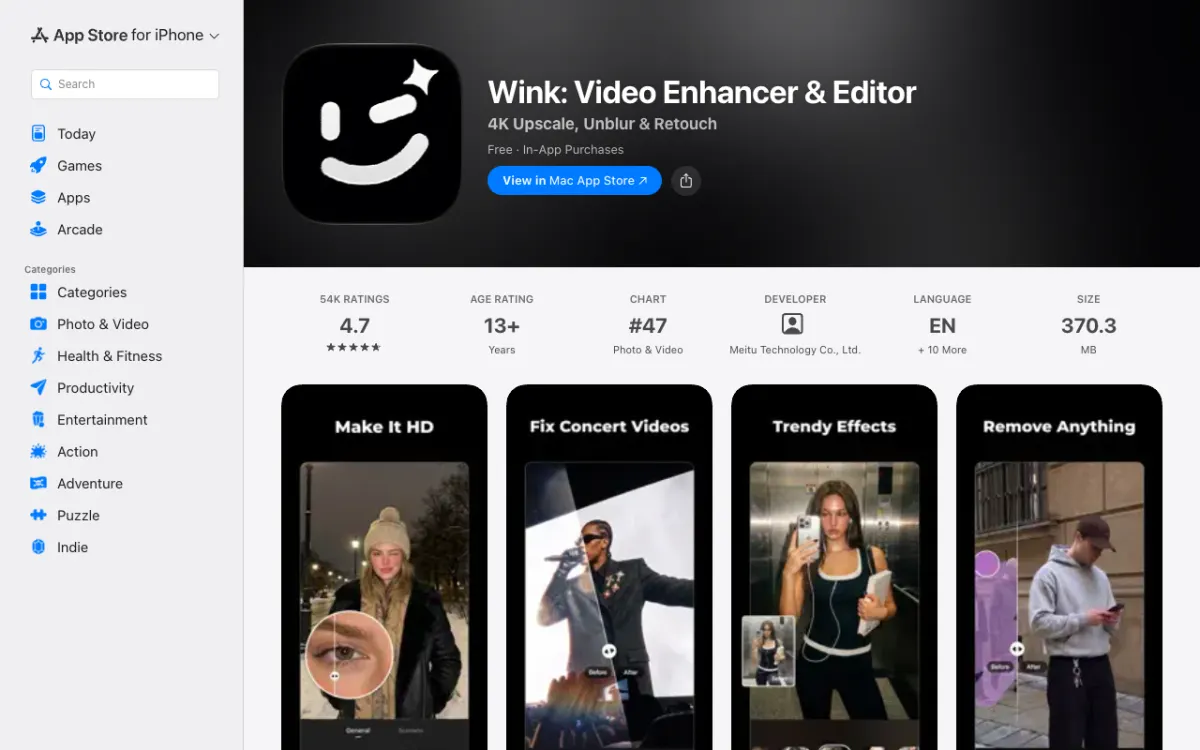 Wink on the App Store: a video enhancer first and an editor second.
Wink is made by Meitu and is built around one job: fixing low-quality video. Its listing says it upscales 480p and 720p videos to 4K Ultra HD and lets you set the enhancement strength.
It also lists an Unblur Video tool, an AI Repair mode that can tune denoise, and batch fixing for several clips at once. The App Store page shows 4.7 from about 54,000 ratings.
Pros
- States the input and output plainly: 480p and 720p up to 4K
- Adjustable enhancement strength
- Batch fix for multiple clips
- On iPhone, iPad, Mac and Google Play
Cons
- Free-tier limits are not stated on the listing
- Weekly billing is the cheapest-looking plan, so watch renewals
- Ratings are not an output test
Best for: Fixing old or low-resolution phone clips.
Platforms: iPhone (iOS 13+), iPad, Mac and Android, per the App Store and Google Play listings.
Output and limits: 4K (stated). Clip length and free-tier caps are not stated.
The listing says VIP unlocks unlimited 4K enhancement, watermark-free exports and priority processing.
Pricing: On the US App Store: VIP weekly $7.99, monthly $12.99, yearly $59.99; VIP+ monthly $19.99, yearly $99.99 (checked November 2026).
2. YouCam Enhance
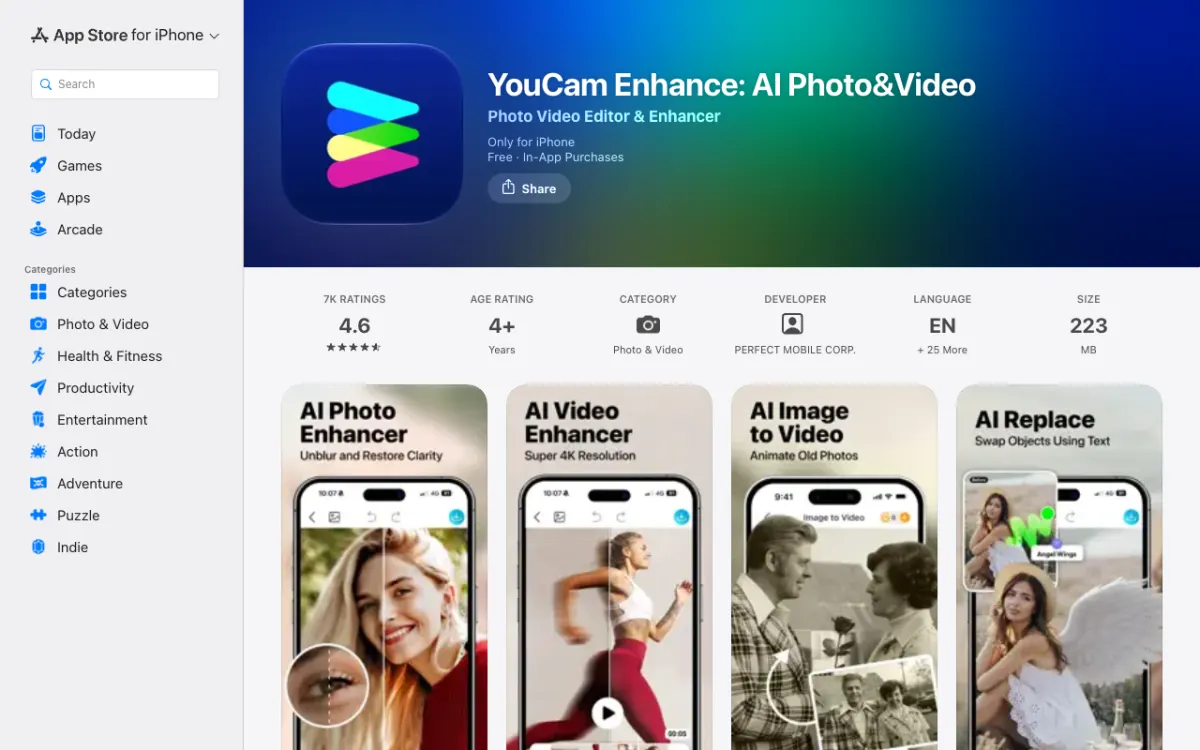 YouCam Enhance on the App Store, with its AI Video Enhancer screen in the gallery.
YouCam Enhance comes from Perfect Corp. The App Store text lists AI Video Enhance, which sharpens and upscales to 4K, and AI Video Denoise for grainy or low-light footage.
Perfect Corp’s own page describes the upscale as frame by frame. It is a photo and video app, so the interface covers both.
Pros
- Separate denoise tool for grain and low light
- 4K output stated by the vendor
- Live on both iPhone and Android
Cons
- The App Store version needs iOS 16 or later and has no iPad listing
- Some AI tools use credits on top of the subscription
- No stated clip-length limit
Best for: Grainy or night footage where noise is the main problem.
Platforms: iPhone (iOS 16+, iPhone only) on the App Store and Android on Google Play.
Output and limits: 4K (stated). Clip length not stated.
Perfect Corp says basic enhancement is unlimited on paid plans and that some generation features use credits.
Pricing: App Store: Premium monthly $9.99, Pro monthly $14.99, Standard yearly $39.99, Pro yearly $79.99. Google Play lists in-app items from $1.49 to $129.99 (checked November 2026).
Perfect Corp says prices and the yearly free trial vary by region.
3. PowerDirector
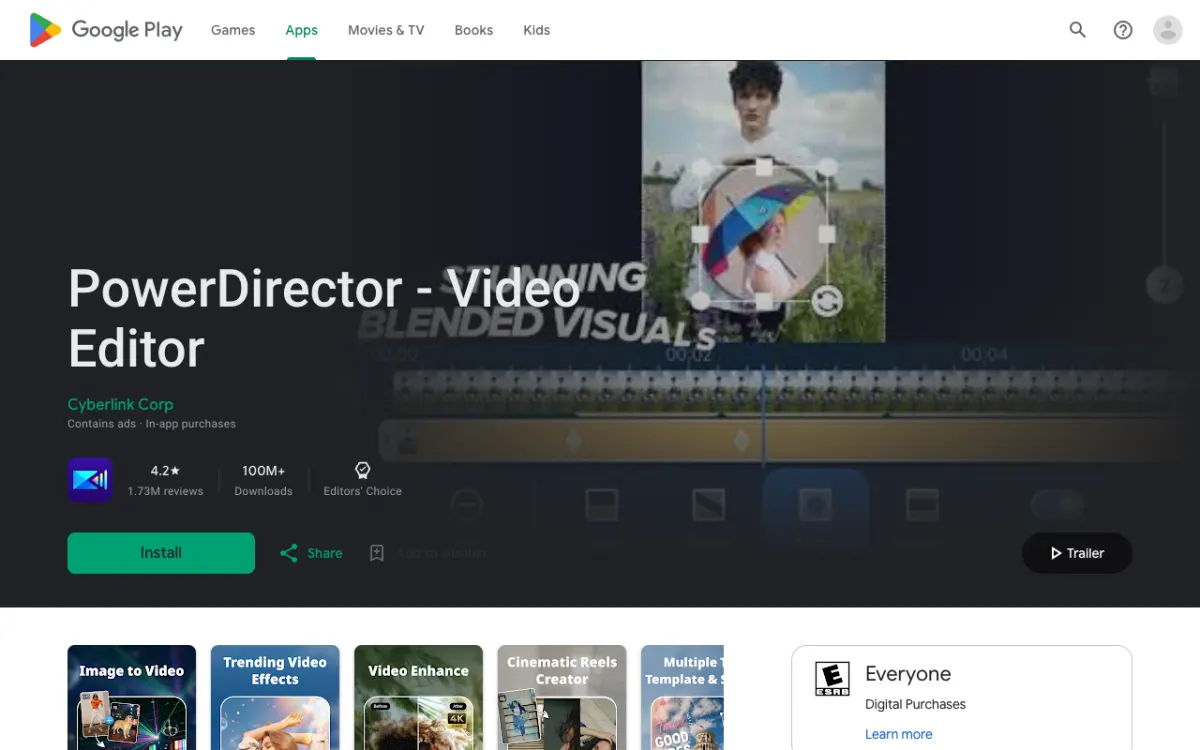 PowerDirector on Google Play, with the Video Enhance screenshot in the gallery.
PowerDirector is CyberLink’s full video editor with an AI Video Enhancer built in. CyberLink says its upscaler can take supported video to 1080p or 4K.
The feature is credit based. CyberLink says credits needed depend on the enhancement options and the clip length, and you can claim free credits to try it.
Pros
- Enhancer sits inside a complete editor
- Stated 1080p or 4K output
- Free credits to try the feature
Cons
- We could not find a US App Store listing, so it looks Android only
- Credit cost per clip is not published
- Google Play shows ads
Best for: Android users who already edit in PowerDirector.
Platforms: Android on Google Play (100M+ downloads, 4.2 stars from 1.73M reviews). An Apple lookup for the app’s old listing ID and a US App Store search for “PowerDirector” both returned nothing (checked November 2026).
Output and limits: 1080p or 4K (stated by CyberLink). Clip-length limits not stated.
Credits vary by options and length.
Pricing: Google Play lists in-app items from $0.99 to $249.99 per item. CyberLink’s feature page lists no prices (checked November 2026).
4. CapCut
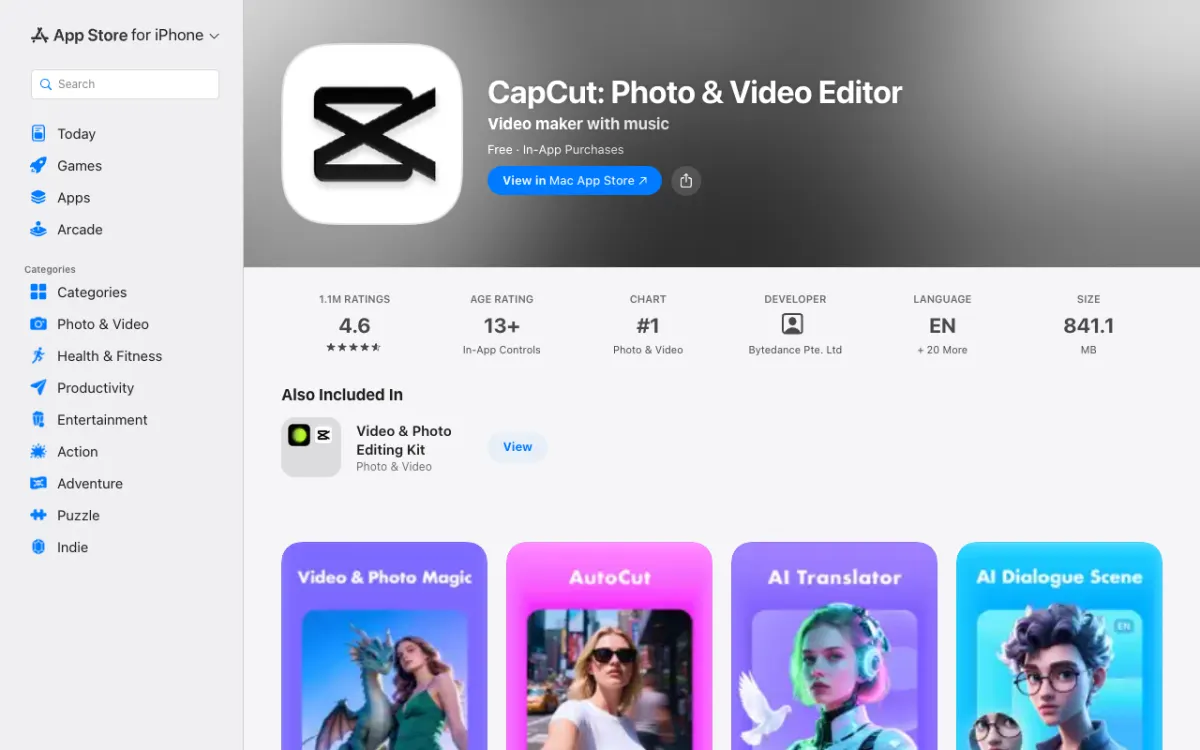 CapCut on the App Store. Its store text mentions 4K 60fps export but not enhancement.
CapCut is the editor most phones already have. Its own help article says the mobile upscaler is “Video quality” under the Adjust tab, and that you export at 1080p up to 4K.
The store listing does not mention enhancement at all, and the article does not say whether the tool is free on mobile. It does say some premium tools need a subscription.
Pros
- Probably already on your phone
- 1080p to 4K export stated in CapCut’s help article
- 4.6 stars from about 1.1M App Store ratings
Cons
- Upscaling is not on the store listing, only in a help article
- Free-versus-paid status of the tool is not stated
- Not built as a dedicated enhancer
Best for: Quick fixes when you are already cutting the video in CapCut.
Platforms: iPhone (iOS 15+), iPad and Mac on the App Store, and Android on Google Play.
Output and limits: Export 1080p to 4K per CapCut’s article; the App Store text says 4K at 60 fps. No clip-length limit or watermark rules stated.
Pricing: US App Store: Standard monthly $9.99, Pro monthly $19.99, yearly $89.99. Google Play lists in-app items from $0.49 to $900.00 (checked November 2026).
For more options, see our CapCut alternatives.
5. AirVid
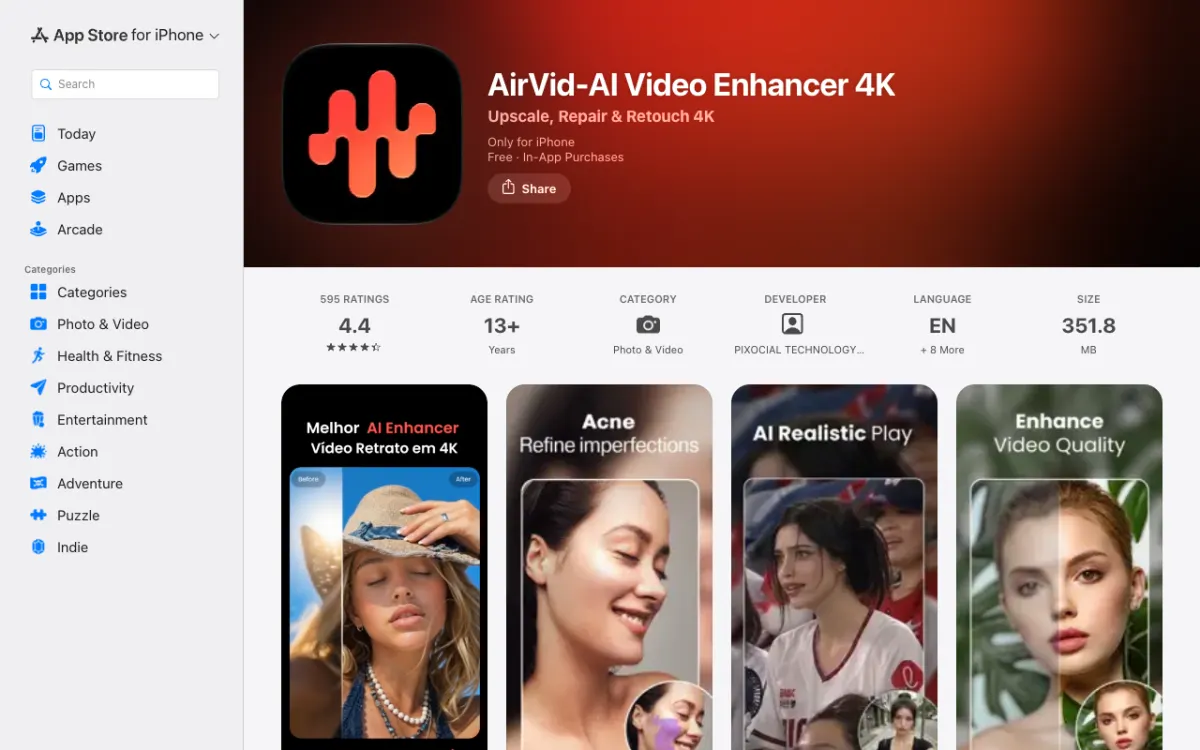 AirVid on the App Store: upscale, repair and retouch.
AirVid comes from the makers of AirBrush. Its listing says it restores blurry video and upscales clips to HD or 4K in one tap.
It leans toward portraits, with face and body retouching alongside a Detail Boost tool. The App Store page shows 4.4 from 595 ratings, a far smaller base than the bigger apps.
Pros
- One-tap 4K restoration, per the listing
- Detail Boost option
- Live on both stores
Cons
- Retouching focus may not suit landscape or action footage
- Small ratings base (595 on iPhone)
- Free limits and watermark rules not stated
Best for: Portrait and talking-head clips that need cleaning up.
Platforms: iPhone (iOS 15+, iPhone only) on the App Store, and Android on Google Play as “AirVid-AI Quality Enhancer Pro”.
Output and limits: HD or 4K (stated). Clip length not stated.
Pricing: The App Store lists in-app items from $1.99 to $59.99, and Google Play from $3.99 to $39.99 per item (checked November 2026). Neither listing ties a price to a named plan clearly enough to quote one.
6. KineMaster
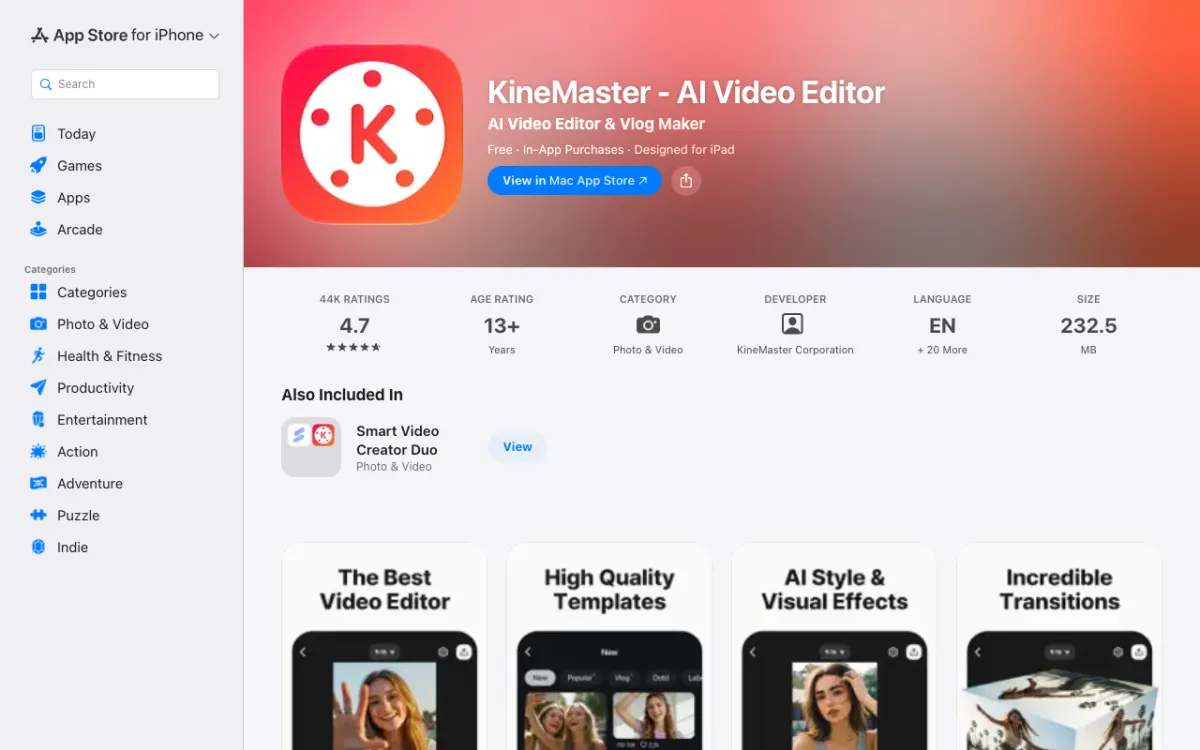 KineMaster on the App Store. AI Upscaling is one line in its feature list.
KineMaster is a layered editor where upscaling is one tool among many. The listing describes it as AI Upscaling that boosts the resolution of low-resolution media.
It does not say what resolution the upscale produces. It does say the editor exports 4K at 60 fps.
Pros
- Multi-layer editor plus upscaling in one app
- 4.7 stars from about 44,000 App Store ratings
- On iPhone, iPad, Mac and Android
Cons
- Upscale output resolution is not stated
- Enhancement is a side feature, not the focus
- Subscription prices differ between listings
Best for: Editors who want upscaling alongside layers and keyframes.
Platforms: iPhone (iOS 18+), iPad and Mac on the App Store, and Android on Google Play.
Output and limits: Upscale resolution not stated; export up to 4K 60 fps. Clip limits and watermark rules not stated.
Pricing: US App Store: Premium monthly $8.49 to $9.99 and annual $49.99 to $59.99, depending on the listing. Google Play lists in-app items from $0.19 to $77.77 (checked November 2026).
Why Remini is not on the list
Remini is the app most people name for enhancement. Its US App Store and Google Play listings are titled “AI Photo Enhancer”, and the Google Play description we read covers photos only.
Third-party reviews mention a Remini video enhancer, but we found no store text that confirms one. Check for a video option in the app before you pay for a plan.
Mobile AI video enhancers compared
| App | iPhone | Android | Stated output | Paid from (US App Store) |
|---|---|---|---|---|
| Wink | Yes | Yes | 4K from 480p/720p | $7.99/week, $12.99/month |
| YouCam Enhance | Yes (iPhone only) | Yes | 4K | $9.99/month |
| PowerDirector | Not found in US | Yes | 1080p or 4K | Not stated (credits) |
| CapCut | Yes | Yes | 1080p to 4K export | $9.99/month |
| AirVid | Yes (iPhone only) | Yes | HD or 4K | Not tied to a plan |
| KineMaster | Yes | Yes | Not stated (export 4K 60 fps) | $8.49 to $9.99/month |
All prices checked November 2026 on US store pages. Output claims come from the vendors’ own listings and pages, not from our tests.
How to choose the right mobile AI video enhancer
Your clip is old or tiny. Start with Wink, whose listing names 480p and 720p as inputs. It is the clearest claim on the list.
Your clip is grainy or dark. Try YouCam Enhance, which lists a separate denoise tool.
You already edit in one app. Use CapCut’s Video quality tool, PowerDirector’s enhancer or KineMaster’s AI Upscaling. You skip an export and import round trip.
You are on Android and want options. All six have a Google Play listing, and PowerDirector appears to be Android only.
The clip matters. A phone is the wrong tool for a long or important file. Use a desktop upscaler instead, such as the ones in our Topaz Video AI alternatives roundup.
Final verdict
For a dedicated phone enhancer, Wink is the place to start because it says what it upscales and to what, on both iPhone and Android. YouCam Enhance is the pick when noise is the problem.
CapCut, PowerDirector and KineMaster make sense if you already live in them. Whichever you choose, run the same clip through two apps on the free tier before you pay, because store claims are not a quality test.
Once the clip looks right, you still need captions for sound-off viewing. Vidwip’s AI Subtitle Generator adds word-timed subtitles in 94 languages in a browser, because Vidwip has no phone app.