
All eight apps have a live listing on both the US App Store and Google Play, so none is iPhone only, though Captions ships on Android as Captions Lite. CapCut has the widest AI toolkit, Edits and VN add the most at no cost, InShot is the cheapest paid upgrade at $19.99 a year, and Splice has almost no AI.
A mobile AI video editor should do the tedious parts of a phone edit for you: caption the speech, cut out the background and cut the dead air. These eight cover that on iPhone and Android, and one of them has a catch you should know about.
All eight have a live listing on both the US App Store and Google Play, so none of them is iPhone only. We compared each on auto-captions, AI cutouts, templates and the price of a watermark-free export, using the store listings and vendor pricing pages read in November 2026.
What a mobile AI video editor should do
A mobile AI video editor is a phone app that edits footage you already shot, using AI for captions, cutouts and cuts. It is different from an AI video generator, which makes new clips from a prompt, and we cover those in mobile AI video generators.
Check four things before you install anything. Does it auto-caption in your language?
Can it cut out a subject without a green screen? Does it have templates or an auto-cut for fast Reels?
And what does a clean, watermark-free export cost?
Prices below come from the US App Store listings, which show in-app purchases by plan. Google Play shows only a price range per item, and plans vary by store and region, so treat every number as “checked November 2026”.
Quick picks
| Want | Use |
|---|---|
| The widest AI toolkit | CapCut |
| Free Reels editing with 4K export | Edits by Instagram |
| A full timeline with no wall at export | VN Video Editor |
| The cheapest paid upgrade | InShot |
| Talking-head edits, dubbing and AI avatars | Captions |
| Multi-track editing from Adobe | Adobe Premiere (mobile) |
| AI effects and remixable templates | Videoleap |
| Music-led edits with almost no AI | Splice |
1. CapCut
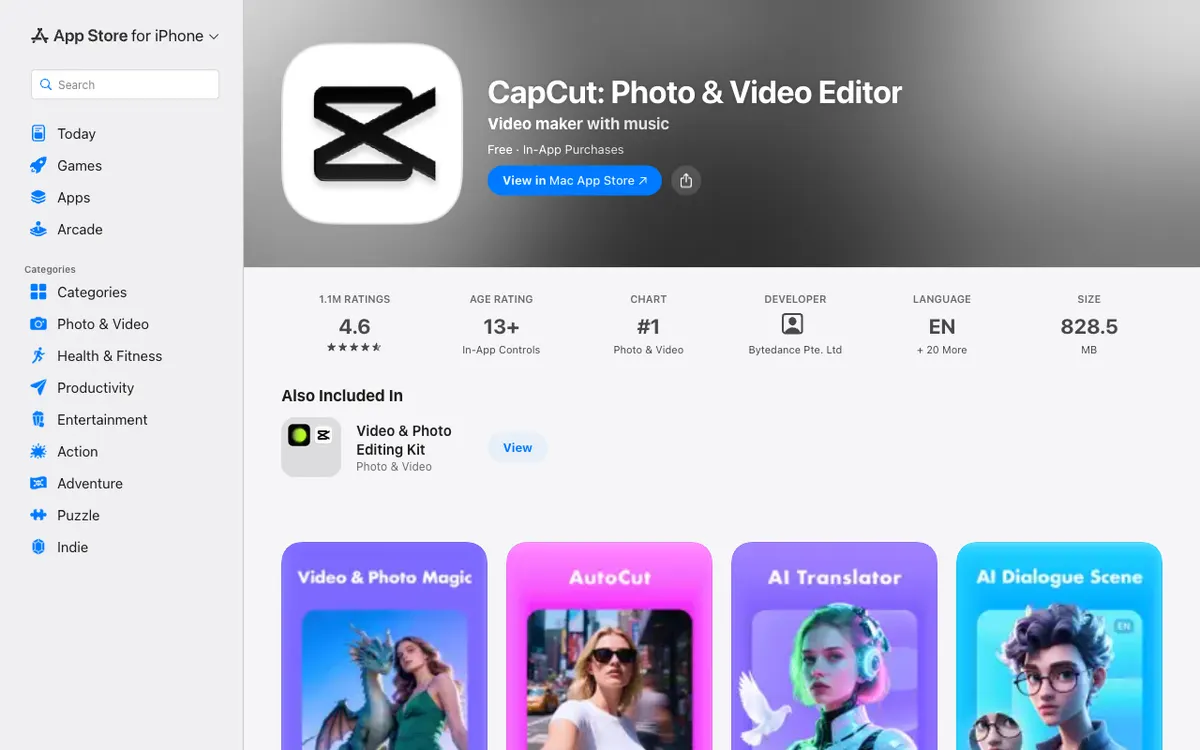 CapCut — ByteDance’s editor, with auto captions, text to speech and automatic background removal.
CapCut is the broadest mobile AI video editor here. Its App Store listing names auto captions, text to speech in several languages and automatic background removal, on top of a multi-track timeline, keyframes and stabilization.
It is also the most-rated app on the list, at 4.6 stars from 1.1 million ratings on the US App Store. On Google Play it sits at 3.5 stars, so expect a rougher Android experience in the reviews.
The cost is a confusing plan list. The App Store shows monthly plans of $7.99, $9.99 and $19.99, and a $89.99 yearly plan, and CapCut’s pricing page lists Pro at $14 a month and says AI credits are a Pro feature.
Pros
- Auto captions, text to speech and background removal in one app
- Multi-track timeline with keyframes and stabilization
- Runs on iPhone (iOS 15 or later) and Android
- Free templates on the free plan, per CapCut’s pricing page
Cons
- Several monthly plan prices on the same listing
- CapCut’s pricing page doesn’t say whether free exports carry a watermark
- AI credits and AI video models sit on Pro and Ultra
- 3.5 stars on Google Play
Best for: Short-form creators who want the most AI tools in one app.
Pricing: Free with in-app plans. US App Store lists $7.99 to $19.99 monthly and $89.99 yearly (checked November 2026).
Compare more in CapCut alternatives.
2. Edits by Instagram
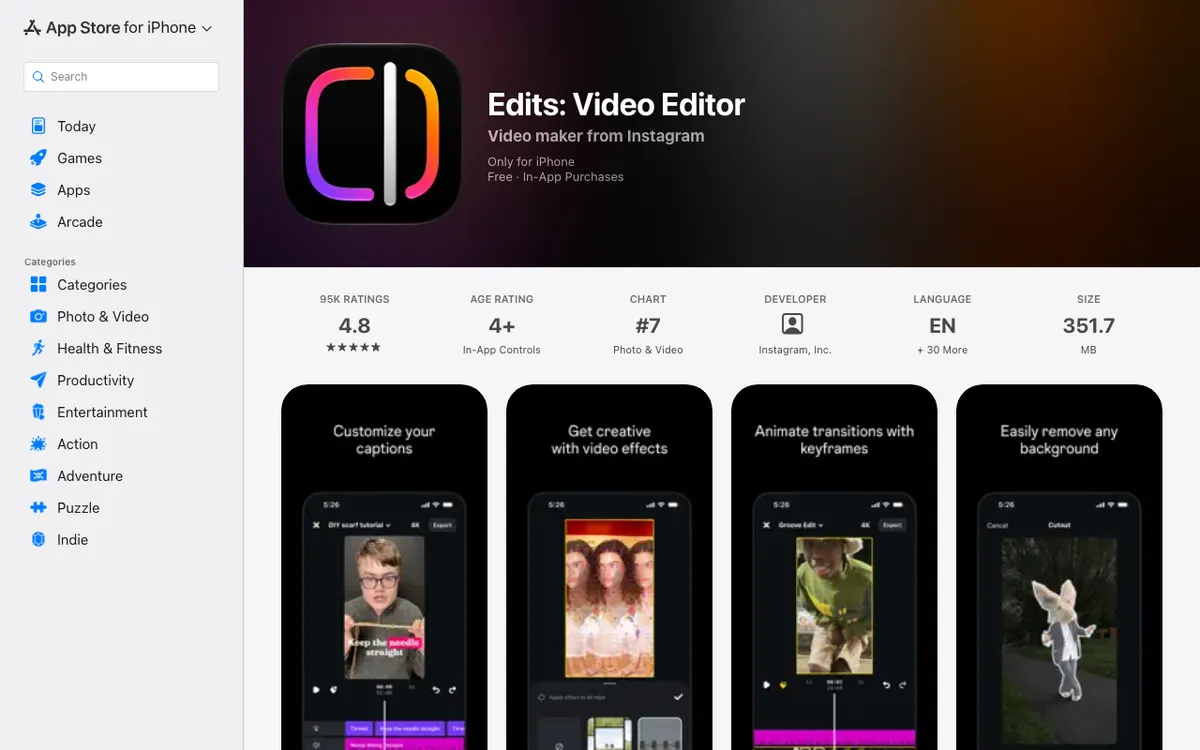 Edits — Instagram’s editor, with cutouts, AI animation, automatic captions and 4K export.
Edits is the one to try first if you post Reels. Its App Store listing says it exports up to 4K with no watermark, handles clips up to 10 minutes, and includes cutouts, green screen, AI animation, audio enhancement and automatic captions.
Edits reached Android in April 2025, according to 9to5Google, and its Google Play listing shows 4.7 stars. On iPhone it needs iOS 16.3 or later, and the App Store lists iPhone only, with no iPad version.
The listing confirms in-app purchases exist but shows no plan prices, so we couldn’t verify what the paid tier costs. The App Store shows 4.8 stars from 102,000 ratings.
Pros
- 4K export with no watermark, per the App Store listing
- Cutouts, green screen, AI animation and automatic captions
- Clips up to 10 minutes and single-frame editing
- 4.8 stars on the App Store, 4.7 on Google Play
Cons
- Paid plan prices are not shown on the listing
- iPhone only on Apple devices, with no iPad version
- Listing doesn’t mention a template library
- Built around Instagram, so Reels are the natural export
Best for: Reels creators who want clean 4K exports without paying.
Pricing: Free with in-app purchases. Plan prices not listed (checked November 2026).
3. VN Video Editor
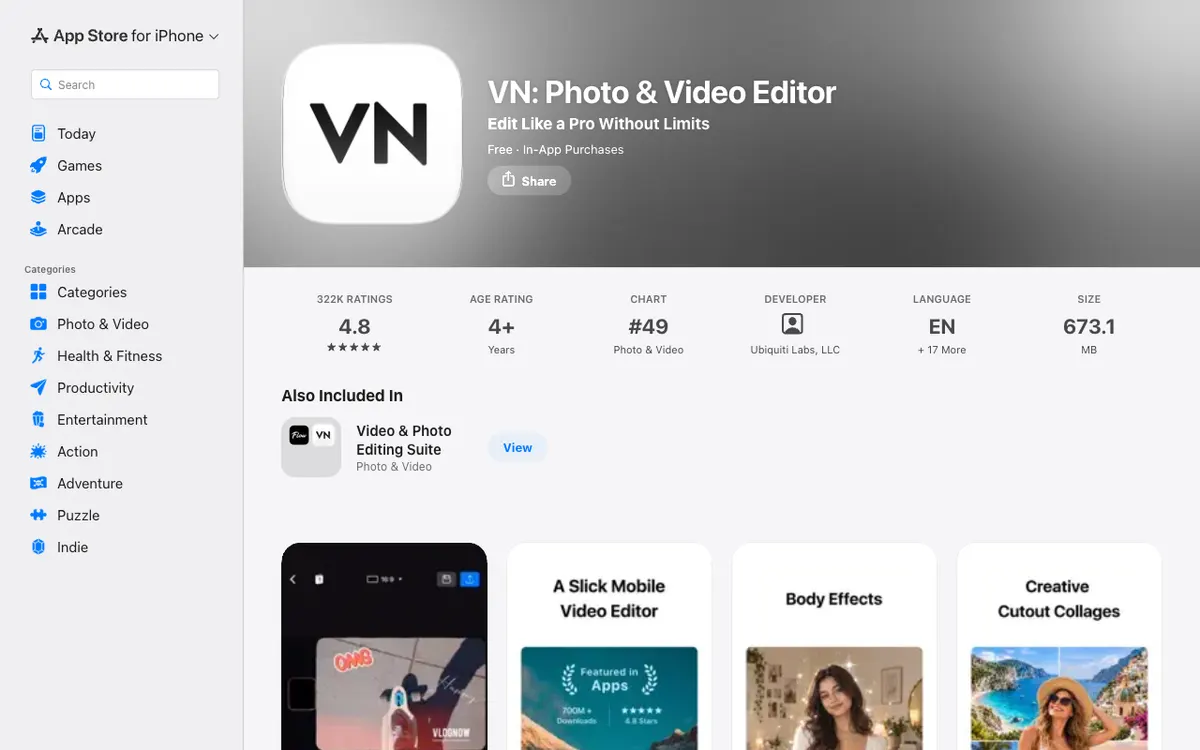 VN — a free timeline editor with auto captions, background removal and AutoCut.
VN is the pick when you want a real timeline on a phone. The App Store listing shows a multi-track timeline, masks, keyframes, speed ramps, beat markers and export up to 4K at 60 fps.
The AI side covers auto captions with filler-word and silence removal, text to speech and one-tap background removal. Quick Create adds BeatsClip templates, AutoCut and a teleprompter.
VN Pro is $7.99 a month or $69.99 a year on the US App Store, and credit packs run from $1 for 100 credits to $10 for 1,000. The listing shows 4.8 stars from 324,000 ratings.
On Google Play it shows 4.7 stars and carries ads.
Pros
- Multi-track timeline with masks, keyframes and speed ramps
- Auto captions that also remove filler words and silence
- Background removal, AutoCut and beat-synced templates
- 4K at 60 fps export, listed on the App Store
Cons
- Credit packs on top of the VN Pro subscription
- 680 MB on iPhone, so it needs space
- The listing doesn’t say whether free exports are watermarked
- Contains ads on Android, per Google Play
Best for: Creators who want multi-track control and captions that tighten the speech.
Pricing: Free. VN Pro $7.99 a month or $69.99 a year, credits $1 to $10 (US App Store, checked November 2026).
4. InShot
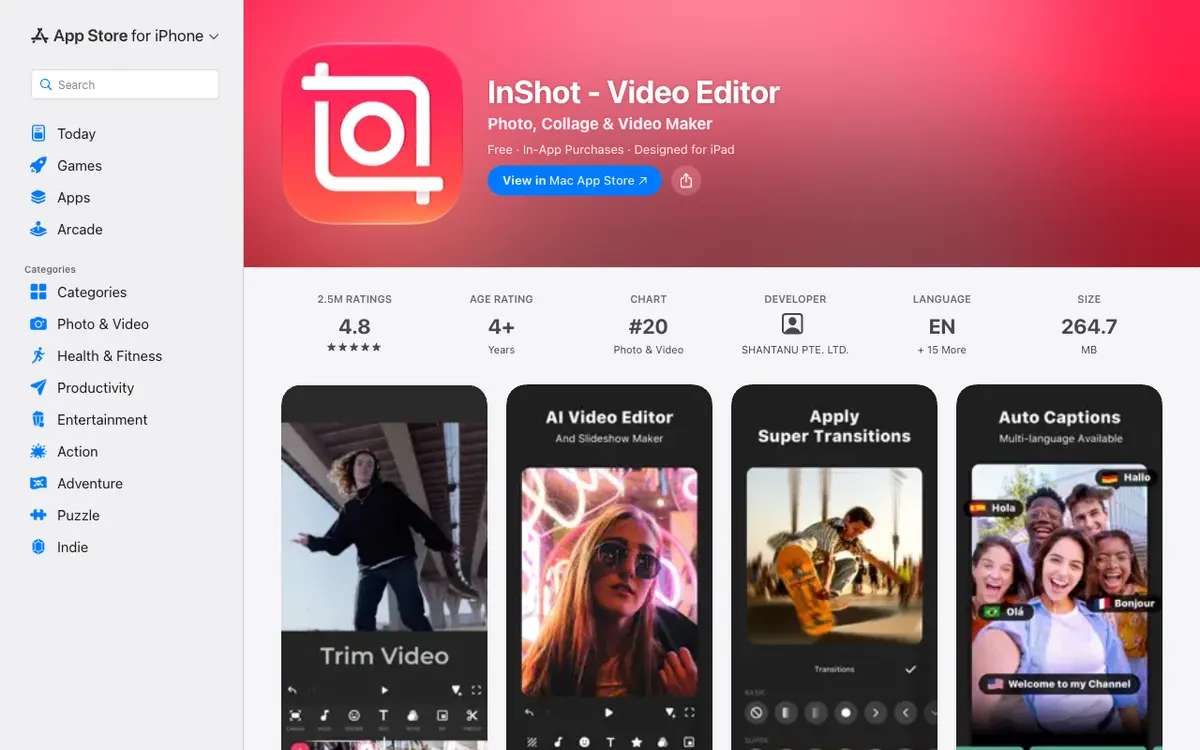 InShot — the cheapest paid upgrade here, with AI Cut and auto captions.
InShot is the cheapest paid route to a clean edit. The US App Store lists InShot Pro at $4.99 a month, $19.99 a year with a free trial, or $49.99 lifetime.
Its AI tools are auto captions, bilingual subtitles, text to speech, AI Cut for silence and filler words, background removal and voice enhance. It also covers collages, speed from 0.1x to 100x, and export up to 4K at 60 fps.
It has the most ratings after CapCut, about 2.5 million on the App Store, at 4.8 stars. Google Play shows 4.8 stars and ads.
Pros
- Pro at $19.99 a year or $49.99 once, per the App Store
- AI Cut removes silence and filler words
- Bilingual subtitles and auto captions
- Collage maker for up to 20 photos
Cons
- Ads in the free version, with a $3.99 remove-ads purchase
- Extra packs for transitions and filters cost $1.99 to $3.99 each
- No template library on the listing
- Less AI depth than CapCut
Best for: Anyone who wants the lowest price for captions, cuts and collages.
Pricing: Free. Pro $4.99 a month, $19.99 a year or $49.99 lifetime (US App Store, checked November 2026).
5. Captions
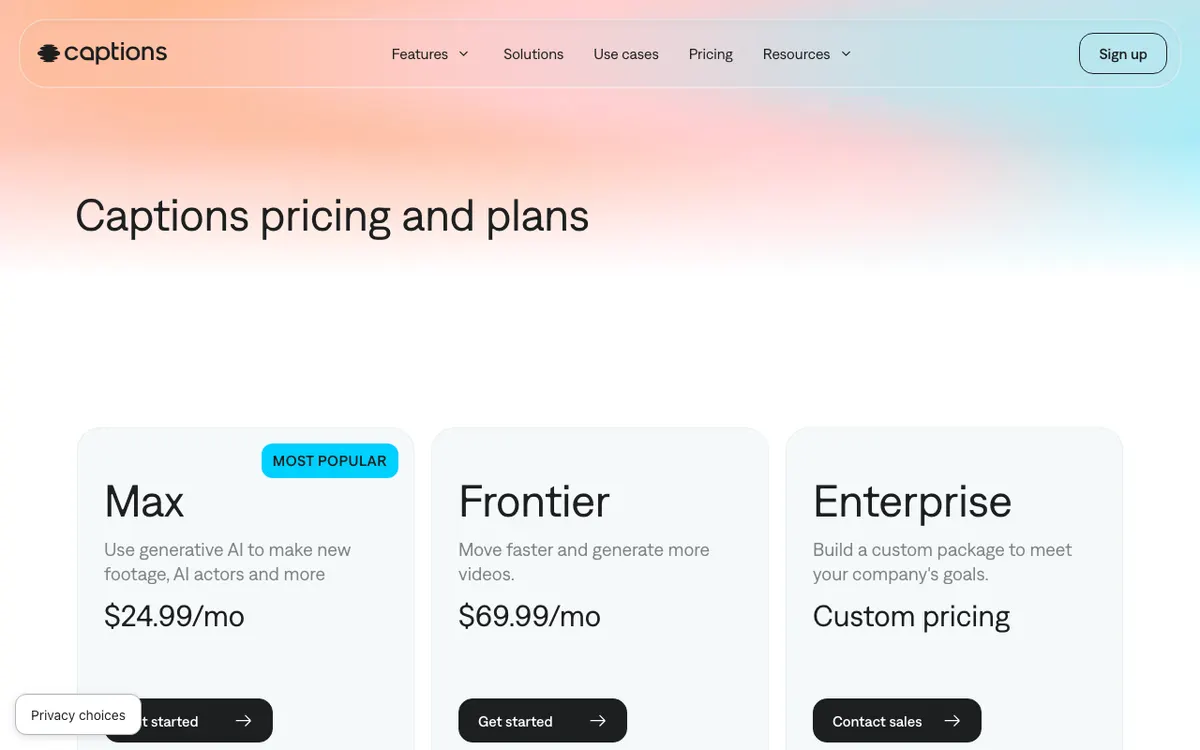 Captions — an AI editor for talking-head video, with chat editing, AI dubbing and avatars.
Captions is aimed at talking-head video. The App Store listing names one-tap AI edits, a chat editor that applies changes from plain-language descriptions, AI subtitles in 91+ languages, AI dubbing into 29, and AI Denoise and AI Zoom.
Here is the catch for Android. The app there is listed as Captions Lite at 4.2 stars, and Captions’ own Android help page says Lite is only available on Android.
The App Store shows Basic at $5.99 a week, $9.99 a month or $64.99 a year, and Max at $24.99. The pricing page says its prices reflect iOS plans only, and that the free plan has no AI credits and one caption template.
Pros
- Chat editor, AI dubbing and subtitles in 91+ languages
- AI Zoom and AI Denoise for talking-head clips
- AI avatars and 20+ generation models on paid plans
- 4.7 stars from 39,000 ratings on the App Store
Cons
- Android gets Captions Lite, a different app listing
- Free plan has no AI credits
- Weekly pricing adds up, at $5.99 a week
- The pricing page doesn’t say whether free exports are watermarked
Best for: Creators who talk to camera and want AI to cut, caption and dub it.
Pricing: Free. Basic $5.99 a week, $9.99 a month or $64.99 a year; Max $24.99 (US App Store, checked November 2026).
6. Adobe Premiere (mobile)
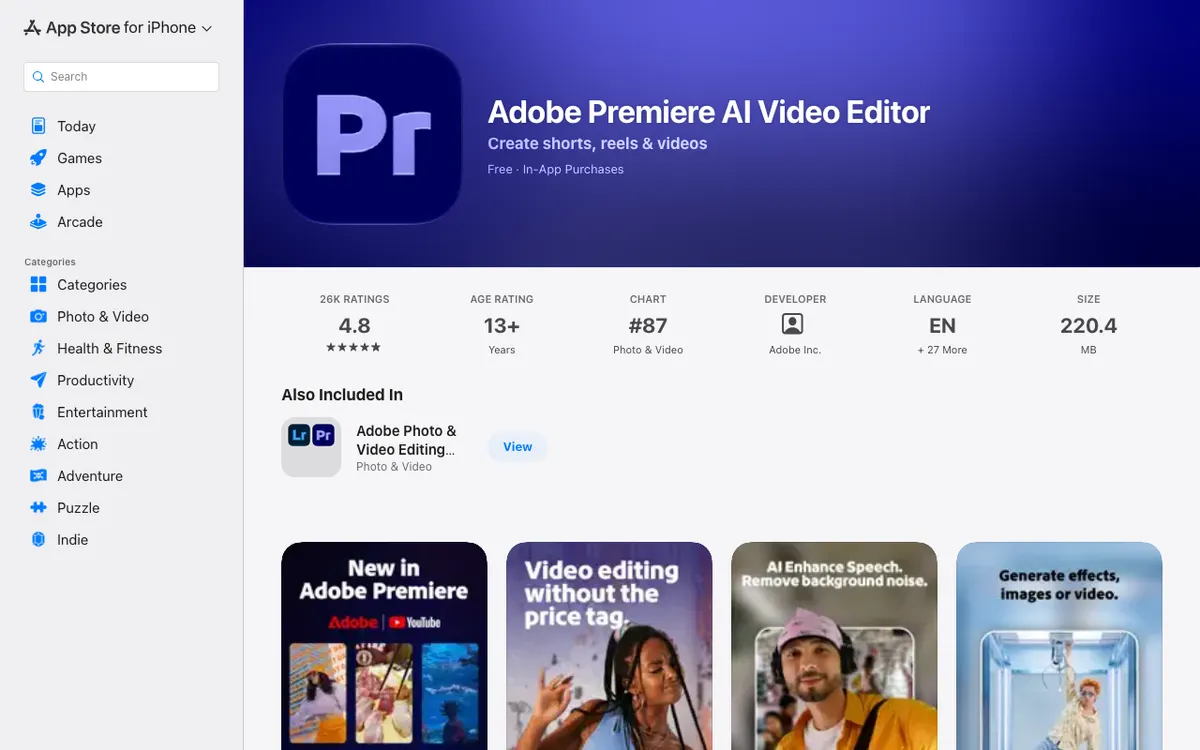 Adobe Premiere — a free multi-track mobile editor with auto captions and Firefly generation.
Adobe Premiere brings a multi-track timeline to the phone. The App Store listing names auto captions from speech to text, instant background removal, AI background expansion, AI audio enhancement and 4K export.
It also generates images, video and sound effects through Firefly and third-party models. Adobe says the app is free to download and use, and you pay only for generative credits.
The App Store lists Premiere Mobile at $7.99 a month or $69.99 a year, with 4.8 stars from 28,000 ratings. It needs iOS 18 or later, and its Google Play listing shows 4.4 stars.
We couldn’t read the Android version requirement.
Pros
- Multi-track timeline, 4K export and AI audio enhancement
- Auto captions and background removal
- Free to download and use, per the listing
- 4.8 stars from 28,000 ratings on the App Store
Cons
- Needs iOS 18 or later
- Generative credits cost extra
- 4.4 stars on Google Play
- Listing doesn’t mention a watermark
Best for: Editors who want Adobe’s layout and generative tools on a phone.
Pricing: Free to start. Premiere Mobile $7.99 a month or $69.99 a year (US App Store, checked November 2026).
7. Videoleap
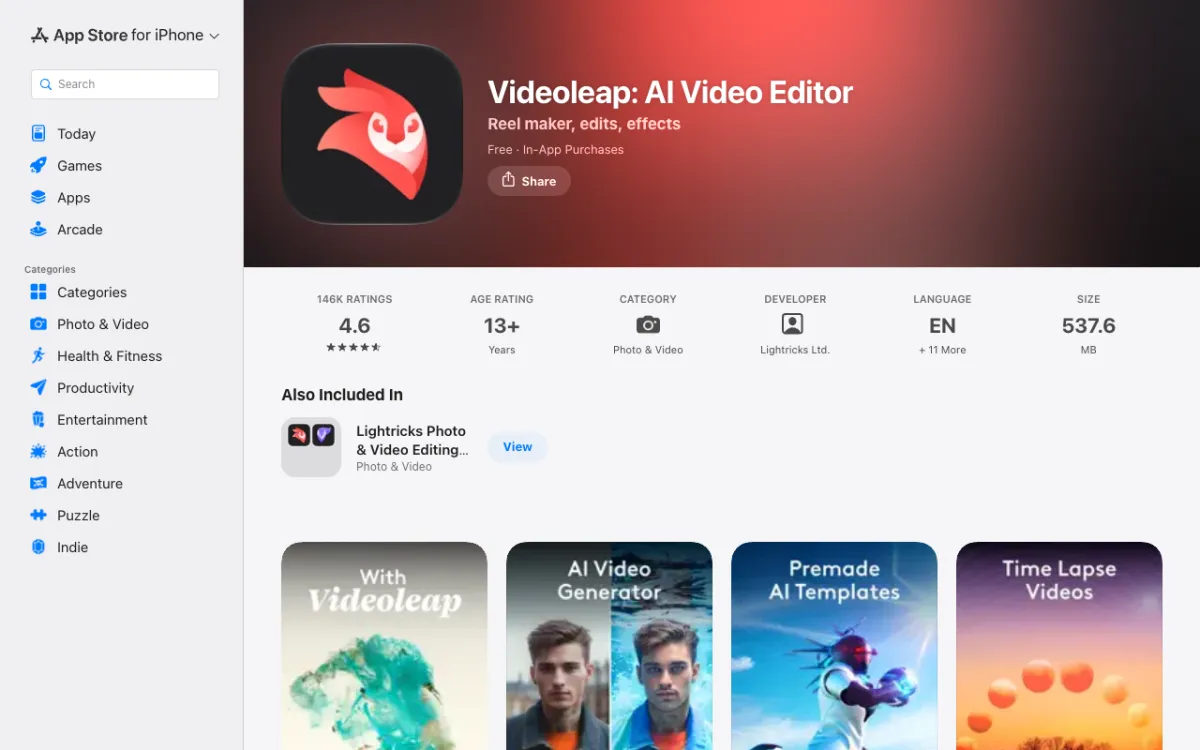 Videoleap — Lightricks’ editor, with AI effects, AI templates and object removal.
Videoleap is the app for AI effects and remixable templates. The App Store listing names AI video effects, customizable AI templates, AI object removal, keyframes and layer-based editing.
It holds 4.6 stars from about 146,000 ratings, and the Google Play listing shows 4.5 stars. The US App Store lists subscriptions at $9.99 and $69.99, and some reviews mention features moving behind the paywall.
If you’re already paying for it and want to compare, read Videoleap alternatives. That post covers app switchers in more depth.
Pros
- AI effects, AI templates and AI object removal
- Keyframes, chroma key and layer-based editing
- Community feed for remixing templates
- Needs iOS 17 or later, with an Android version too
Cons
- Subscription is $9.99 a month or $69.99 a year
- The listing doesn’t mention auto captions
- Some reviews report features moving to paid tiers
- 538 MB on iPhone
Best for: Creators who want AI effects and trend templates.
Pricing: Free. Subscriptions from $9.99 a month, $69.99 a year (US App Store, checked November 2026).
8. Splice
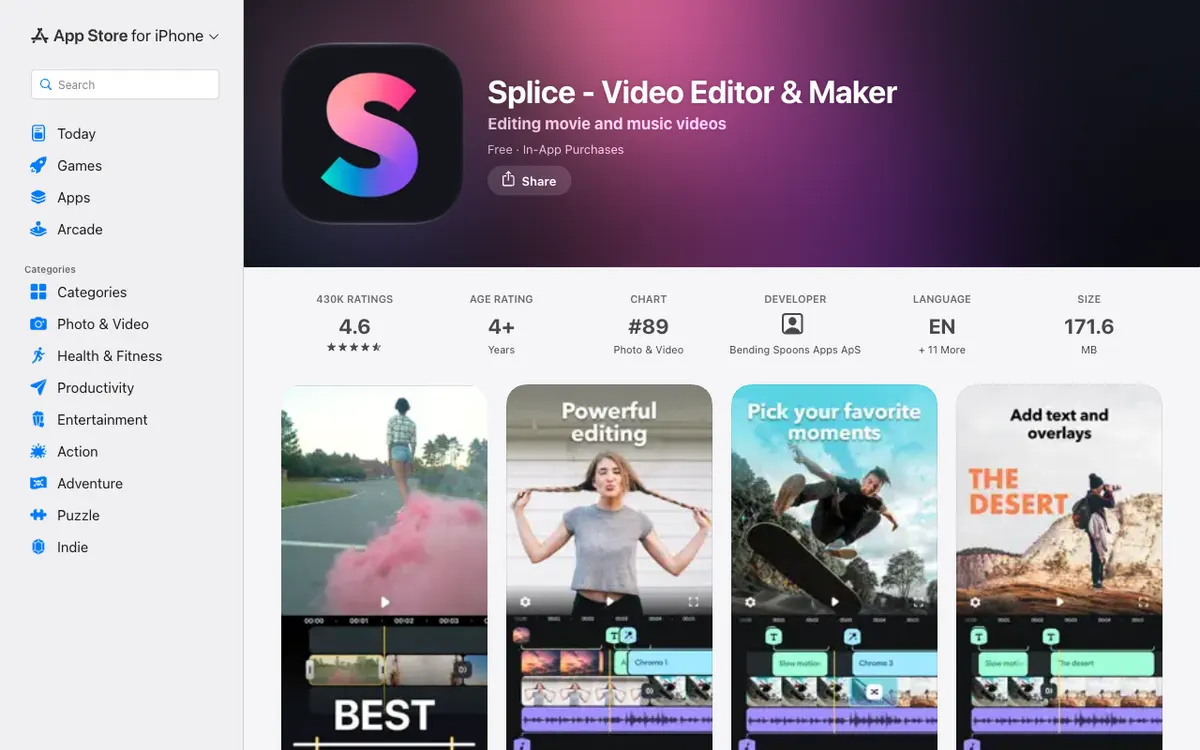 Splice — a music-led editor with speed ramps, overlays and chroma key.
Splice is a straightforward editor, not an AI one. Its listing names trimming, speed ramps, overlays, masks, chroma key, a library of 6,000+ royalty-free tracks and direct sharing to YouTube, Instagram and TikTok.
We found no auto captions or AI cutouts on the listing beyond chroma key, so it earns last place for AI. The Android side is the other concern: Google Play shows 3.6 stars and a last update of November 3, 2025.
The App Store lists its in-app purchases at $9.99 each, across weekly, monthly and yearly plans. It shows 4.6 stars from 431,000 ratings.
Pros
- 6,000+ royalty-free tracks and a voice recorder
- Speed ramps, masks and chroma key
- Direct sharing to YouTube, Instagram and TikTok
- 4.6 stars from 431,000 ratings on the App Store
Cons
- No auto captions or AI cutouts on the listing
- Weekly, monthly and yearly plans, with the exact price per plan unclear
- Google Play shows 3.6 stars and a last update in November 2025
- Little AI overall
Best for: Music-led edits where you don’t need AI.
Pricing: Free. In-app purchases listed at $9.99 (US App Store, checked November 2026).
Mobile AI video editor apps compared
| App | Auto captions | AI cutout | Templates / auto-cut | iPhone | Android | Paid from (US App Store) |
|---|---|---|---|---|---|---|
| CapCut | Yes | Background removal | Free templates | Yes | Yes | $7.99/mo, $89.99/yr |
| Edits | Yes | Cutout | Not listed | Yes (no iPad) | Yes | Not listed |
| VN | Yes | Background removal | BeatsClip, AutoCut | Yes | Yes | $7.99/mo, $69.99/yr |
| InShot | Yes, plus AI Cut | Background removal | Not listed | Yes | Yes | $4.99/mo, $19.99/yr |
| Captions | AI subtitles, 91+ languages | Not listed | One-tap AI edits | Yes | Yes (Captions Lite) | $9.99/mo, $64.99/yr |
| Adobe Premiere | Yes | Background removal | Not listed | Yes (iOS 18+) | Yes | $7.99/mo, $69.99/yr |
| Videoleap | Not listed | Object removal | AI templates | Yes | Yes | $9.99/mo, $69.99/yr |
| Splice | Not listed | Chroma key only | Not listed | Yes | Yes | $9.99 listed |
How to choose a mobile AI video editor
You want the most AI and don’t mind a subscription. Pick CapCut, and check an export before you commit to a project.
You want it free with clean 4K. Start with Edits for Reels, or VN if you want a full timeline and captions that remove filler words.
You want the lowest price. InShot Pro at $19.99 a year is the cheapest paid plan listed here, and $49.99 buys it for life.
You talk to camera. Captions is built for it, but check Android first, because that app is Captions Lite.
You want free reel makers across more tools. See free AI reel makers and their real limits.
A note on Vidwip
Vidwip has no iPhone or Android app. Vidwip AI Studio runs in a browser, so it is not on this list, but it can finish an edit you started on your phone.
Final verdict
For most people, CapCut is the most complete mobile AI video editor, and Edits and VN are the best free alternatives. InShot wins on price, Captions suits talking-head video, and Splice is the one to skip if AI is the point.
Every price here is an in-app purchase that can differ by store and region. For the wider desktop-and-browser picture, see best AI video editors.