
For straight upscaling and frame interpolation, HitPaw VikPea and AVCLabs are the closest commercial alternatives to Topaz Video AI. DaVinci Resolve Studio gives you Super Scale for $236 one-time if you already edit there. Video2X is the best free option if you have a Vulkan GPU and don't mind a command line.
Topaz Video AI alternatives are worth a look if you want the same upscaling and frame interpolation on different terms. Topaz has held a strong position in dedicated video upscaling for a few years, but at $59/month with no one-time purchase option, it’s not for everyone. Some shooters want a perpetual license. Some want to run open-source models. Some already own DaVinci Resolve and don’t want another subscription.
These six alternatives cover that range — from free open-source to professional plugins to quick browser tools.
TL;DR: best Topaz Video AI alternatives at a glance
| Tool | Best for | Free tier | Starting price |
|---|---|---|---|
| HitPaw VikPea | Commercial alternative, 8K + 120fps | Preview only | $99.99/yr |
| AVCLabs Video Enhancer AI | Best one-time purchase | Free download (limits unclear) | $149.90 one-time |
| DaVinci Resolve Super Scale | Pro editors already in Resolve | Free (Super Scale needs Studio) | $236 one-time |
| Video2X | Free open-source with Real-ESRGAN | Fully free | Free |
| CapCut | Quick browser-based quality boost | Yes | $14/mo |
| Adobe Premiere Pro | Adobe CC subscribers | No | $22.99/mo |
Pricing checked October 2026.
What Topaz Video AI actually does
Before comparing alternatives, it helps to know exactly what you’re replacing. Topaz Video AI handles four things: upscaling low-res footage to 4K and above, frame interpolation for slow-motion and FPS conversion, noise and grain removal, and video stabilization. It runs on Windows and Mac, processes locally, and offers 17 specialized AI models for different footage types — archival film, animation, sports, low light.
The limitation is the pricing model. At $59/month (or ~$299/year), it’s subscription-only. There’s no one-time purchase. Commercial use is capped at $1M annual revenue. For individual creators and smaller studios, that calculation pushes many to look for alternatives.
1. HitPaw VikPea
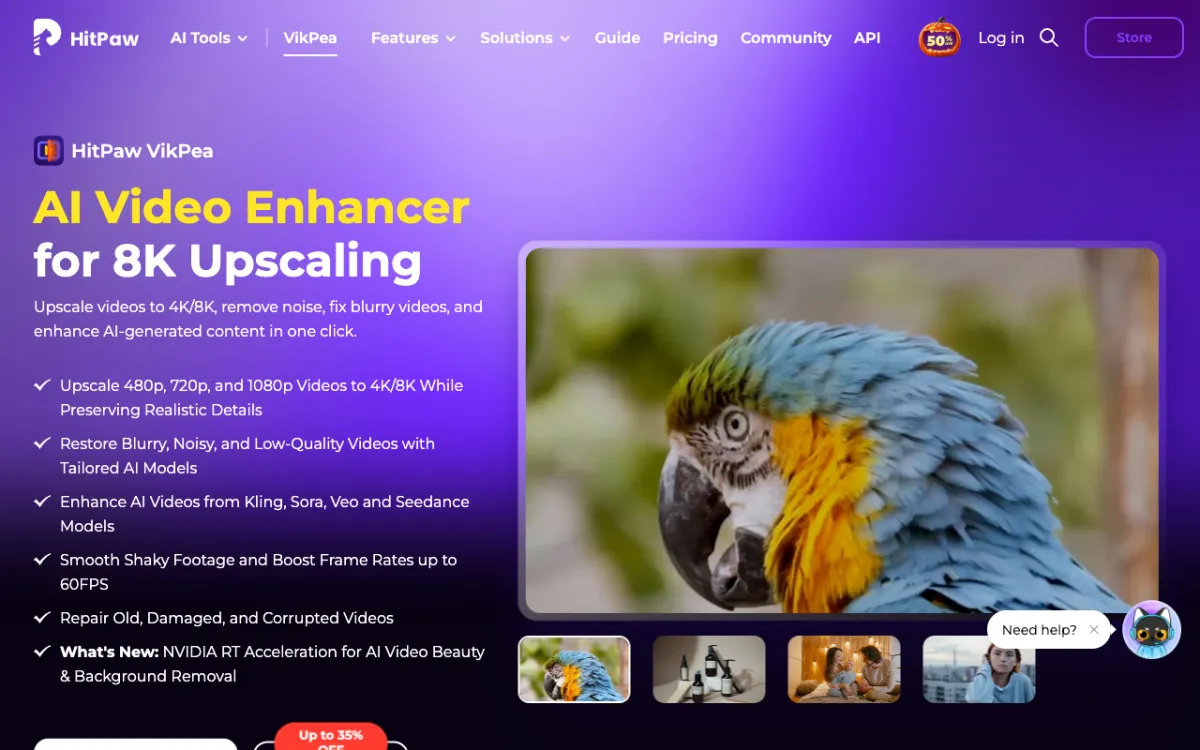 HitPaw VikPea — AI video upscaler with 8K output and cloud rendering options
HitPaw VikPea (formerly HitPaw Video Enhancer) is the most direct commercial alternative to Topaz Video AI. It runs the same core set of operations: upscale, denoise, interpolate frames, colorize, and stabilize. The model library covers HD/Fast Sharpen, Portrait enhancement, UHD Restoration, Video Quality Repair, and more — over ten models in total.
The standout addition is optional cloud rendering. A local 1-GPU machine might take 3+ hours on a long clip; using the multi-GPU cloud option drops that to under 20 minutes. Cloud credits cost extra, but for batch jobs it changes the calculus entirely.
The free tier lets you preview results with a watermark. You can test every model, but export requires a license.
Pros
- Upscales up to 8K with 120fps interpolation
- Cloud rendering option for heavy batch jobs
- Runs on Windows and macOS 13+ with Apple M-series support
- 30-day money-back guarantee
Cons
- Subscription price is comparable to Topaz ($99.99/yr vs $299/yr for Topaz annual)
- Perpetual license ($350.39, often on promo) is expensive
- Free tier is preview-only with a watermark
Best for: users who want the closest feature-for-feature commercial replacement for Topaz Video AI, including batch processing.
Pricing: $99.99/yr or $43.19/mo (promo pricing varies); perpetual license from $284–$350. Checked October 2026.
2. AVCLabs Video Enhancer AI
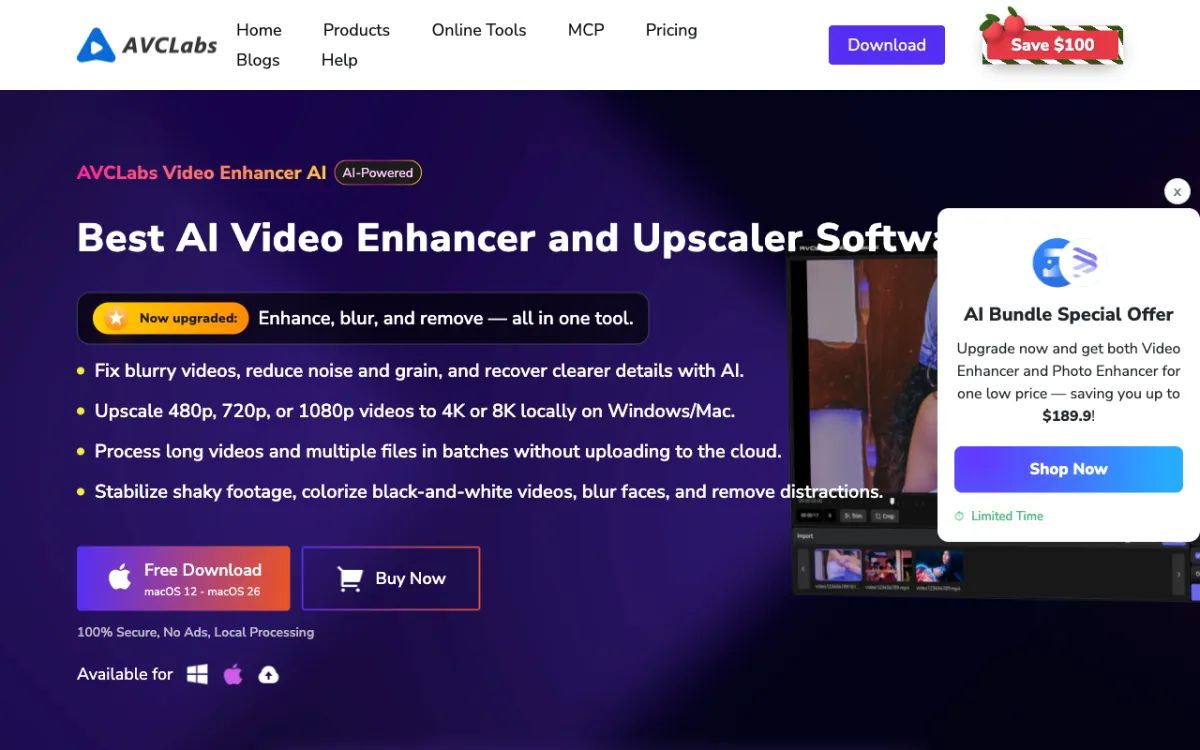 AVCLabs Video Enhancer AI — local upscaling to 8K with a competitive lifetime price
AVCLabs Video Enhancer AI matches HitPaw on headline specs: 8K upscaling, up to 120fps interpolation, AI denoising, stabilization, colorization, and deinterlacing. What separates it from Topaz is the licensing model. The current perpetual option is $149.90 (regularly $299.90, checked October 2026) — a one-time purchase with no ongoing subscription.
Technically, it supports NVIDIA, AMD, Intel and Apple M-series GPUs for acceleration, with the page claiming up to 3x speed improvement. Minimum recommended GPU is a GTX 1050 Ti or Radeon HD 7000 series. For object removal and face blur on top of upscaling, both are included in the same license.
The free download is available, but the specific trial limits — watermark, length cap, export resolution — are not stated on the pricing page. Check before buying if the trial behavior matters to your workflow.
Pros
- One-time perpetual license at $149.90 (checked October 2026) — the best lifetime value here
- 8K output and 120fps interpolation
- Wide GPU support: NVIDIA, AMD, Intel, Apple M-series
- Local processing, no cloud required
Cons
- Monthly plan ($39.95/mo) is pricier than a single $149.90 purchase for most users
- Free trial limits not specified
- macOS pricing is on a separate page — verify before buying on Mac
Best for: video editors who want to pay once and move on, without committing to a subscription.
Pricing: $149.90 one-time perpetual (promo; regular $299.90), or $39.95/mo. Checked October 2026.
3. DaVinci Resolve Super Scale
 DaVinci Resolve Studio — Super Scale upscaling built into a full professional NLE
DaVinci Resolve Studio includes Super Scale as part of its Neural Engine. It upscales footage by analyzing adjacent frames — similar in principle to what Topaz does, though optimized for clean production footage rather than archival restoration. Super Scale is Studio-only; the free version handles 4K at up to 60fps but does not include the Neural Engine features. For a broader look at how Resolve stacks up as a general editing platform, see our Filmora alternatives and CapCut alternatives guides where we compare it head-to-head.
The value proposition is different from any other tool on this list: you’re not buying a standalone upscaler, you’re buying a full NLE that happens to upscale well. Color grading, audio mixing, visual effects, and collaboration tools all come with the same license. If you already edit in Resolve and need to deliver in a higher resolution than you shot, Super Scale is a non-choice — it’s already there.
For temporal and AI spatial noise reduction, those also land in Studio. Free Resolve handles basic noise reduction but the more aggressive AI-based passes need the license.
Pros
- $236 one-time (promo, regularly $295) — permanently yours, no renewal
- Super Scale built into a full professional editing suite
- AI noise reduction in Studio
- Mac, Windows, and Linux support
Cons
- Super Scale is Studio-only; free Resolve won’t do it
- Not a dedicated upscaler — the workflow is slower than HitPaw or AVCLabs for batch jobs
- No specialized restoration models for old/archival footage
Best for: editors who already work in DaVinci Resolve and want upscaling without adding another app.
Pricing: Free tier available; Studio $236 one-time (currently, checked October 2026; regular price $295). Available at blackmagicdesign.com.
4. Video2X
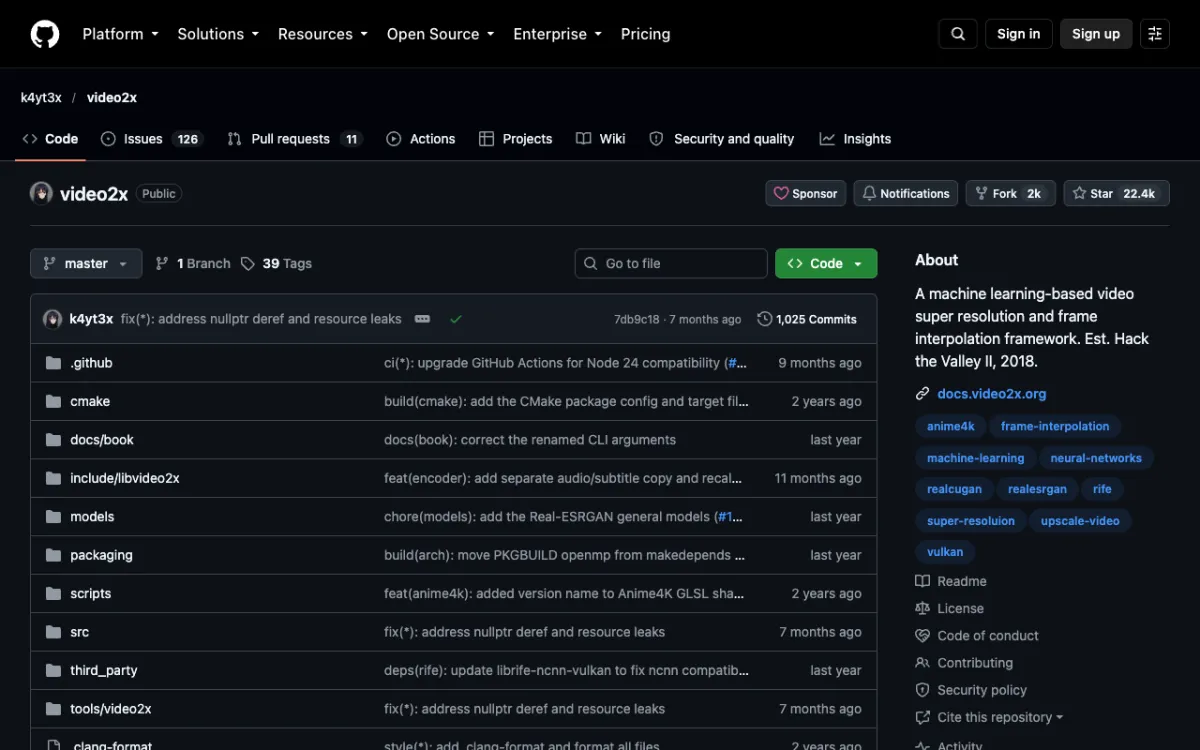 Video2X — free, open-source upscaling and frame interpolation with Real-ESRGAN, Real-CUGAN, Anime4K and RIFE
Video2X is a free, open-source video upscaler and frame interpolator that runs the same model families (Real-ESRGAN, RIFE) that paid tools license under the hood. The project has 22,400+ GitHub stars and supports both upscaling and frame interpolation through separate model pipelines.
The model list covers Real-ESRGAN (photo-realistic footage), Real-CUGAN (anime), Anime4K v4, and RIFE (frame interpolation). You can also load any MPV-compatible GLSL shader — useful if you want to fine-tune models beyond what the defaults offer.
Hardware requirements: a Vulkan-compatible GPU is mandatory. That covers NVIDIA Kepler (GTX 600) and newer, AMD GCN 1.0 (HD 7000) and newer, and Intel HD 4000 and newer. Most integrated graphics will not work. A Google Colab notebook is available for a free cloud GPU session (up to 12 hours, NVIDIA T4, L4 or A100).
The main platform is Windows (GUI installer available). Linux has packages for AUR, AppImage, and container images. macOS support is container-only — no native app.
Pros
- Completely free, AGPL-3 license
- Real-ESRGAN and RIFE deliver professional-grade output
- No resolution cap
- Google Colab GPU option for machines without a dedicated GPU
Cons
- Requires a Vulkan GPU — most iGPUs won’t work
- No native macOS app; container image only
- No built-in denoising or restoration models beyond the core upscalers
- Technical setup; not a one-click GUI like HitPaw or AVCLabs
Best for: technically confident users who want Topaz-quality output at $0, and are comfortable with a command line or basic GUI.
Pricing: Free. github.com/k4yt3x/video2x
5. CapCut
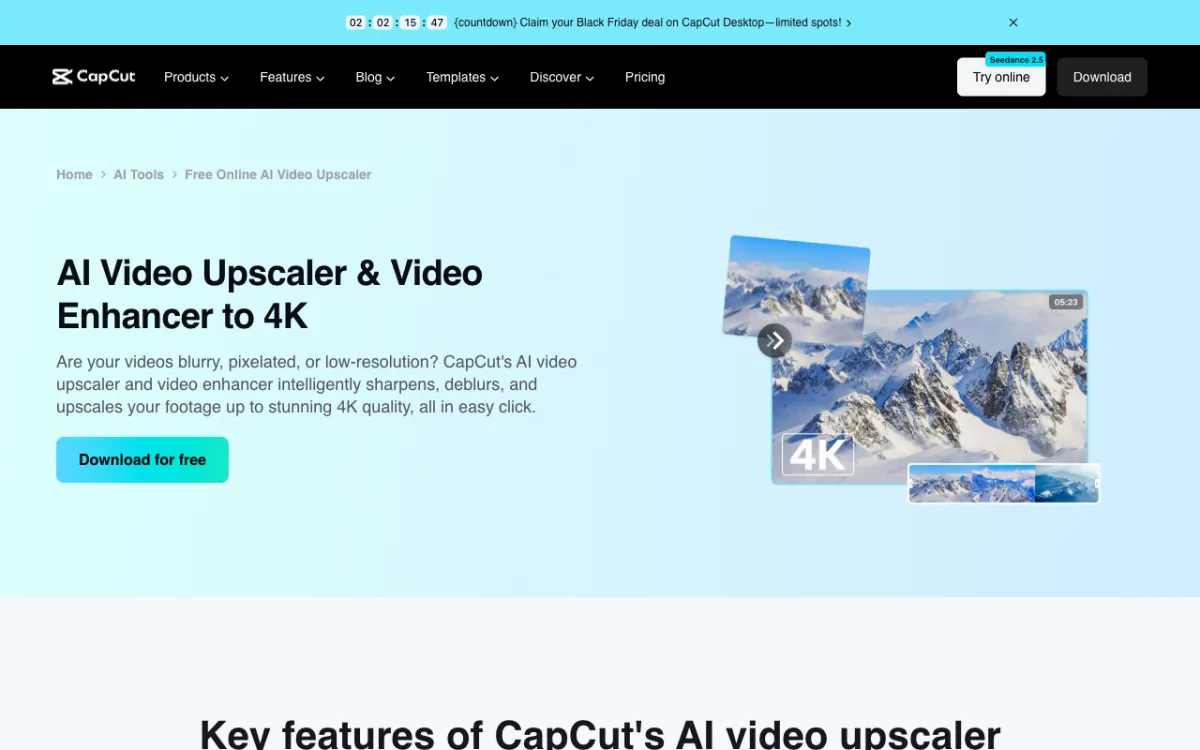 CapCut — free AI video quality boost in a browser, useful for quick social content
CapCut’s AI video enhancer offers an HD and UHD quality toggle that processes footage through an AI enhancement pass. It runs in the browser, on the desktop app, and on mobile — no GPU on your machine required. The free plan appears to include the enhancer, though CapCut’s pricing page doesn’t spell out specific limits for the enhancement feature. If you’re evaluating CapCut for general video editing alongside upscaling, see our full CapCut alternatives guide for a broader comparison.
For short clips intended for social — a 30-second reel, a product demo clip, a highlight for Instagram — the quality improvement is visible and the workflow is the fastest on this list. You drop in a file, tap Enhance, and export.
Where it falls short of dedicated tools: CapCut doesn’t run Real-ESRGAN or comparable heavy models locally. You don’t control the model, the scale factor, or the sharpness tradeoff. For archival footage, old home movies, or any clip where you need to see what the model is doing to the image, CapCut is too much of a black box.
Pros
- Free plan covers basic AI enhancement
- Fastest workflow — browser-based, no install or GPU needed
- Works on Windows, Mac, and mobile
Cons
- No control over model, scale factor, or output parameters
- Processing happens server-side — not suitable for sensitive or confidential footage
- Output quality doesn’t match Real-ESRGAN or Topaz-level models
Best for: creators who need a quick quality pass on short social content and don’t need fine-grained control.
Pricing: Free plan available; Pro $14/month or $89.99/year (checked October 2026). See capcut.com.
6. Adobe Premiere Pro
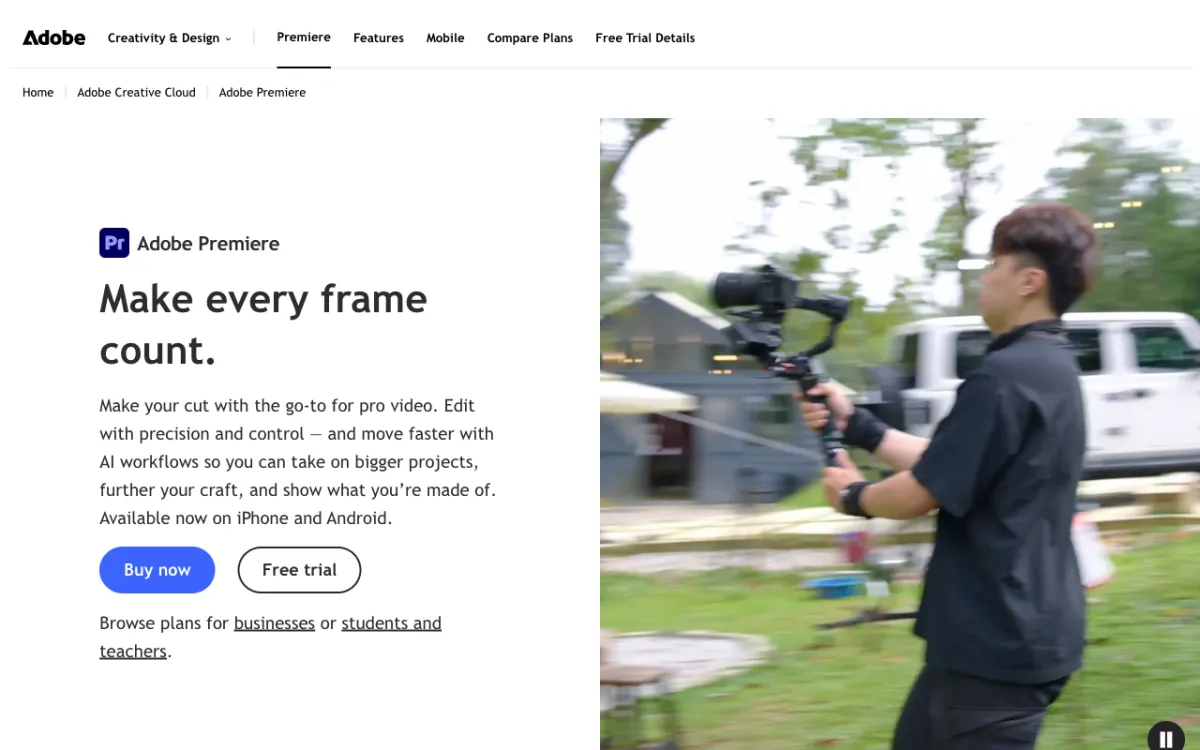 Adobe Premiere Pro — Optical Flow frame interpolation built into the industry-standard NLE
Adobe Premiere Pro doesn’t replace Topaz for dedicated AI upscaling, but it belongs in this list for one specific feature: Optical Flow. If the primary reason you’re using Topaz Video AI is frame interpolation — converting 24fps to 60fps for slow motion — Optical Flow in Premiere handles that within your existing editing workflow.
Optical Flow uses motion vectors to generate interpolated frames. For well-lit footage with clear motion, the results are clean. For fast-moving objects or very dark scenes, artifacts appear — no different from Topaz’s Chronos model, which has the same tradeoffs.
If you’re already on Adobe Creative Cloud, this is a zero-cost addition. If you’re buying Premiere Pro specifically for interpolation, $22.99/mo for an annual plan (billed monthly, checked October 2026) is competitive with Topaz’s $59/mo — and you get a full NLE alongside it.
For AI-driven video upscaling specifically, Premiere Pro is not the tool. Use it when you already live in the Adobe ecosystem and want frame interpolation without adding another subscription.
Pros
- Optical Flow frame interpolation built in — no extra cost for CC subscribers
- Full NLE with professional color, audio and effects tools
- AI Enhance Speech for audio cleanup alongside video work
Cons
- Not a dedicated upscaler; no Real-ESRGAN or Topaz-equivalent AI scaling
- Subscription only — no perpetual license
- Heavy install; not for simple upscaling jobs
Best for: Creative Cloud subscribers who want frame interpolation without leaving Premiere Pro.
Pricing: $22.99/mo (annual commitment, billed monthly; checked October 2026). See adobe.com.
How these alternatives compare to Topaz Video AI
| Tool | Upscaling | Frame interpolation | Noise reduction | Platform | GPU required | One-time option | Starting price |
|---|---|---|---|---|---|---|---|
| Topaz Video AI | 4K+ (8K claimed) | Yes (Chronos/Aion) | Yes | Win, Mac | Yes (recommended) | No | $59/mo |
| HitPaw VikPea | Up to 8K | Yes (up to 120fps) | Yes | Win, Mac | Yes | Yes ($350.39) | $99.99/yr |
| AVCLabs Video Enhancer AI | Up to 8K | Yes (up to 120fps) | Yes | Win, Mac | Recommended | Yes ($149.90) | $39.95/mo |
| DaVinci Resolve Studio | 4K+ (Super Scale) | Via Optical Flow | Yes (AI, Studio) | Win, Mac, Linux | Recommended | Yes ($236) | $236 one-time |
| Video2X | No cap | Yes (RIFE) | No | Win, Linux | Yes (Vulkan) | Always free | Free |
| CapCut | HD / UHD | Not stated | Not stated | Web, Win, Mac, Mobile | No | No | Free / $14/mo |
| Adobe Premiere Pro | Not AI-native | Yes (Optical Flow) | Partial | Win, Mac | Recommended | No | $22.99/mo |
Prices checked October 2026.
How to choose
If you want the closest replacement for Topaz at a fair price: AVCLabs Video Enhancer AI at $149.90 one-time is the strongest value. HitPaw VikPea at $99.99/yr is comparable in features and adds cloud rendering for large batches.
If you’re already editing in DaVinci Resolve: Super Scale in Resolve Studio costs $236 one-time and does the job well for clean production footage. Don’t buy a second tool.
If your budget is $0: Video2X with Real-ESRGAN produces professional output. You need a dedicated GPU with Vulkan support. The learning curve is real but manageable.
If you need quick results on short social clips: CapCut’s free enhancer is the fastest path. Don’t expect archival-quality restoration.
If you’re already on Adobe Creative Cloud: Premiere Pro’s Optical Flow covers frame interpolation. For actual upscaling, add Video2X or AVCLabs.
Final verdict
Topaz Video AI has an excellent model library and a smooth workflow. But $59/month with no one-time option is a real objection for most individual creators.
AVCLabs Video Enhancer AI at $149.90 lifetime is the best value commercial alternative — 8K, 120fps, local processing, one payment. Video2X is the answer if you want the same underlying model quality (Real-ESRGAN + RIFE) without spending anything. For everything else, the right tool depends on whether you’re already inside an editing workflow (Resolve, Premiere) or want a standalone upscaler.
No tool in this list beats Topaz at archival and VHS restoration specifically. If you’re restoring degraded footage, the specialized Topaz models (Artemis, Proteus) are worth the subscription. For everything else, you have options.
Looking for AI tools that handle voiceover, dubbing or subtitles for your videos — not upscaling? See our roundup of AI video dubbing tools and the best AI video voiceover generators.