
ElevenReader is the best free NaturalReader alternative for listening, with 10 hours of AI voices a month. Microsoft Edge Read Aloud reads PDFs and web pages in natural voices for free, with no account. To make MP3s for free, use Balabolka on Windows or TTSMaker in any browser, which also allows commercial use. Speechify is the most polished paid reader at $139 a year, and Voice Dream suits Apple users who rely on accessibility tools.
NaturalReader reads documents aloud in your browser, and its free plan is genuinely usable for listening. Want better voices for longer, an MP3 to take with you, or audio you can publish? That’s when people start looking at NaturalReader alternatives.
This list covers seven tools that were live on October 18, 2026. Each was checked on its own site or app store listing, and every price is in US dollars with the date checked.
TL;DR: the 7 best NaturalReader alternatives
| # | Tool | Best for | Free tier | Saves audio files | Paid from (checked Oct 2026) |
|---|---|---|---|---|---|
| 1 | ElevenReader | Free AI voices for PDFs and ePubs | 10 hours a month | No | Ultra $99/yr or $11/mo |
| 2 | Edge Read Aloud | Free, no-account PDF and web reading | Unlimited | No | Free |
| 3 | Speechify | Polished reading on phone and desktop | 10 robotic voices, 1.5x | Not in the reader app | Premium $139/yr or $29/mo |
| 4 | Balabolka | Free document-to-MP3 on Windows | Unlimited | Yes | Free |
| 5 | TTSMaker | Free online MP3s you can use commercially | 20,000 characters a week | Yes | Lite $9.99/mo billed yearly |
| 6 | Read Aloud | Open-source browser extension | Unlimited with browser voices | No | Free (cloud voices extra) |
| 7 | Voice Dream Reader | Accessibility on iPhone and iPad | Trial only | No | From $4.99/mo |
Quick picks:
- Best free listening: ElevenReader, for its free hours of AI voices.
- Best with no sign-up: Edge Read Aloud. It’s already in the browser.
- Best free MP3 maker: Balabolka on Windows, TTSMaker anywhere else.
- Best paid reader: Speechify, if you’ll use it every day.
Why people leave NaturalReader
NaturalReader’s free plan caps its better voices by the day. According to NaturalReader’s help center, free accounts get unlimited free voices, 20,000 characters a day of Lite voices and 4,000 characters a day of Plus and cloned voices.
The free plan also “cannot convert to mp3.” On paid plans, MP3 conversion tops out at 1 million characters a month per voice tier, and those files are for personal use only.
Paid plans, checked October 18, 2026 from the USD prices in NaturalReader’s pricing page:
| NaturalReader plan | Yearly | Monthly | What it adds |
|---|---|---|---|
| Free | $0 | $0 | Free voices unlimited, Lite 20K chars/day, Plus 4K chars/day, no MP3 |
| Lite | $79 | $13.90 | Lite voices 500K chars/day, 1M MP3 chars/month |
| Plus | $119 | $20.90 | Plus voices 500K chars/day, MP3 with Plus and cloned voices |
| Pro | $159 | $25.90 | HD Pro voices on top of Plus |
That’s not expensive for a daily reader. But if you only want to listen for free, or only want an MP3 now and then, you’re paying for things you won’t use.
What to look for in a NaturalReader alternative
Five things decide whether a reader fits you.
- Free-tier ceiling. Count it in hours or characters, and check whether it resets daily, weekly or monthly.
- Voice quality. Built-in system voices sound robotic. AI and “natural” voices sound close to a person, but most tools ration them.
- File support. PDF and web pages are table stakes. Check ePub, Word, scanned pages (OCR) and Google Docs if you use them.
- Audio export. Most readers are listen-only. If you need an MP3, the field narrows to a few tools.
- Commercial use. Listening is personal. Publishing the audio on YouTube or in a course needs rights that most free plans don’t grant.
1. ElevenReader
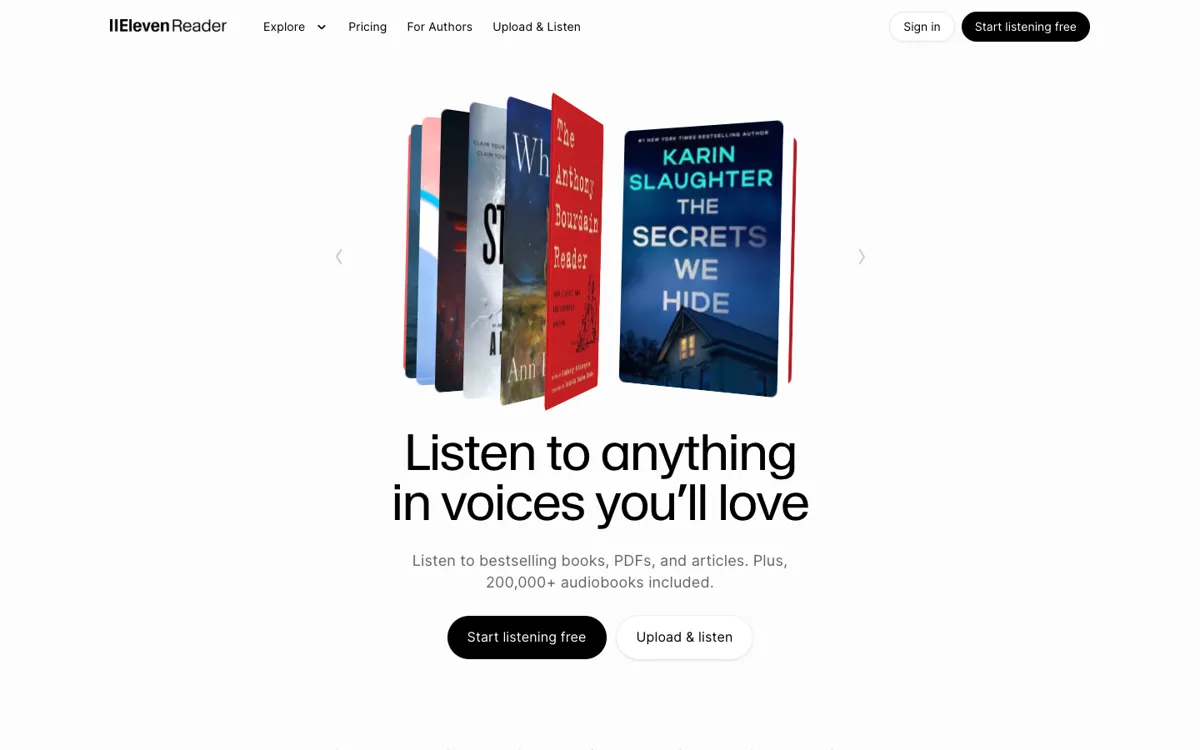 ElevenReader — AI voices for your PDFs, ePubs and articles, plus an audiobook library
ElevenReader is ElevenLabs’ free reading app for PDFs, ePubs and articles, with 10 hours of AI voices a month on the free plan. Those are the same expressive voices that made ElevenLabs famous, so it sounds a clear step above NaturalReader’s free voices.
You upload a file or import an article, and it plays in the browser, on Android or on iPhone. The paid Ultra plan removes the monthly cap for your own imports and adds offline downloads and a premium audiobook catalogue.
Pros
- 10 free hours a month of AI voices, the most generous free AI allowance on this list
- 1,000+ voices, with playback up to 4x speed
- Web, Android and iOS, with your library synced between them
Cons
- No audio export on any plan: ElevenReader’s FAQ says audio files can’t be exported from the app
- Free hours expire each month and don’t roll over
- Built for personal listening, not for publishing audio
Best for: Students and readers who want high-quality voices for PDFs and ePubs without paying.
Pricing: Free (10 hours a month). Ultra is $11 a month or $99 a year, with a 3-day trial (checked October 18, 2026).
2. Microsoft Edge Read Aloud
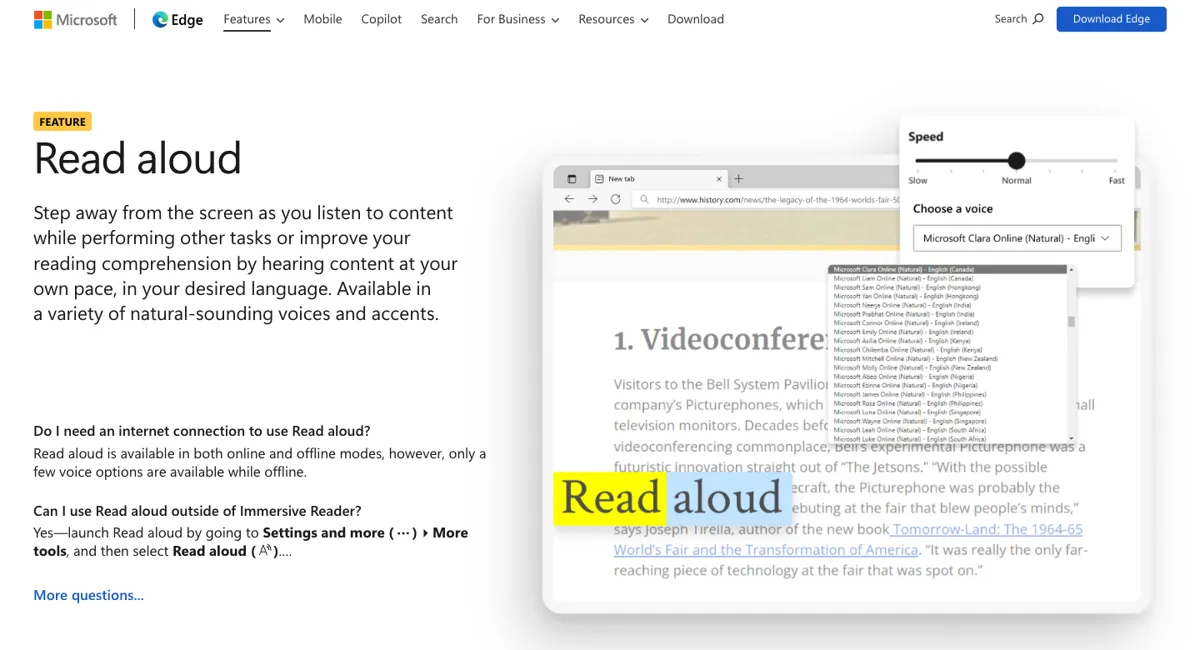 Microsoft Edge Read Aloud — natural voices built into the browser, including its PDF reader
Microsoft Edge Read Aloud is a free text-to-speech reader built into the Edge browser, and it reads web pages and PDFs in Microsoft’s natural voices with no account or limit. If you just want a document read to you, this is the fastest route on Windows and Mac.
Open a PDF in Edge and press Read aloud in the toolbar, or select text and right-click. Microsoft’s Read aloud page notes that it works offline too, but with only a few voices.
Pros
- Completely free, with no sign-up and no daily cap
- Natural voices in many accents, with speed control and word highlighting
- Reads PDFs in Edge’s own PDF reader, not just web pages
Cons
- No way to save the audio as a file
- The natural voices need an internet connection
- Only works inside Edge, so ePubs and Word files need converting or opening another way
Best for: Anyone who wants PDFs and articles read aloud for free, today, with nothing to install.
Pricing: Free (checked October 18, 2026).
3. Speechify
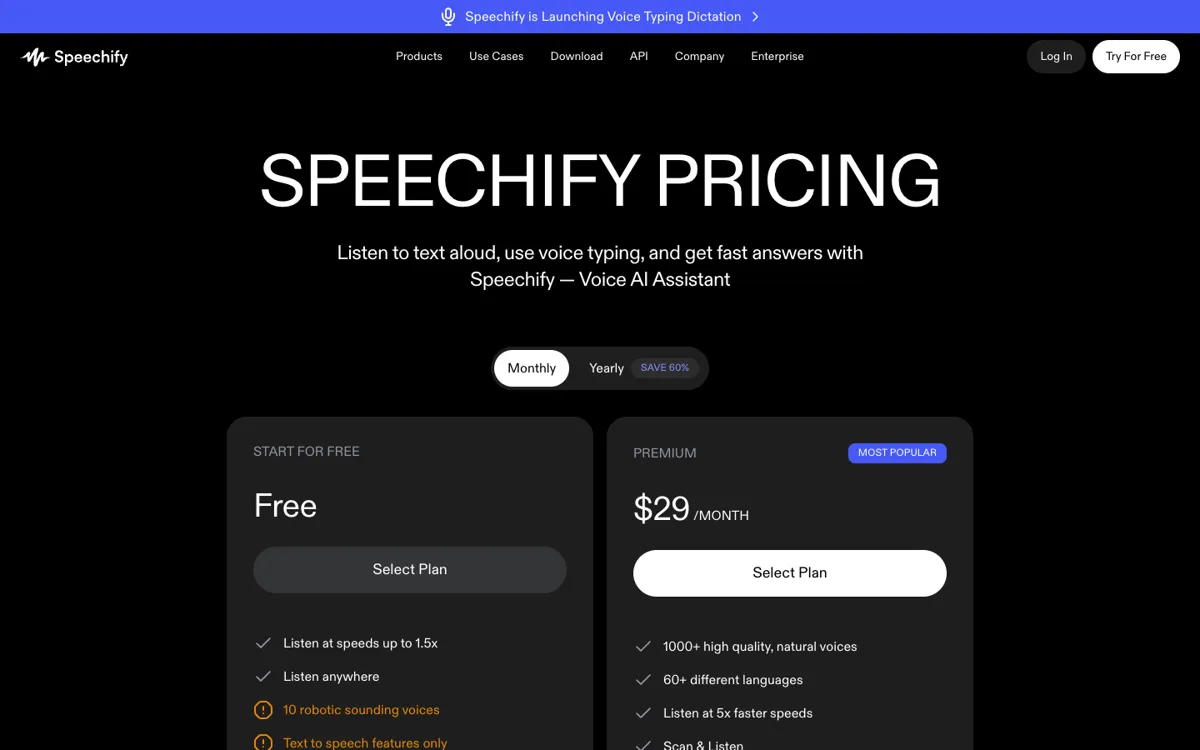 Speechify — a polished reader for phone, desktop and browser, priced as a premium app
Speechify is a paid text-to-speech reader for iPhone, Android, Mac, Windows and the browser, with 1,000+ natural voices in 60+ languages on Premium. It’s the most polished listening experience here, and the most expensive.
Premium adds Scan & Listen for printed pages, listening up to 5x speed, Google Drive, Dropbox and OneDrive imports, and AI summaries. The free plan is a taste only: 10 voices that Speechify itself labels “robotic”, at up to 1.5x.
Pros
- The best mobile apps of any tool here, with library sync across devices
- OCR for scanning physical pages on Premium
- Cloud storage integrations pull in documents without downloading them
Cons
- $139 a year is more than NaturalReader Plus at $119
- The free plan’s voices are robotic, which defeats the point for most switchers
- The reader app is for listening; downloadable voiceover files are a separate product, Speechify Studio
Best for: Heavy daily readers, including people with dyslexia, who will use it enough to justify the price.
Pricing: Free (10 voices, up to 1.5x). Premium is $29 a month or $139 a year (checked October 18, 2026 from the USD prices in Speechify’s pricing page).
For more options in this price bracket, see our Speechify alternatives roundup.
4. Balabolka
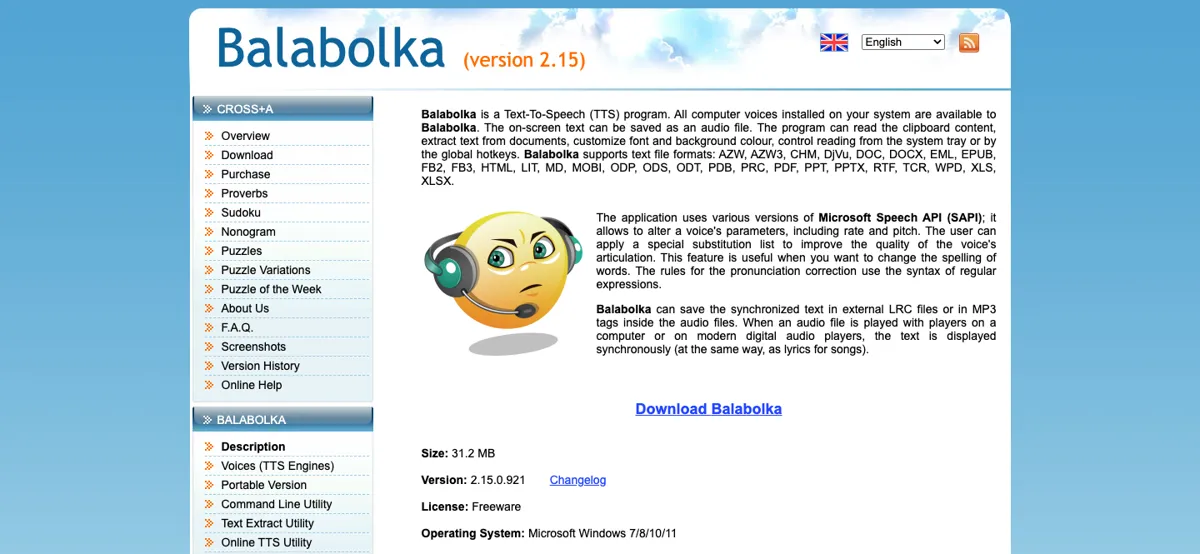 Balabolka — free Windows software that reads documents aloud and saves them as audio files
Balabolka is a free Windows text-to-speech program that reads documents aloud and saves them as audio files, using any voice installed on your PC. It’s the best free answer to NaturalReader’s paid MP3 conversion.
It opens 27 file formats, including PDF, DOCX, EPUB, MOBI, AZW3, RTF and PPTX, and has no character limit. Version 2.15.0.921 is the current build, and it runs on Windows 7, 8, 10 and 11.
Pros
- Free, with no account, no ads and no cap on length
- Saves audio files, including MP3 with chapter markers and synced text for players that show lyrics
- Pronunciation rules let you fix how names and terms are spoken
Cons
- Windows only, and the interface looks like 2006 because it mostly is
- Voice quality is only as good as the voices on your PC. Windows 11 natural voices need a free add-on, NaturalVoiceSAPIAdapter, per the Balabolka FAQ
- Its Yandex SpeechKit voices stopped working on October 11, 2026
Best for: Windows users who want to turn long PDFs and ebooks into MP3s for free.
Pricing: Free, as freeware (checked October 18, 2026). Commercial rights depend on the voice you use, not on Balabolka.
5. TTSMaker
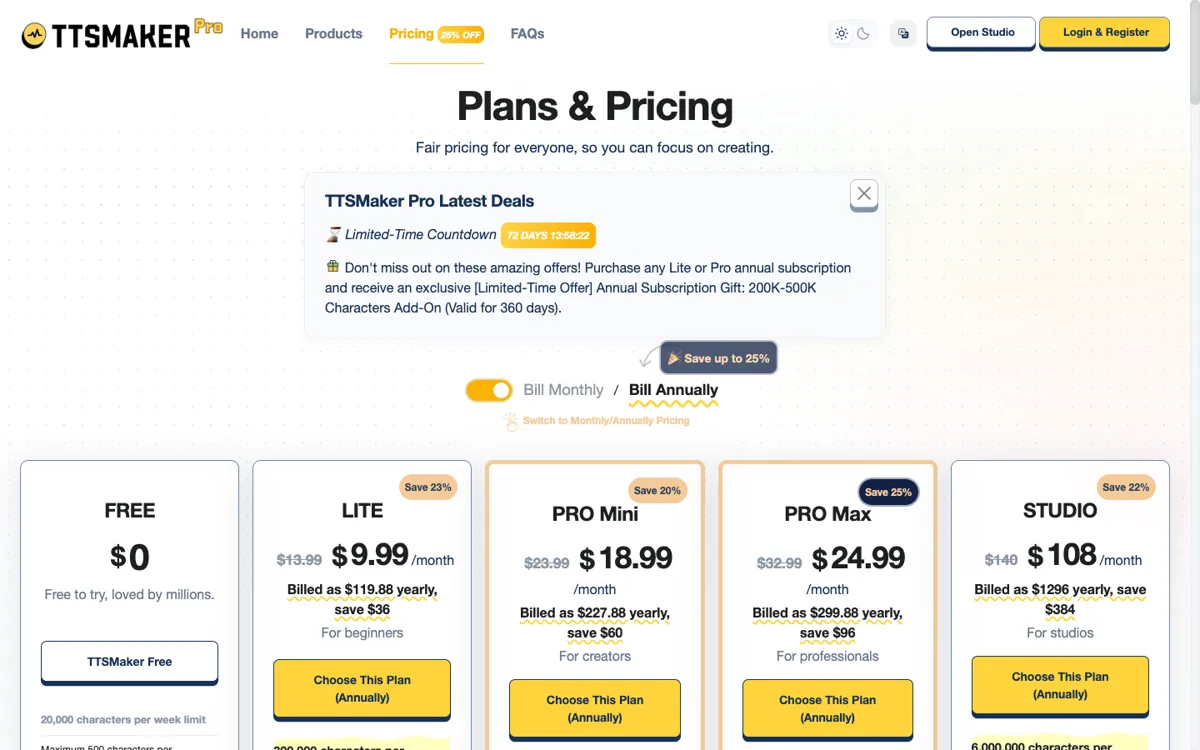 TTSMaker — a free online text-to-speech tool that downloads MP3s you can use commercially
TTSMaker is a free online text-to-speech tool that turns pasted text into downloadable audio, with 20,000 free characters a week and commercial use allowed. It’s the one tool here built for making files, not for reading documents.
You paste text, pick one of 600+ voices across 100+ languages, solve a captcha, and download MP3, WAV, OGG, AAC or Opus. The site states you may use the audio “for any lawful purpose, including commercial use.”
Pros
- Commercial use on the free tier, which no other tool here offers
- No account needed for the free web tool
- Five download formats and pause insertion
Cons
- The free plan caps each conversion at 500 characters on the pricing page, so long documents mean many chunks
- No PDF or document import: you paste text
- Captchas and ads on the free tier
Best for: Creators who need short MP3 clips for videos or slides and want to publish them.
Pricing: Free (20,000 characters a week). Lite is $9.99 a month billed yearly ($119.88) for 300,000 characters a month, and Pro Mini is $18.99 a month billed yearly (checked October 18, 2026).
6. Read Aloud
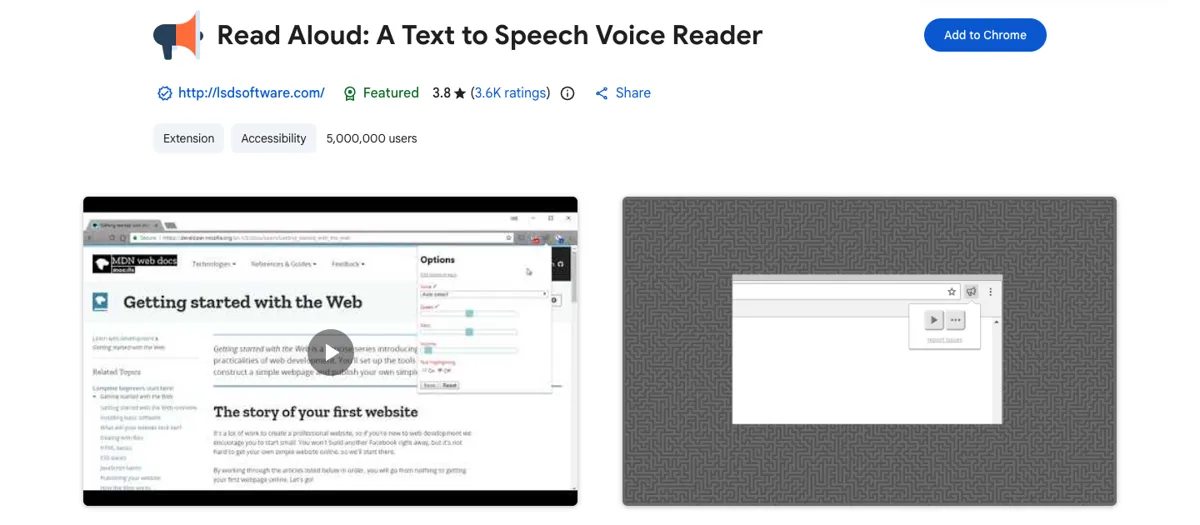 Read Aloud — an open-source extension that reads web pages, PDFs and Google Docs
Read Aloud is a free, open-source browser extension for Chrome, Firefox and Edge that reads web pages, PDFs, Google Docs and Kindle books aloud. Its Chrome Web Store listing shows 5,000,000 users and a 3.8-star rating from 3,600 reviews.
It uses your browser’s built-in voices for free. Premium cloud voices from Google WaveNet, Amazon Polly, Microsoft Azure and OpenAI need an in-app purchase or your own API key.
Pros
- Free and open source, with 40+ languages
- Works in the browser you already use, including Firefox
- Bring-your-own-key option for cheaper premium voices if you’re technical
Cons
- Free voices are the browser’s, which range from good (Edge) to robotic
- No audio export
- Setting up cloud voices with your own key takes some fiddling
Best for: Chrome and Firefox users who want a NaturalReader-style extension at no cost.
Pricing: Free with browser voices; cloud voices cost extra (checked October 18, 2026).
7. Voice Dream Reader
 Voice Dream Reader — an accessibility-first reader for iPhone and iPad
Voice Dream Reader is a subscription reading app for iPhone and iPad, built for people who read differently, with full VoiceOver and braille display support. It holds a 4.5-star rating from 14,400+ reviews in the US App Store.
It imports PDF, Word, PowerPoint, RTF, Google Docs, DRM-free EPUB and DAISY books, and lets you highlight and take notes while you listen. You can listen offline and continue across devices.
Pros
- The strongest accessibility support on this list: VoiceOver, Dynamic Type, Voice Control and braille
- Wide file support, including DAISY books
- Offline listening
Cons
- No real free tier: the App Store listing says a subscription is required after the free trial
- Apple devices only
- Several overlapping subscription prices in the App Store make the real cost hard to read
Best for: Blind and low-vision readers, and anyone with dyslexia who lives on an iPhone or iPad.
Pricing: Free trial, then a subscription. The US App Store lists plans from $4.99 a month to $79.99 a year (checked October 18, 2026).
NaturalReader alternatives compared
| Tool | Platforms | Files it reads | Free limit | Audio export | Commercial use |
|---|---|---|---|---|---|
| NaturalReader (baseline) | Web, Chrome, iOS, Android | PDF, docs, web, OCR (paid) | Lite 20K chars/day, Plus 4K/day | Paid plans only | Separate commercial product |
| ElevenReader | Web, iOS, Android | PDF, ePub, articles | 10 hours/month | No | Personal listening |
| Edge Read Aloud | Edge on Windows, Mac | Web pages, PDF | Unlimited | No | Personal listening |
| Speechify | iOS, Android, Mac, Windows, web | PDF, docs, web, OCR (paid) | 10 robotic voices | Not in the reader | Personal listening |
| Balabolka | Windows 7–11 | 27 formats incl. PDF, DOCX, EPUB | Unlimited | Yes (MP3 and more) | Depends on the voice |
| TTSMaker | Web | Pasted text | 20K chars/week, 500 per conversion | Yes (MP3, WAV, OGG, AAC, Opus) | Yes, free |
| Read Aloud | Chrome, Firefox, Edge | Web, PDF, Google Docs, Kindle | Unlimited (browser voices) | No | Personal listening |
| Voice Dream Reader | iPhone, iPad | PDF, Word, PPT, EPUB, DAISY | Trial only | No | Personal listening |
How to choose the right NaturalReader alternative
- You want to listen for free, in a good voice: start with ElevenReader. If you hit the 10 hours, fall back to Edge Read Aloud.
- You want nothing to install: Edge Read Aloud if you use Edge, the Read Aloud extension if you use Chrome or Firefox.
- You want an MP3 of a whole document: Balabolka on Windows. It has no length cap and opens almost any file.
- You want MP3s to publish: TTSMaker, whose free tier allows commercial use, or a voiceover generator built for scripts.
- You read for hours every day: Speechify, or Voice Dream if you rely on VoiceOver or braille.
If your “document” is really a short narration script for a video, a reader is the wrong tool. Vidwip AI Voiceover voices a pasted script of up to 5,000 characters in 190+ voices and 74 languages and returns one mastered MP3, though it doesn’t open PDFs or files.
For more script-to-voice tools, see our ElevenLabs alternatives and Narakeet alternatives roundups, or the free AI video voiceover tools ranking.
Final verdict
For most people switching from NaturalReader, ElevenReader is the answer: better voices than NaturalReader’s free tier, 10 free hours a month, and apps on every platform. Pair it with Edge Read Aloud for anything past the cap.
If the goal is a file, not a listen, Balabolka and TTSMaker beat NaturalReader’s paid MP3 plans on price, since both are free. Speechify only makes sense if you’ll read with it every day and the $139 a year doesn’t sting.
And if you want an MP3 of a short script rather than a document, Vidwip is free to start with no credit card, and you can see the paid plans on the pricing page.