
ElevenReader is the best Speechify alternative for most people: the most natural voices and 10 free hours a month, or $99/year for unlimited. NaturalReader is the pick for heavy PDF and study use, Voice Dream Reader for offline listening on Apple devices, and Microsoft Edge Read Aloud or Balabolka if you want to pay nothing.
Speechify alternatives are worth a look if you mostly want to listen to PDFs, articles and books, and $29 a month feels steep for that. Speechify’s free plan caps you at 1.5x speed and what its own pricing page calls “10 robotic sounding voices”, and the natural voices sit behind Premium.
This guide ranks eight text-to-speech readers that are live and taking new users in October 2026. Every price below was checked on the vendor’s own pricing page or help center, in US dollars, with the date.
TL;DR: the 8 best Speechify alternatives
| # | Tool | Best for | Free plan | Paid from (US, checked Oct 2026) |
|---|---|---|---|---|
| 1 | ElevenReader | Most natural voices | 10 hours/month | $99/year or $11/month |
| 2 | NaturalReader | PDFs, study and OCR | Daily character caps | $79/year (Lite) |
| 3 | Voice Dream Reader | Offline listening on iPhone, iPad and Mac | Trial only | Annual tiers $39.99–$79.99 |
| 4 | Microsoft Edge Read Aloud | Free web pages and PDFs | Free, no cap | Free |
| 5 | Readwise Reader | Article and newsletter readers who highlight | 30-day trial | $9.99/month billed yearly |
| 6 | Listening | Academic papers | 3-day trial | $39–$59/year or $12.99/month |
| 7 | Read Aloud | Free browser extension for Chrome and Firefox | Free (browser voices) | Optional cloud voices |
| 8 | Balabolka | Free offline reading on Windows | Free, no cap | Free |
Quick picks:
- Want the voice closest to a human narrator? ElevenReader.
- Listening to long PDFs, scans and textbooks? NaturalReader.
- Need it to work on a plane or with no data? Voice Dream Reader on Apple, Balabolka on Windows.
- Paying nothing, ever? Microsoft Edge Read Aloud.
- Already save articles to read later? Readwise Reader.
Why people look for a Speechify alternative
Speechify is a capable reader. Premium unlocks 1,000+ voices, 60+ languages, 5x speed and Scan & Listen for printed pages, per Speechify’s pricing page (checked October 18, 2026).
The friction is price and the gap between plans. Premium is $29/month billed monthly, and the yearly toggle advertises 60% off, which works out to about $139/year.
Speechify has also grown into a voice assistant, with voice typing, AI podcasts and chat on the same plan. If you only want a reader, you’re paying for features you won’t open.
What to look for in a text to speech reader
Five things decide whether a reader fits how you listen.
Voice quality over a full chapter. One sentence sounds fine in every app. Listen to ten minutes and notice pacing, breath and how it handles headings and numbers.
Speed controls. Fast listeners push past 2x. Check the top speed, and whether the voice stays clear when you get there.
What it can open. PDFs, EPUBs, web articles and Word files are the basics. Scanned pages need OCR, which several free plans leave out.
Offline use. Cloud AI voices need a connection. On-device voices sound less natural but play anywhere.
The real ceiling on free. Free plans cap hours, characters or voices. Work out what your weekly reading needs before you subscribe.
1. ElevenReader
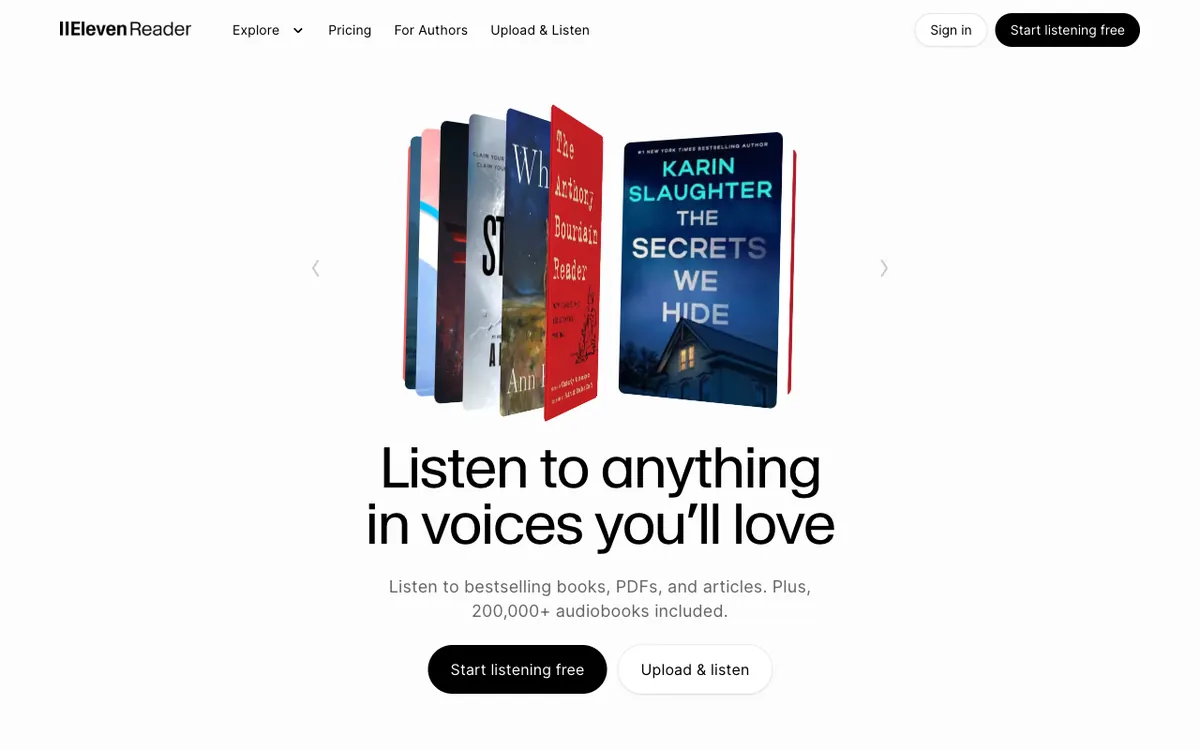 ElevenReader: ElevenLabs’ reading app for PDFs, articles, ebooks and audiobooks
ElevenReader is ElevenLabs’ text-to-speech reader for iOS, Android and the web, offering 1,000+ natural voices in 90+ languages and 10 free hours a month. It’s the best Speechify alternative for voice quality, and the free plan is the most generous of the AI-voice apps here.
You import PDFs, DOCX, EPUB, Markdown and TXT files, paste text, or save an article by link. The free plan includes speeds up to 4x, a sleep timer and sync between web and mobile, per ElevenReader’s pricing page.
Ultra removes the monthly cap on your own imports, with a ceiling of 24 hours of generated audio a day. It also adds offline downloads, custom voices and a smart import that skips headers and footers.
ElevenReader’s homepage cites 5M+ installs and a 4.7-star rating from 70k+ ratings. If you want the same voices for your own projects, see our ElevenLabs alternatives guide.
Pros
- The most natural, expressive voices on this list
- 10 hours a month free, with speeds up to 4x
- Web, iOS and Android, synced
- Ultra includes 200K+ premium audiobooks (20 hours a month)
Cons
- Offline downloads are Ultra only
- Your documents are processed in the cloud
- No audio export inside the reading app
Best for: Anyone who wants Speechify-level (or better) voices without paying Speechify’s price.
Pricing: Free (10 hours/month). Ultra $11/month, or $99/year ($8.25/month), with a 3-day trial on the annual plan. Checked October 2026 on elevenreader.io/pricing.
2. NaturalReader
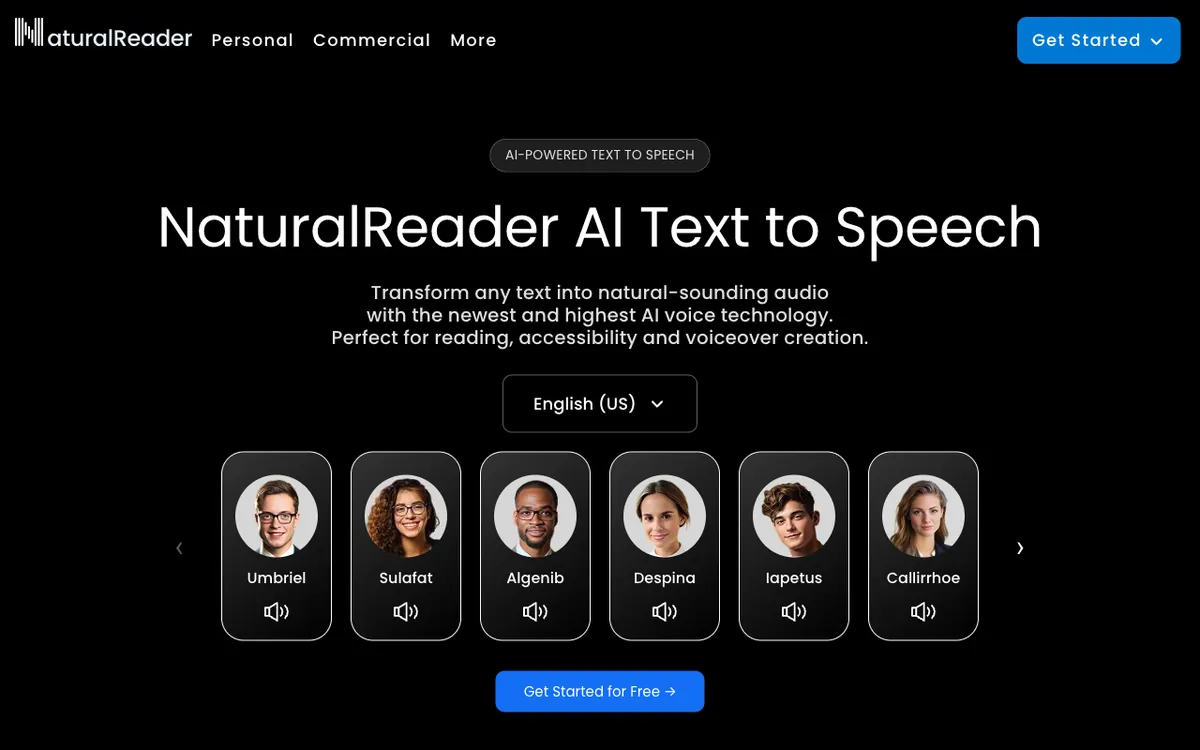 NaturalReader: a document reader with AI voices, OCR and a Chrome extension
NaturalReader is a text-to-speech reader for documents and study, offering OCR, speeds from 0.28x to 5x and paid plans from $79/year. If your reading is mostly PDFs, textbooks and Word files, it’s the strongest all-rounder.
It opens PDF, EPUB, Word, PowerPoint, Pages and Numbers files across a web app, mobile apps and a Chrome extension. Every paid plan adds OCR, a pronunciation editor, annotations and an AI filter that strips clutter from the page.
The free plan is usable but tight. You get unlimited basic voices, 20,000 characters a day with Lite voices (about 18 minutes at normal speed) and 4,000 a day with Plus voices, per NaturalReader’s limits page.
Pros
- Speeds from 0.28x (50 words a minute) up to 5x (900)
- OCR on every paid plan, from $79/year
- Widest file support of the AI-voice apps
- Plus and Pro can clone up to 2 voices
Cons
- Free plan has no OCR and no MP3 download
- The best voices sit on Pro, at $159/year
- App Store and Google Play prices can differ by region
Best for: Students and professionals who listen to long PDFs and need OCR for scans.
Pricing: Free (daily character caps). Lite $79/year or $13.90/month, Plus $119/year or $20.90/month, Pro $159/year or $25.90/month. Checked October 2026 on NaturalReader’s plans page (last updated August 13, 2026).
3. Voice Dream Reader
 Voice Dream Reader: an offline text-to-speech reader for iPhone, iPad and Mac
Voice Dream Reader is an iPhone, iPad and Mac reader built for offline and accessible listening, offering 200+ premium voices in 30 languages that play with no connection. It has been a staple for blind and low-vision readers for over a decade.
It’s still active in October 2026. Voice Dream LLC shipped version 5.5.8 on the US App Store on August 18, 2026, and the app holds a 4.5-star rating from 14K ratings.
The business model changed in 2024. Applause Group, which bought the app in 2023, moved it to a subscription, and Six Colors reported the backlash from long-time users.
People who bought it before the switch kept the features they paid for. New users need a subscription after a free trial.
The format list is the widest on this page: PDF, Word, PowerPoint, RTF, Google Docs, DRM-free EPUB, DAISY and Bookshare books. A built-in scanner reads paper pages with your camera, on device, for Latin-alphabet languages.
Pros
- Every voice works offline, with the screen locked
- On-device OCR scanner, no upload needed
- Deep accessibility support and reading controls
- Opens DAISY and Bookshare books
Cons
- Apple only: no Android, Windows or web
- Premium voices (Acapela, NeoSpeech, Ivona) sound older than ElevenReader’s AI voices
- Subscription required for new users, and the App Store lists several tiers
Best for: Readers who need offline listening and strong accessibility on Apple devices.
Pricing: Free trial, then a subscription. The US App Store lists annual tiers of $39.99, $59.99 and $79.99 for the iOS app, and the Mac app lists $49.99 to $79.99 a year with a 7-day trial. Checked October 2026 on the App Store listing. The price you see in the app can vary by region.
4. Microsoft Edge Read Aloud
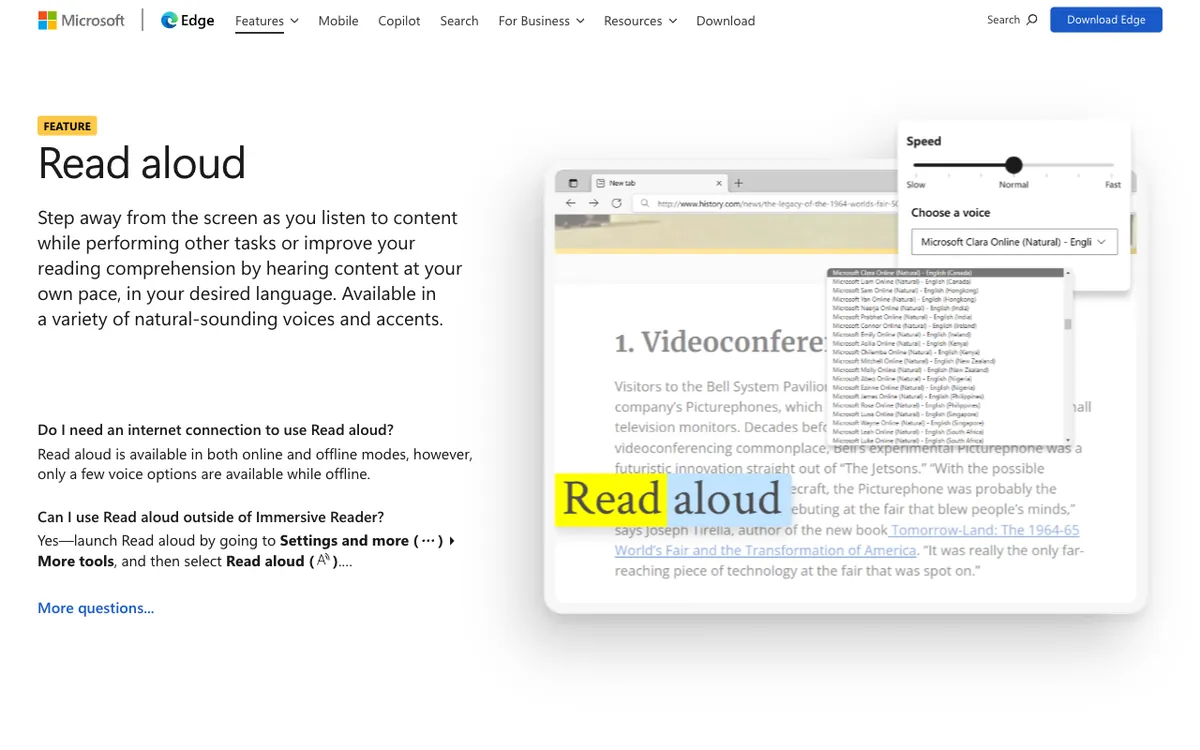 Microsoft Edge Read Aloud: free text-to-speech built into the Edge browser
Microsoft Edge Read Aloud is a free text-to-speech feature built into the Edge browser, offering Microsoft’s Natural voices with no account and no daily cap. For web articles and text-based PDFs, it’s the best free Speechify alternative.
Open a page or a PDF in Edge and press Ctrl+Shift+U, or use the menu under More tools. A speed slider and a voice list with dozens of Natural voices and accents sit in the toolbar.
It works offline too, but Microsoft says only a few voices are available without a connection, per its Read Aloud page.
Pros
- Free, with no account and no cap
- Natural voices that rival paid apps
- Highlights each word as it reads
- Edge runs on Windows, macOS, iOS and Android
Cons
- Only works on what you open in Edge
- No library, no sync of your place across files
- Scanned PDFs with no text layer won’t read
- No audio export
Best for: Anyone who reads on the web or opens PDFs and wants good voices for free.
Pricing: Free with Microsoft Edge.
5. Readwise Reader
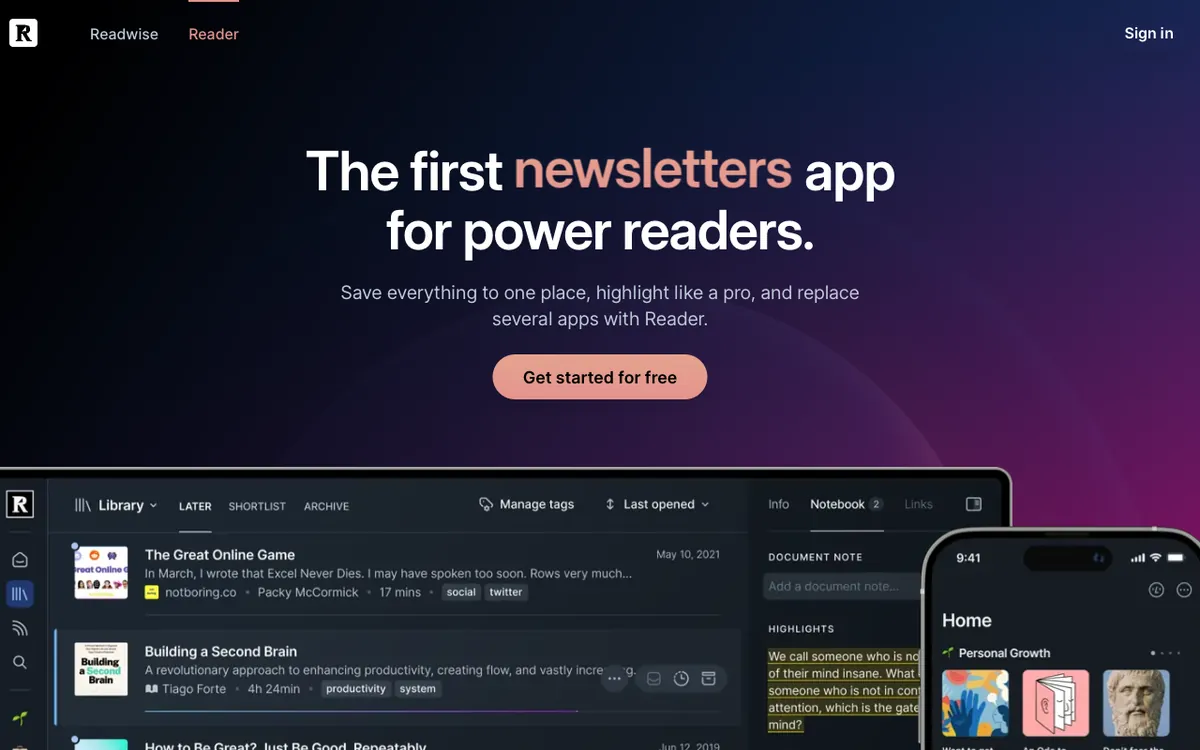 Readwise Reader: a read-later app with text-to-speech, highlights and notes
Readwise Reader is a read-later app for articles, newsletters, RSS, PDFs and EPUBs, with AI text-to-speech built in and plans from $9.99/month billed yearly. It suits people who already save more than they read.
You press Listen above any document on the web or in the mobile app, and Reader voices it with AI voices from major providers. Your highlights sync to Readwise, so you can listen on a walk and review later.
There are limits. Text-to-speech doesn’t work offline, because audio is generated on request, and PDFs only play in text view, per Readwise’s TTS docs.
Pros
- One inbox for articles, newsletters, RSS, PDFs and EPUBs
- Highlights and notes sync to Readwise
- Keyboard speed controls on the web (comma and period)
- 30-day free trial
Cons
- Text-to-speech needs a connection
- PDFs only play in text view, not the original layout
- Reader is only on the Full plan, not Lite
Best for: Heavy readers of articles and newsletters who also highlight and take notes.
Pricing: Readwise Full is $9.99/month billed yearly ($119.88/year) or $12.99/month, with a 30-day trial. Checked October 2026 on readwise.io/pricing.
6. Listening
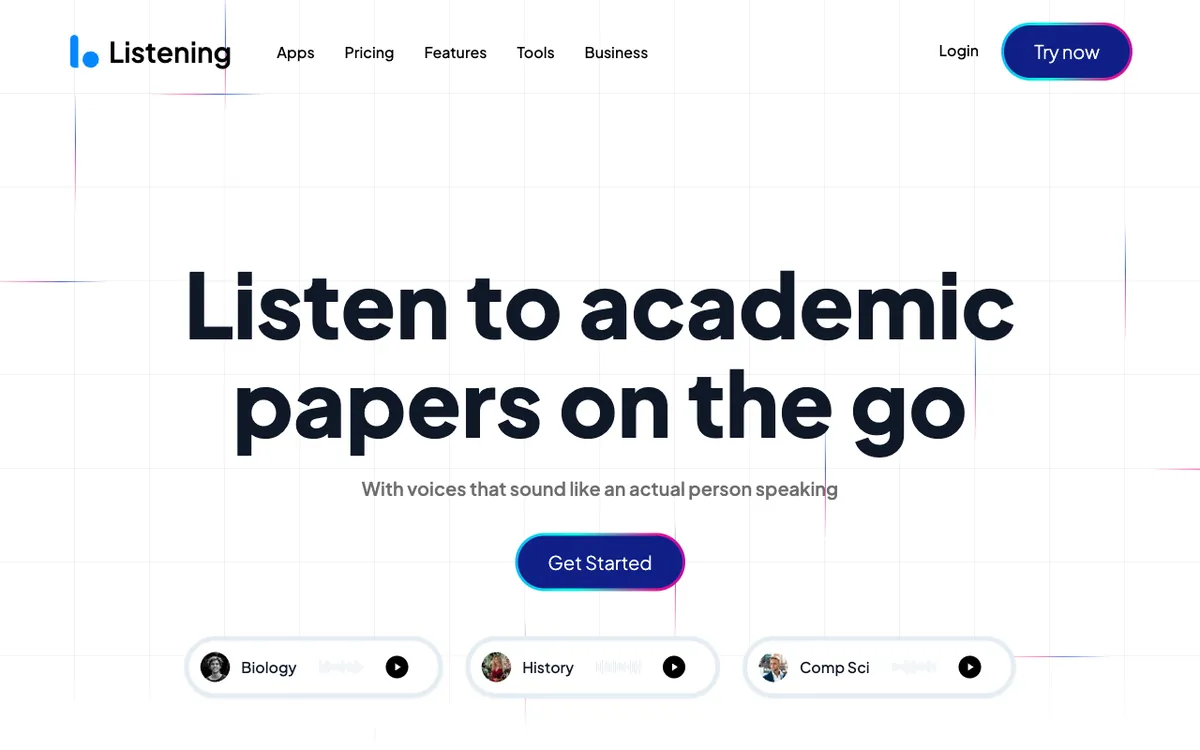 Listening: text-to-speech built around academic papers
Listening is a text-to-speech app built for academic papers, offering 20+ voices, a Zotero integration and plans from $12.99/month. Its pitch is simple: get through more reading for a degree or a research job by listening.
It reads text, PDFs and saved articles across iOS, Android, a web app, a browser extension and a desktop app. You can snap photos of a physical book to hear it, and take notes as you listen.
Pricing was unsettled when we checked. The pricing page served $39/year on some loads and $59/year on others in October 2026, so it looks like a test.
Pros
- Built around papers and research reading
- Zotero integration, per Listening’s pricing page
- Photo capture for physical books
- On every major platform
Cons
- No free plan, only a 3-day trial for new users
- Fewer voices than ElevenReader or NaturalReader
- Yearly price shifted between page loads
Best for: Students and researchers who read papers every day.
Pricing: $12.99/month, or $39 to $59/year billed yearly, both after a 3-day trial. Checked October 18, 2026 on listening.com/pricing.
7. Read Aloud
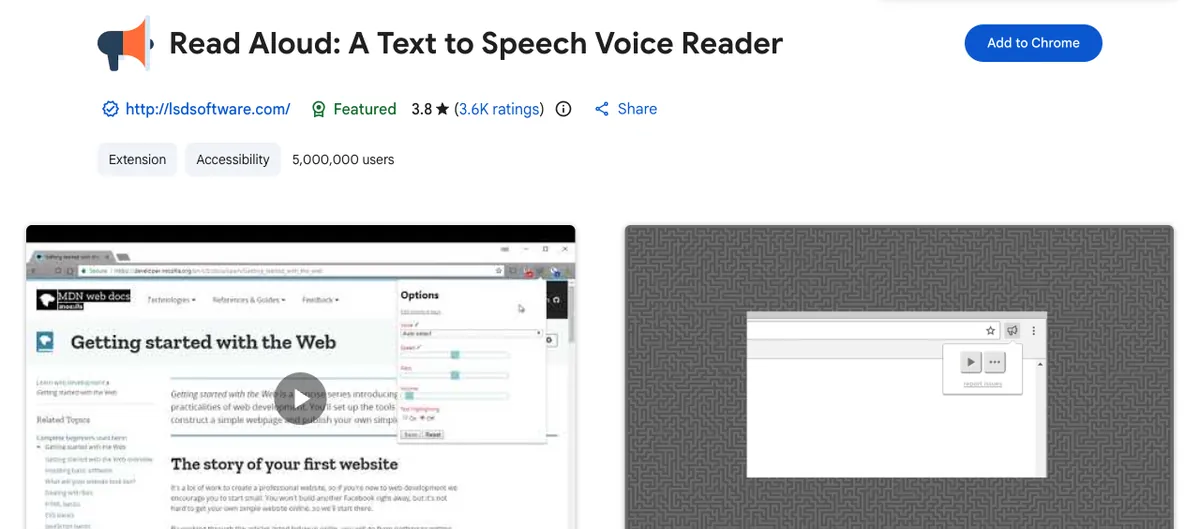 Read Aloud: a free, open-source text-to-speech extension for Chrome, Firefox and Edge
Read Aloud is a free, open-source browser extension that reads web pages, PDFs, Google Docs and Kindle books with one click. It’s the closest free match for Speechify’s Chrome extension.
It has 5,000,000 users and a 3.8-star rating from 3.6K ratings on the Chrome Web Store, and version 2.26.0 shipped in October 2026. The code is MIT-licensed on GitHub.
Your browser’s voices are free. Cloud voices from Google Wavenet, Amazon Polly, IBM Watson, Microsoft Azure and OpenAI need an in-app purchase or your own API key.
Pros
- Free and open source
- Works in Chrome, Firefox and Edge
- Reads PDFs, Google Docs, Google Play Books and Kindle
- Bring your own API key for premium cloud voices
Cons
- Free voices depend on your browser and system
- No library or mobile app
- Rating is lower than the paid apps
Best for: Chrome and Firefox users who want a free one-click reader.
Pricing: Free. Some cloud voices need an in-app purchase or your own API key. Checked October 2026.
8. Balabolka
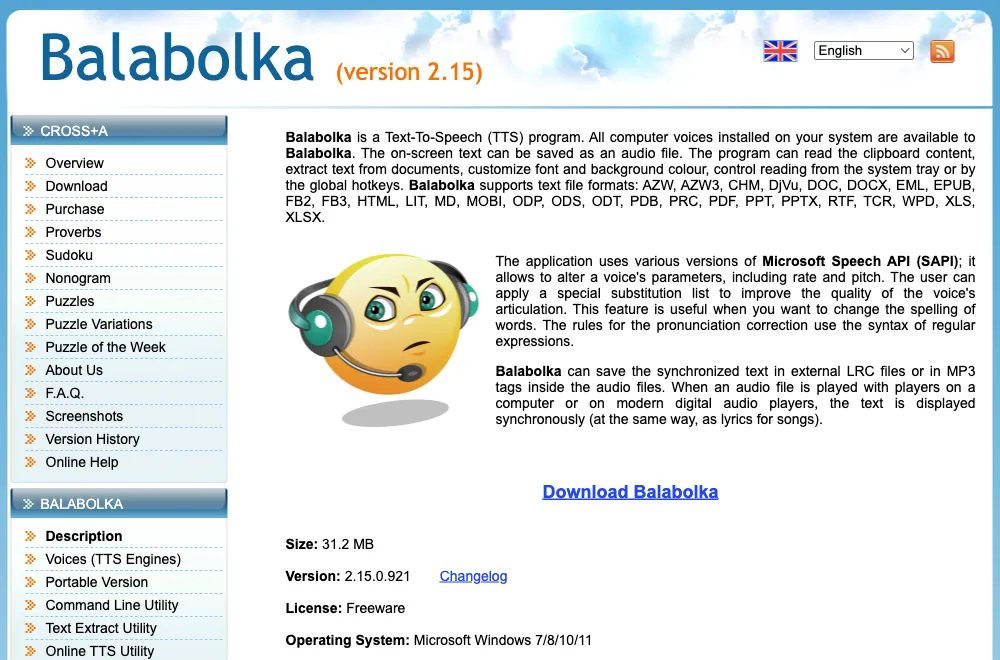 Balabolka: free text-to-speech software for Windows
Balabolka is free text-to-speech software for Windows 7 to 11 that reads almost any document offline with the voices installed on your PC. It’s the best pick if you want to turn an ebook into audio files at no cost.
It opens PDF, EPUB, MOBI, AZW3, DjVu, DOCX, ODT, RTF, HTML and more. You can change rate and pitch, fix pronunciations with substitution rules, and save the speech as an audio file with synchronized text.
It’s maintained, too. Version 2.15.0.921 shipped on October 10, 2026, per the Balabolka changelog, and a portable version runs without installing.
Pros
- Free, with no account and no limits
- Works fully offline
- Reads ebook formats most apps skip, like MOBI and DjVu
- Saves speech to audio files
Cons
- Windows only
- Sounds only as good as the voices on your system
- No OCR, and the interface is dated
Best for: Windows users who want free, offline reading and audio files from ebooks.
Pricing: Free (freeware).
Speechify alternatives compared side by side
| Tool | Free plan | Paid from (US) | Top speed | OCR / scan | Offline | Platforms |
|---|---|---|---|---|---|---|
| Speechify (for reference) | 1.5x, 10 basic voices | $29/mo (about $139/yr) | 5x | Premium | Not listed | iOS, Android, web, extension |
| ElevenReader | 10 hours/month | $99/yr | 4x | Scan from images | Ultra only | iOS, Android, web |
| NaturalReader | Daily character caps | $79/yr | 5x | Paid plans | Not listed | Web, iOS, Android, Chrome |
| Voice Dream Reader | Trial | $39.99–$79.99/yr | Not listed | On-device scanner | Yes | iPhone, iPad, Mac |
| Edge Read Aloud | Free, no cap | Free | Slider | No | A few voices | Windows, macOS, iOS, Android |
| Readwise Reader | 30-day trial | $119.88/yr | Adjustable | No | No | Web, iOS, Android |
| Listening | 3-day trial | $39–$59/yr | Up to 3x, per Listening | Photo capture | Not listed | iOS, Android, web, desktop |
| Read Aloud | Free | Optional cloud voices | Adjustable | No | Browser voices | Chrome, Firefox, Edge |
| Balabolka | Free, no cap | Free | Adjustable | No | Yes | Windows |
All prices in US dollars, checked October 2026 on each vendor’s pricing page, help center or US App Store listing.
How to choose the right Speechify alternative
- Pick by voice first. If robotic voices make you quit after ten minutes, start with ElevenReader’s free 10 hours, then compare NaturalReader’s Plus voices.
- Pick by file type second. Scans and textbooks need OCR: NaturalReader on a paid plan or Voice Dream’s scanner. Web articles need nothing more than Edge Read Aloud or Read Aloud.
- Check offline needs. Commuters on patchy data should look at Voice Dream Reader or Balabolka, or pay for ElevenReader Ultra’s downloads.
- Match the price to your hours. Listening under 10 hours a month? ElevenReader Free covers you. More than that, $79 to $99 a year beats Speechify’s $139.
- Don’t buy a reader for publishing. These apps are for personal listening. For narration you post, use a voice generator with a commercial licence. Our PlayHT alternatives and Murf AI alternatives guides cover those.
If you mostly want the key points from a long PDF rather than every word read aloud, a summarizer is faster. See our free AI PDF summary generators.
Final verdict
ElevenReader is the Speechify alternative most people should try first. It has the best voices here, a free plan you can actually live on, and Ultra costs $99/year, about $40 less than Speechify’s yearly price.
Pick NaturalReader for heavy PDF and scan work, Voice Dream Reader for offline listening on Apple devices, and Readwise Reader if your reading lives in articles and newsletters.
Want to pay nothing? Edge Read Aloud, Read Aloud and Balabolka cover the web, the browser and Windows for free.
One last note. If what you need is a voice for a video rather than a reader for your own listening, Vidwip AI Voiceover turns a script into speech in 74 languages on your video timeline. For more voice tools, see our Narakeet alternatives roundup.