
Narakeet is cheap and turns PowerPoint decks into narrated video, but its editing is basic and its voices are less expressive than the best AI voices. Vidwip AI Voiceover voices your script in 74 languages and lays it under your video, though it has no slide import. For decks, Synthesia, Fliki and Colossyan import PowerPoint files, and Murf narrates inside PowerPoint on Business. ElevenLabs has the most expressive voices, and WellSaid Labs suits English-only teams.
Narakeet turns a script, a Markdown file or a PowerPoint deck into a narrated video, and it charges by the minute with credits that never expire. If you’re looking at Narakeet alternatives, you probably want more expressive voices, a real editor around the voice, or an avatar presenting your slides.
This list covers seven tools that were live and taking customers on October 18, 2026. Every competitor was checked on its own site, and every price is in US dollars with the date checked.
Some familiar names are missing on purpose. PlayHT closed on December 31, 2025, LOVO (Genny) went into Chapter 7 liquidation in May 2026, and Resemble AI stopped selling voice generation on August 13, 2026.
TL;DR: the 7 best Narakeet alternatives
| # | Tool | Best for | Slide import | Starting price (checked Oct 2026) |
|---|---|---|---|---|
| 1 | Vidwip AI Voiceover | Voice on a video timeline, in 74 languages | No | Free to start · Starter $25/mo |
| 2 | Murf AI | Narrating inside PowerPoint from speaker notes | PowerPoint plugin (Business+) | Free · Creator $19/mo yearly |
| 3 | ElevenLabs | Most expressive voices, plus a video editor | No | Free · Starter $6/mo |
| 4 | Synthesia | Decks presented by an AI avatar | .pptx with speaker notes | Free · Starter $29/mo |
| 5 | Fliki | Cheap slides-to-video with stock visuals | PPT, PPTX, PDF | Free · Standard $28/mo |
| 6 | WellSaid Labs | Consistent English narration for training | No | Starter $19/mo |
| 7 | Colossyan | Training videos rebuilt from a deck | PPT and PDF | Free · Professional $59/mo yearly |
Quick picks:
- Narrating a video, not a deck? Start with Vidwip AI Voiceover.
- Your deck lives in PowerPoint and should stay there? Murf’s PowerPoint plugin.
- Want the most natural voice? ElevenLabs.
- Want an avatar to present the slides? Synthesia or Colossyan.
- Want the lowest monthly bill for slide videos? Fliki.
Why people look for Narakeet alternatives
Narakeet is a text-to-speech tool that builds narrated videos from slides, with 900 voices in 100 languages, per its homepage. It imports PowerPoint, Google Slides and Keynote, scripts whole videos in Markdown, and has an API and command-line client.
Its pricing is simple. You buy one-time minute packs, from $6 for 30 minutes ($0.20 a minute) to $500 for 10,000 minutes ($0.05 a minute), and the credits don’t expire.
So why switch? The usual reasons:
- Editing. You fix a video by editing the script or the deck and rebuilding it. There’s no multi-track timeline to trim the voice against footage.
- Delivery. Voices read cleanly, but if you want whispers, excitement or a warm sign-off, newer models perform direction better.
- No presenter. Narakeet has no AI avatar, which some training and sales teams want on screen.
- The free tier is a trial. Free accounts get 20 conversions and no commercial use.
What to look for in a Narakeet alternative
Slide import. Check whether the tool takes a .pptx file, reads your speaker notes as the script, and keeps your layout. Some tools rebuild the slides, and others only narrate.
Voice quality on a long read. Run a full 3-minute script with your product names in it. Listen for pacing, acronyms and how each tool handles numbers.
Languages. Count native voices per language, not just a language total. A voice reading a language it isn’t native to keeps its accent.
Editing after the render. Can you change one line without rebuilding the whole video? Can you trim the voice against footage?
Cost per finished minute. Minute packs, credits and seats all hide the real price. Divide the plan price by the minutes it actually buys.
1. Vidwip AI Voiceover
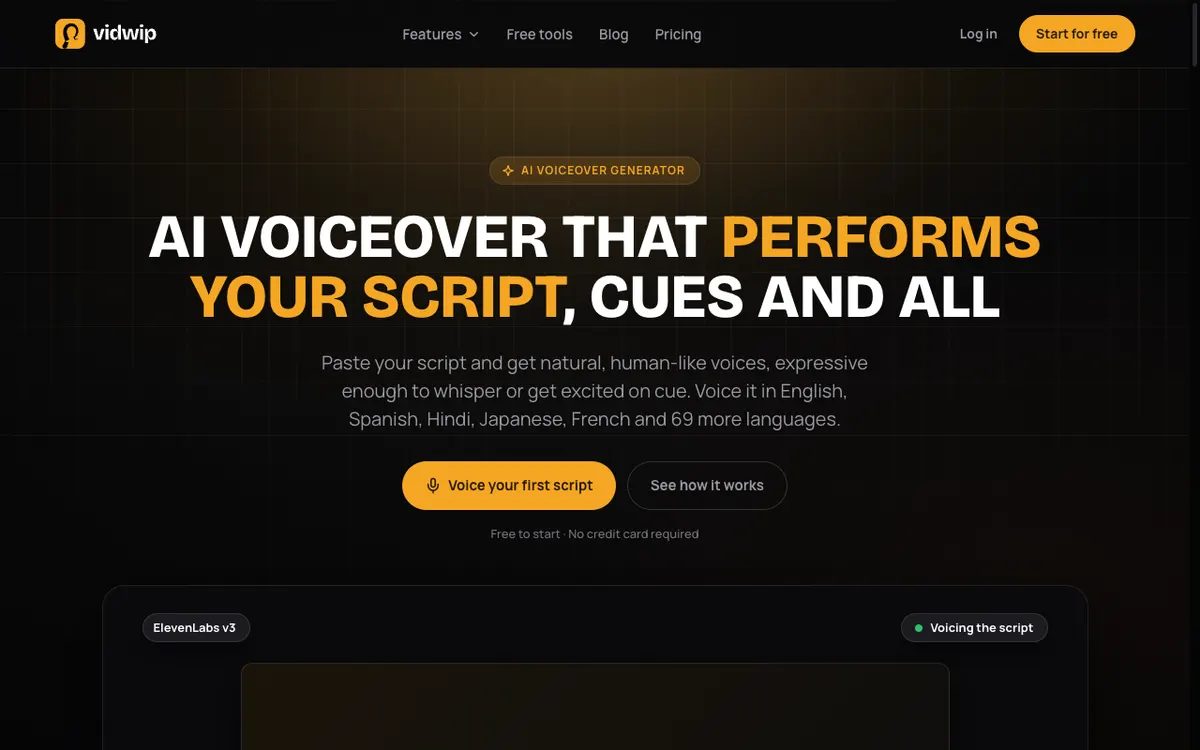 Vidwip AI Voiceover: paste a script, pick a voice and a language, get a mastered MP3 on your timeline
Vidwip AI Voiceover is a script-to-speech tool inside Vidwip’s AI Studio that voices scripts in 74 languages and puts the track under your video. It’s the pick when your narration is going onto a video you’re editing, not onto a slide deck.
You paste up to 5,000 characters, about 5.5 minutes of speech, and pick from 190+ ElevenLabs voices native to 23 languages. Every voice can read any of the 74 languages, and ElevenLabs v3 speaks it.
Cues in square brackets like [warmly] or [whispers] are performed, not read aloud. Pick a language other than the script’s, and the AI agent translates it paragraph by paragraph first, keeping your tags, names and brand spellings.
Each track is mastered to -14 LUFS as one MP3 and lands on the AI Studio timeline. You trim and cut the voice against your footage in the same tab, projects save, and the video exports at up to 1080p.
Be clear on the gap. Vidwip has no PowerPoint, Keynote or Google Slides import, and it doesn’t read speaker notes.
There are two workarounds. Export your slides as images and lay them on the timeline as stills under the voiceover, or export the deck as an MP4 and upload it to AI Video Voiceover. That tool writes narration from what it sees on each slide and voices it, at 60 credits ($0.60) per finished minute.
Pros
- 74 languages, with 190+ voices native to 23 of them
- Audio tags like [warmly] performed as direction
- The voice lands on a multi-track timeline, ready to cut against video
- Your voice and language stay selected between tracks, so a course keeps one narrator
- Free to start, no credit card
Cons
- No PowerPoint, Keynote or Google Slides import, and no speaker-notes script
- One voice per track, and no line-by-line regeneration
- No voice cloning in the voiceover tool (cloning exists only inside dubbing)
- No AI avatar presenter
- Video export tops out at 1080p, and free-plan renders from AI Video Voiceover carry a small Vidwip badge
- No Markdown scripting or public API like Narakeet’s
Best for: Creators and marketing or L&D teams who narrate videos and want the voice and the edit in one place.
Pricing: Free to start, no credit card. Starter is $25/month for 2,500 credits and Pro is $99/month for 10,000 credits, with Enterprise on custom terms. See Vidwip pricing.
2. Murf AI
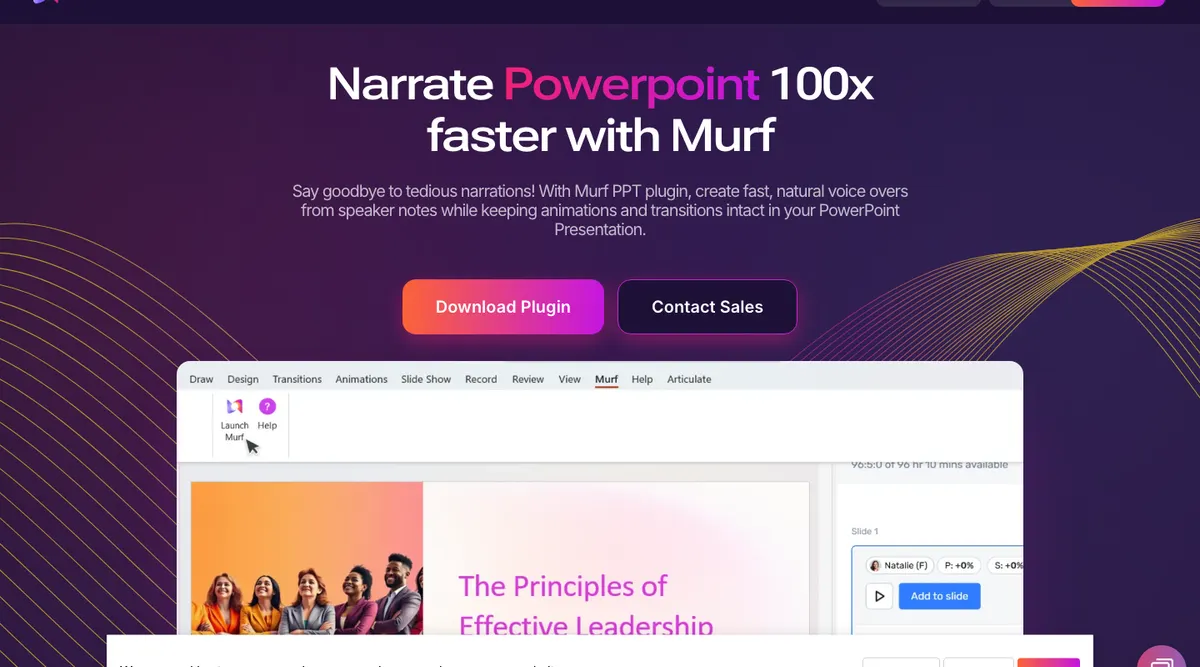 Murf AI: a voiceover studio, a TTS API and a PowerPoint plugin that voices speaker notes
Murf AI is a voiceover studio with 200+ voices and a PowerPoint plugin that narrates your speaker notes without leaving PowerPoint. It’s the closest Narakeet alternative for teams whose source of truth is the deck itself.
The plugin keeps your animations, transitions and slide timings. The catch is in its FAQ: audio can only be added on Business and Enterprise, as an add-on.
The studio has pronunciation, emphasis and pitch controls, plus a Canva add-on. Murf also sells a cheap API: Falcon costs $0.01 per 1,000 characters.
Pros
- Narrates inside PowerPoint and keeps your animations
- 200+ voices with pronunciation and emphasis controls
- About $0.16 per generated minute on Creator billed yearly
- Falcon API at $10 per million characters
Cons
- The PowerPoint plugin only adds audio on Business and Enterprise, as an add-on
- No video timeline: the studio is audio-first
- Voice cloning is an Enterprise add-on
- Creator and Business include 1 editor each
Best for: L&D and sales teams who build in PowerPoint and want narration added to the deck. See our Murf AI alternatives roundup for more in this lane.
Pricing: Free (no downloads), Creator $19/month billed yearly ($228/year, 24 hours of voice generation a year), Business $66/month billed yearly ($792/year), Enterprise custom. API: Falcon $0.01/1,000 characters. Checked October 18, 2026 on murf.ai/pricing.
3. ElevenLabs
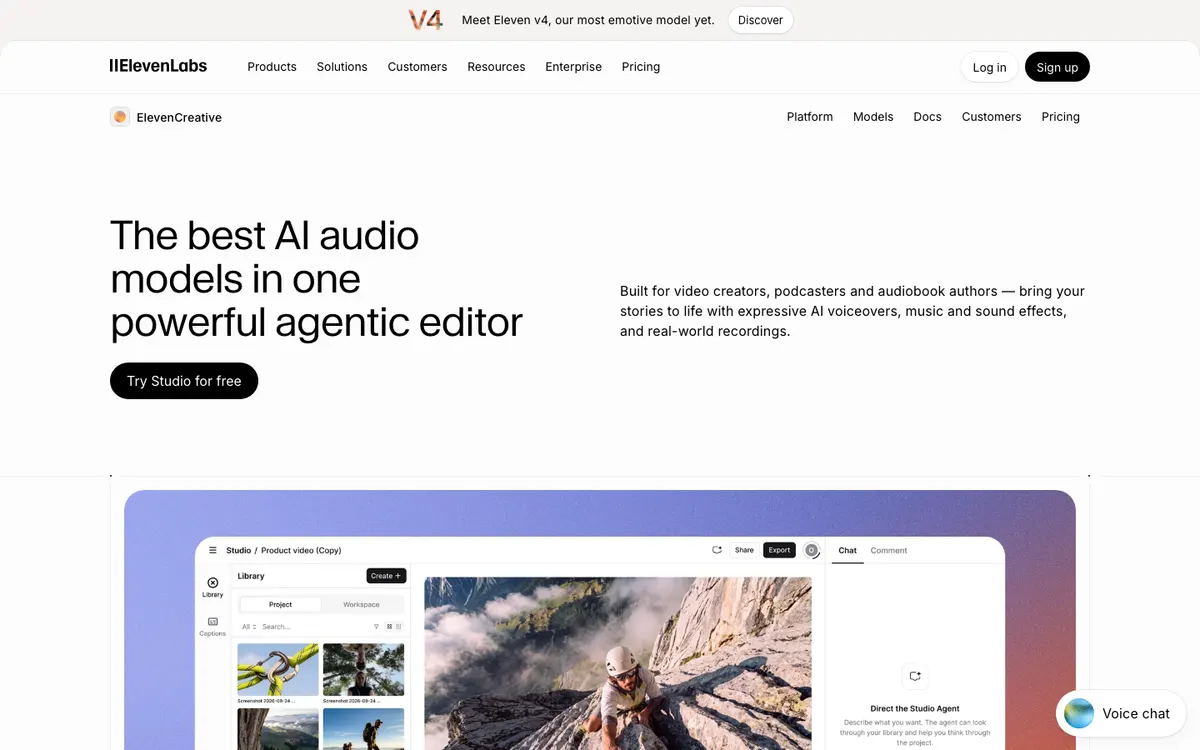 ElevenLabs: Eleven v4 voices, cloning and Studio, an audio and video editor
ElevenLabs is the realism pick among Narakeet alternatives, with Eleven v4 covering 90+ languages. If Narakeet’s voices sound too flat for your content, start here.
Its Studio now edits video too. You upload an MP4 or MOV, generate speech, line the clips up on a timeline and add captions, music and sound effects.
Studio accepts EPUB, PDF, TXT and HTML, or a URL, as a starting script. It doesn’t import PowerPoint files, so a deck becomes text, not slides.
Pros
- Most expressive voices in this list, with 90+ languages on Eleven v4
- Instant voice cloning from Starter ($6/month)
- Studio timeline for voice, video, captions and music
- About $0.20 per minute of speech on Starter
Cons
- No PowerPoint or slide import
- Free plan has no commercial licence
- Credit costs vary by model, so budgeting takes work
- Studio’s video tools are newer than its audio tools
Best for: Creators who want the most natural voice, or need a cloned one. More options in our ElevenLabs alternatives guide.
Pricing: Free (10k credits/month, about 10 minutes), Starter $6/month (30k credits, about 30 minutes), Creator $22/month (121k, $11 for the first month), Pro $99/month (600k), Scale $299/month, Business $990/month, Enterprise custom. Checked October 18, 2026 on elevenlabs.io/pricing.
4. Synthesia
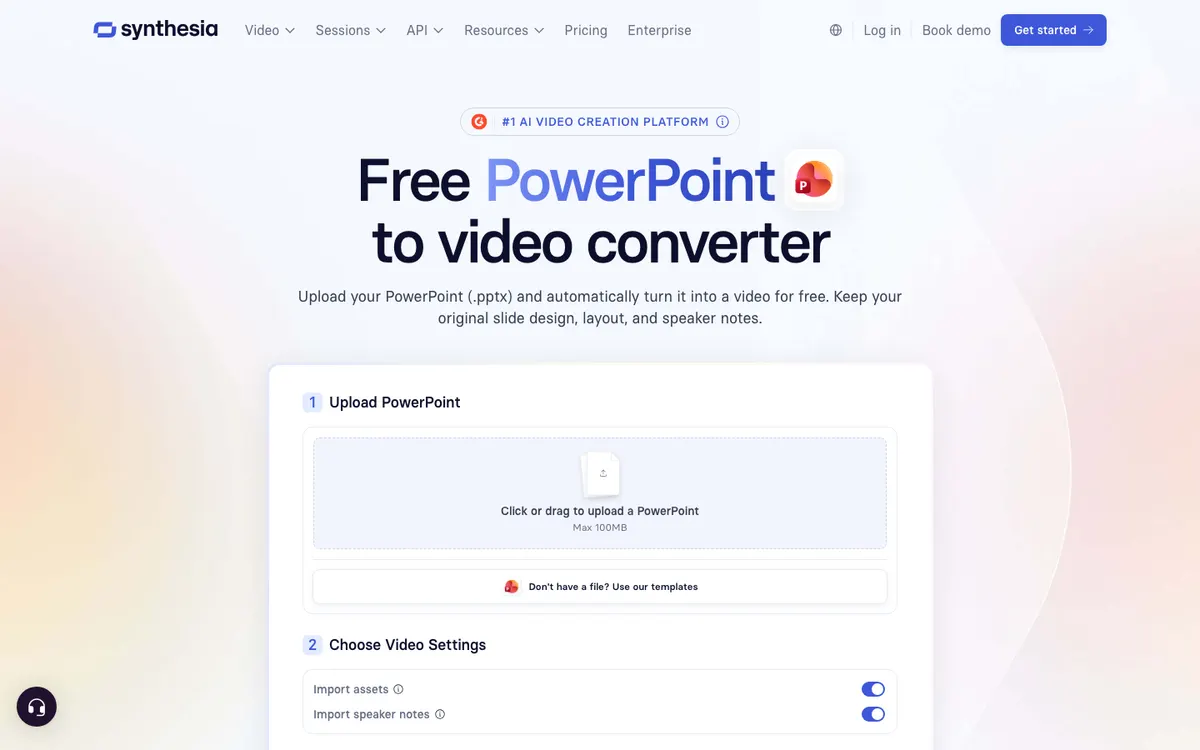 Synthesia: AI avatar videos, with a PowerPoint import that keeps your speaker notes
Synthesia is an AI avatar video platform that imports a .pptx file, keeps your slide design and turns speaker notes into the script. It’s the Narakeet alternative to pick when you want a presenter on screen, not just a voice.
Its PowerPoint converter brings text, images and shapes in as editable elements. Animations don’t carry over, so you rebuild those inside Synthesia.
Pricing is per credit, and avatar video costs more per minute than plain voice. Starter’s $29 buys up to about 12 minutes on top of the free 10.
Pros
- PowerPoint import with speaker notes as the script
- 125+ AI avatars on Starter, 180+ on Pro
- 140+ languages and voices
- Free Basic plan with 10 minutes of video a month
Cons
- Far more per minute than voice-only tools
- PowerPoint animations don’t import
- Basic plan videos carry a Synthesia watermark
- An avatar is overkill if you only need a voice
Best for: Training and internal comms teams who want an avatar presenting their decks. See our Synthesia alternatives list.
Pricing: Basic free (10 minutes/month, watermark), Starter $29/month or $18/month billed yearly (1,250 credits/month), Pro $89/month or $64/month billed yearly (6,000 credits/month), Enterprise custom. Checked October 18, 2026 on synthesia.io/pricing.
5. Fliki
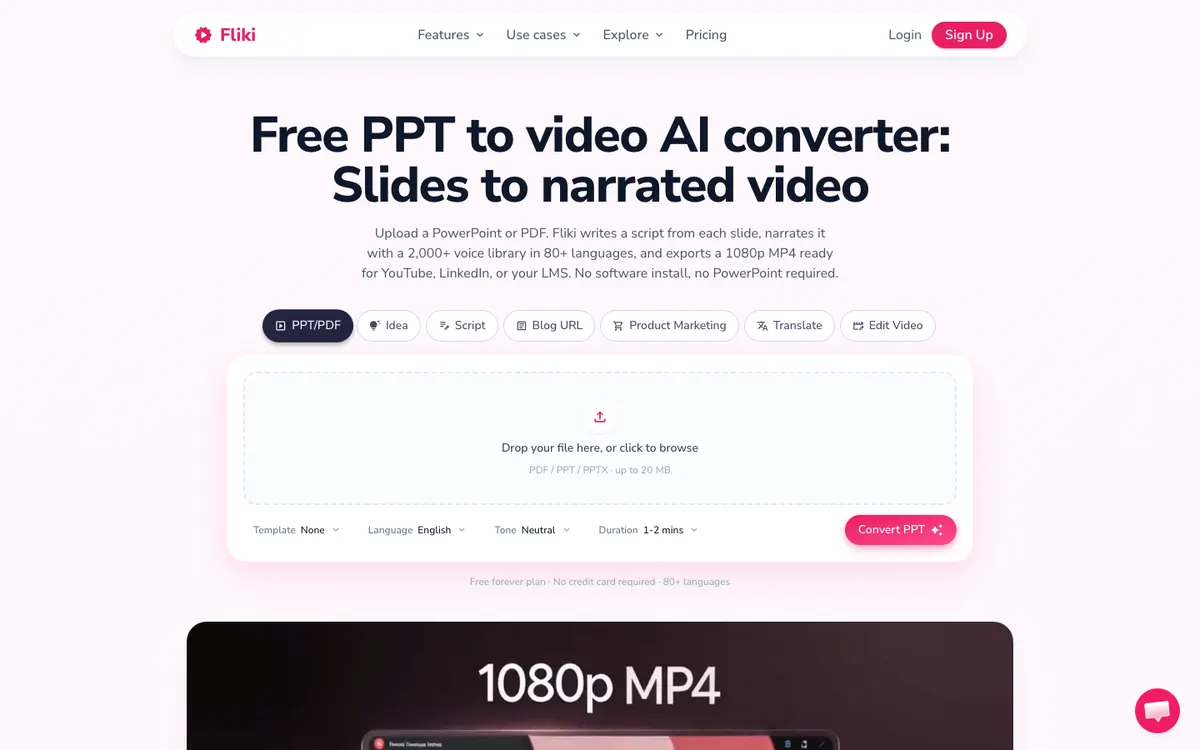 Fliki: text, blog posts and slides turned into narrated video with stock visuals
Fliki is a text-to-video tool that converts PPT, PPTX and PDF decks into narrated 1080p video, with 2,000+ voices in 80+ languages. It’s the nearest like-for-like swap for Narakeet’s slides feature, at a low monthly price.
Upload a deck up to 20 MB, and Fliki writes a script from each slide, picks a voice and renders an MP4. It can also build videos from an idea, a script or a blog URL.
It writes the script for you rather than reading your speaker notes. If you already wrote the narration, check the draft against your notes before you render.
Pros
- PPT, PPTX and PDF import on every plan (limited on Free)
- 1,000 voices on Standard and 2,000+ on Premium
- About $0.16 per minute on Standard monthly, $0.12 billed yearly
- Stock media and templates, plus stock avatars from Standard
- Voice cloning from Standard
Cons
- Free plan is 720p with a Fliki watermark and no commercial rights
- Video length caps at 15 minutes on Standard
- Writes its own script from slides, so it can drift from your speaker notes
- Deck uploads cap at 20 MB
Best for: Creators and small teams who want cheap, fast slide videos without an avatar.
Pricing: Free (5 minutes/month, 720p, watermark), Standard $28/month or $21/month billed yearly ($252/year, 180 minutes a month), Premium $88/month or $66/month billed yearly ($792/year, 600 minutes a month), Enterprise custom. Checked October 18, 2026 on fliki.ai/pricing.
6. WellSaid Labs
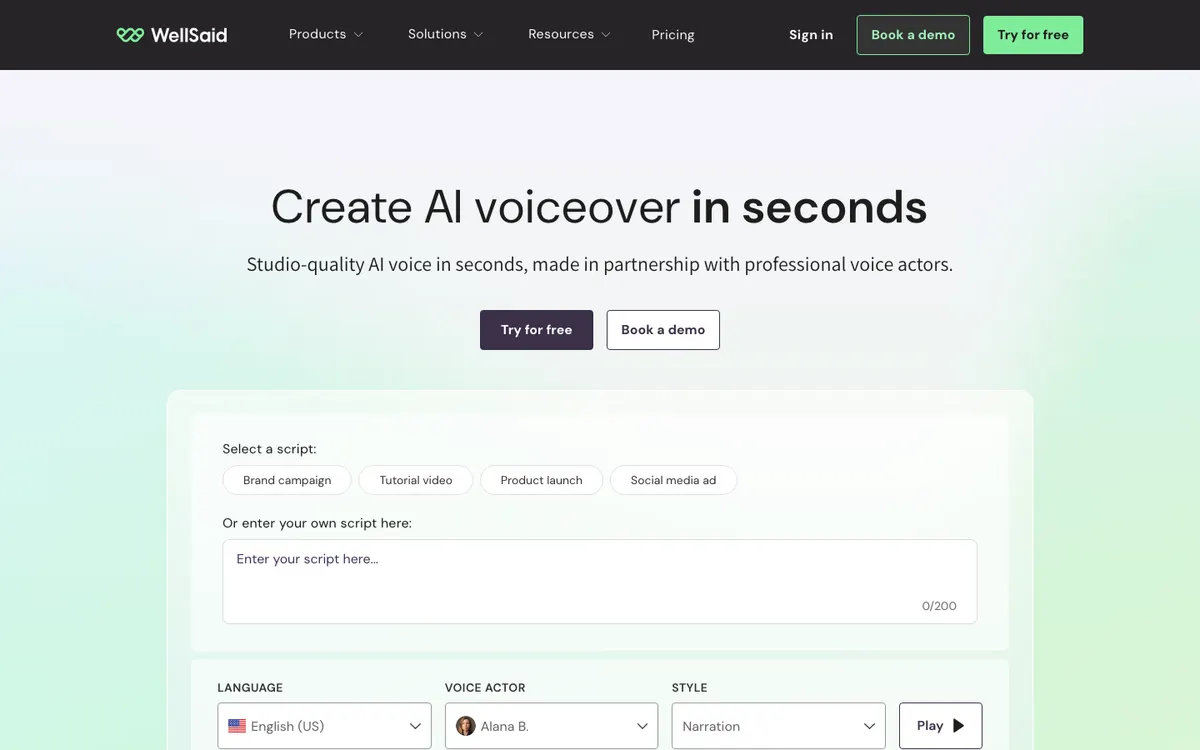 WellSaid Labs: studio TTS built with professional voice actors
WellSaid Labs is a studio text-to-speech tool known for English voices that sound the same in file 1 and file 500. It says it is SOC 2 Type 2 certified, which is why it shows up on corporate training shortlists.
It has no slide import. You write in the studio, download the audio, and place it in your video or e-learning tool; Pro adds Adobe Express and Business adds Premiere Pro.
Paid plans bill on downloaded minutes. Starter’s 20 minutes work out to about $0.95 a minute, while Pro’s 180 minutes come to about $0.27.
Pros
- Very consistent English narration across long courses
- SOC 2 Type 2 and GDPR, per its pricing page
- Caption file export (.SRT, .VTT) on paid plans
- Adobe Express and Premiere Pro integrations
Cons
- Self-serve plans are English only; other languages are Enterprise
- No PowerPoint or slide import, and no video editor
- No voice cloning listed on any plan
- Business costs $160 per user per month, billed yearly
Best for: English-only L&D teams who want one consistent narrator. Compare more options in our WellSaid Labs alternatives guide.
Pricing: Free trial (3 downloaded minutes), Starter $19/month or $10/month billed yearly (20 minutes/month), Pro $49/month or $33/month billed yearly (180 minutes/month), Business $160/user/month billed yearly, Enterprise custom. Checked October 18, 2026 on wellsaid.io/pricing.
7. Colossyan
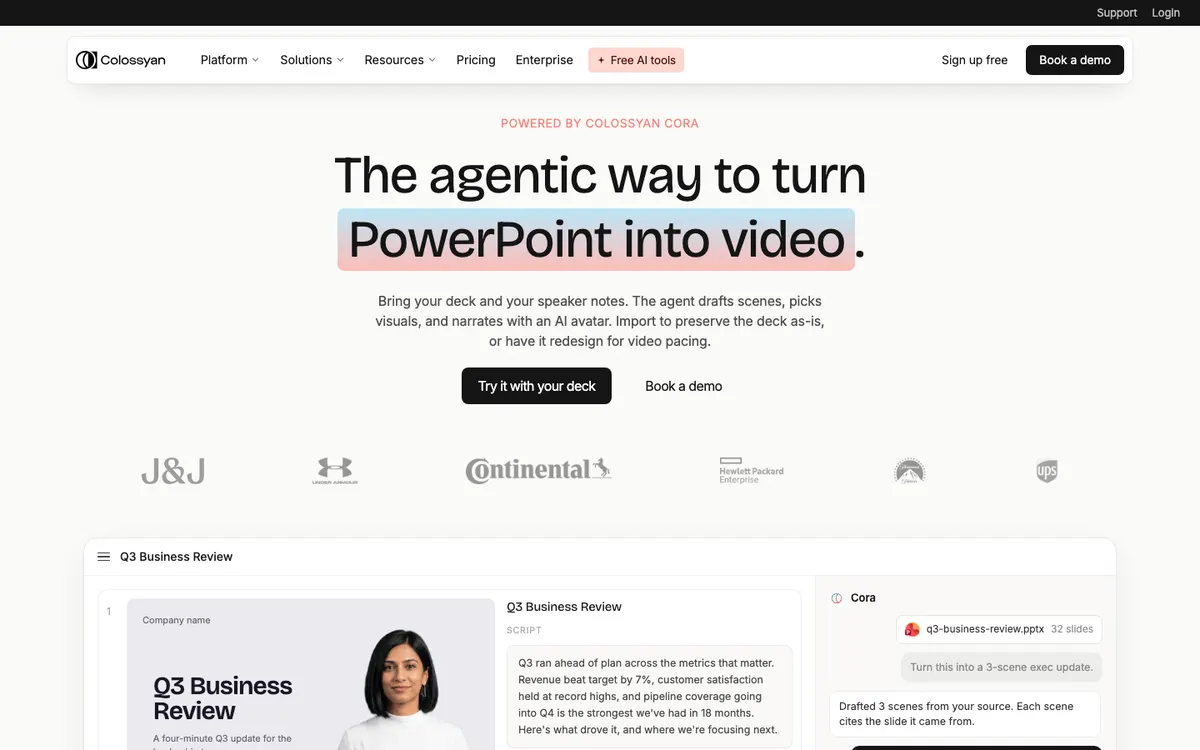 Colossyan: AI avatar training videos, with an agent that turns decks into scenes
Colossyan is an AI avatar platform for training video that imports PowerPoint and PDF files, with 700+ voices in 120+ languages. Its Cora agent reads your slides, speaker notes and charts, then asks whether to keep the deck as-is or rebuild it for video.
That choice is useful. Keep the deck for a straight narrated version, or let it redesign the pacing when slides were built to be read, not watched.
The free Starter plan includes 20 minutes a month of standard video, with a watermark. Professional lifts that to 30 minutes plus 10 minutes on its newer NEO2 model.
Pros
- PPT and PDF import, with speaker notes mapped to narration
- Agent can rebuild a text-heavy deck into video scenes
- 700+ stock voices in 120+ languages, plus voice cloning on every plan
- Free plan with 20 minutes a month
Cons
- About $2 per standard minute on Professional, far above voice-only tools
- Free videos carry a watermark
- Professional’s monthly-billed price isn’t shown; the $59 is billed yearly
- Built for training content, so it’s heavy for a quick voiceover
Best for: L&D teams who turn slide decks into avatar-led courses. See our Colossyan alternatives list too.
Pricing: Starter free (20 minutes/month standard video, watermark), Professional $59/month billed yearly (30 minutes standard plus 10 minutes NEO2 a month, $30/month per extra member), Enterprise custom. Checked October 18, 2026 on colossyan.com/pricing.
Narakeet alternatives compared side by side
| Tool | Slide import | Languages | AI avatar | Video editing | Approx. cost per minute (Oct 2026) |
|---|---|---|---|---|---|
| Vidwip AI Voiceover | No (images or MP4 workaround) | 74 | No | Multi-track timeline | Credit-based · AI Video Voiceover $0.60 |
| Murf AI | PowerPoint plugin (Business+) | 30+ studio | No | Audio studio | ~$0.16 (Creator, yearly) |
| ElevenLabs | No | 90+ (v4) | No | Studio timeline | ~$0.20 (Starter) |
| Synthesia | .pptx with speaker notes | 140+ | Yes | Scene editor | ~$1.30+ (Starter, monthly) |
| Fliki | PPT, PPTX, PDF | 80+ | Limited on Standard, all on Premium | Scene editor | ~$0.16 (Standard, monthly) |
| WellSaid Labs | No | English (self-serve) | No | Audio studio | ~$0.27 to $0.95 |
| Colossyan | PPT, PDF | 120+ | Yes | Scene editor | ~$2 (Professional, yearly) |
| Narakeet (for reference) | PowerPoint, Google Slides, Keynote | 100 | No | Rebuild from script | $0.05 to $0.20 |
Per-minute figures divide each plan’s price by the minutes it buys, using each vendor’s own estimate. Avatar minutes cost more than voice minutes, so compare like with like. Prices in US dollars, checked October 18, 2026.
How to choose the right Narakeet alternative
- The narration goes on a video you’re editing: pick Vidwip AI Voiceover to voice and cut in one tab, in 74 languages.
- The deck stays in PowerPoint: Murf’s plugin, if you’re on Business or Enterprise.
- You want an avatar to present the deck: Synthesia for polish, Colossyan when you want an agent to restructure the slides.
- You want slides to video at the lowest monthly price: Fliki.
- You want the most natural voice, or a cloned one: ElevenLabs.
- You only need English and value consistency: WellSaid Labs.
If you mostly convert decks at volume and the voices already work for you, Narakeet’s $0.05 pack is still hard to beat. Run your own 3-minute script through two or three tools before you switch.
Final verdict
No single tool replaces all of Narakeet, because it sits between a TTS engine and a slides-to-video converter. For decks, Synthesia, Fliki and Colossyan import the file, and Murf narrates inside PowerPoint. For voice quality, ElevenLabs leads.
If your narration is going onto a video rather than a slide deck, skip the export and import. Vidwip AI Voiceover voices your script in 74 languages and drops it on your timeline, free to start.
For more voice tools, read our AI video voiceover guide, the PlayHT alternatives list and our LOVO AI alternatives roundup.