
The best Pictory alternative depends on what you feed it. Vidwip AI Motion Graphics turns a written brief into an animated 1080p explainer with a voiceover in 74 languages. Fliki is the cheapest like-for-like swap for script to stock-footage video, Lumen5 the pick for on-brand blog-to-video, InVideo AI for prompt-to-video with generated visuals, Synthesia and HeyGen for a presenter on screen, and Descript for editing and clipping footage you already recorded.
Pictory made one workflow mainstream: paste a blog post or a script, and get a narrated video built from stock clips. These seven Pictory alternatives do parts of that job better, whether that is cheaper minutes, sharper brand control, a presenter on screen or a different kind of visual.
Pictory still works well for fast article recaps. It works less well once you need 1080p on the entry plan, more than 60 minutes of premium AI voice a month, or visuals that don’t look like every other stock-footage video.
This guide ranks seven Pictory alternatives for turning text into video. Each one is judged on scene matching, voiceover quality, brand kits and price per video minute, with every price checked on the vendor’s own page in October 2026.
What Pictory does, and why people look for Pictory alternatives
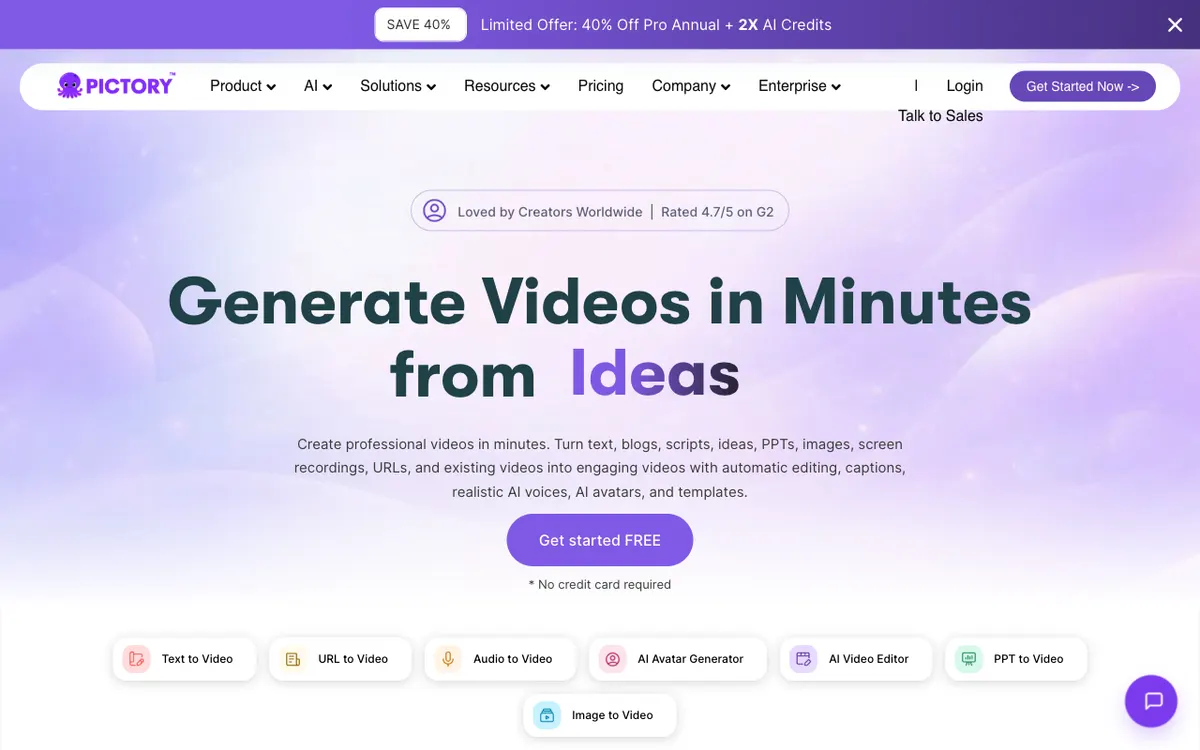 Pictory: text, blog, script, URL and slide decks in; a stock-footage video with voiceover and captions out.
Pictory is an AI video maker that turns text, blog posts, scripts, URLs and slide decks into videos built from stock footage, with an AI voiceover and captions. It also edits recordings by their transcript and pulls highlights out of long videos.
Pictory’s homepage says it is rated 4.7/5 on G2. Its library draws on Getty Images and Storyblocks.
Pricing, from pictory.ai/pricing (checked October 2026):
- Free trial: 14 days, 15 video minutes, videos up to 5 minutes
- Starter: $29/month ($25 billed yearly), 200 video minutes, 60 minutes of ElevenLabs voices in 29 languages, 1 brand kit, 720p max
- Professional: $59/month ($35 billed yearly in a current offer), 600 video minutes, 120 ElevenLabs minutes, 5 brand kits, 1080p
- Team: $199/month ($119 billed yearly), 1,800 video minutes, 3+ users, 10 brand kits
People switch for four reasons:
- 720p on the entry plan. Starter’s comparison table caps exports at 720p. Full HD starts on Professional.
- Premium voices are rationed. Starter’s 200 video minutes come with only 60 minutes of ElevenLabs voices; the 7-language standard voices are listed on Professional and up.
- Stock sameness. Scene matching picks from the same stock libraries everyone else uses, so recaps start to look alike.
- No presenter on screen. Custom avatars sit on the higher plans, and the core output is footage, not a person.
What to look for in a Pictory alternative
Pick by what goes in and what must come out, not by feature count.
| Criterion | Why it matters for text-to-video |
|---|---|
| Input type | Blog URL, pasted script, prompt or recorded footage decide the whole workflow |
| Scene matching | Stock picks, AI-generated shots or drawn graphics set how generic the result looks |
| Voiceover quality and languages | Narration carries a faceless video; robotic voices sink it |
| Brand kit | Fonts, colors and logos on every video without manual fixes |
| Export ceiling and watermark | Decides what the free and entry plans can actually publish |
| Price per finished minute | The only fair way to compare credit, minute and seat pricing |
1. Vidwip AI Motion Graphics
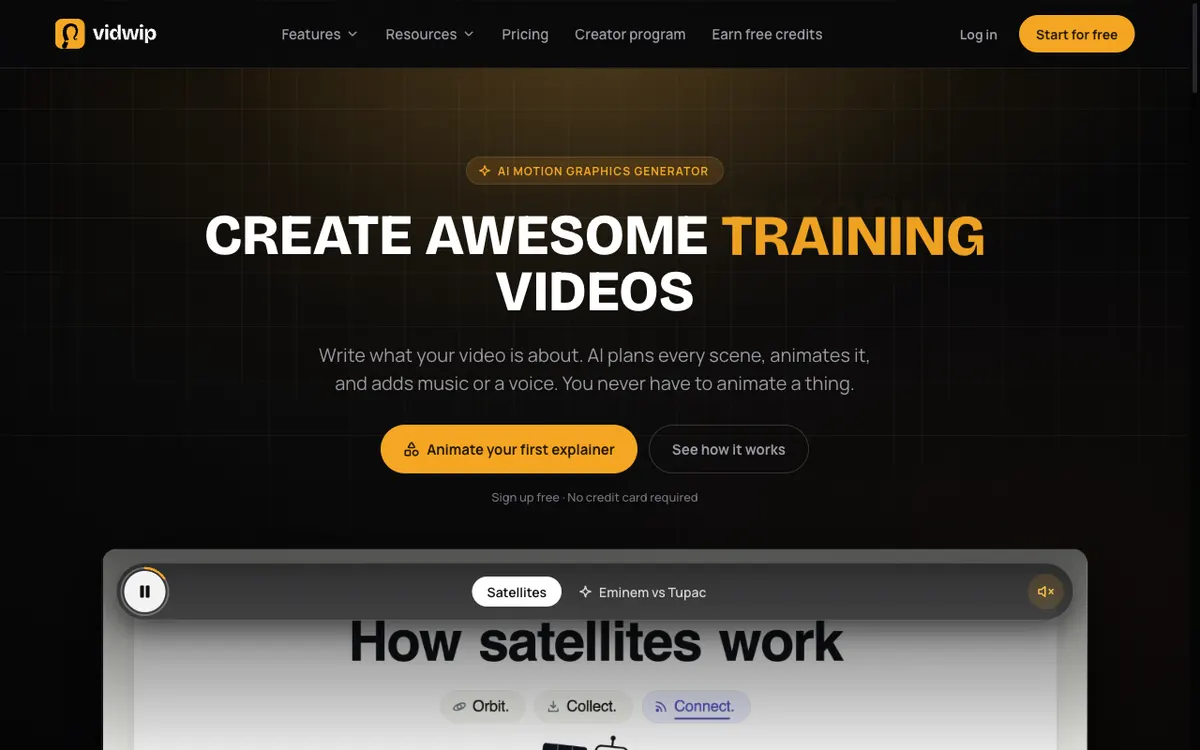 Vidwip AI Motion Graphics: write what your video is about, pick a style, and get an animated explainer on your timeline.
Vidwip AI Motion Graphics is a brief-to-explainer tool that turns your text into a 30-second to 5-minute animated video in one of 85 styles, at 1080p, with a voiceover in 74 languages. It takes Pictory’s idea, text in and video out, and swaps the stock footage for drawn motion graphics.
Here’s the mechanism. AI storyboards your brief into timed scenes, then an animation model draws each scene as real type, shapes, icons and charts, so names, numbers and labels come out spelled exactly as you wrote them.
That’s the gap stock footage leaves. When your line says “churn fell 18%”, a stock clip can only show a generic office; a motion graphics scene shows the 18%.
For sound, pick a voiceover from 190+ voices in 74 languages, with music that dips under every line. Or pick an AI song in 16 styles that changes where the scenes cut.
Each scene lands as its own block on the AI Studio timeline. You can reorder and trim scenes without cutting the soundtrack.
Two more Vidwip tools cover the rest of Pictory’s job.
AI Clipping turns a video up to 60 minutes into up to 5 vertical, captioned shorts ranked best first. AI Video Voiceover writes and voices narration over footage you already have, at $0.60 per finished minute.
Pros
- Text in, finished explainer out: no storyboard, no keyframes, no stock search
- 85 styles, from Kinetic Typography to Whiteboard Motion and Infographic Motion
- On-screen text set as real type, so figures and labels stay sharp at 1080p
- Voiceover in 74 languages from 190+ voices, or an AI song timed to the cuts
- 16:9, 9:16 or 1:1, at 30 seconds, 1, 3 or 5 minutes
- No Vidwip watermark on motion graphics films, on any plan
Cons
- No stock footage library and no live-action scenes
- No blog or URL import: you paste the brief yourself (20 to 4,000 characters)
- No brand kit, logo upload or custom fonts; pick the style closest to your brand
- No per-scene animation editor; to change a scene, edit the brief and regenerate
- Exports top out at 1080p
Best for: SaaS marketers, educators and creators who want a clean explainer with readable text and numbers, not a stock-footage recap.
Pricing: Sign up free, no credit card. Starter $25/month for 2,500 credits, Pro $99/month for 10,000 credits, Enterprise custom (see Vidwip pricing, checked October 2026). Credits are metered per film, so cost depends on length and the animation model you pick.
2. InVideo AI
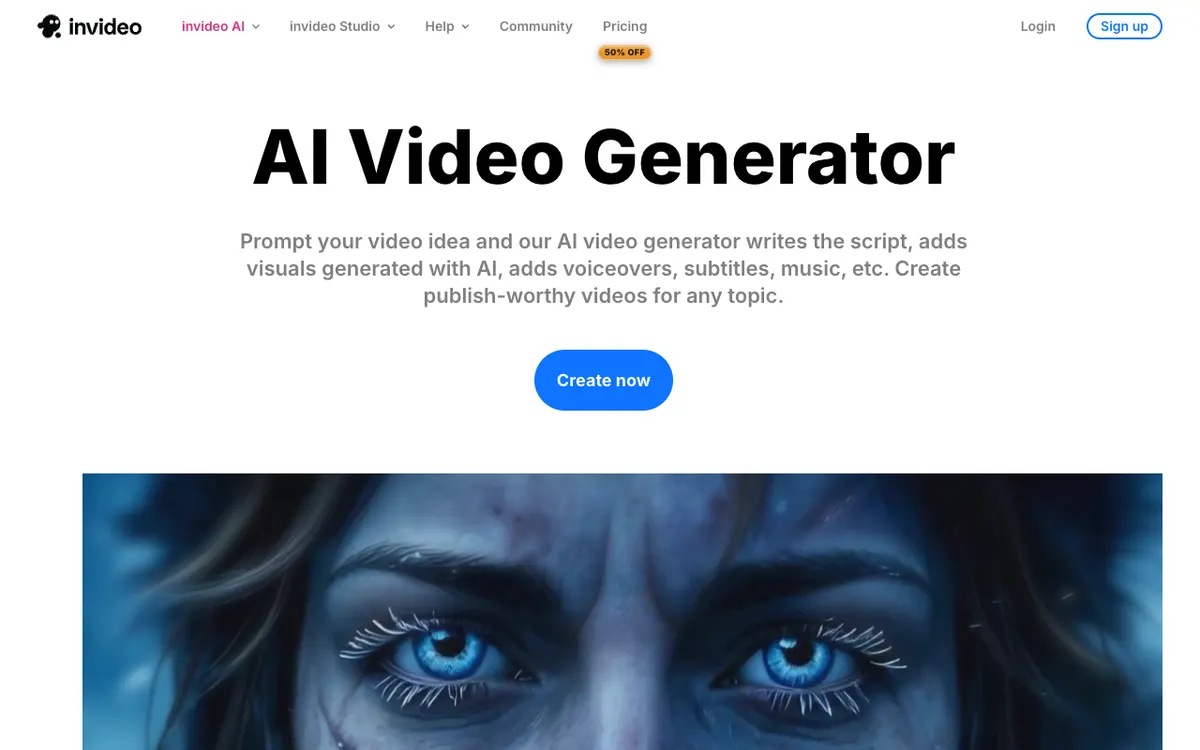 InVideo AI: prompt an idea, and AI writes the script, adds visuals, a voiceover, subtitles and music.
InVideo AI is a prompt-to-video generator and agentic editor that writes the script, adds AI-generated or stock visuals, a voiceover, subtitles and music, from $9 a month. It is the pick when you’d rather type an idea than paste a finished script.
The 2026 version leans hard into AI agents. Its homepage now calls it “the agentic video editor”: you describe an edit in plain words, and the agent applies it on a real multitrack timeline you can take over at any frame.
That’s the big difference from Pictory. You aren’t stuck with the first scene matches; you can ask for changes across every shot at once, or generate a shot with models like Seedance and Nano Banana.
InVideo says it has 25M customers in 190 countries.
Pros
- Prompt to full video: script, visuals, voiceover, subtitles and music in one pass
- Generated shots when stock footage doesn’t fit
- Agent edits across the whole timeline, plus a full timeline editor
- Multiplayer editing on every paid plan
- 4K export listed on the higher plans
Cons
- Credit pricing is hard to translate into minutes: generative shots burn credits fast
- Basic has no access to the newest Seedance 2.5 video model
- Free exports carry a watermark
- More knobs than Pictory, so there’s more to learn
Best for: YouTube and social creators who start from an idea, not a script, and want generated visuals mixed with stock.
Pricing: Basic $9/month (190 credits), Pro $30/month (1,000 credits), Ultra $80/month (3,000 credits) per seat on monthly billing. Annual billing currently halves that in a 50%-off offer (invideo.io/pricing, checked October 2026).
3. Lumen5
 Lumen5: blogs, articles and documents in; on-brand marketing video out.
Lumen5 is a blog-to-video maker for marketing and comms teams that turns articles, scripts and documents into branded videos with stock media and AI voices, from $19 a month billed yearly. It’s the closest match to Pictory’s blog-to-video flow, with more focus on brand control.
Its Script Composer reads your article, finds the key messages, and offers several narrative options before it builds a single scene. That beats a one-shot summary when the post has more than one angle.
Lumen5 is rated 4.6/5 across 200+ reviews on G2 and Capterra, per its pricing page.
Pros
- Script Composer offers several story options from one article
- Customizable brand kit and 50M+ stock photos and videos on Starter
- 1,000+ AI voices, plus a voice clone on Starter
- Unlimited videos on every paid plan
- Templates in 16:9, 1:1 and 9:16
Cons
- Basic exports at 720p; 1080p starts on Starter at $79 a month
- AI voice is metered: 20 minutes a month on Basic, 60 on Starter
- The priciest stock-footage tool here once you need 1080p
- Free plan: 5 videos a month, 2 minutes max, with a Lumen5 outro
Best for: Marketing teams that publish a steady stream of blog recaps and care most about brand consistency.
Pricing: Basic $29/month ($19 billed yearly). Starter $79/month ($59 billed yearly). Pro $199/month ($149 billed yearly). Team custom (lumen5.com/pricing, checked October 2026).
4. Fliki
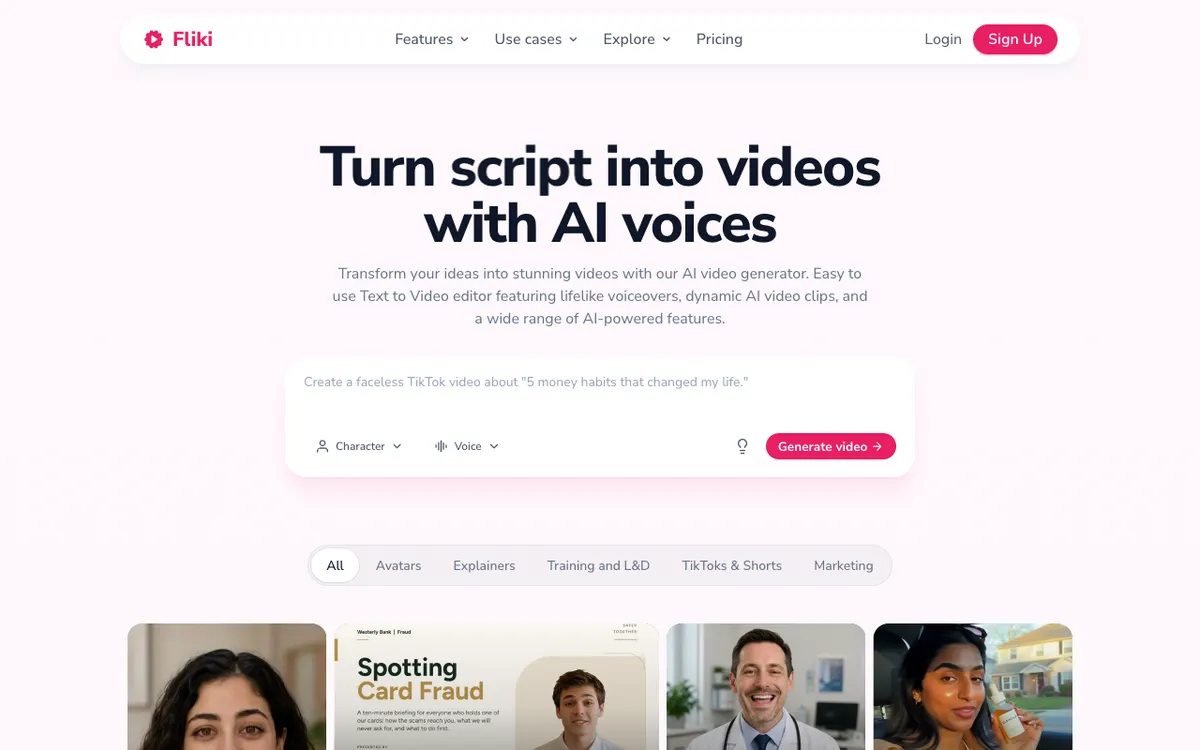 Fliki: turn a script, an idea or a blog into a video with AI voices and stock or generated visuals.
Fliki is a script-to-video and text-to-speech tool with 1,000+ voices across 80+ languages, from $28 a month. It is the cheapest like-for-like Pictory swap for narrated stock-footage video.
The pricing model is the draw. Fliki’s credit guide says stock images and videos cost 0 credits, and voiceover costs 0.25 to 2 credits per minute depending on the voice tier, plus 0.1 credits per minute to export.
So a stock-footage video mostly costs you its narration. On Standard, that works out to roughly $0.05 to $0.33 per finished minute.
Fliki says it has 14M+ users and 100M+ videos created.
Pros
- 1,000 voices on Standard, 500 of them ultra-realistic, in 80+ languages
- Stock media costs no credits, so long videos stay cheap
- Voice cloning and a brand kit from Standard
- Videos up to 15 minutes on Standard, 40 on Premium
- Free plan to test with no card
Cons
- Videos are still stock-based, so the sameness problem stays
- Avatars and generated clips eat credits much faster than stock
- Free plan: 720p with a Fliki watermark
- Scene control is lighter than a full editor
Best for: Faceless YouTube and TikTok creators who publish narrated videos often and watch cost per minute.
Pricing: Free (720p, watermark). Standard $28/month, 180 credits. Premium $88/month, 600 credits. Yearly billing takes 25% off. Enterprise custom (fliki.ai/pricing, US prices checked October 2026; Fliki shows local prices in some regions).
5. Synthesia
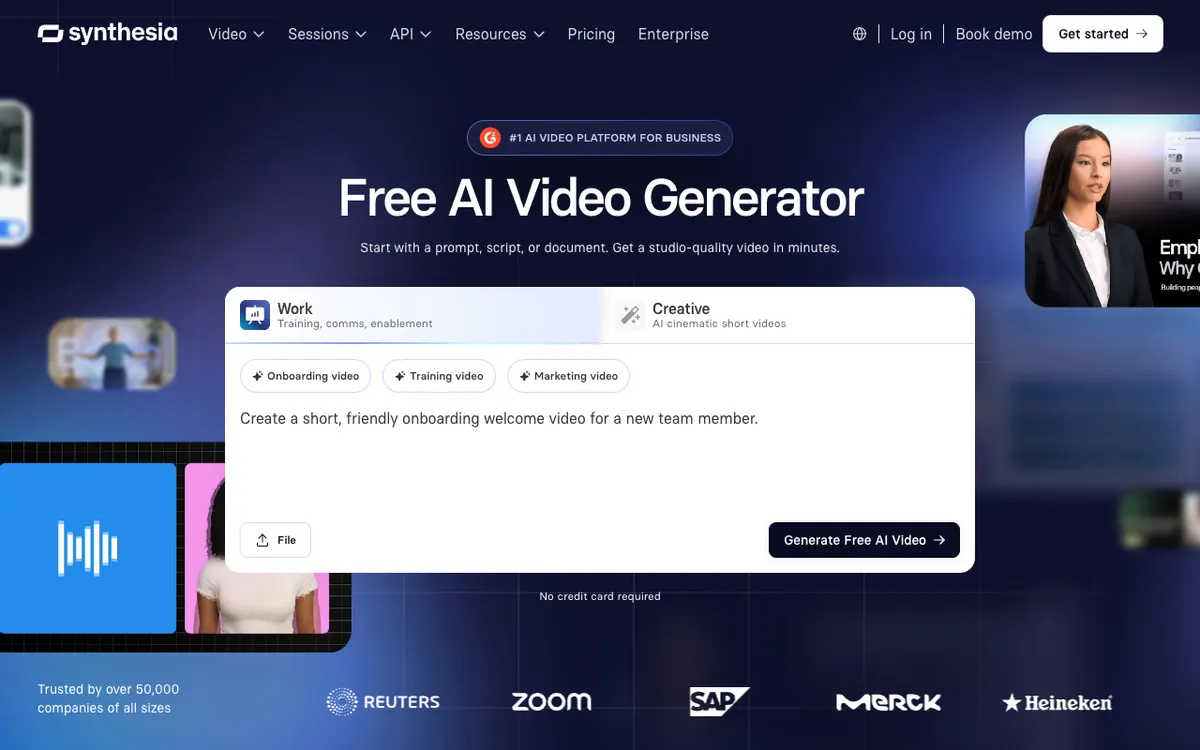 Synthesia: start with a prompt, a script or a document, and get an avatar-led video.
Synthesia is an AI avatar video platform for business that turns a prompt, script or document into a presenter-led video in 140+ languages, from $18 a month billed yearly. It’s the Pictory alternative for when the video needs a person, not stock footage.
You paste text or upload a file, pick an avatar, and Synthesia writes and lays out the scenes. Training, onboarding and internal comms are where it shines.
Synthesia says it is trusted by 90% of the Fortune 100 and has over 2,000,000 users.
Pros
- AI avatars with voices in 140+ languages
- Prompt, script, document and PPT to video
- 125+ avatars on Starter, 180+ on Pro
- Full HD 1080p MP4 export on paid plans
- 10 free minutes a month to test
Cons
- The most expensive per minute here: Starter buys about 12 minutes a month
- Not built for blog-to-montage social clips
- Free videos carry a Synthesia watermark
- Brand Kit is listed on Enterprise
Best for: L&D, HR and enablement teams who need a presenter on screen in many languages.
Pricing: Basic free (10 min/month, watermark). Starter $29/month ($18 billed yearly). Pro $89/month ($64 billed yearly). Enterprise custom (synthesia.io/pricing, checked October 2026).
6. Descript
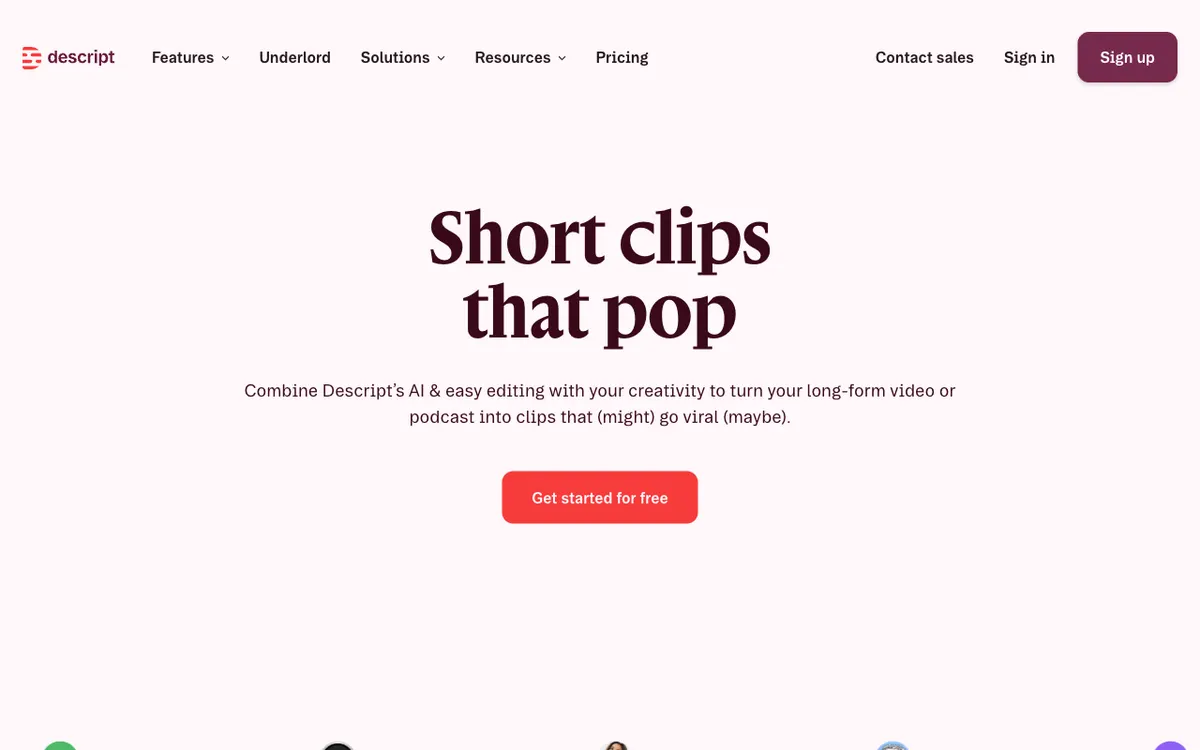 Descript clips: turn a long video or podcast into short clips, then edit them like a doc.
Descript is a text-based video and podcast editor that lets you edit a recording by editing its transcript, with an AI co-editor called Underlord, from $16 a month billed yearly. It replaces Pictory’s “edit video using text” and highlight features, not its blog-to-video.
You upload a recording, and Descript transcribes it. Delete a sentence in the text and it’s gone from the video; ask Underlord to cut filler words, find clips or add captions.
That makes Descript the stronger pick when you start from real footage. It’s a weaker pick when you only have a blog post.
Pros
- Edit video by editing the transcript
- Underlord handles cuts, clips, captions and layouts on request
- AI voices and custom voice clones on paid plans
- 4K export from Creator
- Strong for podcasts, tutorials and talking-head video
Cons
- Not a blog-to-video generator: you need footage to start
- Free plan: 1 media hour a month, 720p, watermark
- Stock search shows only the first 12 results on Hobbyist
- A full editor takes longer to learn than Pictory
Best for: Podcasters, educators and YouTubers who record first and want highlights and edits without a timeline.
Pricing: Free (1 hour, 720p, watermark). Hobbyist $24/month ($16 billed yearly), 10 media hours. Creator $35/month ($24 billed yearly), 30 hours, 4K. Business $65/month ($50 billed yearly) (descript.com/pricing, checked October 2026).
7. HeyGen
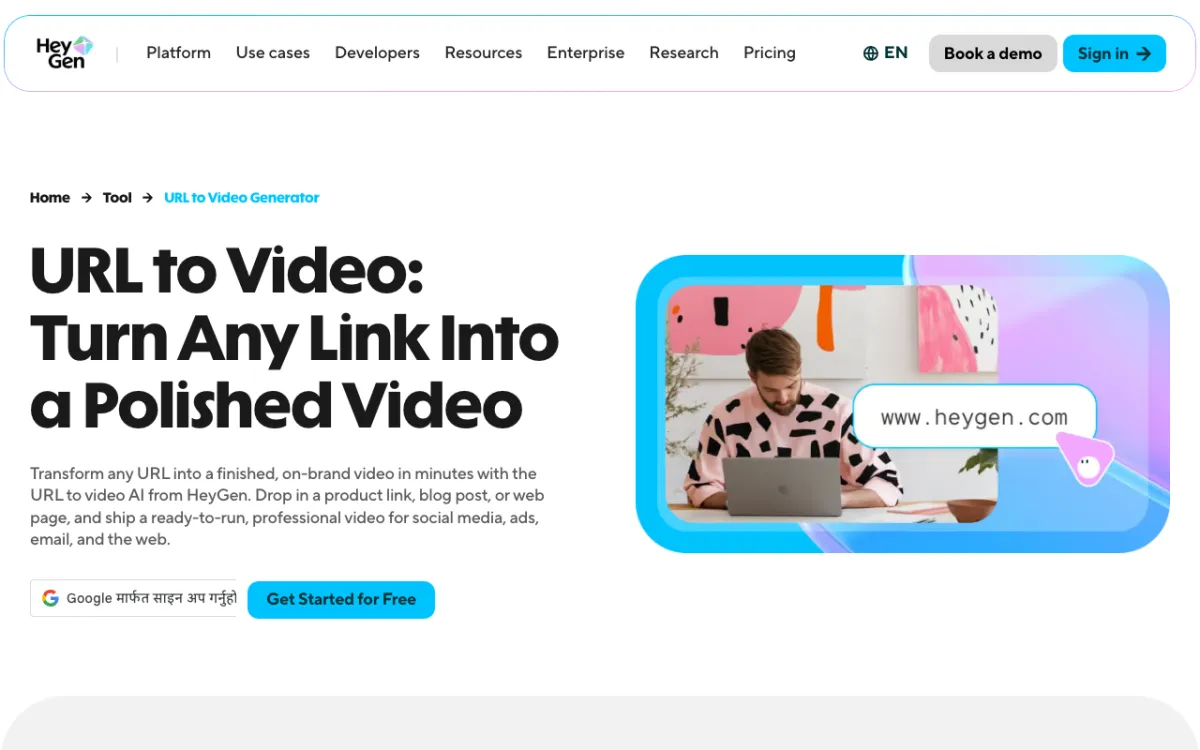 HeyGen URL to video: drop in a product link, blog post or web page and get a finished video.
HeyGen is an AI avatar video platform with URL to video, photo avatars and voice cloning in 175+ languages and dialects, from $24 a month billed yearly. It’s the Pictory alternative for creators who want their own face, or a stock presenter, reading the script.
Its URL to video tool takes a blog post or product page and turns it into a presenter-led video. You can then swap the avatar, the voice or the scene layout.
On the free plan you get one custom video avatar and a voice clone. That makes it easy to test a “you, without filming” workflow before paying.
Pros
- URL, script and prompt to avatar video
- 175+ languages and dialects on paid plans
- Videos up to 30 minutes on Creator
- A custom video avatar and a voice clone even on Free
- 4K export on Pro
Cons
- Credits vary by model and length, so cost per minute isn’t published
- Free plan: 3 videos a month, 1 minute max, watermarked
- Creator exports top out at 1080p
- Avatar video can feel off for listicle or B-roll content
Best for: Creators and marketers who want a presenter on screen without filming, in many languages.
Pricing: Free (3 videos/month, 1 min, watermark). Creator $29/month ($24 billed yearly), 600 credits. Pro from $49/month, 1,000 credits, 4K (heygen.com/pricing, checked October 2026).
Pictory alternatives compared
| Tool | Input | Visuals | Voices and languages | Brand kit | Max export | Free plan | Starting paid price |
|---|---|---|---|---|---|---|---|
| Vidwip AI Motion Graphics | Brief (no URL import) | Drawn motion graphics, 85 styles | 190+ voices, 74 languages | No | 1080p | Sign up free, no watermark | $25/mo |
| InVideo AI | Prompt or script | AI-generated and stock | AI voices, voice clones | Not listed | 4K on higher plans | Watermarked | $9/mo |
| Lumen5 | Blog, script, document | Stock, 50M+ on Starter | 1,000+ AI voices | Starter and up | 720p Basic, 1080p Starter | 5 videos/mo, 2 min, outro | $19/mo billed yearly |
| Fliki | Script, idea, blog | Stock, plus AI clips | 1,000+ voices, 80+ languages | Standard and up | 1080p | 720p, watermark | $28/mo |
| Synthesia | Prompt, script, document | AI avatars | 140+ languages | Enterprise | 1080p | 10 min/mo, watermark | $18/mo billed yearly |
| Descript | Recorded footage | Your footage, stock search | Stock AI speakers, clones | Layout packs | 4K on Creator | 1 hr, 720p, watermark | $16/mo billed yearly |
| HeyGen | URL, script, prompt | AI avatars | 175+ languages | Business | 1080p Creator, 4K Pro | 3 videos/mo, 1 min | $24/mo billed yearly |
| Pictory (baseline) | Text, blog, URL, PPT | Getty and Storyblocks stock | ElevenLabs, 29 languages | 1 on Starter | 720p Starter, 1080p Pro | 14-day trial | $25/mo billed yearly |
We checked that every tool above is still operating and selling plans in October 2026.
Price per video minute: what you actually pay
Monthly prices hide the real cost. Here is what each entry plan buys in finished minutes, on monthly billing, from each vendor’s pricing page in October 2026.
| Tool and plan | Monthly price | What it buys | Rough cost per finished minute |
|---|---|---|---|
| Fliki Standard | $28 | 180 credits; stock is free, voice 0.25–2 credits/min | About $0.05–$0.33 |
| Pictory Starter | $29 | 200 video minutes, 720p, 60 ElevenLabs minutes | About $0.15 (voiced with ElevenLabs: about $0.48) |
| Vidwip AI Video Voiceover | Credits | Narration written and voiced over your footage | $0.60 |
| Lumen5 Starter | $79 | Unlimited videos at 1080p, 60 AI voice minutes | About $1.32 per AI-voiced minute |
| Synthesia Starter | $29 | About 12 avatar minutes | About $2.40 |
| InVideo AI, HeyGen, Vidwip AI Motion Graphics | Credits | Varies by model, shot type and length | Not published per minute |
Descript is left out because it bills by media hours of footage you upload, not by minutes it generates.
How to choose the right Pictory alternative
You want text turned into an explainer with readable numbers. Pick Vidwip AI Motion Graphics. Paste your script as a brief, choose Infographic Motion or Kinetic Typography, and add a voiceover in any of 74 languages.
You want the cheapest narrated stock-footage video. Pick Fliki. Stock costs no credits, so you mostly pay for the voice.
You turn blog posts into branded video every week. Pick Lumen5, and budget for Starter if you need 1080p.
You start from an idea, not a script. Pick InVideo AI and let its agent write, source and edit.
You need a presenter on screen. Pick Synthesia for enterprise training, or HeyGen to put your own face in the video.
You already have the footage. Pick Descript to edit by transcript, or Vidwip AI Clipping to pull up to 5 ranked vertical shorts out of a long talk.
For more on running a channel without a camera, read our faceless video generator guide and our ranking of free faceless video generators.
If a presenter matters most, compare our Synthesia alternatives and HeyGen alternatives. For animated explainers, see our Steve AI alternatives, and for editors, our Descript alternatives.
The verdict
Pictory is still a fast, simple way to turn an article into a stock-footage recap. The alternatives win where it’s thin: price per minute, 1080p on the entry plan, brand control, and visuals that don’t look like everyone else’s.
Fliki beats it on cost, Lumen5 on brand, InVideo AI on generated visuals, Synthesia and HeyGen on presenters, and Descript on editing real footage.
Vidwip AI Motion Graphics takes a different route to the same promise. Your text becomes a storyboarded, 1080p animated explainer where every number and label is drawn exactly as written, with a voiceover planned over the scenes.
Try it at app.vidwip.com. Sign up free, no credit card, and finished explainers carry no Vidwip watermark.