
The best PixVerse alternatives for viral social clips in 2026: Vidwip AI UGC for product ads and 9:16 shots with sound and captions; Pika for one-tap effects on a multi-model platform; Kling for motion control and long single takes; Hailuo for template rows and daily free credits; Vidu for low-cost generation; CapCut for a no-cost start; and Luma for a transparent per-second price on every model.
PixVerse makes short AI video clips with a large template library, daily free credits and its own V6 model that adds native audio to every generation. The free tier’s 540p cap, same-day credit expiry and watermarked exports push a lot of creators to look for PixVerse alternatives.
This post covers 7 PixVerse alternatives worth trying in 2026. Every tool was checked in October 2026. Every price below was verified on the vendor’s own site or a dedicated pricing tracker the same week.
Sora isn’t on the list. OpenAI closed the app in April 2026 and ended the API in September 2026.
Quick picks
- Vidwip AI UGC: 9:16 product ads and creator clips with sound, voiceover in 74 languages and word-highlight captions. Plans start at $25 a month.
- Pika: the deepest effects library for social clips, now a multi-model platform from $10/month.
- Hailuo AI: themed template rows like PetPal and ASMR, 80 free credits at sign-up, pricing varies by region.
- Kling AI: Motion Control for exact character moves, up to 30-second takes, from around $10/month.
- Vidu AI: low entry price (~$10/month Standard), strong Q3 model for product shots.
- CapCut AI: free to start, 100+ avatar-style templates, no account required for basic use.
- Luma Dream Machine: a published per-second price for every model, natural camera motion, free tier plus Pro from ~$24/month.
What to look for in a PixVerse alternative
Four things determine whether a tool works for short social clips.
Effects and templates. PixVerse’s main hook is applying a named effect to any prompt in one step. Only a handful of alternatives match that — Pika and Kling come closest.
Free tier. “Free” ranges from no monthly credits (Pika) to 60 daily ones that expire the same night (PixVerse). The useful number is how many real 5-second clips the free allocation buys.
Watermark. PixVerse watermarks every free export. If clean exports matter from day one, you need a paid plan or a different tool.
Cost per clip. Credits hide the price. The per-clip cost in US dollars for a 5-second generation is the number worth comparing.
1. Vidwip AI UGC
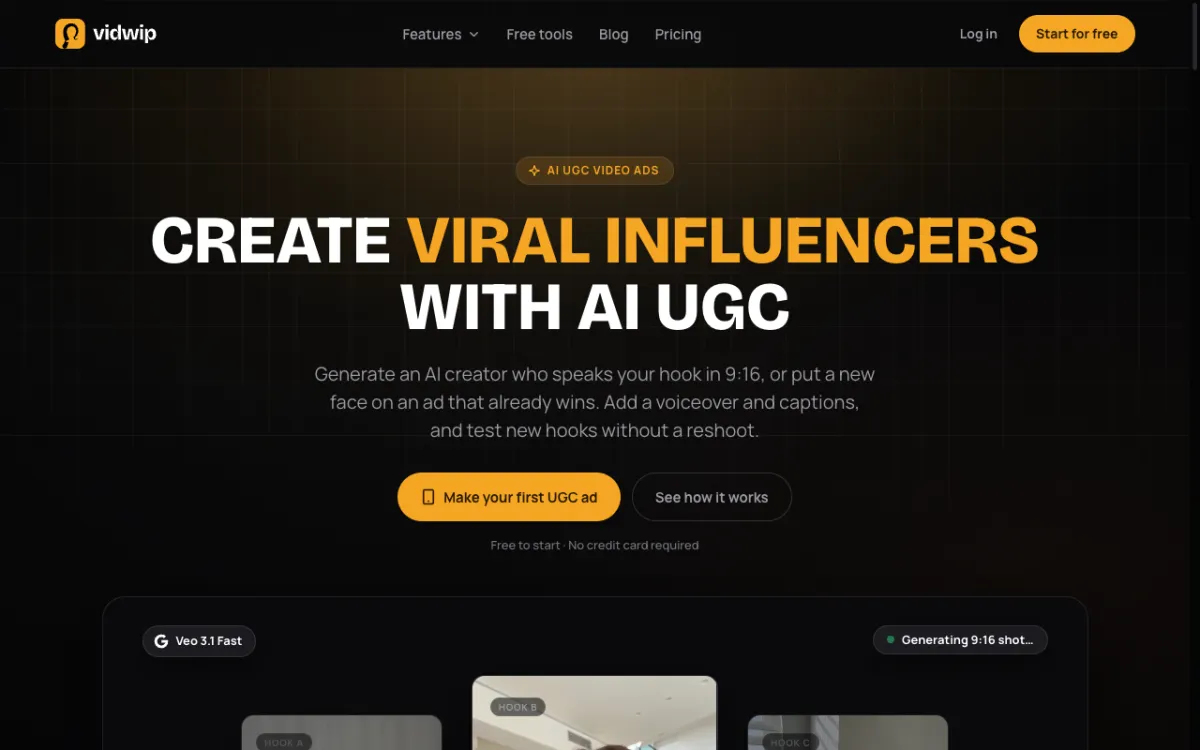 Vidwip AI UGC: 9:16 creator clips with sound, product ads from photos and character motion — all in one editor.
Vidwip AI UGC does a different job than PixVerse. PixVerse generates stylized clips from a text prompt. Vidwip makes creator-style UGC ads: vertical 9:16 shots with sound built in, product photos turned into moving ads, and a full editor where you add voiceover in 74 languages and word-highlight captions on the same timeline.
The difference shows most in product ads. You upload a photo of your product, describe the move — a slow rotation, a close-up pull — and AI makes it move. Then you add a voiceover in any language and captions that follow every word. PixVerse has a Marketing Hub, but it doesn’t give you a voiceover or captions inside the same workflow.
For character motion, Vidwip uses Kling 2.6 Motion Control. Give it one photo and a 3-to-30-second clip of a real person and your character copies the moves exactly — a wave, a dance, a walk. The clip’s own audio stays.
Pros
- Vertical 9:16 format for TikTok, Reels and Shorts
- Sound made with the video on supported models
- Voiceover in 74 languages from 190+ voices
- Word-highlight captions from the same editor
- No watermark on any plan, including free
Cons
- Not a template-effects tool — no one-tap presets like Melt or Squish
- No pre-made avatar library (bring your own character photo)
- Free credits cover a short clip; longer generations need a paid plan
Best for: creators and brands who want product ads and UGC-style videos with voiceover and captions, without switching between apps.
Pricing: Free to start, no credit card. Starter $25/month (2,500 credits), Pro $99/month (10,000 credits). See /pricing.
2. Pika
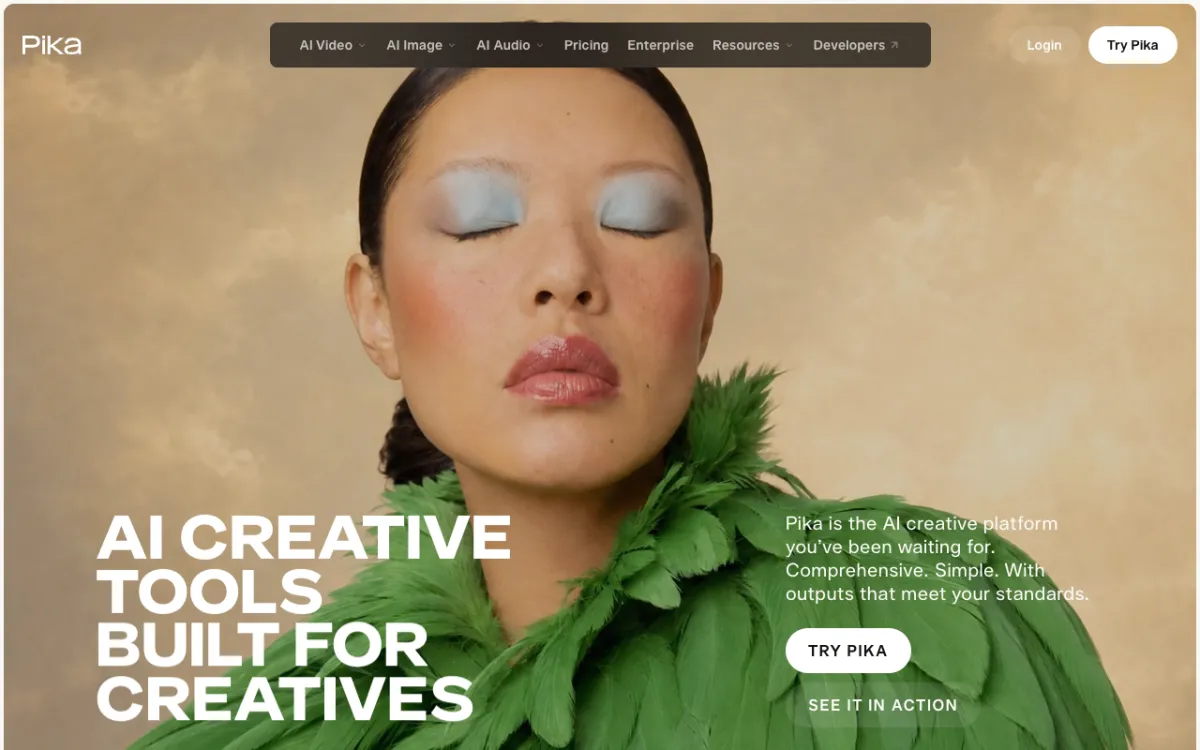 Pika{rel=“nofollow noopener”}: multi-model video platform with the deepest effects library for short social clips.
Pika built its reputation on one-tap effects — Melt, Squish, Deflate, Bubble — applied to any generated or uploaded clip. In September 2026 it relaunched as a multi-model platform with Seedance 2.5, Wan 3.0 and its own Pika 2.5. Pikaffects moved to a separate iOS app that Pika labels an experiment.
For effects-first creators, Pika is still the strongest choice. The Pikaffects iOS app has more named presets than any web-based alternative. On the main platform you get Video Studio, Extend Video, Pika Soundtrack and multiple model options.
The free plan has no monthly credits — you buy credit packs or subscribe.
Pros
- Deepest named-effects library via Pikaffects (iOS)
- Multi-model platform: Seedance 2.5, Wan 3.0, Pika 2.5
- Pika Soundtrack adds audio to any generated clip
- Commercial license on Creator plan and above
Cons
- Free plan has zero monthly credits (packs only)
- Pikaffects is iOS-only and separate from the main platform
- No voiceover or caption tools in the generation workflow
Best for: mobile-first creators who want one-tap effects and don’t mind subscribing to get clean exports.
Pricing: Free $0 (no monthly credits, packs from $25 for 1,500). Starter $10/month (900 credits). Creator $35/month (3,150 credits + commercial license). Checked October 2026 at pika.art/pricing{rel=“nofollow noopener”}.
For a full comparison, see our Pika alternatives post.
3. Hailuo AI
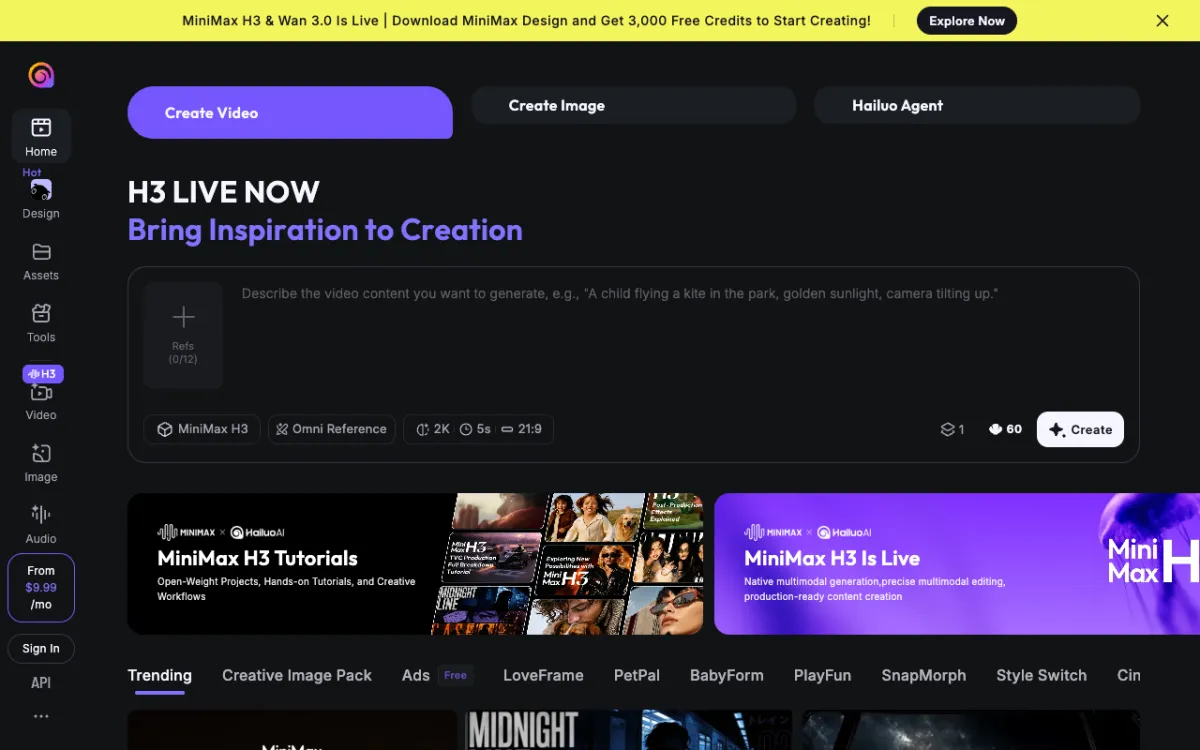 Hailuo AI{rel=“nofollow noopener”}: themed template rows and the MiniMax H3 model for 2K social clips.
Hailuo AI (MiniMax) runs the MiniMax H3 model alongside older Hailuo 2.3 for credits-based generation. The template rows are what distinguishes it: PetPal, ASMR, Food and Explainer each give you a starting point the way PixVerse’s Template tab does. New users get 80 free credits at sign-up, enough for one 5-second clip on H3.
Hailuo’s pricing changed in April 2026 and is heavily geo-restricted. The official pricing page didn’t render for direct verification. Prices vary by region — check hailuoai.video{rel=“nofollow noopener”} directly for current US rates.
Pros
- Themed template rows (PetPal, ASMR, Food, Explainer)
- 80 free credits at sign-up
- MiniMax H3 generates at up to 2K
Cons
- Pricing is geo-restricted and changed mid-2026 — hard to compare directly
- Free credits don’t roll over
- No voiceover or caption tools
Best for: creators who want themed template starting points and a few free credits to test the model quality.
Pricing: varies by region. Check hailuoai.video{rel=“nofollow noopener”} for current US rates. Plans change frequently — price tracking sites show Standard around $9–15/month but cannot be confirmed directly.
For more, see our Hailuo AI alternatives post.
4. Kling AI
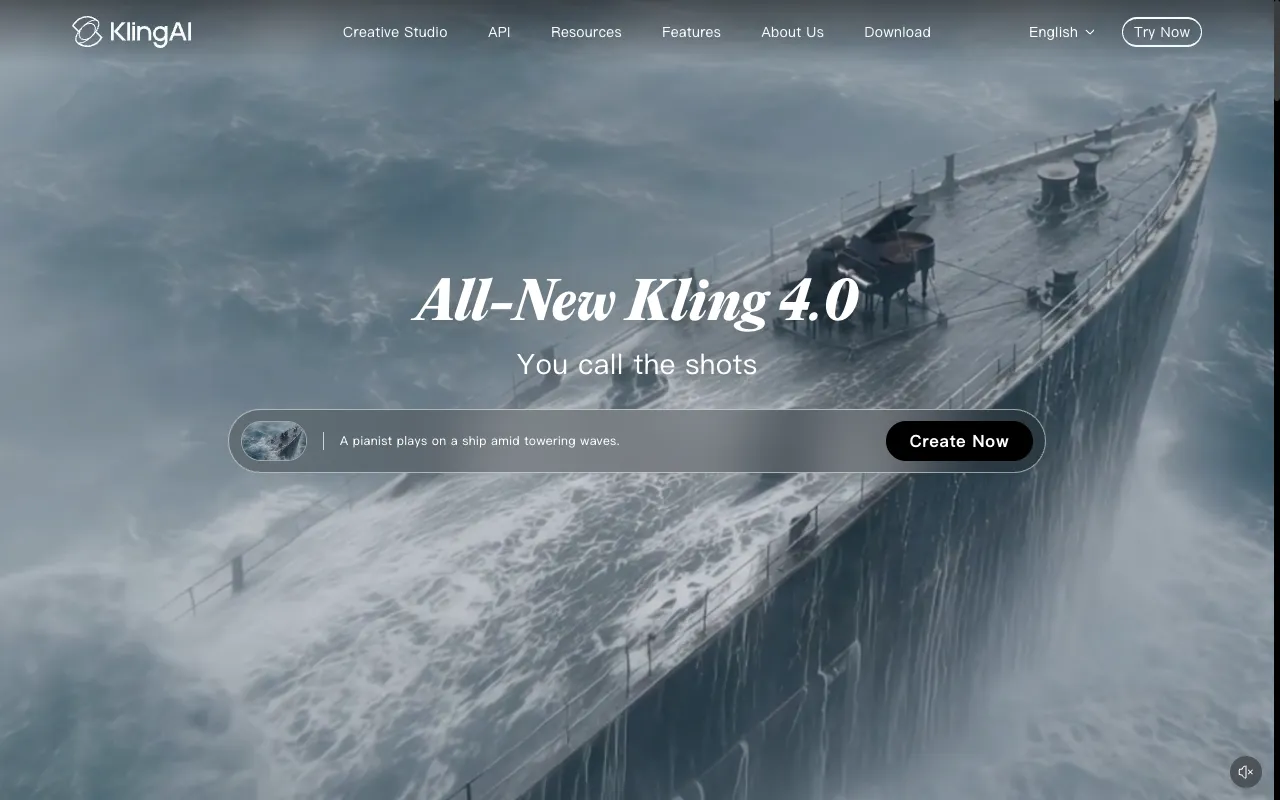 Kling AI{rel=“nofollow noopener”}: Kling 4.0 with native 30-second generation and Motion Control for exact character moves.
Kling’s main advantage over PixVerse is length and motion control. Kling 4.0 generates up to 30 seconds in a single take — PixVerse caps at 8. Kling’s Motion Control mode works like Vidwip’s character swap: give it a photo and a reference clip, and the character performs those exact moves.
Kling also ships a one-click Effects tool with named presets. It’s not as deep as Pika’s Pikaffects, but it covers transitions, zoom-ins and style effects for social content.
The free tier gives daily credits that expire in 24 hours — enough to test the model, not enough for regular posting without a subscription.
Pros
- Up to 30-second single-take generation
- Motion Control for exact character movement from a reference clip
- One-click Effects tool with named presets
- Kling 4.0 competitive with leading models on realism
Cons
- Free daily credits expire in 24 hours
- Official pricing page is JavaScript-rendered and geo-restricted — hard to verify US price directly
- No voiceover or caption tools
Best for: creators who need long single takes or exact motion control for character-driven clips.
Pricing: Kling’s pricing page is JavaScript-rendered and geo-restricted — current US prices could not be verified directly. Third-party trackers report Standard from around $10/month on annual billing, with Pro around $35/month. Check klingai.com{rel=“nofollow noopener”} for confirmed current rates.
See our Kling AI alternatives for the full breakdown.
5. Vidu AI
 Vidu AI{rel=“nofollow noopener”}: the Vidu Q3 model for product shots and social clips at a low monthly entry price.
Vidu is one of the less-covered PixVerse alternatives — it appears in only one of the five top-ranking posts on this topic. That’s worth noting, because its Standard plan starts around $10/month and the Vidu Q3 model produces clean product shots and social content.
The Q3 model costs an estimated $0.35 per 5-second clip on third-party trackers. That puts it below PixVerse Standard on a per-clip basis for equivalent output, though the models differ in style.
Vidu doesn’t have named effects or template rows. It’s a generation-first tool aimed at product advertisers and social creators who want a low cost per clip without a large monthly commitment.
Pros
- Competitive entry price (~$10/month Standard)
- Vidu Q3 well-suited for product shots
- Free tier with 10 reference generations per month to test quality
Cons
- No named effects library or template rows
- Pricing verified from third-party sources only — official page didn’t render directly
- Smaller model roster than Pika or Kling
Best for: brands who want clean product shots at a lower per-clip cost than PixVerse.
Pricing: Free tier (10 references/month). Standard ~$10/month (800 credits). Premium ~$35/month. Ultimate ~$99/month. Prices from aitoolsbakery (August 2026) — check vidu.io{rel=“nofollow noopener”} for current US rates.
6. CapCut AI
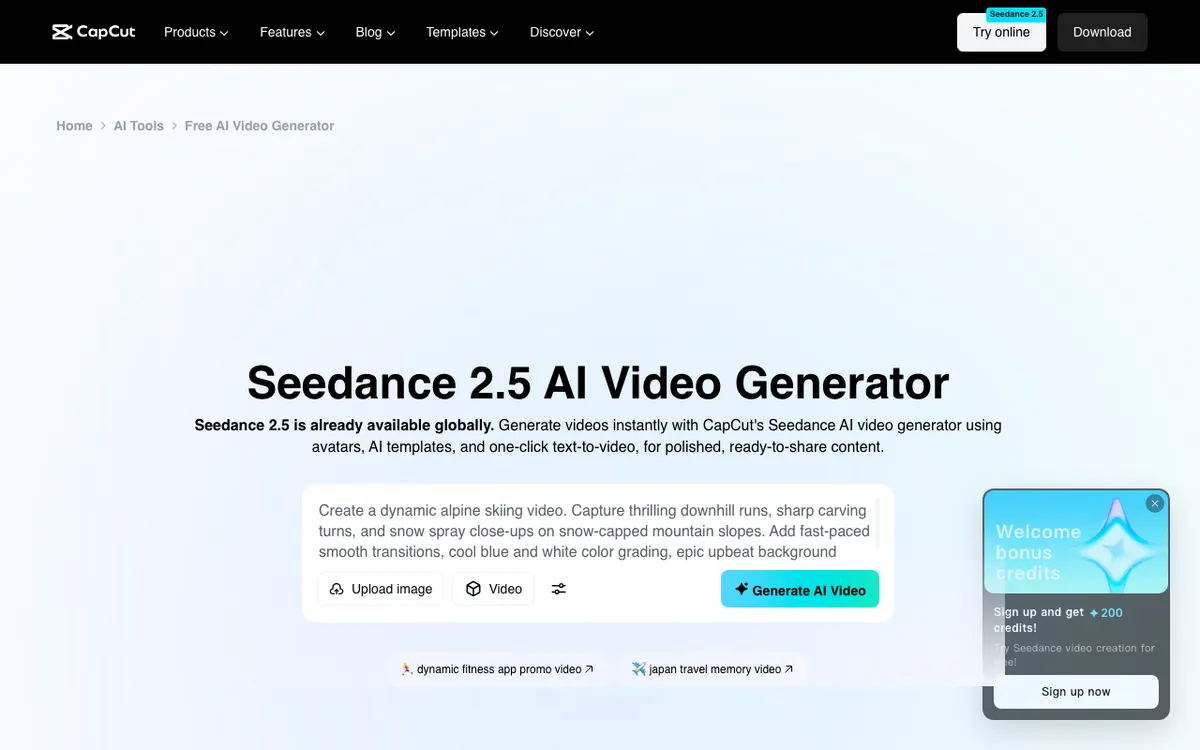 CapCut AI{rel=“nofollow noopener”}: 100+ avatar-style templates and AI video generation built into the world’s most-used short-form editor.
CapCut’s AI video tools are built into an editor that hundreds of millions of creators already use for TikTok and Reels. The AI generator offers 100+ avatar-style templates in realistic film, cartoon 3D and cinematic styles, with Seedance 2.5 integrated alongside CapCut’s own models.
The biggest advantage is the editing workflow. You generate a clip and the rest of CapCut’s tools — captions, effects, music sync, text overlays — are already open beside it. PixVerse generates the clip, then you download and edit elsewhere.
CapCut AI video generation is free to try, though credits apply for AI features. Full paid pricing was not shown on a direct fetch in October 2026; check the CapCut pricing page for current rates.
Pros
- 100+ avatar and style templates free to try
- Generation and editing in one place — no exporting and re-importing
- Seedance 2.5 integration alongside CapCut’s own models
- Existing CapCut users get the tools without a new account
Cons
- AI generation credits are separate from the standard editor
- Full pricing not clearly surfaced — requires checking the app
- Less suited to raw text-to-video quality experiments than dedicated generators
Best for: creators already on CapCut who want to add AI-generated clips to an existing editing workflow without switching tools.
Pricing: free to try. Check capcut.com{rel=“nofollow noopener”} for current credit pricing on AI generation.
7. Luma Dream Machine
 Luma Dream Machine{rel=“nofollow noopener”}: natural camera motion, Photon Flash for speed and a transparent per-second rate for every model.
Luma is the most transparent tool on this list. Every model shows a per-second rate before you generate. On the Plus plan, Ray3.14 costs about $0.06 per second — a 5-second clip runs about $0.30. PixVerse’s Standard plan charges around $0.32 per 5-second V6 clip.
Luma’s Ray3.14 is built for smooth camera paths: slow dollies, orbits and crane moves. Dream Machine also runs Photon Flash for quick drafts. Neither does template effects the way PixVerse does, but Luma’s camera motion is consistently the most natural of the models on this list.
The free tier gives 30 one-time credits — enough for a handful of test generations.
Pros
- Published per-second rate for every model before you generate
- Ray3.14 camera path quality is consistently strong
- Photon Flash for fast, cheap drafts
- Extend video to continue any clip
Cons
- No named effects or template rows
- Free tier is one-time credits, not a monthly reset
- Not designed for 9:16 vertical social content specifically
Best for: cinematography-focused creators who prioritize smooth camera motion and transparent pricing over template effects.
Pricing: Free tier (30 one-time credits). Plus ~$24/month. Pro ~$96/month. Checked at lumalabs.ai in October 2026.
For more context, see our Luma AI alternatives post.
Comparison table: PixVerse alternatives at a glance
| Tool | Free tier | Starting paid price | Watermark on free? | Effects/templates | Best for |
|---|---|---|---|---|---|
| Vidwip AI UGC | Paid plans only | $25/month | No free tier | Product ads, captions, voiceover | UGC ads and creator content |
| Pika | No monthly credits | $10/month | N/A | Deep (Pikaffects iOS) | One-tap social effects |
| Hailuo AI | 80 credits sign-up | Varies by region | Yes | Themed rows (PetPal, ASMR) | Template-based quick clips |
| Kling AI | Daily credits (expire 24h) | ~$10/month | Yes | One-click Effects | Long takes, motion control |
| Vidu AI | 10 refs/month | ~$10/month | Yes | None | Low-cost product shots |
| CapCut AI | Free to try | Check site | N/A | 100+ avatar templates | Editing + generation in one |
| Luma Dream Machine | 30 one-time credits | ~$24/month | Yes | None | Smooth camera paths |
| PixVerse | 60 credits/day | $10/month | Yes (free only) | Large template library | Stylized clips, anime-adjacent |
Prices checked October 2026. Hailuo, Kling and Vidu pricing verified from third-party sources — check vendor sites for current US rates.
How to choose the right PixVerse alternative
You want template effects. Pika’s Pikaffects (iOS) is the most complete effects library available. PixVerse is the best web-based option with a free tier. Kling’s one-click Effects covers the basics without a mobile app.
You need clean free exports. Vidwip exports without a watermark on every plan, though its AI shots need a paid plan. Pika’s free plan has no monthly credits, but paid packs give clean exports. PixVerse watermarks free exports.
You want product ads with voiceover and captions. Vidwip AI UGC is the only tool on this list that handles all three — video generation, voiceover in 74 languages and captions — without switching apps. See the AI UGC product page for what it covers.
You need long single takes. Kling AI generates up to 30 seconds. PixVerse and most others cap at 5–8 seconds per generation.
You want the lowest cost per clip. Luma publishes a per-second rate on every model. Ray3.14 on Plus costs about $0.30 for a 5-second clip — competitive with PixVerse Standard’s ~$0.32 per clip.
You’re already on CapCut. Add CapCut’s AI generation tools to your existing workflow. Generation and editing stay in one place, no extra login needed.
What PixVerse does that most alternatives don’t
It’s worth saying clearly: PixVerse earns its popularity. The combination of daily free credits, a large template library, a Canvas mode for node-based workflows and the Marketing Hub for guided ad videos is hard to match at the free tier.
If template effects and a generous free daily top-up are your main needs, PixVerse itself is still worth keeping open alongside whatever alternative you try. The tools on this list are better in specific areas — motion control, pricing transparency, integrated editing, product ads — not across the board.