
Vidwip AI Studio is the pick for teachers and small teams who make the videos themselves, with AI voiceover, music and subtitles on one browser timeline. For whole classrooms, Canva for Education and Adobe Express for K-12 are free and connect to Google Classroom, Google Vids is in every Workspace for Education edition, and Clipchamp comes with Microsoft 365 A3 and A5.
The best WeVideo alternatives give your class the same thing WeVideo does, a video editor that runs in the browser on a Chromebook, at a lower price or with more AI built in. Several are free for K-12 schools.
WeVideo’s pricing page lists its Instructor plan at $384 a year for a 30-seat account. Bigger schools and districts get a quote (checked October 2026).
That’s fair value for a full classroom. But WeVideo now leads with interactive video and assessment, and its free plan stops at 480p and 5 publishing minutes a month.
This post ranks seven WeVideo alternatives for classrooms and teams on four things: collaboration, education pricing, Google Classroom integration and AI tools. We checked every price on the vendor’s own site in October 2026, using US prices.
Why schools and teams look for WeVideo alternatives
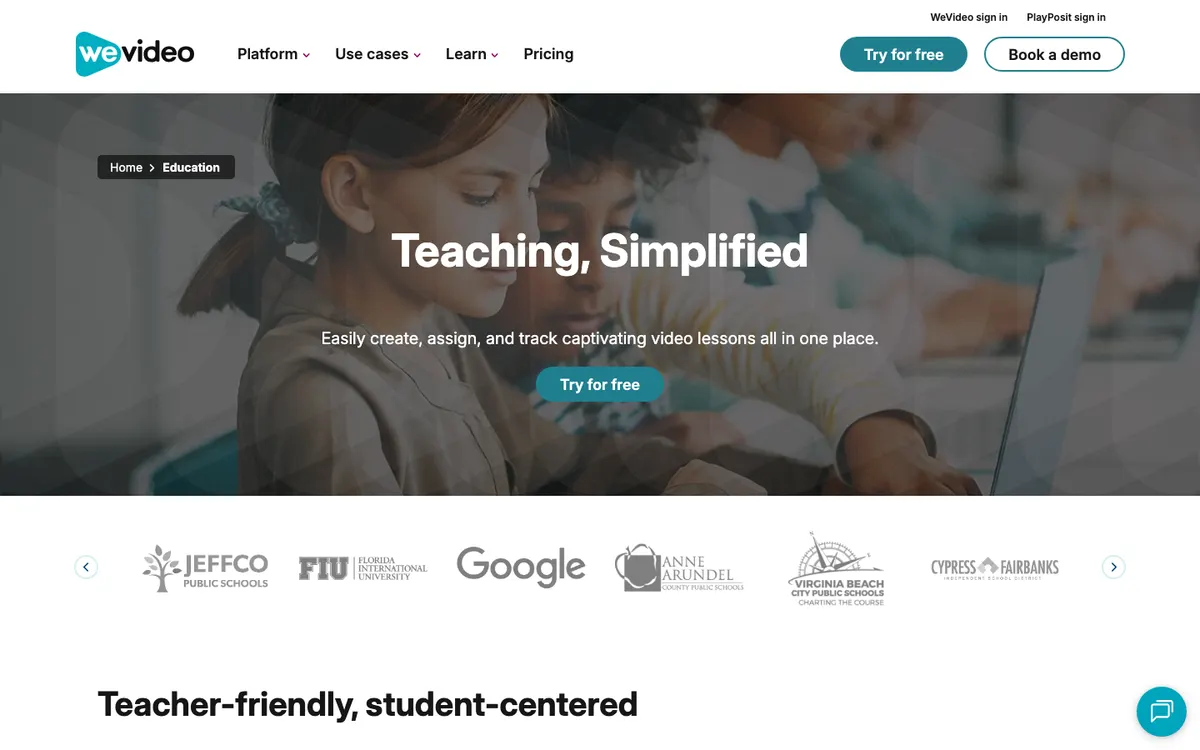 WeVideo’s education page in October 2026: create, assign and track video lessons in one place.
WeVideo is a good fit for schools. It runs in the browser, works on Chromebooks, and connects to Google Classroom, Canvas, Schoology and Blackboard.
Its education plans include real-time collaboration, peer-review comments and a classroom dashboard. It also says it’s COPPA and FERPA compliant.
So why switch? Usually it comes down to one of these:
- Cost. Your school already pays for Google Workspace, Microsoft 365 or Canva, and one of them includes a video editor.
- Free plan limits. WeVideo Free exports at 480p with 5 publishing minutes a month.
- Resolution. Education plans export at Standard HD, while 4K sits on the individual and business plans.
- AI tools. You want voiceover, music or subtitles generated inside the edit.
- Team size. WeVideo Business covers 3 users at most, and Teams is a 3-seat licence at $624 a year.
Here’s what to check in a WeVideo alternative:
- Collaboration. Can two students edit one project, and can a teacher comment on it?
- Education pricing. Is there a free K-12 plan, a school licence, or only per-seat business pricing?
- LMS integration. Can you assign and collect projects from Google Classroom, Canvas or Schoology?
- AI features. Captions, voiceover, translation, and what students are allowed to use.
- Device support. Chromebooks are the norm in US schools, so the editor has to run well in a browser.
AlternativeTo’s WeVideo page lists over 100 alternatives, from Kdenlive to DaVinci Resolve.
Most are desktop apps that won’t install on a school Chromebook. The seven below all run in the browser.
1. Vidwip AI Studio
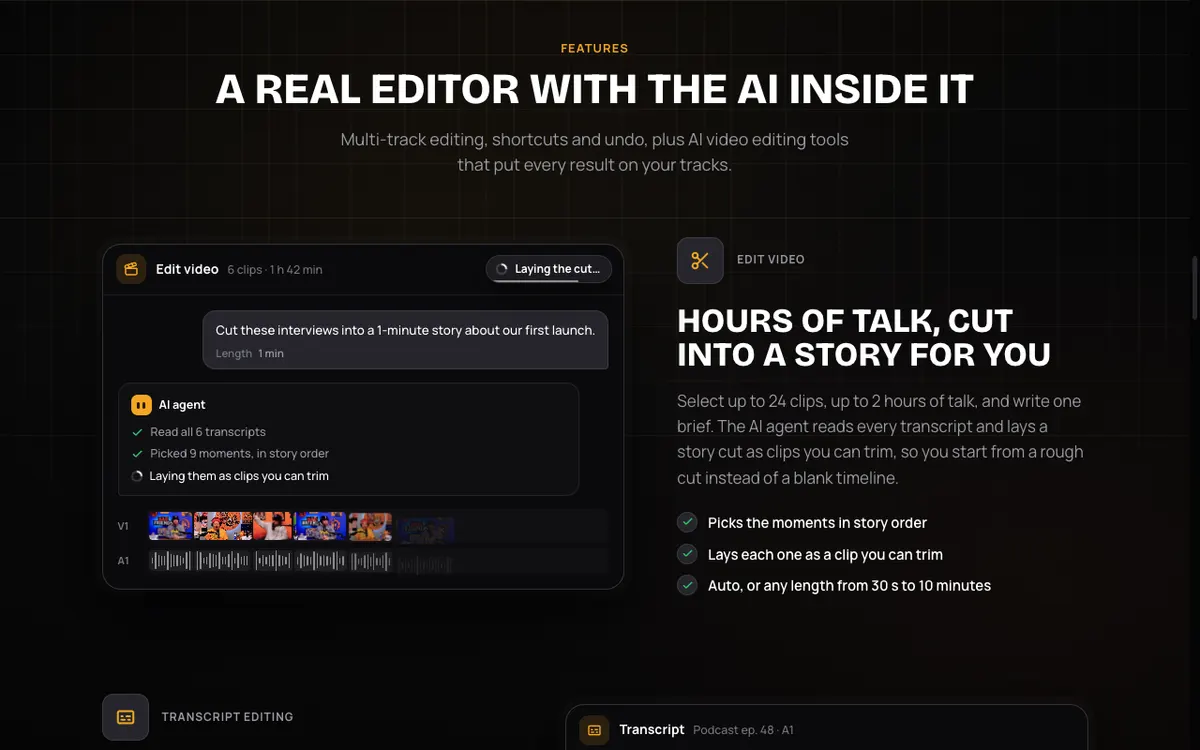 Vidwip AI Studio — a browser timeline editor with AI voiceover, music, subtitles and shots built in.
Vidwip AI Studio is a browser video editor for teachers and small teams who make the videos themselves. AI voiceover, music, subtitles and new shots land on the same multi-track timeline as your footage.
You record your screen or camera in the browser, or drop in video, audio and images. Then you trim, split and arrange clips across video and audio tracks.
Need narration? Generate speech in 190+ voices across 74 languages, straight onto a track, and add a music bed or sound effects the same way.
For a recorded lecture, Edit video reads up to 2 hours of talk and lays out a rough cut from one line, like “a 5-minute recap”. You can also cut words by deleting them from the transcript.
Subtitles are timed to each word, and you can translate them into 94 languages. That helps ESL students and families who speak another language at home.
For teams, Vidwip works by studio. You invite colleagues as admins or members, and saved AI Studio projects live in the shared studio.
Pros
- AI voiceover in 190+ voices, music and sound effects generate onto the timeline
- Edit video turns a long recording into a rough cut you can trim
- Word-timed subtitles, translatable into 94 languages
- Shared studio with admin and member roles, and projects that save as you edit
- No watermark on AI Studio exports, on any plan
Cons
- No education pricing, student accounts or class rosters
- No Google Classroom or LMS integration
- No live co-editing and no comments on a cut
- Export tops out at 1080p, with no 4K
Best for: Teachers, instructional designers and small teams who want AI narration, music and captions without juggling apps. Use a classroom tool below when every student needs their own account.
Pricing: Free to start, no credit card. Paid plans from $25/month (see plans).
2. Canva
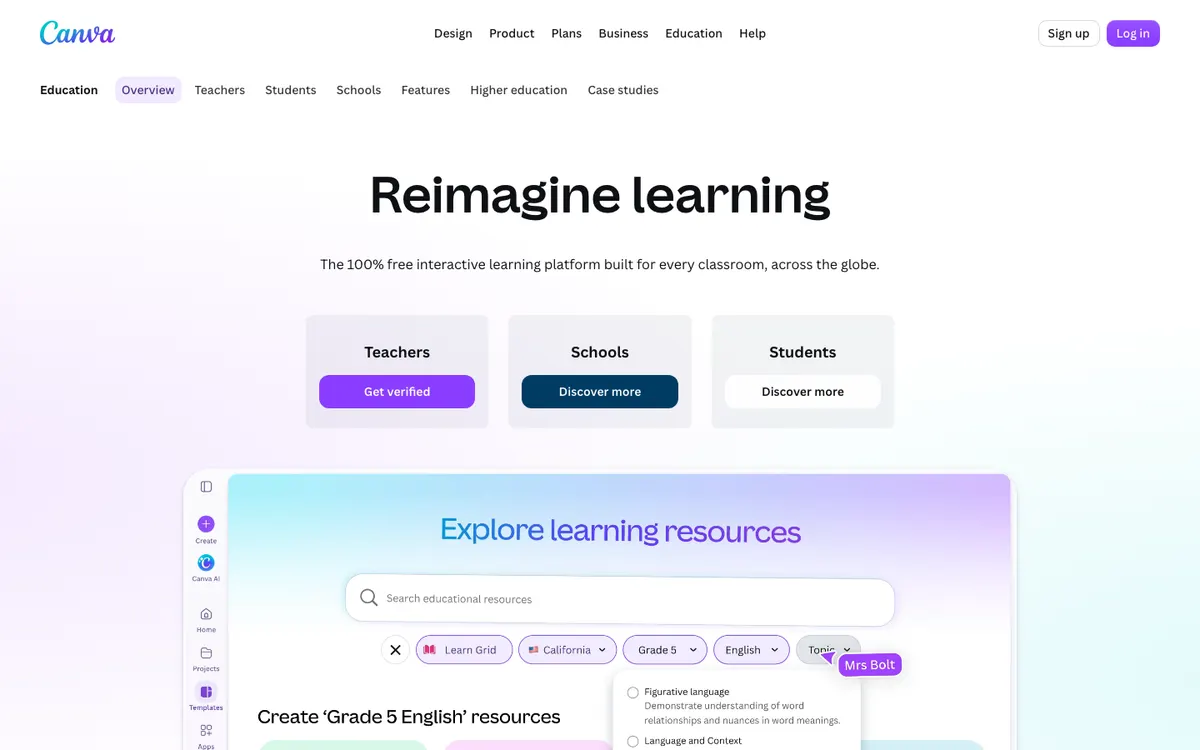 Canva for Education — free for K-12 teachers, students and qualified districts.
Canva for Education is a free design and video platform for K-12 schools, offering templates, a simple video timeline, real-time co-editing and LMS integrations. It’s the best free WeVideo alternative for most classrooms.
Canva’s FAQ says Canva Education will “remain 100% free for K-12 (primary and secondary) educators, their students, as well as qualified school districts and institutions.” Teachers verify with a school email or proof of employment.
It connects to Schoology, D2L, Moodle, Blackboard, Google Classroom, Canvas and Microsoft Teams. You create an assignment in Canva, and students hand work back through your LMS.
Pros
- Free for K-12 teachers, students and qualified districts
- Works with Google Classroom, Canvas, Schoology, Teams and more
- Real-time co-editing and comments on shared designs
- Huge template library for lessons, posters and presentations
Cons
- The video timeline is basic next to WeVideo’s
- Teachers must be verified before students can join
- Higher education and business teams pay
Best for: K-12 classrooms that make video alongside slides, posters and worksheets.
Pricing: Free for eligible K-12 schools. For business teams, Pro is US$144/year for one person and Business is US$250 per person per year. Canva shows regional prices in some countries (canva.com/pricing, checked October 2026).
3. Adobe Express
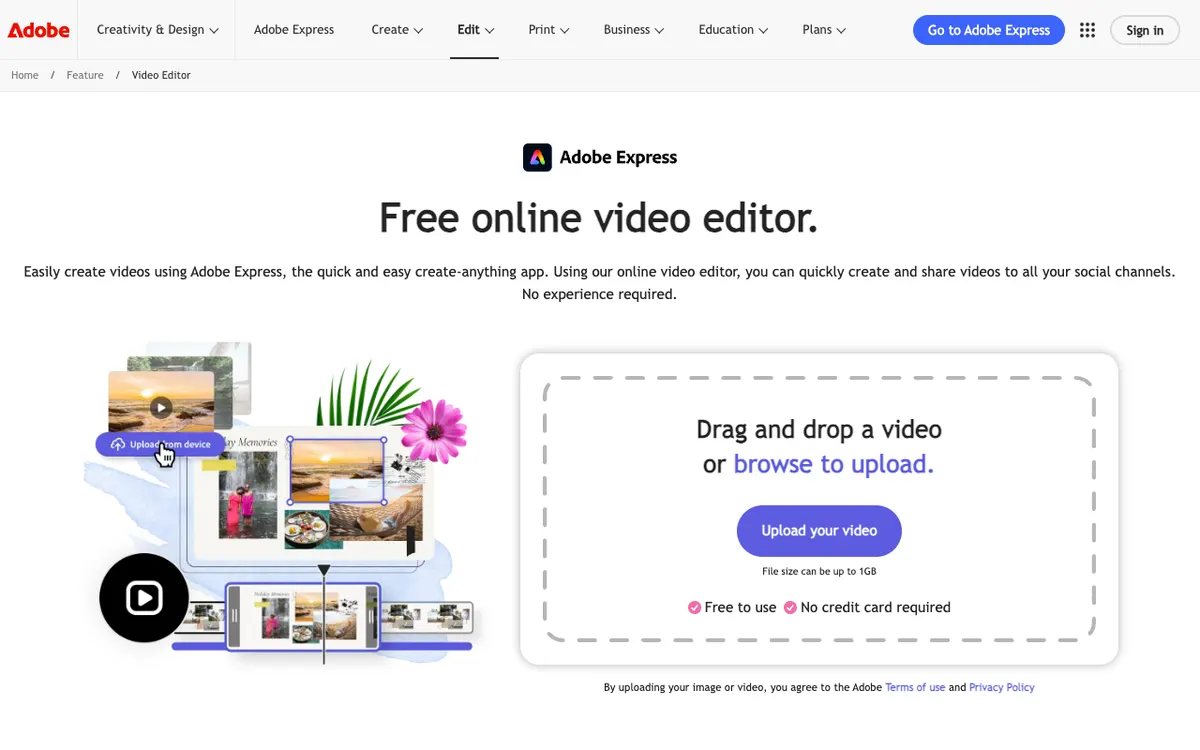 Adobe Express — quick video, graphics and Firefly AI, free for K-12.
Adobe Express is a quick-create design and video app for schools and teams, offering Premium features free to K-12 and brand controls from $7.99 per seat on Teams. It’s the strongest free pick for classes that want generative AI with guardrails.
Adobe’s education page describes “a free Adobe Express for K-12 Education license that gives you access to Adobe Express Premium at no cost.” It mentions safe search with content filtering, and no paywalls, ads or popups.
Teachers can assign projects through Google Classroom. Adobe’s pricing page lists 250 generative credits a month on the K-12 plan.
Pros
- Premium features free for qualified K-12 educators and students
- Google Classroom assignments
- 250 Firefly generative credits a month on the K-12 plan
- Brand controls and template locking on Teams
Cons
- The video editor is built for short clips, not long projects
- No live co-editing of a video timeline
- Teams needs at least 2 seats on an annual plan
Best for: K-12 classes that mix short video with graphics, and want AI image tools with content filtering.
Pricing: Free for qualified K-12 schools. Teams is US$7.99 per seat per month, or US$4.99 in the first year, on an annual plan with a 2-seat minimum (Adobe’s Teams offer terms, checked October 2026).
4. Google Vids
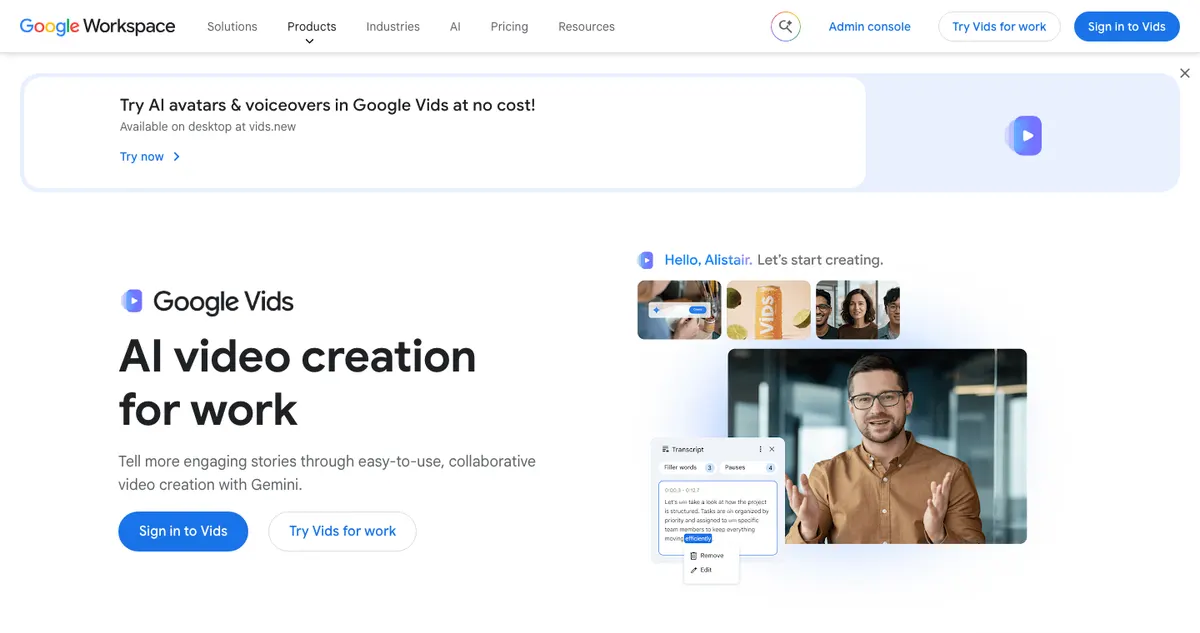 Google Vids — Google’s video editor, sitting next to Docs and Slides.
Google Vids is Google’s browser video editor for Workspace users, offering Docs-style sharing, real-time collaboration and Google Classroom assignments. For a Google school, it’s the zero-cost option you may already have.
On June 30, 2025, Google’s Workspace Updates blog extended Vids to Education Fundamentals, Standard and Plus. The same post says it “is also integrated with Google Workspace for Education tools like Google Classroom.”
There’s a catch. That post says Education customers get Vids “without AI features.” Admins also decide which services under-18 users can open.
Pros
- Included in every Workspace for Education edition
- Real-time collaboration, comments and sharing controls like Docs
- Assign video projects from Google Classroom
- Turn a Google Slides deck into a video
Cons
- Avatars, AI voiceovers and generated clips aren’t part of the education rollout
- Fewer editing tools than WeVideo
- Admin settings can block it for students
Best for: Google Workspace schools that want a free, shareable editor and don’t need AI.
Pricing: Included with Google Workspace for Education. Google says anyone can try Vids at no cost with a Google account, and advanced features sit on paid Workspace and Google AI plans (checked October 2026).
5. Clipchamp
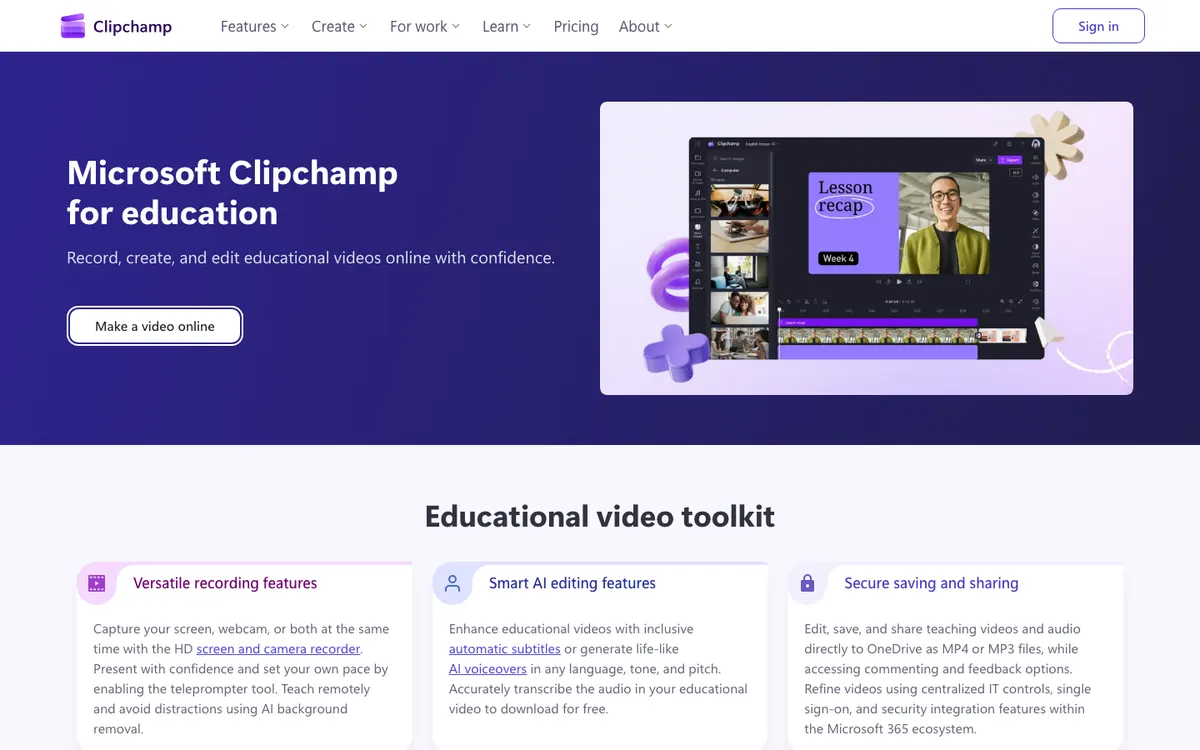 Clipchamp for education — Microsoft’s browser editor, saving to OneDrive.
Clipchamp is Microsoft’s online video editor for schools on Microsoft 365, offering screen and webcam recording, AI subtitles and voiceovers, and OneDrive saving. It’s the natural WeVideo alternative for a Microsoft school.
Clipchamp’s education page says it’s “available to teachers, students, and educational institutions on Microsoft 365 A3 and A5 licenses.” Microsoft’s support article adds that Office 365 A3 and A5 aren’t included.
Outside school accounts, the free personal version exports at up to 1080p with no watermark. Our Clipchamp alternatives post covers its limits in depth.
Pros
- Included at no extra cost with Microsoft 365 A3 and A5
- Screen and webcam recorder with a teleprompter
- AI subtitles and AI voiceovers
- Saves and shares through OneDrive and SharePoint
Cons
- Microsoft says two people can’t edit the same video at the same time
- Not in Office 365 A3 or A5, and A1 isn’t listed
- No Google Classroom integration
Best for: Schools on Microsoft 365 A3 or A5 that want video inside the tools they already manage.
Pricing: Included with Microsoft 365 A3 and A5. The personal free plan exports at 1080p with no watermark, and premium features come with Microsoft 365 Personal at $9.99/month (checked October 2026).
6. Screencastify
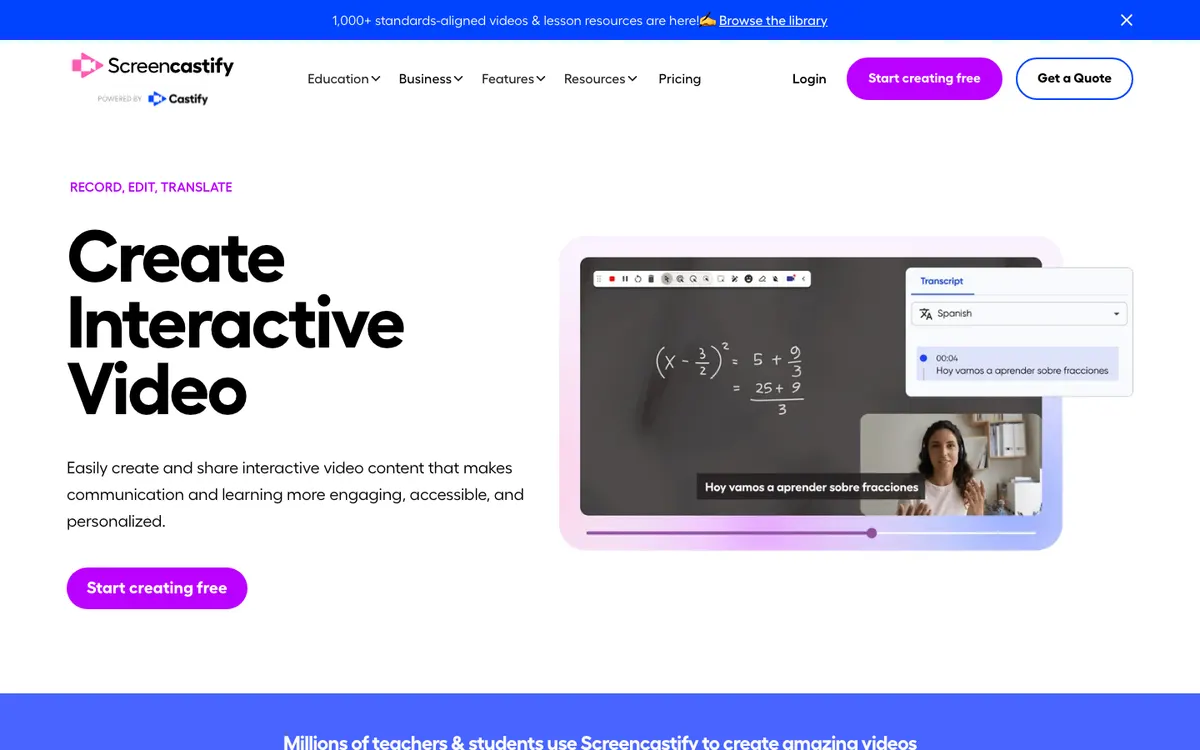 Screencastify — record, edit and translate lesson videos from Chrome.
Screencastify is a screen recorder and video tool for teachers, offering interactive questions, AI captions and translation, and LMS integration from $7 per user per month. It’s the pick for flipped lessons recorded on a Chromebook.
You record a browser tab, your full screen or your webcam. Then you trim and stitch clips, add text and blur boxes, and drop in questions and polls.
Its plan comparison lists Google Classroom, Canvas and Schoology integration, plus grade sync for Canvas and Schoology. Submit lets students record and hand in video assignments.
Pros
- Fast screen and webcam recording on Chromebooks
- Questions, polls and viewer analytics built in
- Captions, translation into 90+ languages and AI dubbing on Pro
- Google Classroom, Canvas and Schoology integration
Cons
- Built for recording, so editing is basic next to WeVideo
- Free covers 10 videos of up to 30 minutes, with a watermark
- Free and Starter cap MP4 exports and AI features at 5 videos
Best for: Teachers who record lessons and walkthroughs more than they edit projects.
Pricing: Free (10 videos, watermark). Starter $7/user/month billed annually or $19 monthly. Pro $10/user/month billed annually or $25 monthly. Schools get a custom quote (screencastify.com/pricing, checked October 2026).
7. Kapwing
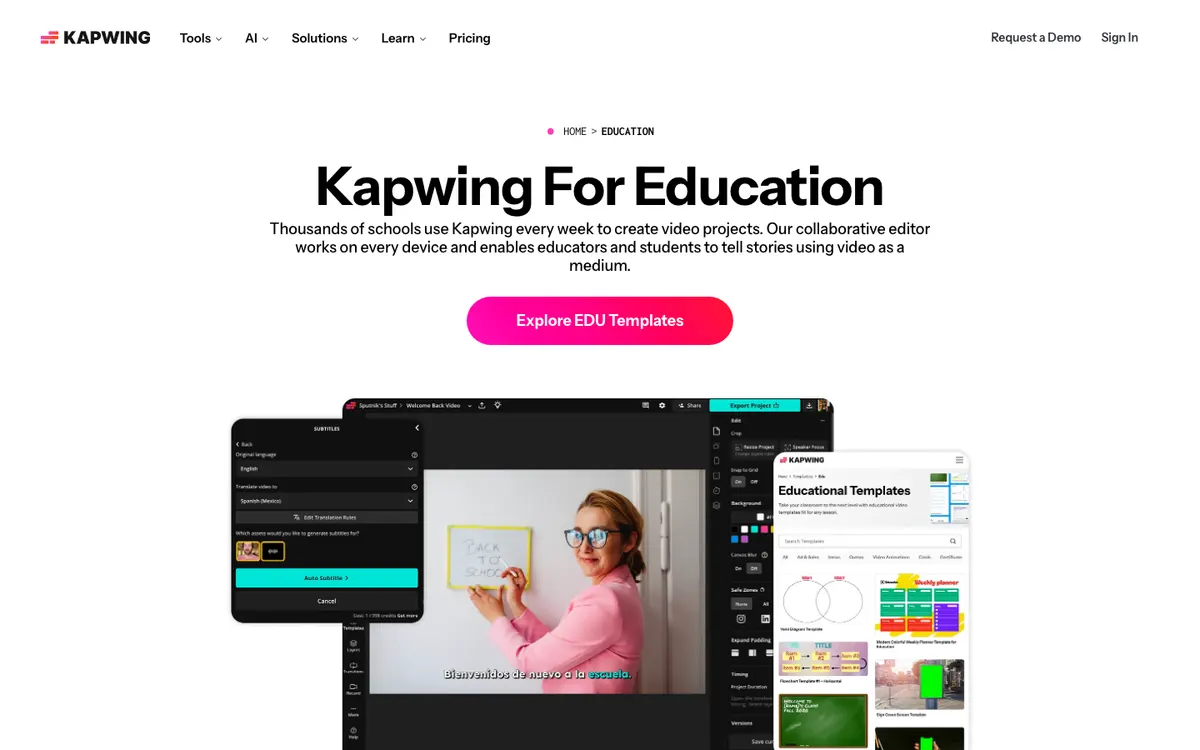 Kapwing — a collaborative browser editor with subtitles and translation.
Kapwing is a collaborative browser video editor for teams and schools, offering subtitles, translation, a shared workspace and 4K export from $16 a month. It’s the most capable pure editor on this list.
Kapwing’s education page says “thousands of schools use Kapwing every week” and that students can edit on Chromebooks. It also says it serves no ads.
But its free Pro programme for schools is over. Kapwing’s FAQ says Kapwing for Education “stopped accepting applications on December 15, 2022.” Schools now use the same Free and paid plans as everyone else.
Pros
- Full multi-track editor with subtitles and translation
- Shared workspace and Brand Kit on Pro
- 4K export and 2-hour videos on Pro
- No ads, and a library of EDU templates
Cons
- No education discount since the programme closed
- Free exports are 4 minutes, 720p and watermarked, and projects are kept for 3 days
- No Google Classroom integration, only share links
Best for: Teams and older students who need a stronger editor and can pay for Pro. Our Kapwing alternatives ranking compares it with other team editors.
Pricing: Free (720p, watermark). Pro $16/month and Business $50/month, with annual billing saving 33% (kapwing.com/pricing, checked October 2026).
WeVideo alternatives compared
| Tool | Education pricing | Google Classroom | Live co-editing | AI tools | Free plan export |
|---|---|---|---|---|---|
| WeVideo (baseline) | Instructor $384/yr for 30 seats | Yes | Yes, on education plans | AI listed | 480p, 5 min/month |
| Vidwip AI Studio | None | No | No (shared studio projects) | Voiceover, music, subtitles, AI shots | No watermark |
| Canva | Free for K-12 | Yes | Yes, with comments | Classroom AI tools | Free for K-12 |
| Adobe Express | Free for K-12 | Yes | No live timeline editing | 250 Firefly credits/month on K-12 | Free for K-12 |
| Google Vids | Included in Workspace for Education | Yes | Yes, like Docs | Not in the education rollout | Included |
| Clipchamp | Included in Microsoft 365 A3 and A5 | No | No | Subtitles, voiceover | 1080p, no watermark |
| Screencastify | Custom school quote | Yes | No | Captions, translation, dubbing on Pro | Watermark, 10 videos |
| Kapwing | No discount since 2022 | No | Collaborative workspace | Subtitles, translation, dubbing | 720p, 4 min, watermark |
We checked prices on each vendor’s pricing page in October 2026. Canva shows regional prices in some countries.
How to choose the right WeVideo alternative
Your school runs on Google Workspace. Start with Google Vids, since you already have it. Add Canva for Education or Adobe Express for K-12 if students need templates or more creative tools.
Your school runs on Microsoft 365. Pick Clipchamp if you hold A3 or A5 licences. Canva for Education also connects to Microsoft Teams.
You want the best free classroom editor. Pick Canva for Education. It’s free for K-12, connects to every major LMS, and students can co-edit.
You mostly record lessons. Pick Screencastify. Recording, questions and LMS hand-in matter more to you than a deep timeline.
You make the videos yourself, with AI. Pick Vidwip AI Studio for narration, music and captions on one timeline. If you only need captions, the AI Subtitle Generator handles that on its own.
Your team needs a stronger editor. Pick Kapwing Pro. For more team editors, see our Descript alternatives and Camtasia alternatives posts.
Final verdict
If you make lesson or team videos yourself, start with Vidwip AI Studio. AI voiceover, music, word-timed subtitles and rough cuts all land on one browser timeline, and nothing carries a watermark.
For whole classrooms, Canva for Education is the best free WeVideo alternative. Adobe Express for K-12 comes close, Google Vids and Clipchamp come with your Google or Microsoft licence, and Screencastify wins for recorded lessons.
Start free at app.vidwip.com, no credit card needed.