
Sparki is the best AI commentary generator overall — it reads your footage, writes timeline-aligned commentary, and voices it from $9/month. ElevenLabs wins on raw voice realism if you bring your own script. Hooked is the sports pick, Descript the editing pick, and Murf AI the scripted-narration pick. For software demo footage, Vidwip's AI Demo Polisher writes and voices the narration at $0.60 per finished minute.
The best AI commentary generator does two jobs, not one. It decides what should be said over your footage, then says it in a voice that does not sound like a screen reader.
Most tools only do the second half. They are voice engines with a commentary landing page bolted on.
Five tools clear the bar in 2026. Each one wins a different job — gaming clips, sports highlights, edited long-form, scripted narration, and product footage — and the pricing gap between them is wider than the quality gap.
What an AI commentary generator actually does
An AI commentary generator turns silent or raw footage into narrated video by writing a script and voicing it. That is the whole category in one sentence, and it splits cleanly into two architectures.
Footage-aware tools watch the video. They detect scenes, actions, and pacing, then write lines that land on the right frames.
Script-first tools never see your video. You paste text, pick a voice, and time the audio yourself in an editor.
Both produce commentary. Only the first saves you the writing, and that is usually the part that takes the longest.
How we ranked the best AI commentary generators
Four criteria, weighted in this order.
Script quality. Does the commentary describe what is actually happening, or is it generic filler that could sit over any clip? This is where most tools fall apart.
Voice realism. Pacing, breath, and emphasis matter more than voice count. A library of 500 flat voices loses to 20 good ones.
Render speed. Commentary is reactive content. A tool that takes 40 minutes for a 90-second clip has already lost the news cycle.
True cost per finished minute. Headline prices hide credit maths. We converted every plan into what one usable minute of output costs.
We checked every price on the vendor’s own pricing page in September 2026. Credit rates and plan names in this category change often, so re-check before you commit to an annual plan.
1. Sparki — best AI commentary generator overall
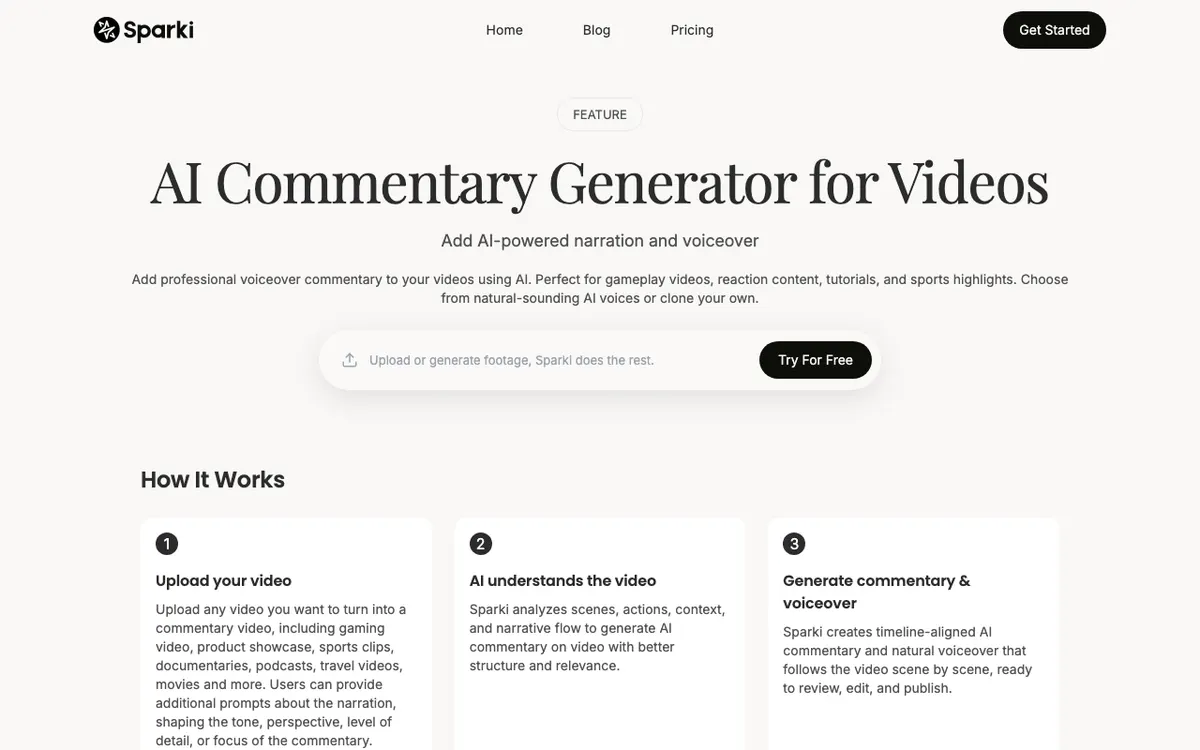 Sparki — upload footage, and it writes and voices commentary scene by scene.
Sparki is the best AI commentary generator overall because it closes the loop: it analyzes the video, writes commentary tied to the timeline, and voices it in one pass. You upload a clip, add an optional prompt shaping tone and perspective, and get narrated output back.
The prompt layer is the part worth paying for. You can push the same gameplay clip toward dry analysis or toward hype, and the script changes accordingly rather than just the voice.
It is aimed squarely at gaming and reaction content. Gameplay highlights, speedruns, walkthroughs, and sports breakdowns are the named use cases, and the output reads like someone who watched the clip.
Sparki offers 50+ commentary voices and will auto-select one that fits the footage. That default is decent, which matters when you are producing daily.
Pros
- Analyzes scenes and actions, so the commentary stays on-topic instead of inventing plays
- Timeline-aligned output — the narration lands with the footage, not over it
- Prompt control over tone, perspective, and level of detail
- 50+ voices with automatic voice matching, plus voice cloning
- Cheapest credible paid entry point in this list at $9/month billed yearly
- Watermark-free export on every paid plan
Cons
- Credits are shared with Sparki’s other tools, so heavy video-cutting eats your commentary budget
- No sport-specific models — a generalist next to Hooked on athletic footage
- Smaller voice library than ElevenLabs or Murf AI
- Free tier limits are not published, so plan on paying to test properly
Best for: Gaming, reaction, and highlight creators who want the script written for them. Pricing: Starter $9/month billed yearly ($15 monthly) for 1,500 credits; Pro $21/month billed yearly ($35 monthly) for 4,000 credits (checked September 2026).
2. ElevenLabs — best voice realism
 ElevenLabs — the voice layer most commentary tools quietly run on.
ElevenLabs produces the most convincing commentary audio available, full stop. Several tools in this list — including dedicated commentary apps — use its voices under the hood.
The catch is architectural. ElevenLabs does not watch your footage. You write the commentary, or generate it elsewhere, then bring it here to be voiced.
That makes it the right pick when your script is already good and the audio is the bottleneck. It is the wrong pick if you wanted the writing done for you.
Language coverage is the other reason to choose it. 74 languages on the Eleven v3 model means a single commentary track can be reissued for most markets without a second vendor. Our roundup of AI video voiceover generators goes deeper on how it compares on pure voice work.
Pros
- Best-in-class voice realism, pacing, and emphasis in the category
- 74 languages on the current model
- Instant voice cloning from the $6 Starter plan, professional cloning on Creator
- Generous free allowance at 10,000 credits per month for testing
- API access for anyone automating a commentary pipeline
Cons
- No footage analysis — it voices scripts, it does not write commentary
- No commercial license on the free plan; you need Starter at $6/month
- Dubbing is metered separately and expensively at 2,000 credits per minute for automatic dubs, with a watermark
- Timing the audio to your video is your job, in a separate editor
Best for: Creators who write their own commentary and refuse to compromise on how it sounds. Pricing: Free 10,000 credits; Starter $6/month for 30,000 credits; Creator $22/month for 121,000 credits; Pro $99/month for 600,000 credits (checked September 2026).
3. Hooked — best for sports commentary
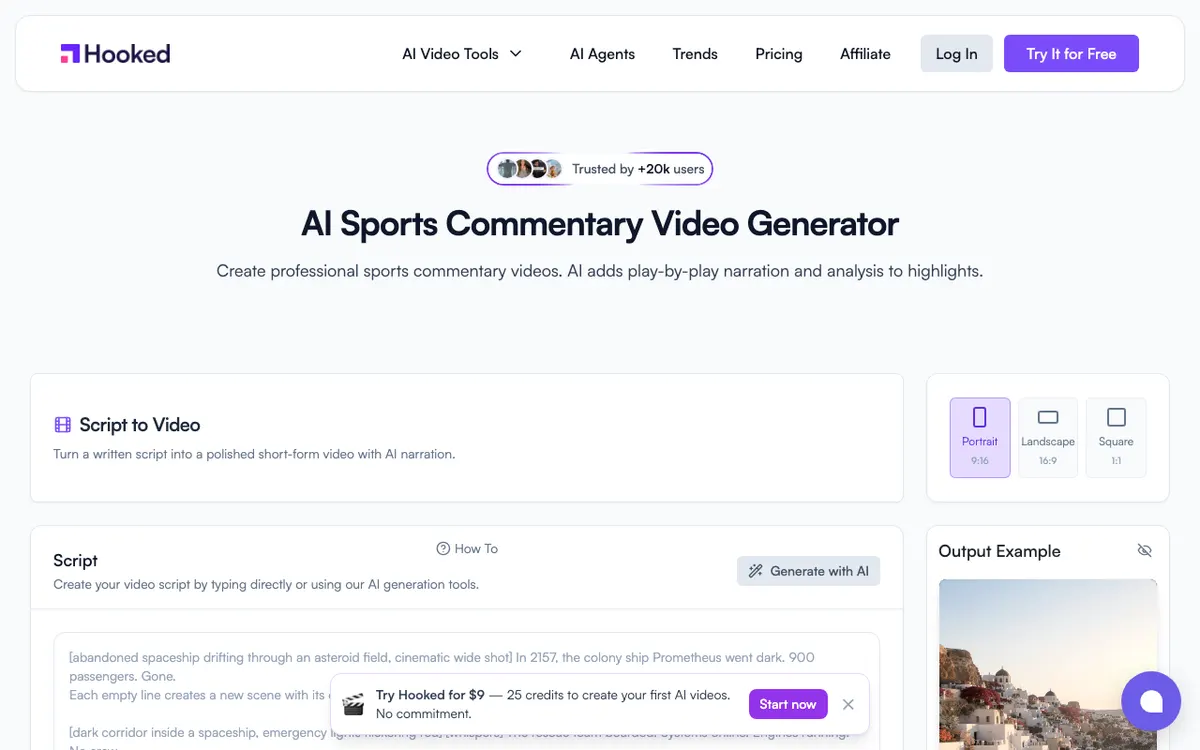 Hooked — play-by-play narration built per sport, not per clip.
Hooked is the best AI commentary generator for sports because it does not treat all footage as generic video. It ships dedicated models for 45+ sports, each carrying that sport’s terminology, play types, and scoring conventions.
That specificity is the difference between “and there it goes” and a line that names the play. Generic tools produce excitement; Hooked produces excitement that is technically correct.
The platform claims 94% action-sync accuracy on highlight footage, and it offers 25 languages for commentary, including regional broadcast styles like British football narration and Latin soccer delivery. It also publishes straight to TikTok, Instagram, and YouTube, which matters for highlight accounts running daily.
Note that everything is metered in credits and there is no free plan. The $9 trial tier is a paid trial, not a free one.
Pros
- Dedicated commentary models for 45+ sports, including esports
- 25 commentary languages with regional broadcast styles
- Publishes directly to TikTok, Instagram, and YouTube
- Auto-channel features for accounts posting highlights on a schedule
- Claimed 94% action-sync accuracy on highlights
Cons
- No free plan — entry is a $9/month paid trial with 25 credits
- Credit costs climb fast at volume: $199/month for roughly 150 videos
- Narrow outside sports; general video commentary is not the focus
- Export resolution and watermark policy are not published on the tool page
Best for: Sports highlight channels that need correct terminology, not just energy. Pricing: Trial $9/month (25 credits); Pro $39/month (150 credits, around 30 videos); Premium $89/month (350 credits); Ultra $199/month (750 credits) (checked September 2026).
4. Descript — best for editing footage and commentary in one place
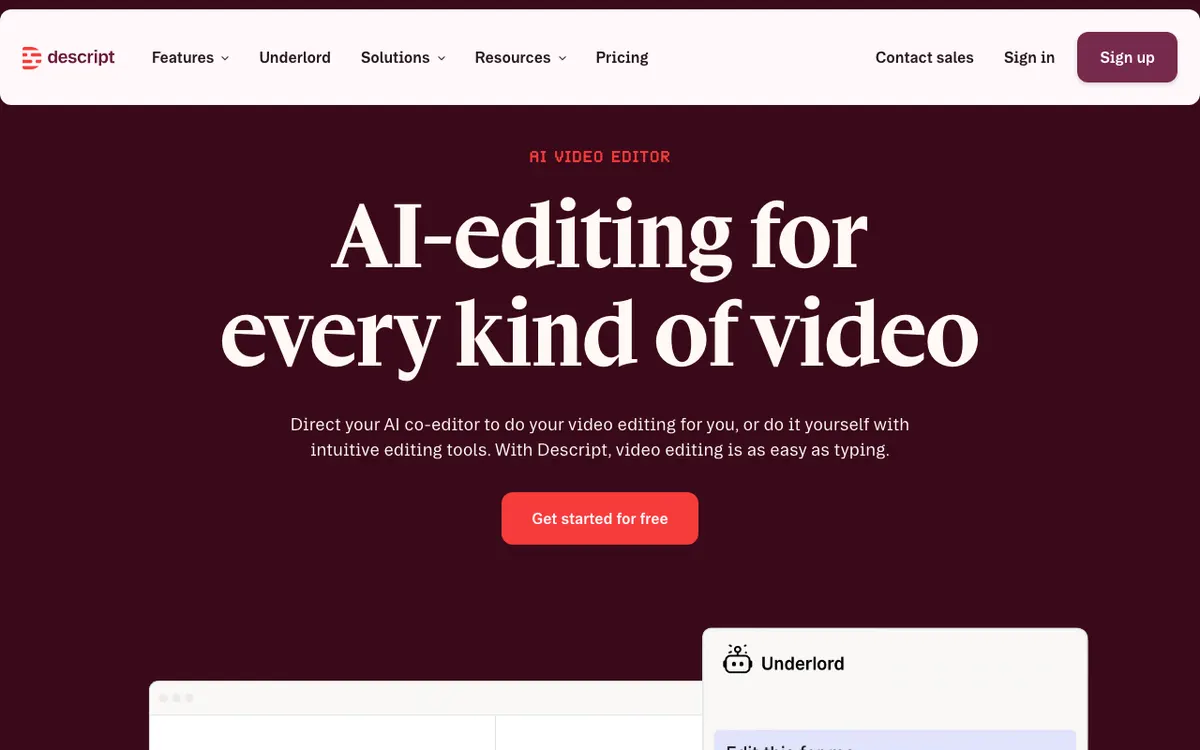 Descript — edit the video by editing the transcript, then voice over it.
Descript is the best pick when the commentary is only one part of a bigger edit. You cut video by editing text, drop in AI narration, and fix a flubbed line by retyping it.
For commentary work that means one timeline instead of three tabs. Write, voice, trim, caption, export — no round-tripping audio between a voice tool and an editor.
The trade-off is that Descript will not write the commentary for you from footage. Its AI helps with editing, filler-word removal, and voice generation, but the script is still yours. Transcription is the strong suit, and our comparison of AI video transcription tools covers how it stacks up there.
Watch the free tier. It caps you at one hour of transcription a month, 720p, and a watermarked export — fine for testing, not for publishing.
Pros
- Text-based editing makes commentary revisions genuinely fast
- Voice, edit, caption, and export in a single app
- 4K export from the $24/month Creator plan
- Overdub-style voice cloning for consistent narration across a series
- Strong transcription for turning existing commentary into captions
Cons
- Does not generate commentary from footage — you write it
- Free plan watermarks exports and caps resolution at 720p
- AI credits are consumed by several features at once, so heavy voice use drains them
- Heavier to learn than a single-purpose commentary tool
Best for: Long-form creators and podcasters editing and narrating in one workspace. Pricing: Free (1 hr/month, 720p, watermarked); Hobbyist $16/month; Creator $24/month with 4K; Business $50/month (checked September 2026).
5. Murf AI — best for scripted studio commentary
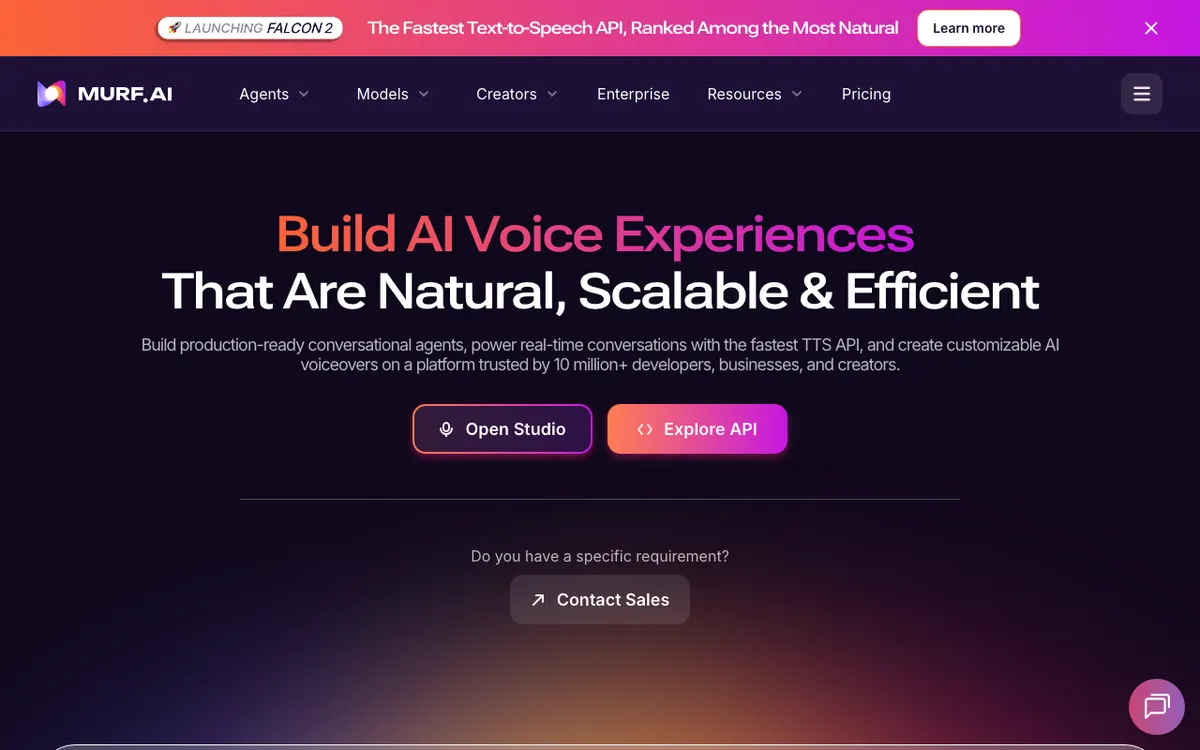 Murf AI — a studio-style voiceover workspace for scripts you already wrote.
Murf AI is the most controlled voice tool in this list. It is built for narration you plan in advance: 200+ voices with adjustable emphasis, pitch, speed, and pronunciation.
For commentary that has to be exact — explainer breakdowns, tutorial narration, analysis pieces with a written script — that control beats generative surprise. You can force a word to land the way you want it.
It is not a footage-aware tool and does not pretend to be. Murf reads text and produces studio audio, with a separate dubbing product for translating existing tracks. Our roundup of free AI video voiceover tools covers where its free plan actually stops.
The free plan is the weakest here: 10 minutes of generation, no downloads, and no commercial rights. It is a preview, not a tier you can ship from.
Pros
- 200+ voices with fine-grained emphasis, pitch, speed, and pronunciation control
- Predictable, repeatable output for series work
- Canva and PowerPoint integrations for narrated decks
- Commercial rights and unlimited downloads from the Creator plan
- Separate dubbing product if you need the same commentary in another language
Cons
- No footage analysis and no script generation from video
- Free plan blocks downloads entirely and grants no commercial rights
- Voice generation is capped annually, not monthly — 24 hours a year on Creator
- Best monthly pricing requires an annual commitment
Best for: Explainer and tutorial commentary where every word is scripted in advance. Pricing: Free (10 minutes, no downloads); Creator $19/month billed annually ($228/year, 24 hrs/year); Business $66/month billed annually ($792/year, 96 hrs/year) (checked September 2026).
Best for product and software demo commentary: Vidwip
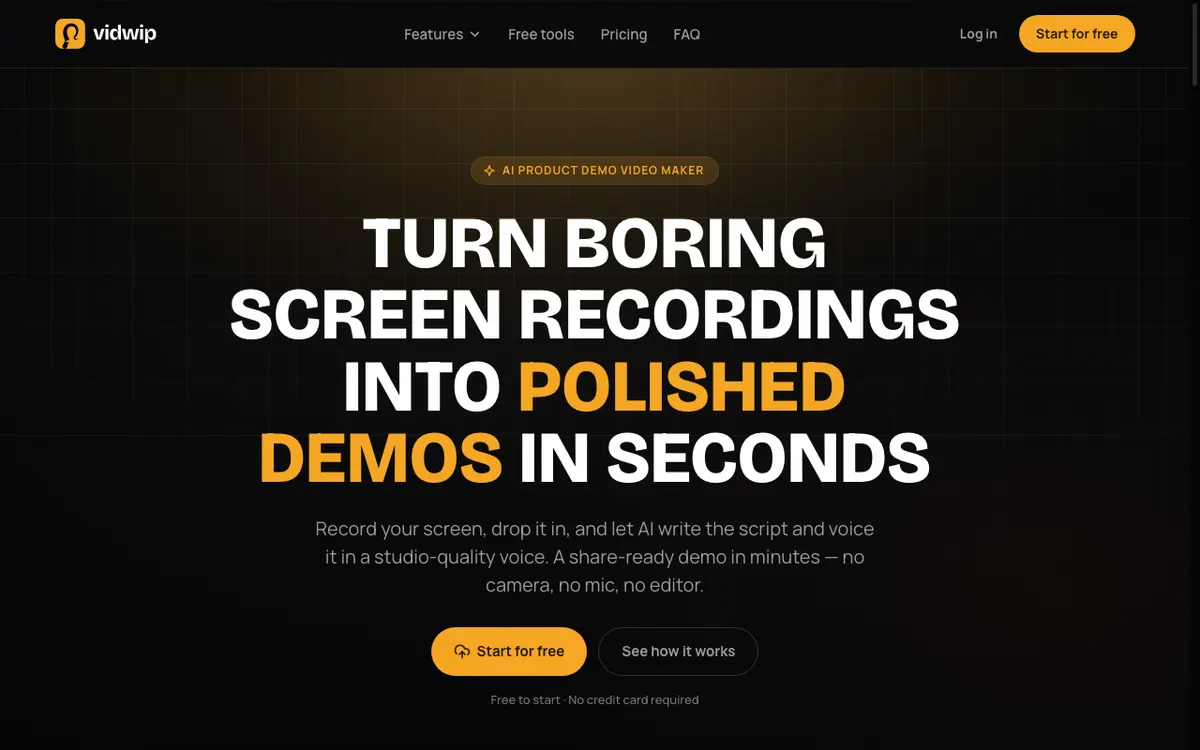 Vidwip AI Demo Polisher — drop in a screen recording, get a scripted, voiced walkthrough back.
None of the five tools above are built for software footage, so this one sits outside the ranking. Vidwip does not market a commentary generator, and it is the wrong tool for a gameplay montage or a cricket highlight.
What it does do is the same mechanism, aimed at product content. Its AI Demo Polisher reads what is on screen in a screen recording, writes a scene-by-scene script, and voices it — so a silent capture becomes a narrated walkthrough without you writing a word.
The numbers are the reason to consider it for that job. AI voiceover meters at 60 credits per minute, which is $0.60 per finished minute, and most demos render in under 5 minutes.
The voice library is 190+ voices in 74 languages, and free accounts get the same voices, languages, and models as paid ones. Vidwip is free to start with no credit card, and free renders carry a small Vidwip badge — paid plans drop it and add more credits, batches of up to 5 demos (10 on Pro), and more renders at once (4 on Starter, 10 on Pro, 1 on Free).
If you want that workflow specifically, our guide to AI product demo video makers compares it against the demo-video field properly. For translating an existing commentary track rather than writing one, AI Video Dubbing keeps the speaker’s own voice in up to 94 languages, from $2.40 per finished minute on v1.
Best for: Software demos, product walkthroughs, and onboarding videos that need narration written from the footage. Pricing: Free to start, no card; Starter $25/month (2,500 credits); Pro $99/month (10,000 credits). See Vidwip pricing.
AI commentary generators compared
| Tool | Writes from footage? | Voices | Languages | Entry price | Best for |
|---|---|---|---|---|---|
| Sparki | Yes | 50+ | Not published | $9/mo billed yearly | Gaming and reaction clips |
| ElevenLabs | No | Library + cloning | 74 | Free, then $6/mo | Voice realism on your own script |
| Hooked | Yes | Not published | 25 | $9/mo trial tier | Sports highlights |
| Descript | No | Stock + cloning | Not published | Free, then $16/mo | Editing and narrating together |
| Murf AI | No | 200+ | Not published | Free (no downloads), then $19/mo annual | Scripted studio narration |
| Vidwip | Yes (screen recordings) | 190+ | 74 | Free to start, no card | Software demo narration |
All prices checked on the vendors’ own pricing pages in September 2026.
How to choose the right AI commentary generator
Start with the script question. If you do not want to write the commentary, your shortlist is Sparki, Hooked, and Vidwip. Everything else is a voice engine.
Match the tool to the sport or genre. Hooked’s per-sport models earn their price on athletic footage and are wasted on a product walkthrough. Sparki is the generalist.
Count minutes, not dollars. Murf caps generation annually and Hooked caps it in videos per month. Convert both into the minutes you actually publish before comparing headline prices.
Check the free tier’s real ceiling. Watermarks, blocked downloads, and missing commercial rights are the three traps. If you plan to monetize the output, confirm commercial use is included on the tier you are on.
Test on your ugliest clip. Commentary tools look great on clean, well-lit demo footage. Run a fast-moving, cluttered clip through the trial before you commit.
If budget is the binding constraint rather than quality, the free end of this category is worth a separate look — our ranking of free AI commentary generators names the real ceiling on each one, and the free AI video voiceover tools roundup covers the voice side.
The verdict
Sparki is the best AI commentary generator for most creators in 2026. It writes commentary from your actual footage, voices it well enough to publish, and starts at $9/month — the only tool here that does all three.
Pick ElevenLabs if your script is already written and you want the audio to be indistinguishable from a person. Pick Hooked if you post sports highlights and need the terminology right. Pick Descript if the commentary is one layer of a longer edit, and Murf AI if every word is planned in advance.
For software and product footage, none of those apply. That is the one job where a demo-focused tool like Vidwip’s AI Demo Polisher writes and voices the narration for you at $0.60 per finished minute.
For how these tools turn footage into a spoken script, and the three things they still get wrong, see how an AI commentary generator works. If a free, script-only tool is enough, the Writecream AI commentary generator review shows where that output stops short.
Whichever you choose, check the price against the vendor’s own page before you subscribe. Every figure above was verified in September 2026, and this category re-prices faster than almost any other in AI video. Independent user reviews on G2’s AI voice generator category are a useful second opinion on how these tools hold up over a full year of use.