
HeyGen is the best AI lip sync tool for most people in 2026: translation, voice cloning and lip sync in 175+ languages for about $0.29 a minute on its $29 Creator plan. sync. has the sharpest model for pros and developers at $3 a minute, LipDub AI suits long-form and 4K work, Rask AI suits volume localization, Vozo handles multi-speaker scenes best, Perso AI is the cheapest entry plan, and Synthesia fits training teams. If no face is on camera, skip lip sync and use audio-only dubbing instead.
The best AI lip sync tools in 2026 do one hard thing: they redraw a speaker’s mouth so it matches a new language. Done well, a viewer in Madrid or Seoul watches a presenter who seems to speak their language natively.
Done badly, you get soft teeth, a blurry chin and a face that lands in the uncanny valley.
This list ranks seven AI lip sync tools for dubbing and translation on what decides your result: how well the mouth holds up, how many languages you really get, and what one lip-synced minute costs. Every price was checked on the vendor’s own pricing page on October 26, 2026.
Why AI lip sync matters for dubbing
Dubbing without lip sync is fine when nobody is looking at a mouth. The moment a presenter talks straight to camera, a mismatch is the first thing viewers notice.
The demand is real. CSA Research’s “Can’t Read, Won’t Buy” survey of 8,709 consumers in 29 countries found 76% prefer buying products with information in their own language.
YouTube reports that creators who added multi-language audio tracks got more than 25% of their watch time from viewers in a non-primary language.
And Market.us sizes the AI video translation market at $2.68 billion in 2024, heading for a projected $33.4 billion by 2034. That is why every dubbing vendor now ships a lip sync toggle.
What to look for in an AI lip sync tool
Mouth quality on your footage. Every vendor demo uses a front-facing, well-lit speaker. Test a side angle, a beard, a hand near the chin and a mic in frame.
Translation built in, or not. Some tools translate, clone the voice and sync the lips in one pass. Others, like sync., only sync a video to audio you bring.
Speakers per shot. Two people in frame is where most tools break. The model has to decide who is talking in every frame and move only that mouth.
Cost per lip-synced minute. Lip sync is usually billed on top of the dub. HeyGen adds 2 credits a minute; Rask AI’s enhanced mode uses 3 extra minutes of allowance for every minute of video.
Clip length and resolution. Entry plans often cap clips at 1 to 10 minutes and exports at 1080p. A 40-minute course module may force a higher tier.
For how the generative stage works underneath, and where it fails, read our guide to AI video dubbing with lip sync.
1. HeyGen — best AI lip sync tool overall
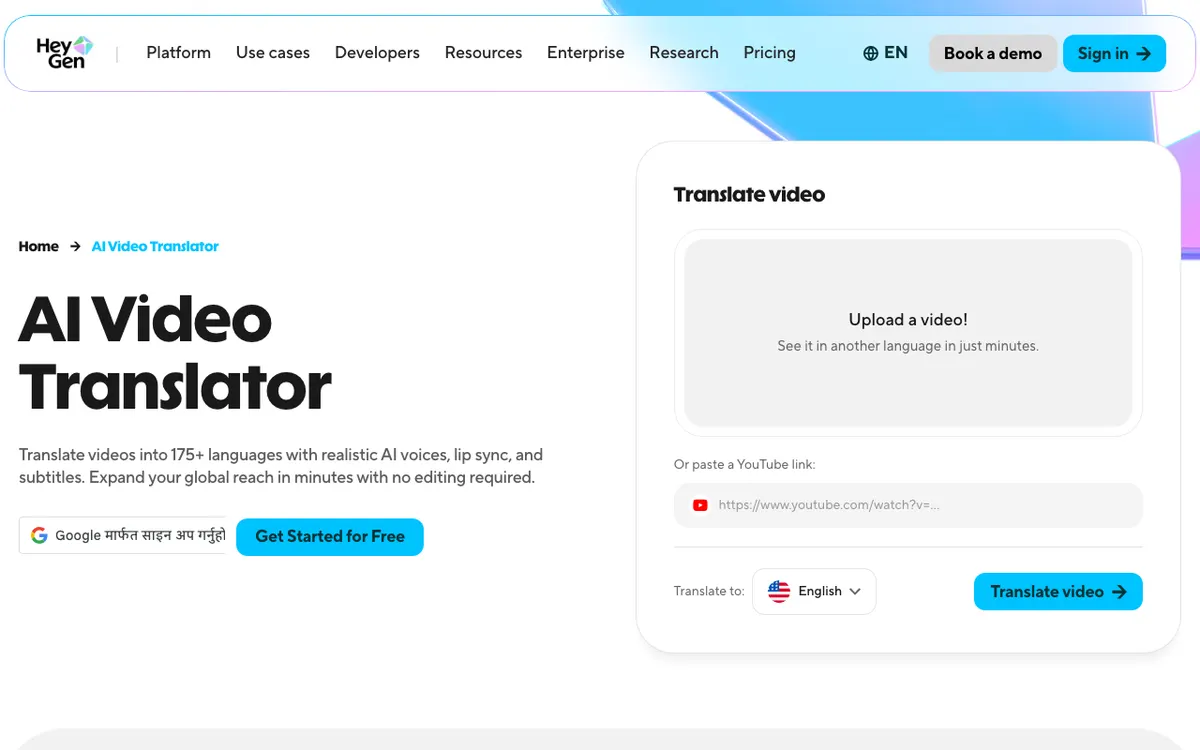 HeyGen — translate a video into 175+ languages with voice cloning and lip sync.
HeyGen is an AI video platform whose video translator clones the speaker’s voice and re-syncs their lips in 175+ languages, from about $0.29 a lip-synced minute on the $29 Creator plan. No other self-serve tool here sells lip sync this cheaply.
The credit maths is clean. Translation costs 4 credits a minute without lip sync, 6 with lip sync in Speed mode and 10 in Precision mode.
Creator’s 600 monthly credits buy about 100 lip-synced minutes in Speed mode, or 60 in Precision. You can upload a file or paste a YouTube link.
The catches: those credits are shared with avatar video, and the Free plan only gives limited trial access to lip-synced translation, on three watermarked one-minute videos a month. Our HeyGen review breaks down every credit rate.
Pros
- Lip-synced translation from about $0.29 a minute, the lowest rate here
- 175+ languages and dialects from Creator up
- Voice cloning, translation and lip sync in a single pass
- Precision mode for tighter mouth timing on close-ups
Cons
- Credits are shared with avatar generation
- Free plan: 3 watermarked one-minute videos a month, 30+ languages
- Creator exports top out at 1080p; 4K needs the $49 Pro plan
- Voice realism trails ElevenLabs on fast or emotional delivery
Best for: Creators, marketers and founders translating talking-head videos and ads. Pricing: Free plan available. Creator $29/month ($24/month billed yearly) for 600 credits. Pro from $49/month (1,000 credits). Business $149/month plus $20 per seat (heygen.com/pricing, checked October 26, 2026).
2. sync. — sharpest lip sync model for pros and developers
 sync. — lipsync and facial reanimation through a web studio, an API and a Premiere plugin.
sync. is a dedicated AI lip sync tool that matches any video to any audio with its sync-3 model, billed at $0.05 a second ($3.00 a minute) on top of a plan from $5 a month. It is the specialist pick when the mouth has to survive a close-up.
The company says its model is built for objects blocking the face, multiple faces, low light, fast camera moves and rapid dialogue. It also offers watermarking to verify whether a video was modified.
The trade-off is scope. sync. syncs lips to audio you supply, so you need a separate dubbing or voice tool for the translation.
That is a feature for post-production teams, who already have a dub, and a chore for solo creators. It ships as a web studio, an API, a Premiere plugin and a ComfyUI node.
Pros
- Purpose-built lip sync model with an explicit focus on hard footage
- Clean per-second pricing that drops to $0.04 a second on Scale
- API, Premiere plugin and ComfyUI node for production pipelines
- Watermarking to flag altered video
Cons
- No built-in translation or voice cloning; bring your own dubbed audio
- Clip length caps: 1 minute on Hobbyist, 5 on Creator, 30 on Scale
- $3.00 a minute is about ten times HeyGen’s Speed-mode rate
- The pricing page does not map models to plans
Best for: Post-production studios, agencies and developers adding visual dubbing to an existing audio pipeline. Pricing: Free tier to try. Hobbyist $5/month, Creator $19/month, Growth $49/month, Scale $249/month, each plus $0.05 per second of video ($0.0475 on Growth, $0.04 on Scale) (sync.so/pricing, checked October 26, 2026).
3. LipDub AI — best for long-form and 4K localization
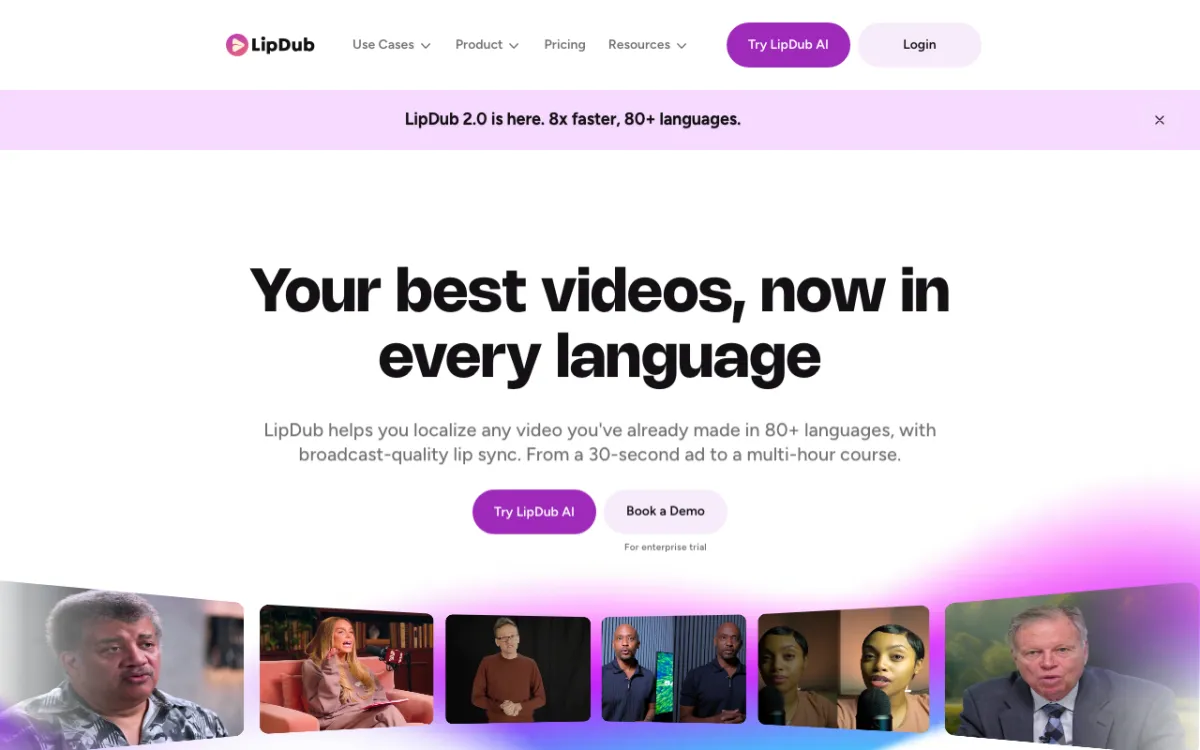 LipDub AI — dubbing and lip sync in 80+ languages, from a 30-second ad to a multi-hour course.
LipDub AI is a lip-sync-first localization platform covering 80+ languages, with lip sync from $3.50 a minute on its $29 Core plan. It is built for long runtimes: Scale allows two-hour videos at 4K.
Pricing is per minute, not per credit, and it falls as you move up. Lip sync is $3.50 a minute on Core, $3.00 on Growth and $2.50 on Scale.
Dubbing is listed as its own rate, from $1.70 a minute on Core. Check how a translated, lip-synced minute is billed before you budget a big project.
There is no watermark on any paid plan, and every plan includes unlimited seats.
Pros
- Per-minute pricing that is easy to forecast
- Up to 120-minute videos and 4K on Scale
- Unlimited seats on every plan
- No watermark on paid plans
Cons
- Core caps videos at 10 minutes and 1080p
- No free plan listed on the pricing page
- API access starts on the $249 Scale plan
- Per-minute rates are well above HeyGen’s
Best for: Course creators, publishers and brands localizing long videos where the presenter stays on camera. Pricing: Core $29/month (lip sync $3.50/min, 10-min videos). Growth $99/month ($3.00/min, 60-min videos). Scale $249/month ($2.50/min, 120-min videos, 4K, API). Enterprise custom. Yearly billing saves 15% (lipdub.ai/pricing, checked October 26, 2026).
4. Rask AI — best for volume localization with lip sync
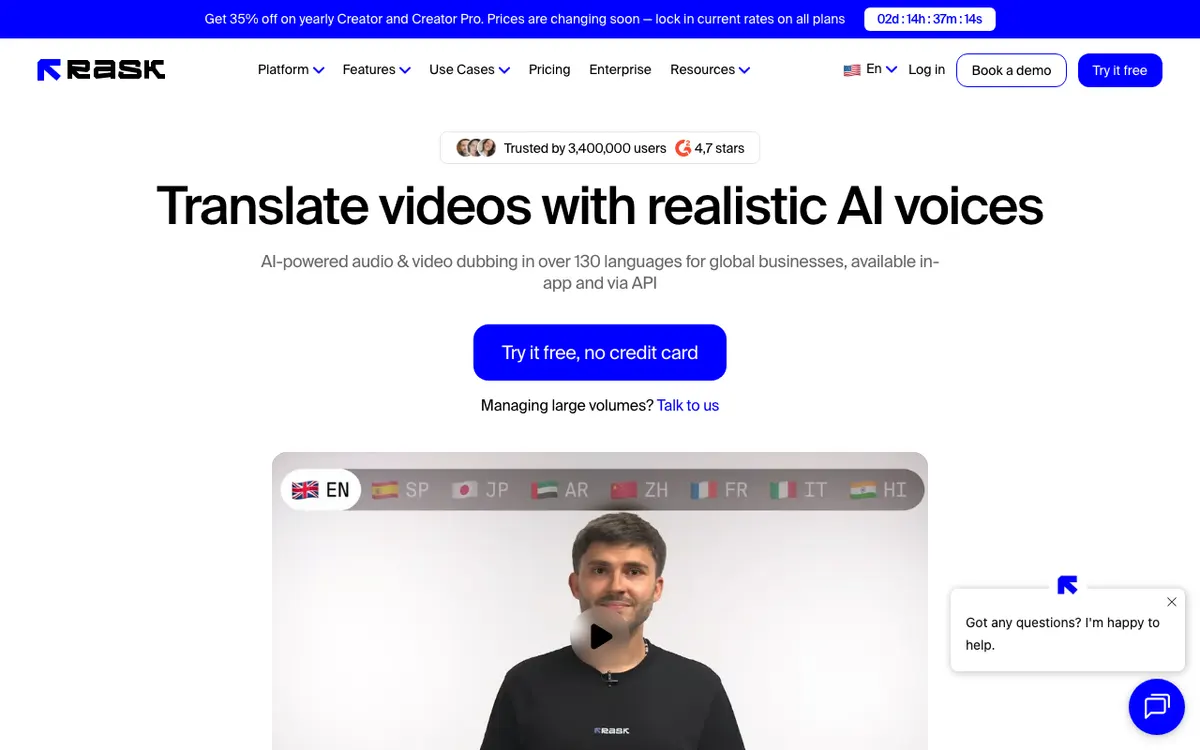 Rask AI — dubbing in 135+ languages, with lip sync from Creator Pro.
Rask AI is a localization platform for teams translating a back catalogue, with dubbing in 135+ languages and lip sync from the $99 Creator Pro plan. Buying minutes instead of credits makes a 200-video project easy to plan.
Lip sync is where the maths needs care. The entry Creator plan ($39/month, 25 minutes) has no lip sync at all.
Creator Pro adds it, and enhanced lip sync uses 3 minutes of allowance per minute of video, plus 1 for the translation. That puts a lip-synced minute at about $3.96 on monthly billing, or about $2.68 billed yearly.
Rask flags that lip sync pricing as beta, so it may change. Voice cloning covers 32 languages, not all 135+; our Rask AI alternatives post compares eight replacements.
Pros
- 135+ dubbing languages
- Minute-based plans that map onto a localization schedule
- Speaker and multi-speaker lip sync listed from Creator Pro
- API and team review for pipeline work
Cons
- No lip sync on the $39 Creator plan
- Enhanced lip sync burns 4 minutes of allowance per minute of video
- Voice cloning covers 32 languages only
- Free trial is 3 minutes
Best for: Agencies and media teams localizing a large library into many languages on a schedule. Pricing: Free trial, 3 minutes, no card. Creator $39/month (25 min, no lip sync). Creator Pro $99/month or $799/year (100 min, lip sync). Business $249/month or $1,999/year (250 min) (rask.ai/pricing, checked October 26, 2026).
5. Vozo — best for multi-speaker scenes
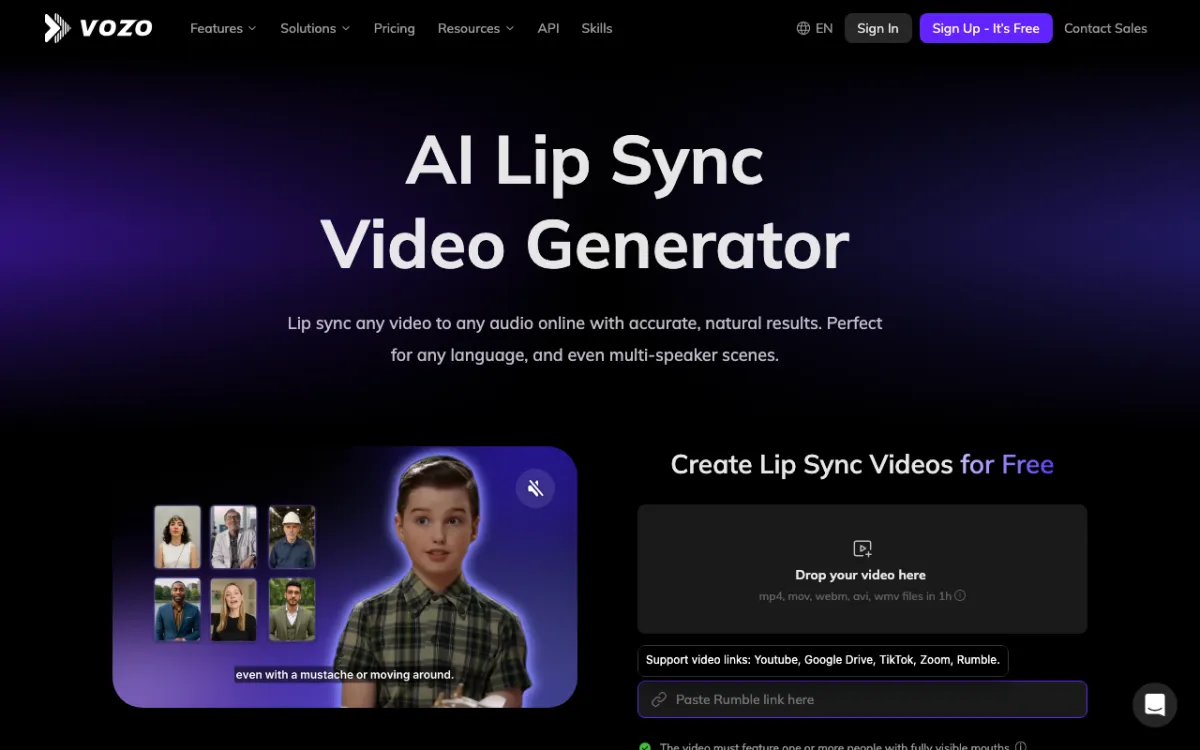 Vozo — lip sync, translate-and-dub and visual translation in one workspace.
Vozo is an AI dubbing and lip sync platform built for scenes with more than one speaker, translating into 165 target languages from $29 a month. It detects each speaker on its own and lets you assign audio to specific faces.
Its LipREAL model runs in two modes. Standard is for frontal faces; Precision is for side profiles, beards, piercings and other obstructions.
Plans are priced in points. Creator’s 150 monthly points cover about 15 lip-synced minutes, or about $1.93 each, and Studio’s 600 points cover about 60, or about $1.65 each.
Lip sync accepts files up to 60 minutes, up to 4K. You can also paste a YouTube, Google Drive, TikTok, Zoom or Rumble link.
Pros
- Detects multiple speakers and lets you pick which face gets which audio
- Precision mode for profiles and partly covered faces
- 165 target languages for translate and dub
- Free tier covers about 2 lip-synced minutes
Cons
- Lip sync minutes are a third of plain dubbing minutes on every plan
- Points-based pricing takes some maths to compare
- Free exports are limited to small trial projects
- Smaller review footprint than HeyGen or Rask AI
Best for: Interviews, podcasts on video and panel content with two or more people on screen. Pricing: Free (20 points, about 2 lip sync minutes). Creator $29/month (about 15 lip sync minutes). Studio $99/month (about 60 lip sync minutes, 3 seats). Yearly billing saves 25% (vozo.ai/pricing, checked October 26, 2026).
6. Perso AI — cheapest entry plan with lip sync
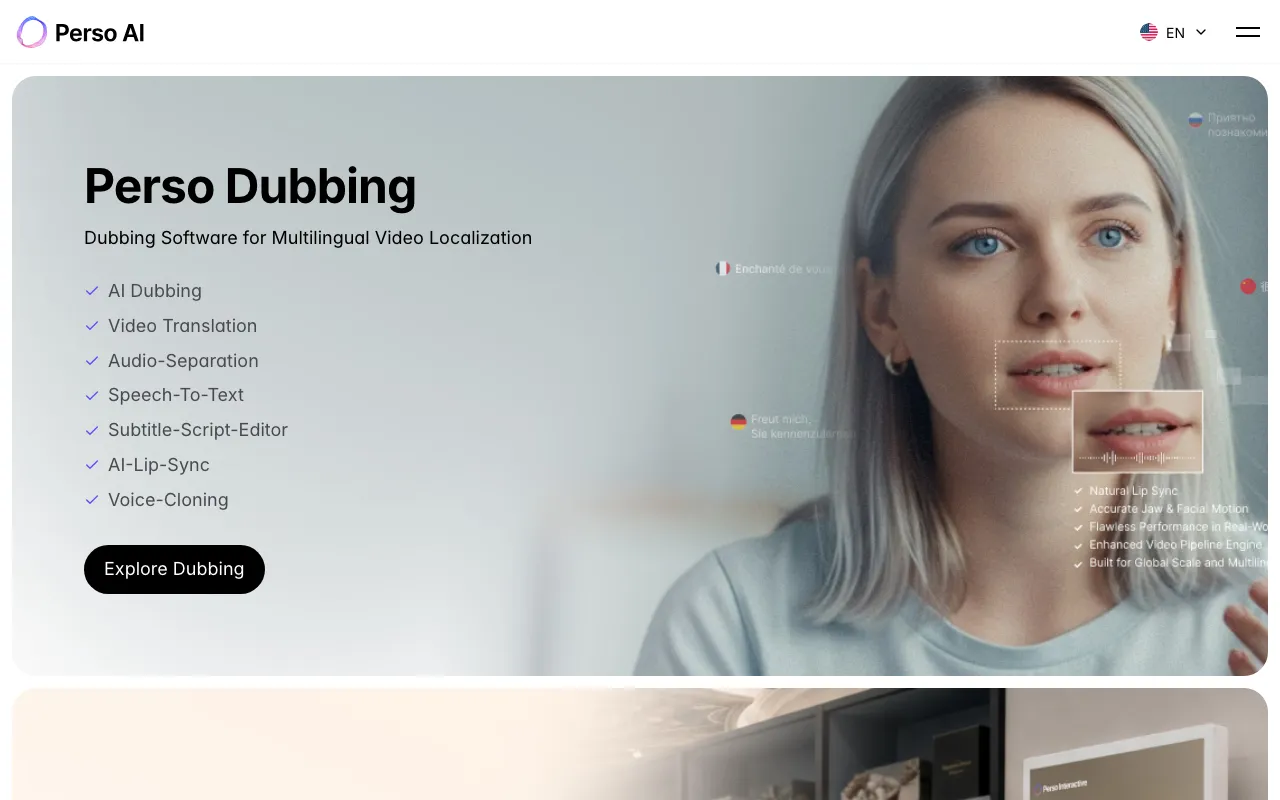 Perso AI — dubbing, lip sync and voice cloning from ESTsoft.
Perso AI is a dubbing platform from South Korean software company ESTsoft that pairs lip sync with a script editor, from $6.99 a month. Lip dubbing covers 82 languages.
The editor is the reason to pick it. You can fix the translated script line by line before it is voiced and synced, so product names and numbers come out right.
Lip sync is metered separately from plain dubbing. Starter includes 2 lip-dub minutes, Creator at $29 includes 13 (about $2.23 each) and Pro at $99 includes 60.
Pros
- Lip sync from a $6.99 plan, the cheapest way in
- Script editor to fix translations before voicing
- 82 lip-dub languages
- Pro’s 60 lip-dub minutes work out at about $1.65 each
Cons
- Starter’s 2 lip-dub minutes are a test, not a workflow
- Free plan is a single generation
- Lip-dub minutes are a fraction of dubbing minutes on every plan
- Smaller review footprint than the larger tools
Best for: Solo creators who want lip sync and script control on a small budget. Pricing: Free (1 generation). Starter $6.99/month (7 dubbing min, 2 lip-dub min). Creator $29/month (40 min, 13 lip-dub min). Pro $99/month (60 lip-dub min) (perso.ai/pricing, checked October 26, 2026).
7. Synthesia — best for training and internal comms teams
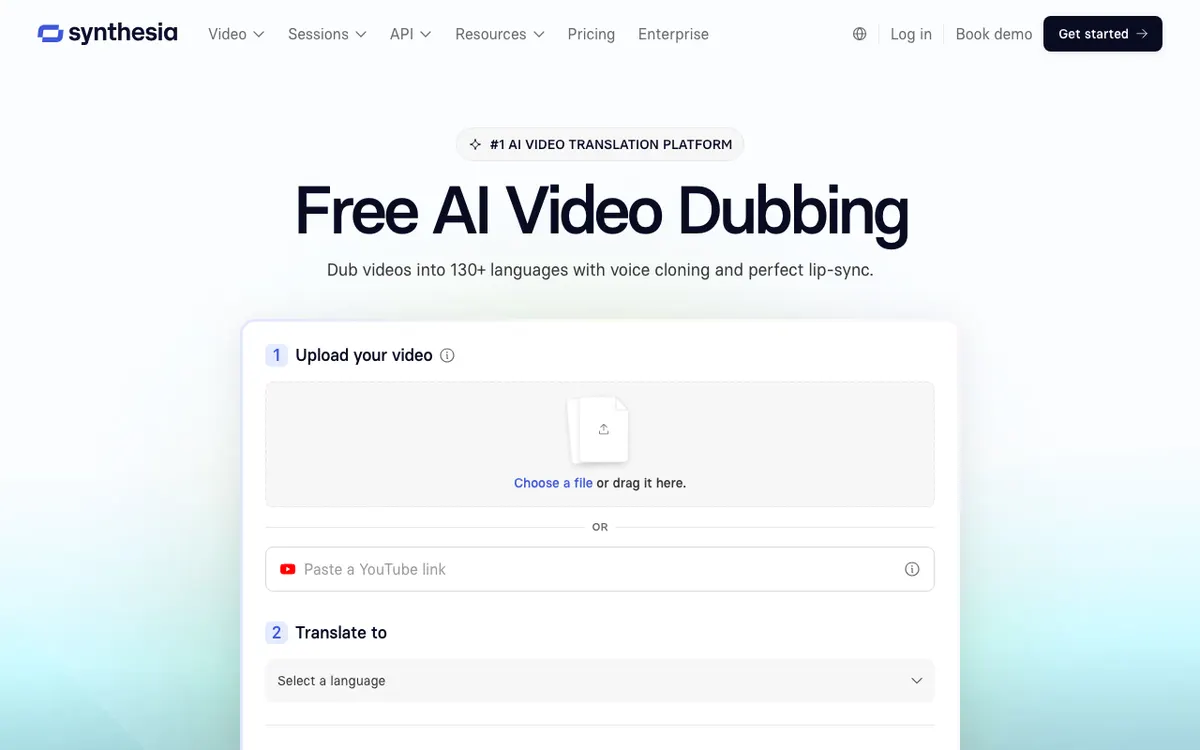 Synthesia — AI dubbing with optional lip sync, inside an avatar video platform.
Synthesia is an AI video platform for business teams whose dubbing adds optional lip sync in 70+ languages on self-serve plans, from $29 a month. It earns its place when lip-synced translation is one step in a training workflow that also uses avatars and LMS export.
Dubbing costs 76 credits a minute, and lip sync doubles that. Starter’s 1,250 monthly credits cover about 16 dubbed minutes, or about 8 lip-synced ones, roughly $3.50 each.
Mind the language count: self-serve plans list 70+ languages, while 140+ and voice cloning sit under Enterprise. Our Synthesia review covers the rest of the platform.
Pros
- Free plan includes 10 minutes of video or dubbing a month
- Dubbing sits next to avatars, templates and SCORM export
- Strong security and compliance posture for larger companies
- Annual billing cuts Starter to $18/month
Cons
- Lip sync doubles the credit cost of a dub
- 70+ languages on self-serve; 140+ needs Enterprise
- Voice cloning is listed under Enterprise
- Free plan exports carry a watermark
Best for: L&D and internal comms teams who already make avatar videos and need them in several languages. Pricing: Basic free (10 minutes/month). Starter $29/month or $18/month yearly. Pro $89/month or $64/month yearly. Enterprise custom (synthesia.io/pricing, checked October 26, 2026).
AI lip sync tools compared
Cost per lip-synced minute, per target language, on the cheapest plan that includes lip sync. Checked October 26, 2026.
| Tool | Entry plan with lip sync | Cost per lip-synced minute | Translation built in | Multi-speaker | Languages | Free option |
|---|---|---|---|---|---|---|
| HeyGen | $29/mo (600 credits) | ~$0.29 Speed, ~$0.48 Precision | Yes | Not advertised | 175+ (30+ on Free) | 3 x 1-min videos, watermark |
| sync. | $5/mo + usage | $3.00 ($2.40 on Scale) | No, bring audio | Yes, per vendor | Any audio | Free tier to try |
| LipDub AI | $29/mo | $3.50 ($2.50 on Scale) | Yes, dubbing billed separately | Not advertised | 80+ | None listed |
| Rask AI | $99/mo (100 min) | Yes | Yes | 135+ | 3-min trial | |
| Vozo | $29/mo (150 points) | ~$1.93 | Yes | Yes, assign by face | 165 targets | ~2 lip sync min |
| Perso AI | $6.99/mo | ~$3.50 Starter, ~$2.23 Creator | Yes, with script editor | Not advertised | 82 lip-dub | 1 generation |
| Synthesia | $29/mo | ~$3.50 | Yes | Not advertised | 70+ (140+ Enterprise) | 10 min/mo, watermark |
Two things the table hides. HeyGen and Synthesia share credits with avatar video, so their rates assume you spend the whole pool on translation.
And sync.’s rate covers the lips only. Add the cost of whatever tool makes your translated audio.
How to choose the right AI lip sync tool
Want one tool that does everything, cheaply? Start with HeyGen. Translation, voice clone and lip sync for about $0.29 a minute is hard to beat.
Is the shot a close-up where the mouth must be flawless? Test sync. first, and pair it with your own dub.
Are videos longer than 30 minutes, or delivered in 4K? LipDub AI’s Scale plan and Vozo’s 60-minute, 4K lip sync are built for that.
Two or more people on screen? Shortlist Vozo and Rask AI, then test a clip where people talk over each other.
Do product names and numbers have to be exact? Perso AI lets you edit the translated script before it is voiced and synced.
Do you need lip sync at all?
Lip sync only earns its price when a face talks to camera. For a large share of video, it buys nothing.
A screen recording, a product demo, a slide deck, B-roll with voiceover or an interview shot from the side has no front-facing mouth to match. Paying a lip sync premium there doubles your cost per minute or more, and adds a stage that can fail.
For that footage, audio-only dubbing is the better call. Vidwip AI Video Dubbing re-voices every speaker in a clone of their own voice, in up to 94 languages, and keeps the music and background sound.
It does not do lip sync: the picture stays exactly as filmed. It costs a flat $2.40 per minute per language on the default v1 model, with no watermark on any plan.
ElevenLabs is the other strong audio-only option, with the most expressive voices in the category. Our ElevenLabs review covers its dubbing and credit costs.
For the full dubbing landscape, with and without lip sync, see the best AI video dubbing tools and the best AI video translation tools.
Where AI lip sync still breaks
Side angles and covered mouths. Profiles, hands near the chin and a mic in frame are the most common failures. Vozo’s Precision mode and sync.’s newer model target these, but test anyway.
Crosstalk. When two people speak at once, models move the wrong mouth for a few frames, and viewers spot it instantly.
Length changes. Spanish, French and Japanese dubs often run 20 to 25% longer than English. The tool has to speed up the voice or stretch the shot, and both show.
Consent. Lip sync regenerates a real person’s face. Use it only on people who agreed, and label localized versions. If you are generating avatars from scratch instead, our AI avatar video generators post covers talking-avatar tools.
The verdict
Pick on your footage, not the demo reel.
HeyGen is the best AI lip sync tool for most people: one pass, 175+ languages, about $0.29 a lip-synced minute. sync. is the specialist model for close-ups and pipelines. LipDub AI suits long-form and 4K. Rask AI suits volume localization. Vozo handles multi-speaker scenes. Perso AI is the cheapest way in. Synthesia fits training teams already on avatars.
If your video has no face talking to camera, skip lip sync entirely. Try Vidwip AI Video Dubbing with the 100 free credits every new account gets, about 25 seconds of dubbing into one language, no card and no watermark, at app.vidwip.com.
Compare plans on the pricing page.