
Vidwip AI Video Dubbing is the best AI video translation tool for keeping every speaker in their own voice at a flat $2.40 per minute per language, with no watermark on any plan. HeyGen is the pick when lips must match (about $0.29 a minute on Creator), ElevenLabs is the cheapest realistic audio-only dub, Rask AI suits volume work, Synthesia suits training teams, Perso AI is the budget lip-sync option, and Maestra is best when you need subtitle files.
The best AI video translation tools in 2026 do three different jobs: translated subtitles, a voice dub in the new language, and lip sync that reshapes the mouth to match. Most roundups rank them as if they were one job.
They are not. A course team that needs Spanish voice over a screen recording and a brand that needs a presenter’s lips to match in Japanese should not buy the same tool.
So this list ranks seven AI video translation tools on what changes your output: whose voice comes back, whether the lips match, how many languages you really get on the plan you can afford, and what one translated minute costs. Every price was checked on the vendor’s own pricing page in October 2026.
Why AI video translation is worth doing now
Two numbers make the case. CSA Research’s “Can’t Read, Won’t Buy” survey of 8,709 consumers in 29 countries found 76% prefer buying products with information in their own language.
YouTube says creators who added multi-language audio tracks got more than 25% of their watch time from viewers in a language other than the original. That is the upside of a dub, measured on the biggest video platform there is.
Cost used to be the blocker. The tools below translate a minute of video for between $0.29 and $2.40 per language.
What to look for in an AI video translator
Whose voice comes back. The better tools clone each speaker, so your audience still hears the person they came to watch. Cheaper ones swap in a stock narrator.
Lip sync, or not. Lip sync matters for a face talking straight to camera. For screen recordings, slides, voiceover and B-roll, it is cost you do not need.
Languages on your plan. Headline counts often need a higher tier. HeyGen gives 30+ on Free and 175+ from Creator, and Synthesia gives 70+ on self-serve and 140+ only on Enterprise.
Script control. Product names, prices and acronyms are where machine translation slips. Some tools let you edit the translated script before it is voiced; others do it in one pass.
Cost per minute, per language. Every tool here bills per minute of source video per target language. A 10-minute video in four languages bills as 40 minutes.
For how the pipeline works underneath (transcription, translation, voice synthesis, timing), see how AI video dubbing works.
1. Vidwip AI Video Dubbing — best for keeping every speaker’s own voice
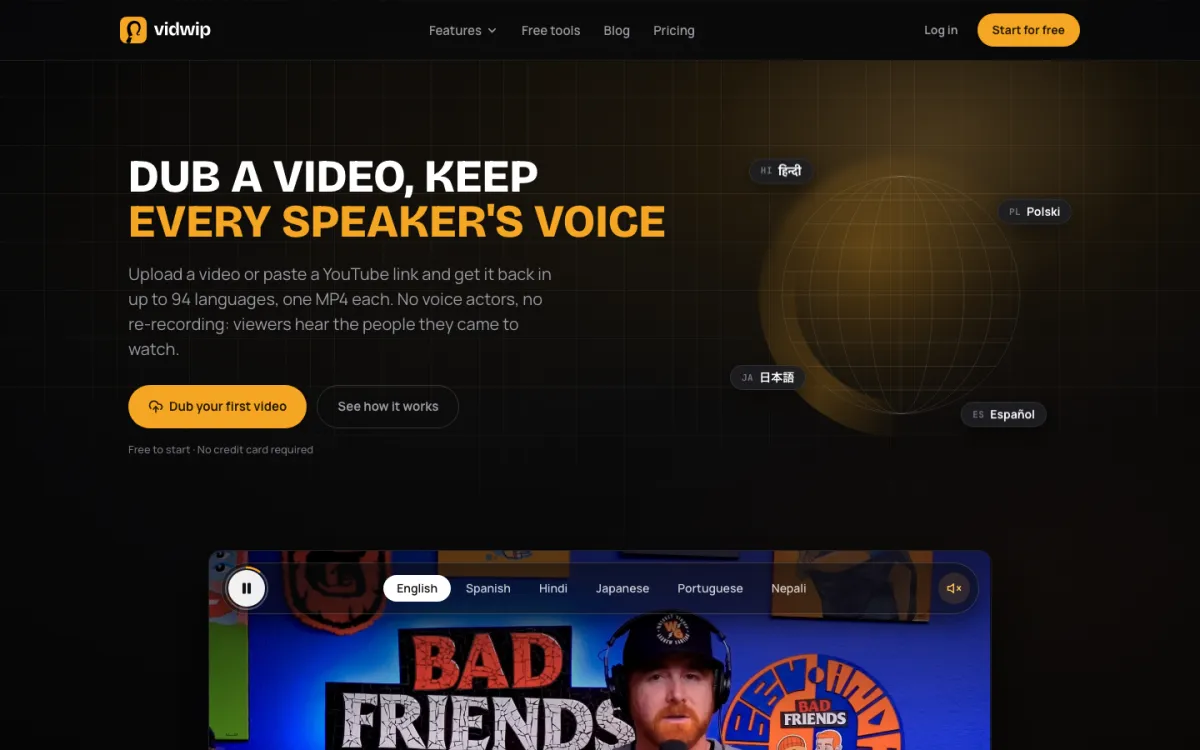 Vidwip AI Video Dubbing — upload a file or paste a YouTube link, get one MP4 per language.
Vidwip AI Video Dubbing is an AI video translation tool that re-voices every speaker in a clone of their own voice, into up to 94 languages, for a flat $2.40 per minute per language. There is no watermark on any plan, free included.
AI finds each speaker on its own, translates what they say, and voices it back in their cloned voice.
The music and background sound stay where they were, and the picture is untouched. Interviews and panels work too: each person keeps their own voice.
The default v1 model covers 29 languages and suits calm, clear speech at 240 credits a minute ($2.40).
Advanced v2 covers all 94 languages and handles noise and several speakers, at 600 credits a minute ($6.00).
You can tick several languages in one run (1 at a time on Free, up to 5 on Starter, up to 10 on Pro) and each comes back as its own MP4.
Translated subtitles can be burned in too, timed to the new voice, in 8 styles. For subtitles without a dub, the AI Subtitle Generator translates captions into any of the same 94 languages.
The honest limits: no lip sync, no voice picker and no editing of the translation before it is voiced. You can read the translated script once the dub is done.
Pros
- Every speaker keeps their own cloned voice, with music and background sound preserved
- Flat, published rate: $2.40 per minute per language on v1, $6.00 on v2
- No watermark on any plan, free included
- Up to 10 languages in one run on Pro, one MP4 each
- Translated subtitles burned in, timed to the dubbed voice
Cons
- No lip sync, so on-camera presenters will not match the new words
- You cannot edit the translation before it is voiced
- The default v1 model covers 29 languages; all 94 need the pricier v2
- The free grant is about 25 seconds of v1 dubbing, once, enough to test, not to ship
Best for: Creators, course teams and marketers translating real footage (interviews, tutorials, demos) where the voice matters more than the mouth. Pricing: Free 100 one-time credits, no card. Starter $25/month (2,500 credits). Pro $99/month (10,000 credits). Dubbing is 240 credits per minute per language on v1 and 600 on v2; 1 credit = $0.01 (Vidwip pricing). Files up to 2 GB and 30 minutes, or YouTube links up to 10 minutes.
2. HeyGen — best value when lips have to match
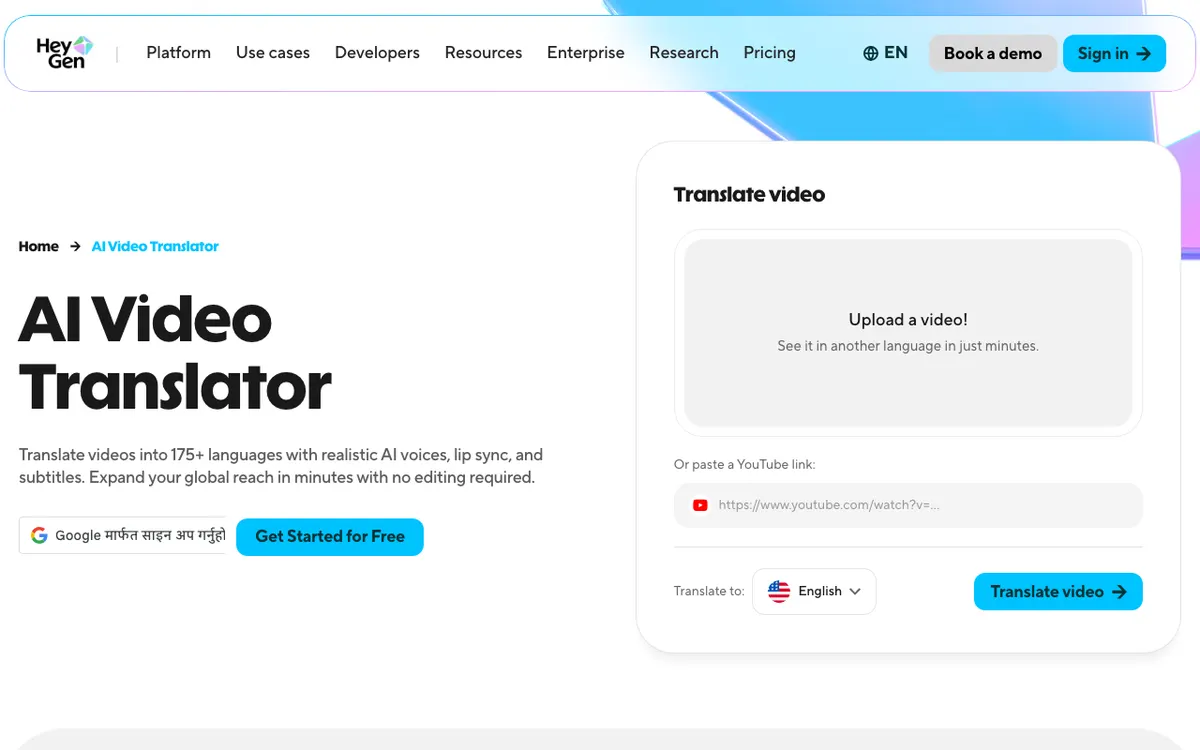 HeyGen — translate a video into 175+ languages with voice cloning, lip sync and subtitles.
HeyGen is the AI video translator to use when a face is on camera, with lip-synced translation into 175+ languages from about $0.29 a minute. No other tool here sells lip sync this cheaply on a self-serve plan.
Per HeyGen’s help centre, translation costs 4 credits a minute without lip sync, 6 with lip sync in Speed mode and 10 in Precision mode. The $29 Creator plan’s 600 credits buy about 100 lip-synced minutes.
There are two catches. Those credits are shared with avatar video, so a team that also makes avatar content will run out sooner.
And the Free plan caps translation at 30+ languages, with a watermark and one-minute videos.
Voice quality is good, not the best here: on an emotional or fast read, ElevenLabs still sounds more human. Our HeyGen review breaks down every credit rate.
Pros
- Lip sync on paid plans from $29/month, the cheapest self-serve lip sync here
- 175+ languages and dialects from Creator up
- Paste a YouTube link instead of uploading
- Precision mode for tighter mouth timing on close shots
Cons
- Credits are shared with avatar generation
- Free plan: 3 videos a month, 1 minute each, watermarked, 30+ languages
- Voice realism trails ElevenLabs on expressive delivery
- Creator exports top out at 1080p; 4K needs the $49 Pro plan
Best for: Talking-head videos, ads and creator content where the presenter faces the camera. Pricing: Free plan available. Creator $29/month (about $24/month billed yearly) for 600 credits. Pro from $49/month (1,000 credits). Business $149/month plus $20 per seat (heygen.com/pricing, checked October 2026).
3. ElevenLabs Dubbing — cheapest realistic audio-only translation
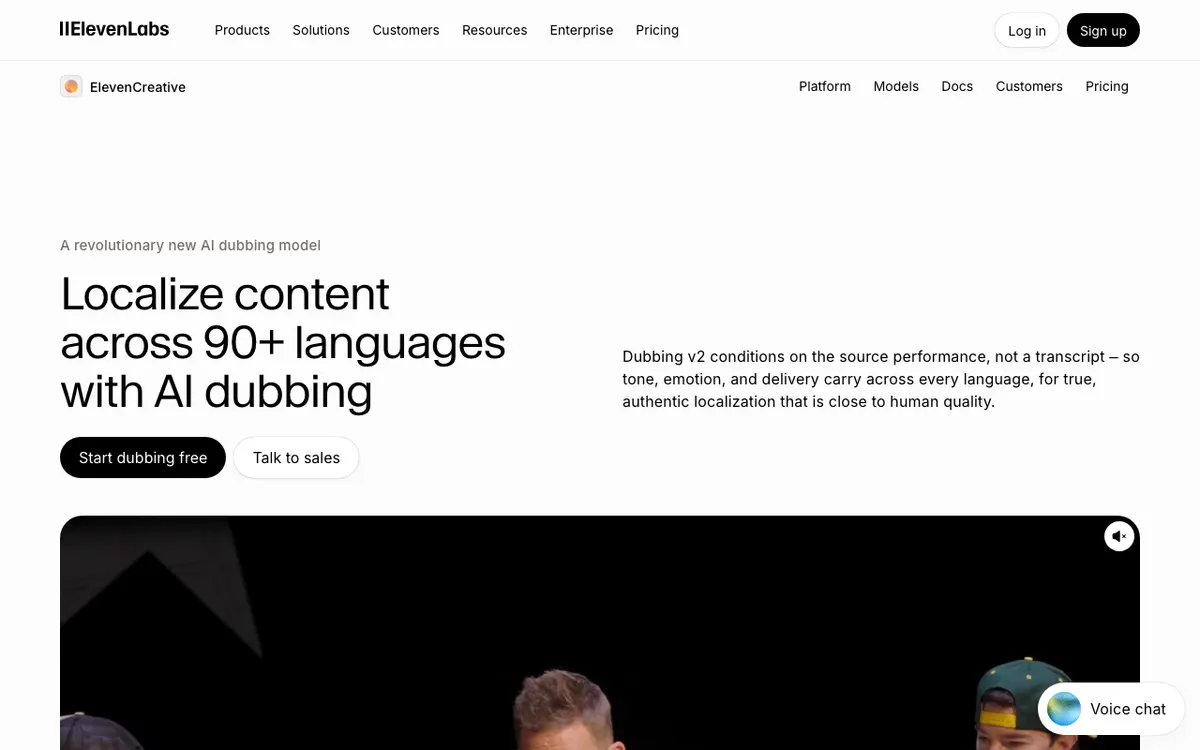 ElevenLabs — automatic dubbing and an editable Dubbing Studio across 90+ languages.
ElevenLabs Dubbing is the most realistic audio-only AI video translation tool, covering 90+ languages for about $0.55 per translated minute on its Creator plan. Its newer model listens to the original performance, so tone and pacing carry into the new language.
Its dubbing docs confirm uploads up to 2 GB and 180 minutes, and that v2 dubs can be edited in the web app. Script editing through the API is Enterprise-only.
The docs also say plainly that ElevenLabs does not offer lip sync. That is fine for voiceover, podcasts and screen recordings, and wrong for a presenter filmed head-on.
Pricing is in credits shared with every other ElevenLabs product.
Automatic dubbing costs 3,000 credits a minute without a watermark; the Dubbing Studio editor costs 10,000. The ElevenLabs vs Murf AI comparison covers the voice side in depth.
Pros
- Most natural-sounding translated voice in this list
- About $0.55 a minute for watermark-free automatic dubs on Creator
- 2 GB, 180-minute uploads, the largest file limit here
- v2 dubs are editable in the web app
Cons
- No lip sync at all
- Dubbing Studio editing costs over three times as much per minute as automatic dubs
- Free plan watermarks dubs and has no commercial licence
- Credits are shared with text-to-speech, music and every other product
Best for: Podcasts, voiceover-led videos and any footage where the speaker is off camera. Pricing: Free 10,000 credits/month. Starter $6/month (30,000 credits). Creator $22/month (121,000 credits, first month half price). Pro $99/month (600,000 credits). Dubbing is 2,000 credits/minute with watermark, 3,000 without (elevenlabs.io/pricing, checked October 2026).
4. Rask AI — best for volume localization
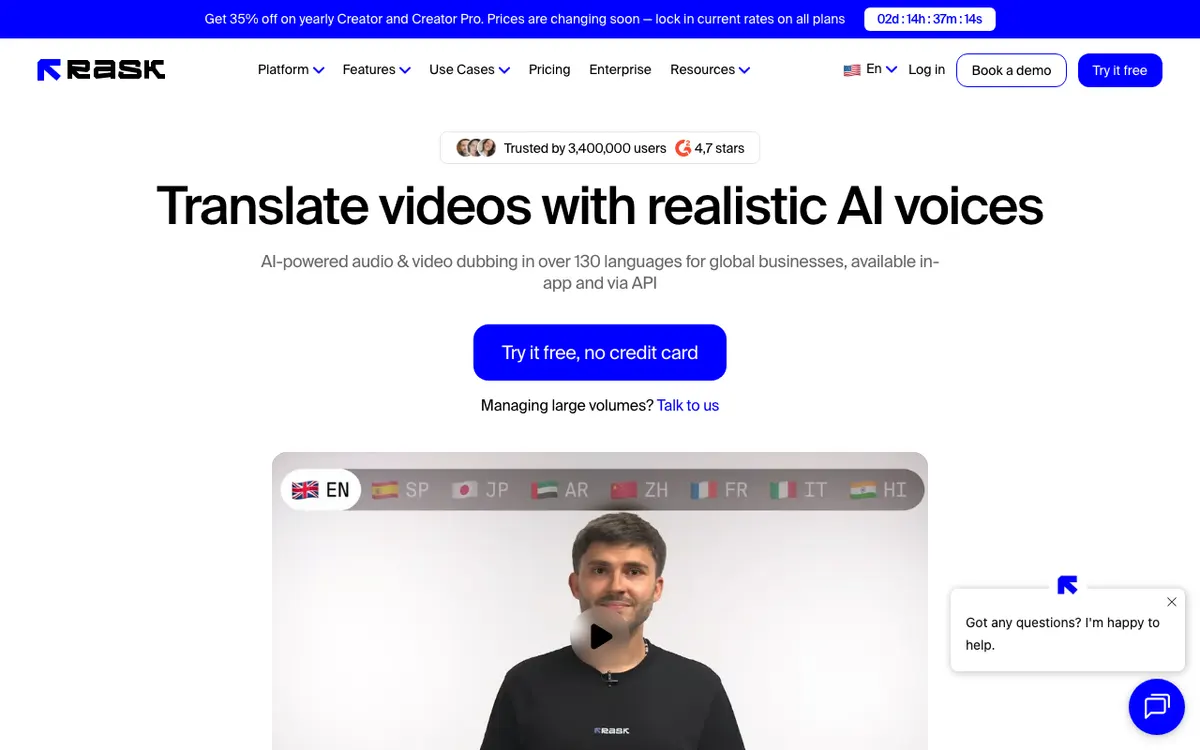 Rask AI — audio and video dubbing, in the app and through an API.
Rask AI is an AI video translation platform built for teams localizing a back catalogue, with dubbing in 135+ languages and minute-based plans from $39 a month. Buying minutes instead of credits makes a 200-video project easy to budget.
Rask’s prices have dropped since our September comparison.
Creator is now $39/month for 25 minutes ($1.56 a minute) or $28/month on annual billing ($1.12). Creator Pro is $99 for 100 minutes, about $0.99 a minute.
Lip sync is where the plan matters: Rask’s pricing page lists lip sync, including multi-speaker lip sync, from Creator Pro up. Voice cloning covers 32 languages, not all 135+.
If Rask is close but not quite right, our Rask AI alternatives post compares eight replacements on the same criteria.
Pros
- 135+ dubbing languages on every plan
- Minute-based plans that map straight onto a localization schedule
- API for pipeline work, plus team editing and review
- Annual billing brings Creator Pro under $0.70 a minute
Cons
- Lip sync starts at Creator Pro ($99/month)
- Voice cloning covers 32 languages only
- Monthly Creator is one of the dearer per-minute rates here
- Free trial is 3 minutes
Best for: Agencies and media teams translating a library into many languages on a schedule. Pricing: Free trial, 3 minutes, no card. Creator $39/month or $28/month yearly (25 min). Creator Pro $99/month or $67/month yearly (100 min). Business $249/month or $167/month yearly (250 min) (rask.ai/pricing, checked October 2026).
5. Synthesia — best for training and internal comms teams
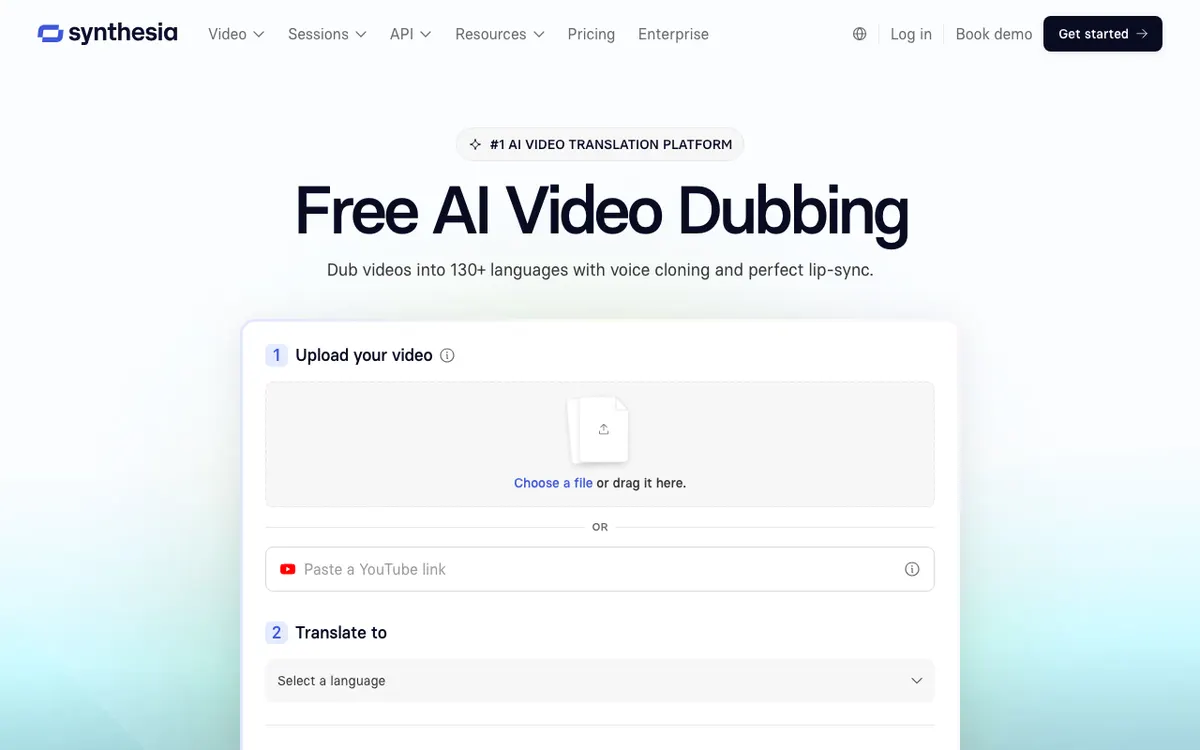 Synthesia — AI dubbing with voice cloning, inside an avatar video platform.
Synthesia is an AI video platform for business teams whose AI dubbing translates existing video into 70+ languages on self-serve plans, from $29 a month. It is best when translation is one part of a training workflow that also uses avatars and LMS export.
Dubbing costs 76 credits a minute, and lip sync doubles that. The Starter plan covers up to 16 dubbing minutes a month on monthly billing, about $1.80 a minute.
The language headline needs care: the dubbing page advertises 130+ languages, but the pricing grid caps self-serve plans at 70+ and lists 140+ and voice cloning under Enterprise. Our Synthesia review covers the rest of the platform.
Pros
- Free plan includes 10 minutes of video or dubbing a month
- Dubbing sits next to avatars, templates and SCORM export for an LMS
- Strong security and compliance posture for larger companies
- Annual billing cuts Starter to $18/month
Cons
- 70+ languages on self-serve; 140+ needs Enterprise
- Voice cloning is listed under Enterprise
- About $1.80 a minute on monthly Starter
- Free plan exports carry a watermark
Best for: L&D and internal comms teams already making avatar videos who need them in several languages. Pricing: Basic free (10 minutes/month). Starter $29/month or $18/month yearly. Pro $89/month or $64/month yearly. Enterprise custom (synthesia.io/pricing, checked October 2026).
6. Perso AI — best budget lip sync with a script editor
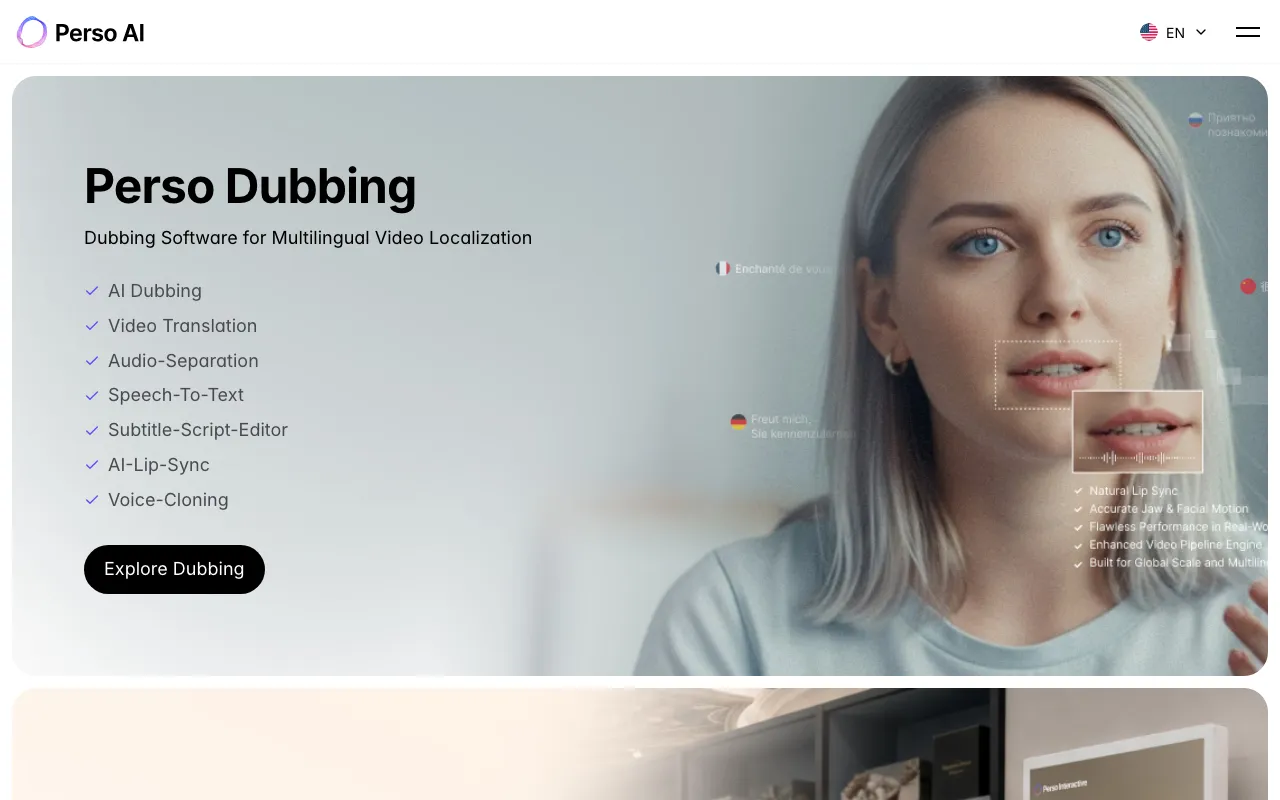 Perso AI — dubbing, video translation, lip sync and voice cloning from ESTsoft.
Perso AI is a dubbing platform from South Korean software company ESTsoft that pairs lip sync and voice cloning with a subtitle-script editor, from $6.99 a month. It advertises dubbing in 99+ languages.
The editor is the reason to pick it. You can fix the translated script line by line before it is voiced, which Vidwip and ElevenLabs’ automatic mode do not offer.
Lip sync is metered separately from plain dubbing.
Creator at $29 includes 40 dubbing minutes (about $0.73 each) and 13 lip-dub minutes. Pro at $99 prices by model: 180 minutes on Linnet 4, or 45 on the premium Nightingale model.
Pros
- Lip-sync minutes from the $6.99 Starter plan
- Subtitle-script editor to fix translations before voicing
- 99+ dubbing languages
- About $0.73 a minute on Creator
Cons
- Lip-sync minutes are a fraction of plain dubbing minutes on every plan
- Free plan is a single generation
- Pro’s minute count depends on which voice model you pick
- Smaller review footprint than HeyGen or Rask
Best for: Creators who want lip sync and script control on a small monthly budget. Pricing: Free (1 generation). Starter $6.99/month (7 dubbing min, 2 lip-dub min). Creator $29/month (40 min, 13 lip-dub min). Pro $99/month (180 min on Linnet 4) (perso.ai/pricing, checked October 2026).
7. Maestra — best for translated subtitles plus voiceover
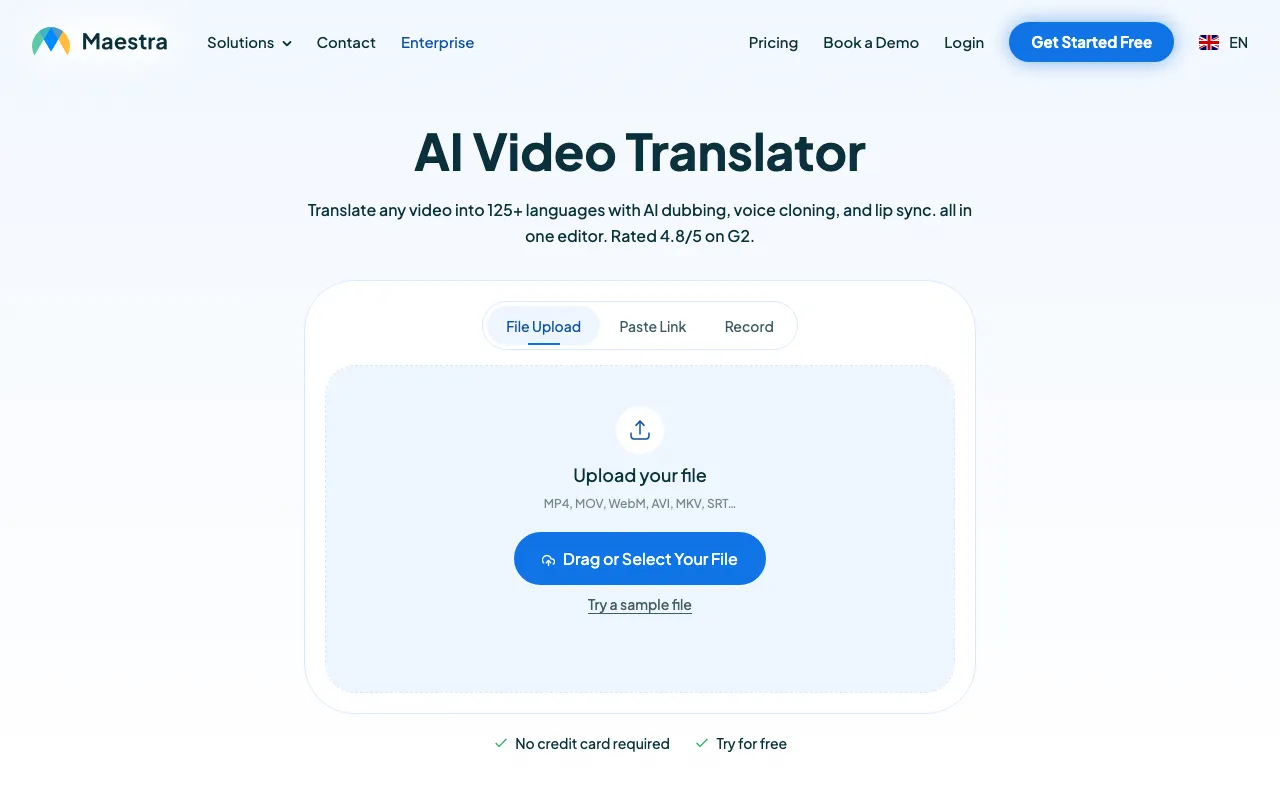 Maestra — subtitles, AI dubbing and voice cloning in one editor.
Maestra is an editor-first AI video translator that produces translated subtitles, an AI voiceover, or both, in 125+ languages. It is the only tool here built around subtitle files, with SRT and VTT export next to the dubbed MP4.
That makes it the pick when the deliverable is text. The $39 Basic plan (annual billing) includes 180 minutes of translated subtitles and 120 minutes of voiceover into another language.
Voice cloning starts on Premium at $79, and lip sync is a $2-a-minute add-on on the $159 Business plan.
There is no free plan, only a trial and a $12 pay-as-you-go pack. The Maestra alternatives post covers what else to try.
Pros
- Subtitles and dubbing in one editor, side by side
- SRT and VTT export for YouTube, LMS and players
- 125+ languages
- Business plan adds DeepL translation and a glossary for brand terms
Cons
- No free plan; trial only, or $12 per 60 credits
- Voice cloning starts at $79/month
- Lip sync is a paid add-on at $2 a minute, Business plan only
- Plan prices shown are annual-billing rates
Best for: Teams that need subtitle files first and a voice track second, such as course creators and media publishers. Pricing: Pay as you go $12 per 60 credits. Basic $39/month, Premium $79/month, Business $159/month, Business Plus $359/month, as shown on annual billing (maestra.ai/pricing, checked October 2026).
AI video translation tools compared
Per minute of source video, per target language, on the cheapest plan that does the job. Checked October 2026.
| Tool | Entry paid plan | Cost per translated minute | Voice cloning | Lip sync | Languages | Free option |
|---|---|---|---|---|---|---|
| Vidwip | $25/mo (2,500 credits) | $2.40 (v1), $6.00 (v2) | Every speaker, by default | No | 29 (v1), 94 (v2) | 100 credits, one-time, no watermark |
| HeyGen | $29/mo (600 credits) | ~$0.29 with lip sync | Yes | Yes, from Creator | 175+ (30+ on Free) | 3 x 1-min videos, watermark |
| ElevenLabs | $22/mo (121,000 credits) | ~$0.55 | Yes | No | 90+ | ~5 min, watermark, no commercial use |
| Rask AI | $39/mo (25 min) | $1.56 ($1.12 yearly) | 32 languages | From Creator Pro | 135+ | 3-min trial |
| Synthesia | $29/mo | ~$1.80 | Enterprise | 2x credits | 70+ (140+ Enterprise) | 10 min/mo, watermark |
| Perso AI | $6.99/mo (7 min) | ~$0.73 on Creator | Yes | Yes, metered | 99+ | 1 generation |
| Maestra | $39/mo (annual) | ~$0.33 voiceover on Basic | From Premium | $2/min add-on | 125+ | Trial only |
Two things the table hides. HeyGen and ElevenLabs share credits with other products, so their per-minute figures assume you spend the whole pool on translation.
Maestra’s low voiceover rate is for standard voices; pro voices and cloning start on Premium.
How to choose the right AI video translation tool
Is a face talking to camera? If yes, shortlist HeyGen or Perso AI for lip sync. If it is a screen recording, slides, voiceover or B-roll, skip lip sync and pay less.
Does the audience need to hear the same person? Pick a tool that clones every speaker. Vidwip does this by default; Rask and Synthesia limit it by language or plan.
Do you need to fix the translation first? Perso AI and Maestra give you an editor before voicing. For one-pass tools, check the first 30 seconds of every dub for names and numbers.
Is the deliverable a file or a video? If your LMS or player wants SRT or VTT, Maestra is built for that. If you want a finished MP4 per language, Vidwip, HeyGen and Rask hand you one.
How many minutes times languages? Multiply first, then price. A flat per-minute rate fits irregular work; a minutes bundle fits a fixed monthly schedule.
What AI video translation still gets wrong
Names and numbers drift. Prices, product names and dates get translated when they should not. A glossary or script editor fixes it; otherwise, review before you publish.
Crosstalk breaks every tool. Two people speaking over each other produce the worst dubs in every product here. Clean source audio matters more than the model.
Length changes. Spanish, French and Japanese dubs run roughly 20 to 25% longer than an English source, while Chinese runs about 20% shorter. Our language pages show how much each language expands, which decides whether a dub fits your cut.
The verdict
Pick on what your footage looks like, not the language count.
Vidwip AI Video Dubbing is our pick for most multilingual content: every speaker in their own voice, music kept, a flat $2.40 a minute, no watermark on any plan.
HeyGen when the presenter’s lips must match, at the lowest lip-sync price here. ElevenLabs for the most natural off-camera voice. Rask AI for volume and an API. Synthesia for training teams already on avatars. Perso AI for cheap lip sync with a script editor. Maestra when you need subtitle files.
For a narrower dubbing-only ranking, see the best AI video dubbing tools, and for zero-budget options, the free AI video dubbing tools post ranks free tiers by their real limits. To walk one video through end to end, read how to translate a video voiceover with AI.
Try it on your own footage with the 100 free credits every new Vidwip account gets, no card and no watermark, at app.vidwip.com.