
Canva Craft is Canva's first in-house image model, built to plan a layout first and render it second. It is strongest on posters, social posts and anything with text, and it is open to every Canva user through Dream Lab. Canva has not published a separate Craft price or usage cap, and the faster Craft-fast tiers are not out yet.
Canva Craft review: the short verdict
This Canva Craft review covers the model Canva Research released in October 2026. Canva Craft is a layout-first AI image model that plans the composition and text before it renders pixels, available to every Canva user through Dream Lab.
We did not run a paid test batch. Every claim below comes from Canva’s own newsroom post and help pages, or from named coverage, checked November 6, 2026.
The short version: Craft is built for the work Canva users actually do. That means posters, social posts, menus and ads where the words and the layout have to be right.
| Area | Verdict | Why |
|---|---|---|
| Layout and hierarchy | Strong | A planning stage decides placement, scale and hierarchy before rendering |
| Text in images | Strong, with a caveat | Canva claims accurate text in 55 languages, but admits fine print needs work |
| Resolution and sizes | Strong | Up to 2K, 30+ aspect ratios, or your own custom ratio |
| Editing | Promising | Targeted changes and Magic Layers now, reference images later |
| Speed and cost | Unknown | The faster Craft-fast tiers are announced, not shipped |
| Pricing clarity | Weak | No Craft-specific price or cap published |
Pick it if you already work in Canva and want on-brand marketing graphics with text. Skip it if you need a standalone, proven photoreal model and want benchmarks you can compare head to head.
What is Canva Craft?
Canva Craft is Canva’s first image generation model, developed and trained from scratch by Canva Research, its in-house AI lab. Canva’s own post calls it the first foundation model the lab built that way.
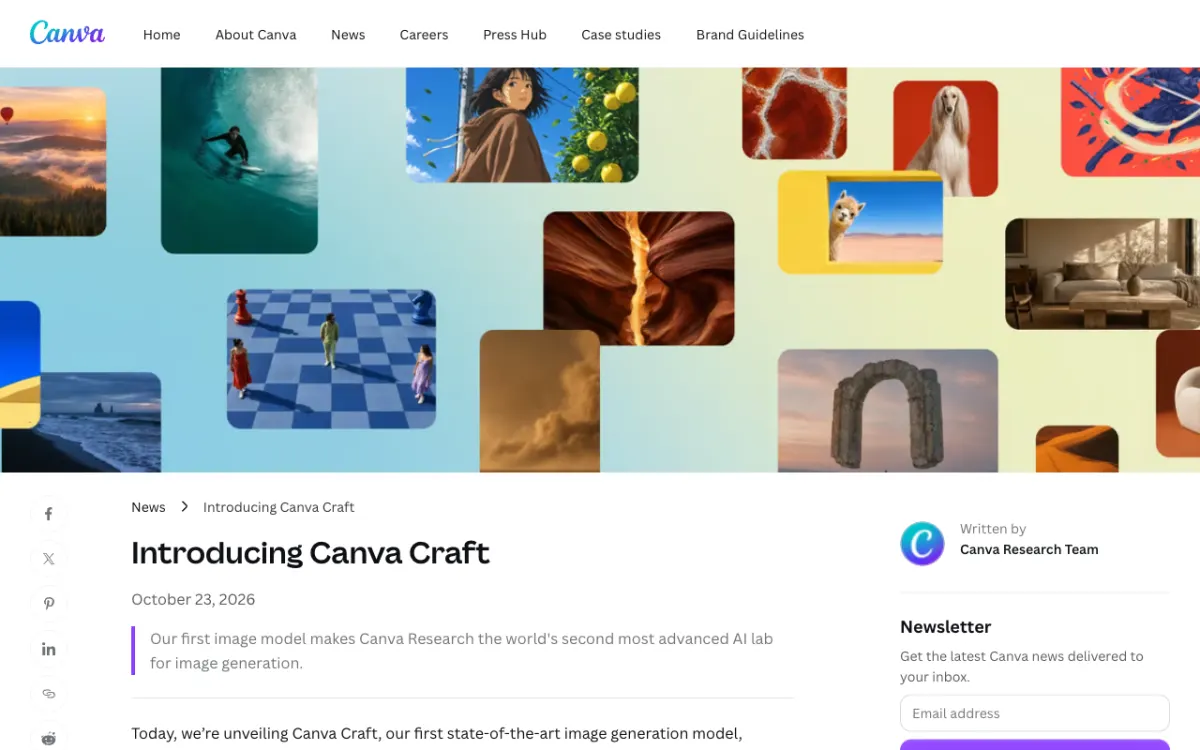 Canva’s newsroom announcement of Craft, October 23, 2026.
Canva says researchers from Leonardo.ai, which it acquired in 2024, contributed to the work, per TechCrunch’s launch coverage.
Craft is available in Canva today. You open Dream Lab from the bottom-left panel, and developers can reach it through Canva’s public API. Canva lists an MCP server connection for AI assistants as “coming soon”.
How Craft works: a plan first, then pixels
Craft uses a two-stage architecture that separates compositional planning from image rendering. That is the one idea worth understanding, because everything else in the review follows from it.
In stage one, a planning model reads your prompt and writes a detailed plan. Canva says the plan covers which elements appear, their spatial relationships, relative scale, visual hierarchy and any text that needs to appear.
In stage two, a rendering model turns that plan into a high-fidelity image at up to 2K. Because the layout exists as a plan, Canva says the model can change one element without redrawing everything else.
The same structure is why Canva pairs Craft with Magic Layers, its tool for turning a generated image into editable design elements. Canva says it also lays the foundation for reference-image and advanced editing features in future releases.
Training data: templates, not just photos
Craft was trained with unusual weight on design rather than photography. Canva says its training data includes millions of human-made templates from its content library, such as posters, social posts, presentations, infographics, menus and typography-heavy layouts.
After pre-training, Canva says it used supervised fine-tuning and reinforcement learning with feedback from its professional designers. Its designers and researchers judged more than 25,000 image pairs against leading models, and Canva says it sided with the designers when automated scores disagreed.
That is a vendor-run evaluation, so treat it as a claim, not a result you can reproduce. It does explain why the product pitch is “text that lands where it should”.
Craft key features
- 2K output. Canva says images render at up to 2K resolution.
- 30+ aspect ratios. Pick one of more than 30, or enter your own, for stories, posters or banners.
- Text in 55 languages. You can prompt in any language, and Craft can create text in 55.
- Targeted edits. The plan structure lets you change one element without disturbing the rest.
- Magic Layers. Convert a generated image into editable layers inside Canva.
- Public API. Developers can build Craft into marketing tools, e-commerce sites, ad builders and print services.
A third-party write-up by Anima also lists an API model called craft_v1_2k in preview, with jobs taking roughly 50 to 60 seconds and the API limited to six aspect ratios. Treat those API details as secondhand until you check Canva’s developer docs.
How good is Craft? What the rankings say
Canva says Craft debuted as the fourth most advanced image model on DesignArena, a crowdsourced design benchmark. It also says that makes Canva Research the world’s second most advanced lab for image generation.
The category results from Canva’s post are more useful than the headline rank:
| DesignArena category | Craft’s rank (per Canva) |
|---|---|
| People & Portraits | #1 of 87 models |
| Landscapes & Nature | #1 of 85 models |
| Abstract & Patterns | #2 |
| Products | #4 |
Read these carefully. They are Canva’s numbers, taken at launch, and crowdsourced leaderboards move. Launch coverage, such as this Propakistani report, covers the same ranking, but Canva’s post does not name the three models above Craft.
Notice what is missing: a published head-to-head on text-heavy marketing layouts, which is Craft’s whole pitch. Until someone runs that test, the DesignArena rank tells you Craft is competitive, not that it wins your poster.
Canva Craft pricing and which plans include it
Canva says Craft is available to all Canva users globally, but it has not published a Craft-specific price or generation cap. What you can verify is how Canva’s AI allowance works.
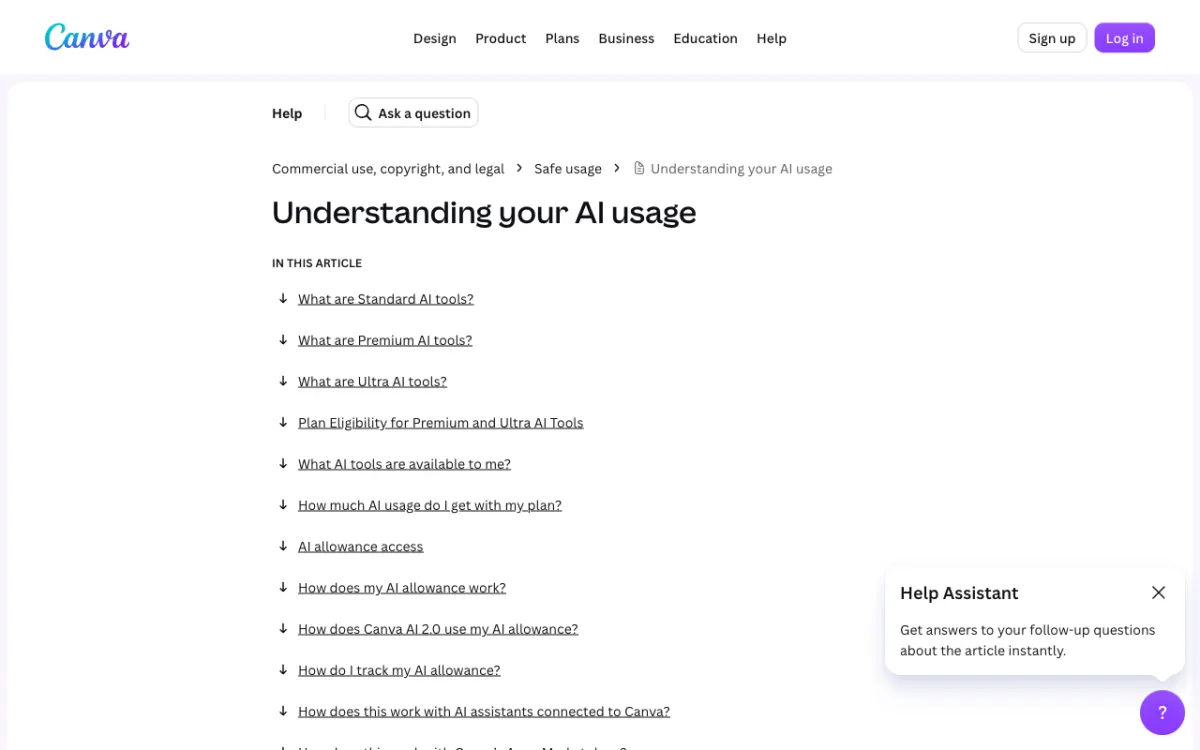 Canva’s “Understanding your AI usage” help page.
Canva’s AI usage page says the image tool, “Create an image with Canva AI”, is a Premium AI tool that draws from a shared monthly allowance. It does not say which tier Craft counts as, so we cannot tell you how many Craft images a plan buys.
The plan structure it does publish:
| Plan | AI allowance for Premium and Ultra tools |
|---|---|
| Canva Free | Limited access to Standard and Premium tools, no Ultra |
| Canva Pro | 10x the Free allowance |
| Canva Business | 20x the Free allowance |
| AI Pass add-on | 40x more AI than Pro, or 20x more than Business |
Canva’s pricing page shows prices by region. From the machine we checked on, the figures it displayed were not US prices, so we are not quoting a dollar amount here. Check Canva’s plans and pricing page for your own price.
Canva’s post also says API jobs use the user’s AI credits, and that Craft’s cost-efficient variants are coming, so pricing may change.
Craft-fast and what is still missing
Craft-fast and Craft-ultrafast are two upcoming variants that Canva says will deliver high-quality generation at a fraction of the cost of leading frontier models. Neither is released, and Canva gave no date.
Canva credits model distillation and a custom inference engine for the planning stage, and says the engine makes Craft an order of magnitude faster than its first internal version. Third-party coverage notes that the planning step still makes the first release slower than single-stage models.
Canva also lists what it wants to improve: fine print and technical drawings. Advanced editing and reference-image features are described as future releases, and the MCP connection to AI assistants is not live.
Craft vs GPT Image 2.5 and Nano Banana
Craft’s advantage is workflow, not a proven quality gap. It sits inside the editor where marketing graphics already get built, with templates, brand tools and Magic Layers around it.
The standalone models are the better test for pure image quality, and we have not run a side-by-side. Our own reviews cover them: read the GPT Image 2.5 review and the GPT Image 2.5 vs Nano Banana 2 comparison for how those two behave.
| Canva Craft | GPT Image 2.5 and Nano Banana | |
|---|---|---|
| Where you use it | Canva Dream Lab and Canva’s API | Their own apps and APIs |
| Core idea | Plan layout and text, then render | Single prompt-to-image models |
| Editable output | Magic Layers turns images into design elements | Edit in a separate design tool |
| Published benchmark | Fourth on DesignArena at launch, per Canva | See the linked reviews |
| Pricing | No Craft-specific price published | See the linked reviews |
For other text-focused and editing models, see the Midjourney V8 review, the Ideogram 4.5 review and our explainer on MAI Image 2.7.
Pros and cons
Pros
- Plans composition and text before rendering, which suits posters, menus and social posts
- Up to 2K output and 30+ aspect ratios, plus custom sizes
- Text in 55 languages, per Canva
- Built into Canva, with Magic Layers turning images into editable elements
- Open to every Canva user, with a public API for developers
- Canva-reported #1 ranks in People & Portraits and Landscapes & Nature on DesignArena
Cons
- No Craft-specific price or generation cap published
- Fine print and technical drawings are acknowledged weak spots
- The planning stage makes it slower than a single-stage model today
- Craft-fast tiers, reference images and the MCP connection are not shipped
- Benchmark claims come from Canva, and no head-to-head on text-heavy layouts is published
Who should use Craft?
Use Craft if your finished product is a design, not just an image. Social managers, small-business owners and marketers who already build in Canva get the most from it, because the output drops straight into a template and a brand kit.
Look elsewhere if you need a standalone image model. Illustrators, photographers and teams working outside Canva have no reason to move for Craft alone.
One more use: a clean Craft image can be the first frame for an image-to-video model. Models such as Hailuo 3 and Grok Imagine 1.5 take a still and animate it, so a layout-accurate image gives them a stronger starting point.
Verdict
Canva Craft is a good first model, and its real strength is layout. Planning the composition and text first is a sound idea, and the launch results back it up on portraits and landscapes.
It is not proven on what it is sold for, text-heavy marketing graphics, and Canva has not said what it costs per image. Try it in Dream Lab on a real poster or social post, and compare it with one standalone model before you commit.