
invideo AI is the best faceless video generator app overall: real iOS and Android builds, 9:16 output, watermark-free exports on every paid plan from $17/month billed yearly. Fliki has the deepest voice library at 2,000+ voices in 80+ languages. Descript is the desktop pick and the only one that bulk-creates social clips from one recording. CapCut is the free vertical editor, Filmora the flat-price desktop buy, and the Faceless app the cheapest phone-native way to try the format.
The best faceless video generator app is not the same product as the best faceless video website. An app has to survive a phone, ship an installer that Apple or Google actually signed, and finish a render while you are standing in a queue somewhere.
Most of the “top faceless tools” lists you will find rank browser products. This one only ranks things you install.
Six apps made the cut. They split into two camps: prompt-to-video generators that write, voice and assemble the whole clip, and editors with enough AI bolted on to build a faceless video by hand for a lot less money.
This post is the app cut of a three-part set. If you want hosted browser tools with no install, read 4 free faceless video generators ranked and tested. If you would rather self-host the whole pipeline, read 5 open-source faceless video generators on GitHub.
What a faceless video generator app has to do
A faceless video generator app turns a topic or a script into a finished narrated video without you appearing on camera. Four jobs sit underneath that: write the script, voice it, find the visuals, and burn in the captions.
Apps differ on how many of those four they take off your hands.
Full generators do all four from one prompt. You type a topic, you get a clip.
Assisted editors do two or three. They will voice your script and caption it, but you still choose the footage and cut the timeline.
Both make faceless videos. The generators cost more per month; the editors cost more of your evening.
How we ranked these faceless video generator apps
Six criteria, and every number below was checked against the vendor’s own store listing or pricing page in September 2026.
- Platforms actually supported. An App Store listing is proof. A “works on mobile” line on a marketing page is not.
- Render speed. What the vendor publishes, and nothing invented where they publish nothing.
- Voice library. Counted voices and languages, not adjectives.
- Vertical export presets. Whether 9:16 is a named feature or something you fake by cropping.
- Batch production. Whether the tool documents bulk creation or parallel renders.
- Watermark and price. The free-tier ceiling, and what the first paid tier removes.
One thing you should know before you search the app stores: the faceless category is full of clones. Search “Descript” on the App Store and you will get several look-alike apps from unrelated developers. Check the seller name on every listing before you subscribe.
1. invideo AI — best faceless video generator app overall
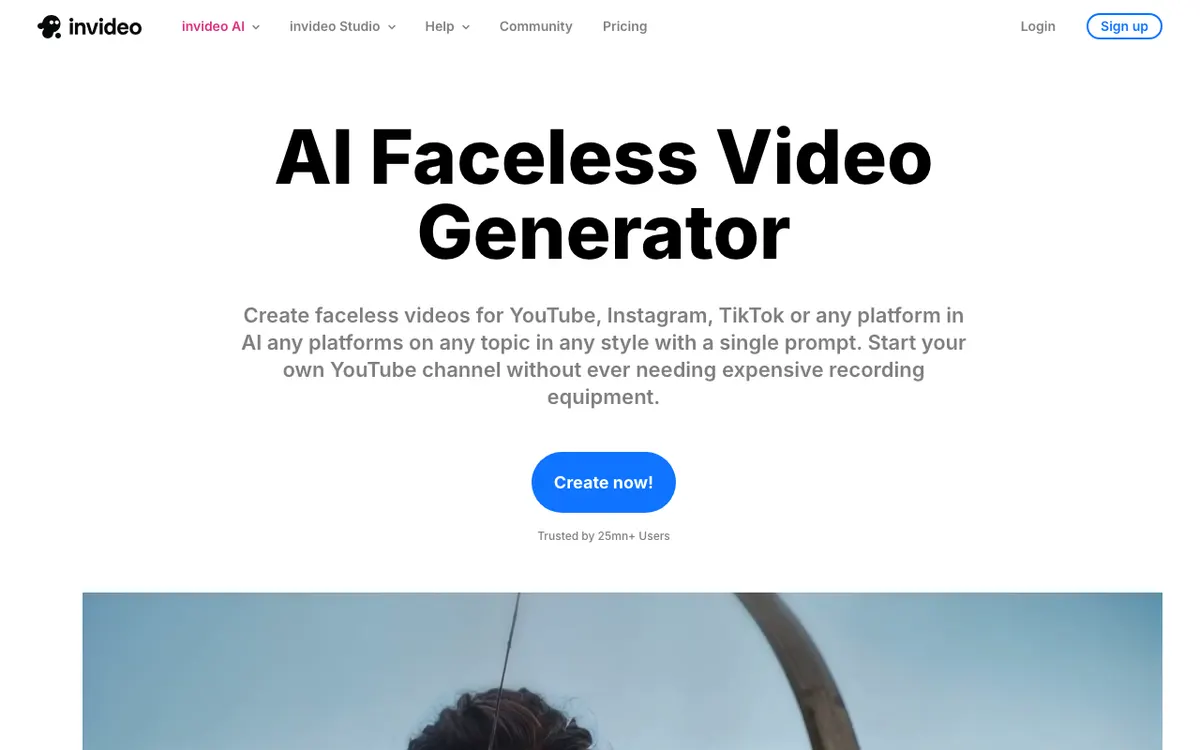 invideo AI — one prompt to script, voiceover, stock footage and captions
invideo AI is the strongest full generator with real phone apps behind it. You give it a topic, it returns a scripted, voiced, captioned video in 16:9 or 9:16.
The apps are not a browser in a shell. The iOS listing from Invideo Inc requires iOS 16.0 or later and covers iPadOS and visionOS, rating 4.6 across 28,000 ratings. The Android build has 5M+ downloads and a 3.9 rating across 138K reviews.
Footage comes from a stated 16 million+ stock photos and videos sourced from iStock, Storyblocks and Shutterstock, which is why invideo clips look less recycled than the smaller apps in this list.
Batch is the interesting part. invideo does not sell a bulk queue — it sells concurrency. Max advertises 2x more concurrency than Plus, Generative 10x, and Elite 20x, so parallel renders are literally the thing you upgrade for.
Pros
- Genuine iOS, iPadOS, visionOS and Android builds, not a wrapped web app
- 16:9 and 9:16 both named on the faceless generator page
- 16M+ licensed stock assets from iStock, Storyblocks and Shutterstock
- Unlimited exports without a watermark on every paid plan
- Concurrency scales with the plan — the closest thing here to real batch production
Cons
- No voice count published anywhere on the pricing page, only avatar and voice-clone allowances (4 on Plus, up to 200 on Elite)
- Credits are consumed by generative models at their own rates, so cost per video is hard to predict
- No free plan listed on the pricing page as of September 2026
- The jump from Plus to Max is $17 to $85 a month, with nothing in between
Best for: Creators running a faceless channel from a phone who want the whole clip generated, not assembled. Pricing: Plus $17/month billed $200 yearly; Max $85/month ($1,000/year); Generative $170/month ($2,000/year); Elite $900/month ($10,800/year). The iOS listing prices Plus Monthly at $24 (checked September 2026).
2. Fliki — the deepest voice library of any faceless video app
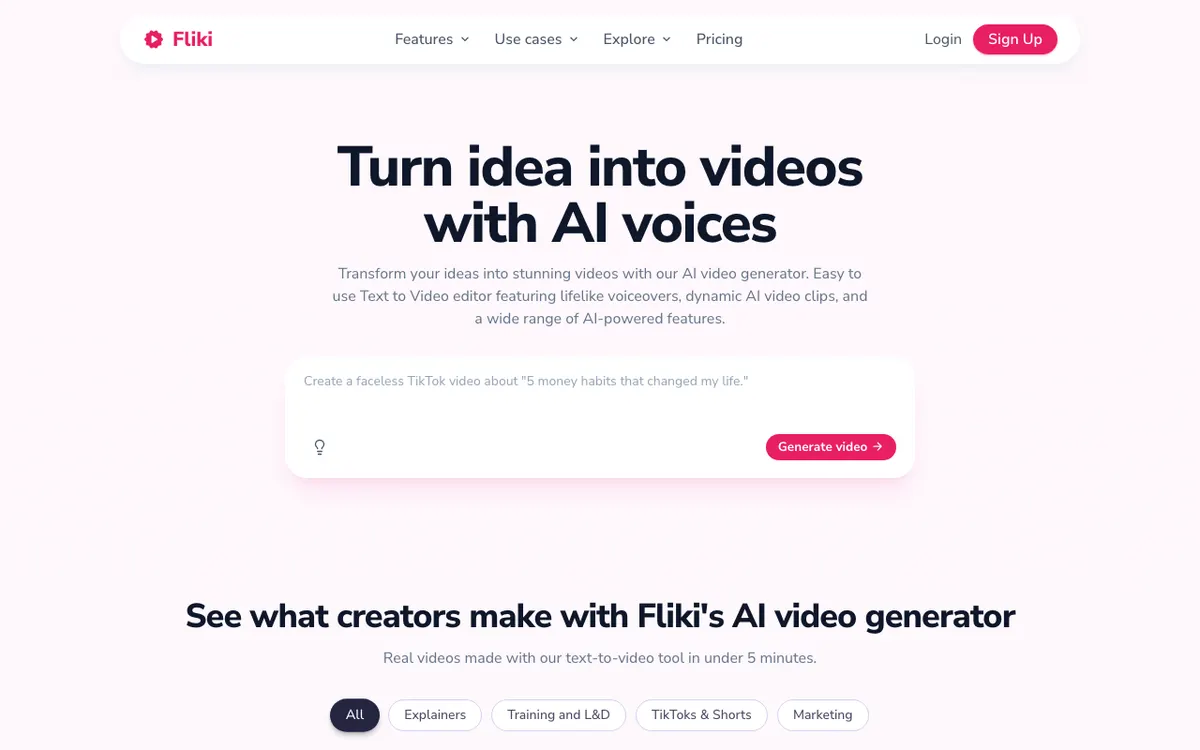 Fliki — text to video built around the voice, not the footage
Fliki is a voice engine that grew a video editor. Its features page states 2,000+ voices across 80+ languages with 100+ accents, which is roughly ten times what Descript offers and more than anything else here documents.
If your faceless channel lives or dies on narration — history explainers, finance breakdowns, sleep stories — this is the library to shop from.
The app situation needs care. The official listing is Fliki - AI Video Editor from Nine Thirty Five LLC, running on iOS 15.1+, iPadOS 15.1+ and macOS 12.0+ on Apple Silicon, at 36.3 MB. Several unrelated apps use near-identical names.
It is also the weakest-rated app in this list on its own stores: 2.0 from 17 ratings on the App Store and 3.1 from 1.03K reviews on Google Play. The web product is the good one; the phone app is a companion.
Fliki’s homepage is the only vendor claim in this roundup that attaches a number to render speed, describing creator videos made with its text-to-video tool in under 5 minutes.
Pros
- 2,000+ voices, 80+ languages and 100+ accents — the largest documented library here
- A bulk video creator is listed among its tools, so batch is at least a shipped feature
- Free tier is genuinely usable for evaluation: 300 voices at 720p
- Credit maths is published — roughly 0.5 credits per minute of video including AI voiceover
Cons
- App store ratings are the lowest in this list on both platforms
- Free plan is hard-capped at 1 minute of export, 3 credits a month, and a Fliki watermark
- Every paid tier is still 1080p — there is no 4K path
- Pricing renders in local currency by region, so the number you see is not the number a US reader sees
Best for: Narration-led faceless video where voice range and language coverage decide the channel. Pricing: Free forever with a watermark. Paid tiers are Basic, Standard and Premium at 720, 2,160 and 7,200 credits per year, with export lengths of 5, 15 and 40 minutes and a 25% discount for yearly billing. Prices are localized by region — check the figure on your own storefront before subscribing (checked September 2026).
3. Faceless — the cheapest phone-native way in
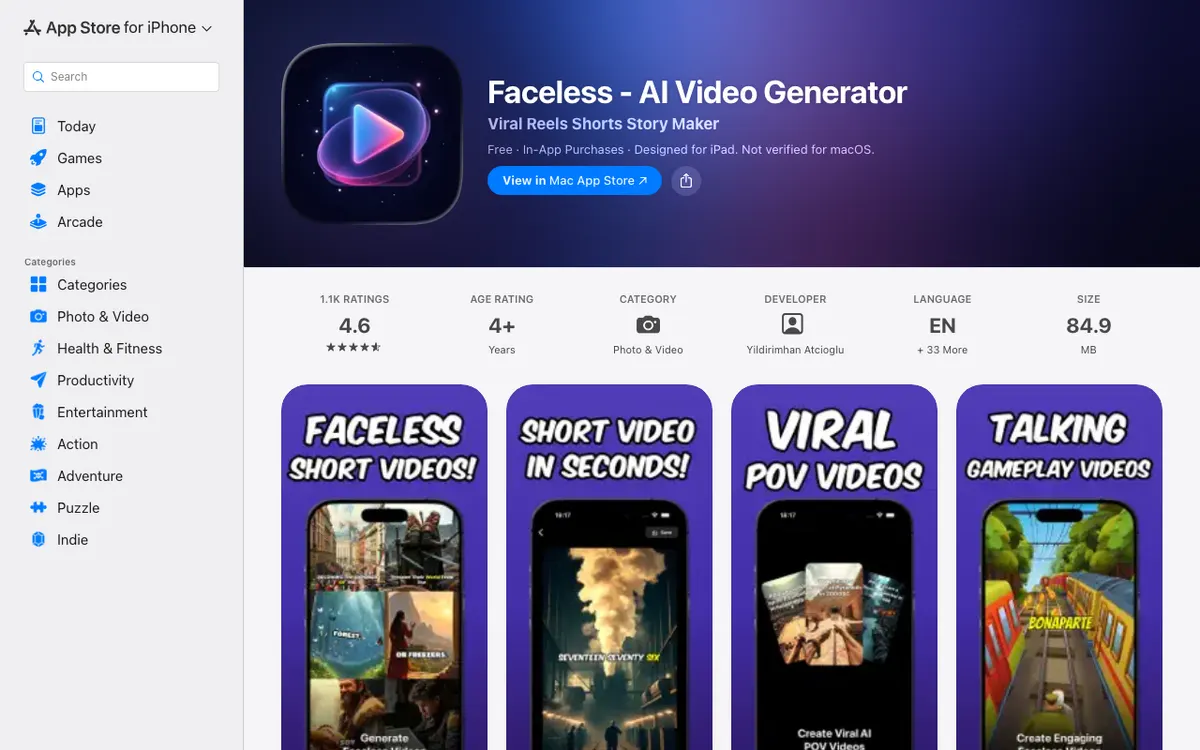 Faceless - AI Video Generator — a purpose-built phone app for Reels and Shorts
This one is not a platform with an app attached. It is just an app, and that is the point.
Faceless - AI Video Generator runs on iPhone and iPad at iOS 16.4 or later, with an 84.9 MB download, a 4.6 rating from 1.1K ratings, and interface support for English plus 33 more languages. Apple lists it for Apple Silicon Macs too, flagged “Not verified for macOS” — it is the iPad build running on a Mac, not a native desktop app.
It generates short vertical stories from text: automatic visuals, music, transitions, captions, plus text-to-speech and custom voice training.
Check the seller before you install on Android. The Google Play listing under the same name is published by Fey App Studio at 4.0 from 535 reviews and 10K+ downloads, while the App Store listing is published by Yildirimhan Atcioglu.
Pros
- Cheapest genuine entry point: a $6.99 weekly pass, or one-off credit packs from $3.99
- Built vertical-first for Instagram, TikTok, YouTube Shorts and Facebook
- Credit packs mean you can test the format without a subscription
- 4.6 from 1.1K ratings is the highest App Store score of the phone-native picks
Cons
- No published voice count, language list or render time
- No batch production of any kind
- No documented watermark policy — you find out on export
- Different publishers on iOS and Android under the same app name
Best for: Testing whether faceless short-form is worth your time before paying for a platform. Pricing: Free download with in-app purchases: $6.99 weekly, $19.99 monthly, $79.99 yearly, or credit packs at $3.99 for 100, $14.99 for 500 and $24.99 for 1,000 (checked September 2026).
4. CapCut — the free app for vertical faceless edits
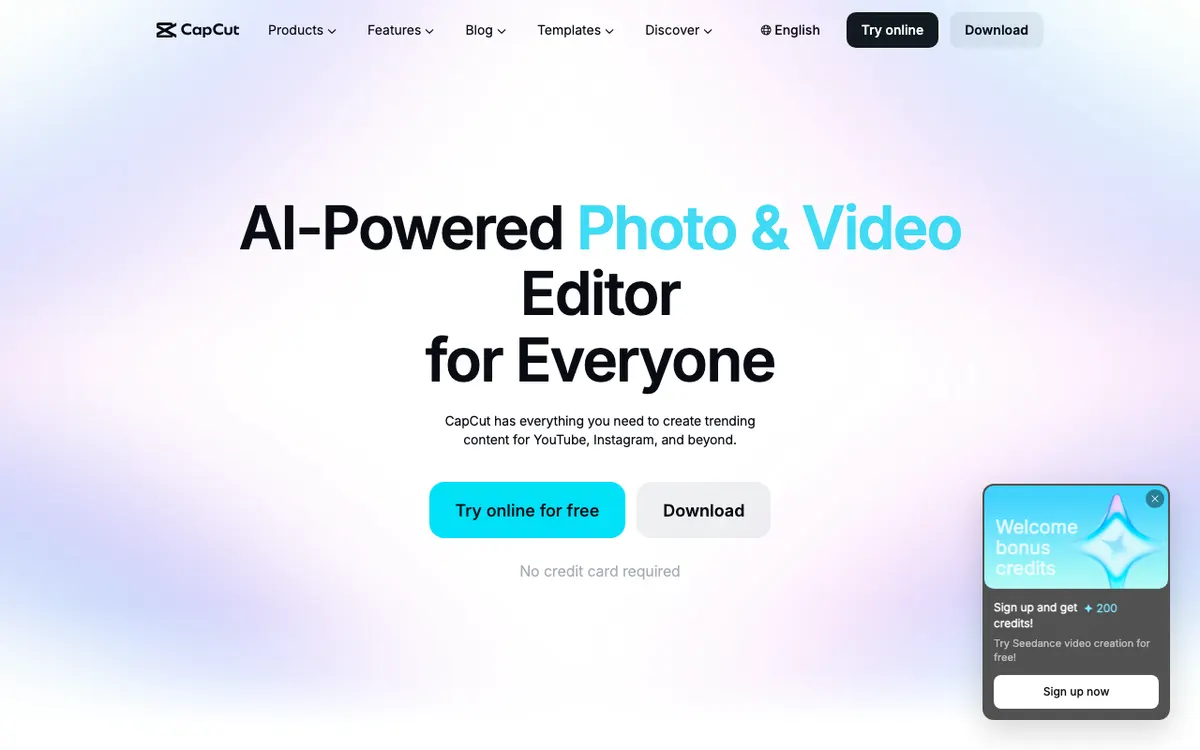 CapCut — mobile, desktop and web from one account
CapCut is not a one-prompt generator, and treating it as one will disappoint you. It is the editor most faceless creators finish in.
Platform coverage is the widest here. CapCut’s own subscribe page describes a mobile app for both Android and iOS, a desktop app, and a web version — Pro is what unlocks cross-platform editing across all three.
For faceless work the useful parts are auto captions, text to speech, custom voices, speech recognition and the AI video generator, all named on CapCut’s own feature navigation. You bring the script; CapCut voices it, captions it, and cuts it vertical.
Storage tells you who each tier is for: around 100GB on Standard, up to 1TB on Pro.
Pros
- The only pick here that is genuinely useful before you pay anything
- Mobile, desktop and web, with the same project on all three on Pro
- Auto captions and caption templates are the best in this list for Shorts and Reels
- Cheapest paid tier of any app here at $9.99/month
Cons
- No prompt-to-finished-video pipeline — you are still assembling the timeline
- No published AI voice count or language list
- No documented batch or bulk render
- Pricing varies by region, device and promotion, which CapCut says outright in its own help centre
Best for: Faceless creators who write their own scripts and want the strongest free vertical editor. Pricing: Listed on CapCut’s subscribe page at $9.99/month or $89.99/year as a limited-time rate, with a 7-day Pro trial (checked September 2026).
5. Filmora — the flat-price desktop app
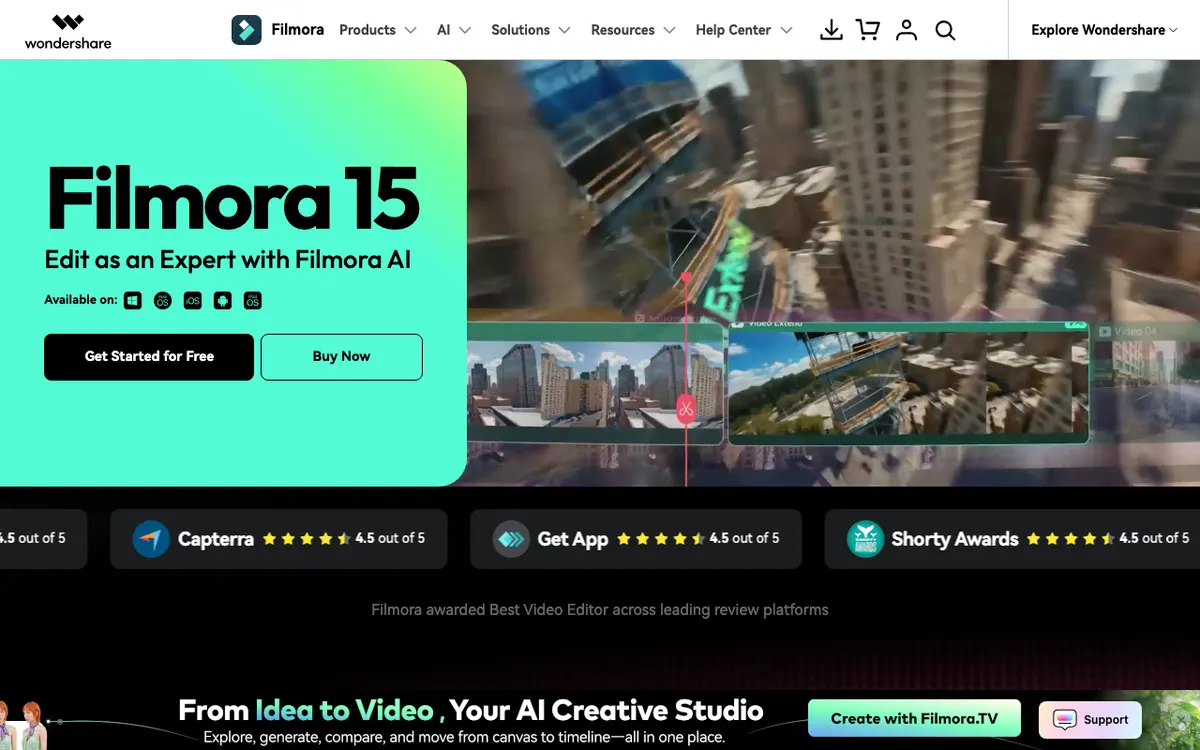 Filmora — five platforms on one licence
Filmora 15 is the widest platform spread of anything in this roundup: Windows, macOS, iOS, iPadOS and Android, all listed on its own homepage.
For faceless production the relevant AI tools are named on Wondershare’s own feature navigation: AI Text to Video, AI Text to Speech, AI Video Translation, Auto Caption and an AI Music Generator, drawing on a stated 2.9M+ creative assets.
The commercial model is the appeal. Where invideo and Fliki meter credits monthly, Filmora sells you a plan or a perpetual licence and lets you render.
One warning: Wondershare rotates promotions and prices by region aggressively. On the storefront this post hit in September 2026, Basic showed at US$9.99/month, Advanced at US$29.99/year with 1,000 AI credits a month, and a Perpetual licence at US$49.99 one-time — all three exporting 4K without a watermark. You may see different figures.
Pros
- Windows, macOS, iOS, iPadOS and Android from one product line
- A perpetual licence exists — rare in this category
- Every paid tier exports 4K without a watermark
- 2.9M+ stock assets included rather than metered
Cons
- The free version watermarks every export
- Perpetual is device-specific and locked to the version you bought
- Regional and promotional pricing makes the real cost hard to pin down
- Still an editor first — text-to-video is a feature, not the workflow
Best for: Faceless creators who want a desktop editor they own, on whatever machine they happen to be at. Pricing: US$9.99/month, US$29.99/year, or US$49.99 one-time for the Perpetual licence on the storefront checked September 2026; the free version watermarks exports.
6. Descript — the desktop app that actually does batch
 Descript — edit video by editing text
Descript is the odd one out and earns its place on one feature: it is the only app here that names bulk clip creation as a shipped product.
Its features page lists a Social Media Video Maker that bulk creates social clips from a single video, and a Vertical Clip Maker that turns videos vertical in seconds. If your faceless workflow is “record 40 minutes, ship twelve Shorts”, nothing else in this list is built for that.
Platform support is the trade. Descript’s download page covers macOS 14 (Sonoma) or newer and Windows 11 or newer, plus a browser version. There is no official phone app — the Descript-branded apps you will find on the App Store are from other developers.
Voice range is the other trade: 25+ stock AI speakers on Hobbyist and Creator, rising to 60+ on Business, with translation and dubbing across 30 languages on Business.
Pros
- The only documented bulk clip creation in this roundup
- Vertical Clip Maker is a named feature, not a crop tool
- Text-based editing is the fastest way to cut a narrated script
- A real free tier, and 1080p watermark-free from $16/month
Cons
- Desktop and web only — no official iOS or Android app
- 25+ stock voices is the smallest library here by a wide margin
- Free tier is 720p, watermarked, and capped at 60 minutes of media a month
- Native-sounding AI voices in 14 languages are gated to the Business tier
Best for: Desktop creators turning one long recording into a week of faceless clips. Pricing: Free tier at 720p with a watermark; Hobbyist $16/month billed yearly ($24 month-to-month); Creator $24/month yearly ($35 monthly); Business $50/month yearly ($65 monthly). All checked September 2026.
Faceless video generator apps compared
| App | Platforms | Voice library | Vertical 9:16 | Batch production | Free tier | Entry price |
|---|---|---|---|---|---|---|
| invideo AI | iOS, iPadOS, visionOS, Android, web | Not published; 4–200 voice clones by tier | Named on the faceless page | Concurrency scales 2x–20x by plan | Not listed on the pricing page | $17/mo billed $200/yr |
| Fliki | iOS, iPadOS, macOS (M1+), Android, web | 2,000+ voices, 80+ languages, 100+ accents | Reel maker; ratio not published | Bulk video creator listed | 3 credits/mo, 720p, 1 min, watermark | Region-priced, 25% off yearly |
| Faceless | iPhone, iPad, Apple Silicon Mac (unverified), Android | Not published | Vertical-first by design | None | Free download, paid credits | $6.99/week or $3.99 per 100 credits |
| CapCut | iOS, Android, Windows, macOS, web | Not published | Yes, mobile-first | Not documented | Yes, with limits | $9.99/mo or $89.99/yr |
| Filmora | Windows, macOS, iOS, iPadOS, Android | Not published | Editor presets | Not documented | Yes, watermarked | US$9.99/mo or US$49.99 perpetual |
| Descript | macOS 14+, Windows 11+, web | 25+ voices; 60+ on Business | Vertical Clip Maker | Bulk social clips from one video | Yes, 720p watermarked, 60 min/mo | $16/mo billed yearly |
All figures checked against vendor store listings and pricing pages in September 2026.
Render speed: the spec nobody publishes
Here is the uncomfortable finding from checking six vendors in one session. Five of them publish no render time at all.
Fliki is the only one that attaches a figure to anything, and even that is a soft claim about creator videos made in under 5 minutes rather than a benchmark.
So judge speed by proxy instead. Two proxies actually work.
Concurrency. invideo AI sells it explicitly — Max is 2x Plus, Generative 10x, Elite 20x. A tool that charges for parallel renders is a tool that expects you to queue several at once.
Where the render happens. Filmora, Descript and the CapCut desktop app render on your machine, so your hardware sets the ceiling and no queue exists. Generators render in someone else’s cloud, where your plan sets your place in line.
For a faceless channel publishing daily, the second proxy matters more than any stopwatch number.
How to choose the right faceless video generator app
- You want the video written for you, on a phone. invideo AI. It is the only full generator here with a first-class Android build and a 9:16 preset on the record.
- Narration is the whole product. Fliki, for 2,000+ voices across 80+ languages — but do the work in the browser and treat the app as a viewer.
- You are testing the format this week. The Faceless app. A $6.99 week or a $3.99 credit pack answers the question faster than a subscription.
- You write your own scripts and hate subscriptions. CapCut free, or Filmora’s US$49.99 perpetual licence if you want to own it.
- You publish clips from long recordings. Descript, and nothing else here comes close on bulk.
- You need 4K. Filmora or Descript’s Creator tier. Fliki tops out at 1080p on every plan.
The verdict
invideo AI is the best faceless video generator app for most people in 2026. It is the only tool here that generates the whole clip from a prompt, ships proper iOS and Android builds, and clears the watermark on its cheapest paid plan.
Pick Descript instead if you work at a desk and publish in volume — bulk clip creation from one recording is a workflow the phone apps simply do not have. Pick CapCut if your budget is zero and your scripts are your own.
One component worth separating from the app choice: narration. If you already have footage and only the voice is missing, that is a different job from generating a video, and Vidwip’s AI Video Voiceover handles just that half — it watches the footage, writes the copy scene by scene, and reads it with 190+ voices in 74 languages at 60 credits, or $0.60, per finished minute. It does not source stock clips or assemble a faceless video, so it sits beside the apps above rather than replacing one.
Whichever app you choose, the faceless video generator production guide covers the parts no app handles for you: script sourcing, the stock footage problem, and YouTube’s inauthentic content rule.
For more on the voice layer specifically, compare the options in the best AI video voiceover generators for 2026 and the free tiers in 6 free AI video voiceover tools ranked. If your faceless channel needs to run in several languages, 4 free AI video dubbing tools covers what the free tiers there actually allow.