
Only three of the five free plans actually let AI narrate your demo. Synthesia gives the most free minutes (10/month) but stamps a watermark on every download. Supademo gives the most volume (50 recordings at 4K) with no AI voice on free. Vidwip gives the least, but free accounts get the same voices and models as its paid plans. Free renders carry a small Vidwip badge, and paid plans have no watermark.
TL;DR
A free AI product demo video maker is only useful if the free plan lets the AI do the work and lets you publish the result. Of the five tools below, two never let AI narrate on the free tier, and the other three brand what you export.
Here is where each one actually stops, with pricing checked September 2026:
- Synthesia — most free AI minutes: 10 per month, 1080p, 160+ languages. Every free download carries a Synthesia watermark.
- Supademo — most free volume: 5 interactive demos and 50 video recordings at 4K. No AI voiceover on the free plan.
- Vidwip — smallest allowance, AI-written script: free to start with no card, full 190+ voice library on free, and a small Vidwip badge on free renders.
- Guidde — 25 how-to videos free, but you record the voice yourself. AI text-to-voice starts at $39/month.
- Fliki — 36 credits (~5 minutes) a month, capped at 720p, watermarked, and with no commercial rights.
Pick Synthesia to evaluate quality, Supademo to ship interactive demos, and Vidwip when you want the AI to write the script as well as voice it.
What a free AI product demo video maker actually gives you
“Free” splits into four separate questions, and most listicles answer one of them. Ask all four before you sign up for anything.
How much output per month. Some tools meter minutes of finished video, some meter credits, and some just count videos. A 25-video cap sounds generous until you notice each one needs your voice.
Whether the AI narrates on the free plan. This is the single biggest gap in the category. Two of the five tools here reserve AI voice generation for a paid tier while still marketing themselves as AI demo makers.
Whether the export carries a watermark. A watermarked demo is fine for judging output quality and useless for sending to a prospect. Treat watermark policy as the line between “trial” and “free plan”.
What resolution you can export. 720p is visibly soft on a screen recording full of small UI text. If your demo shows a dashboard, resolution is not a vanity spec.
The stakes are real: product demos made up 39% of the video types marketers produced this year, and 80% of people say they have downloaded or bought something after watching a demo video, according to Wyzowl’s 2026 video marketing report. A soft, watermarked demo is not the asset you want carrying that job.
1. Synthesia — the most free AI video minutes
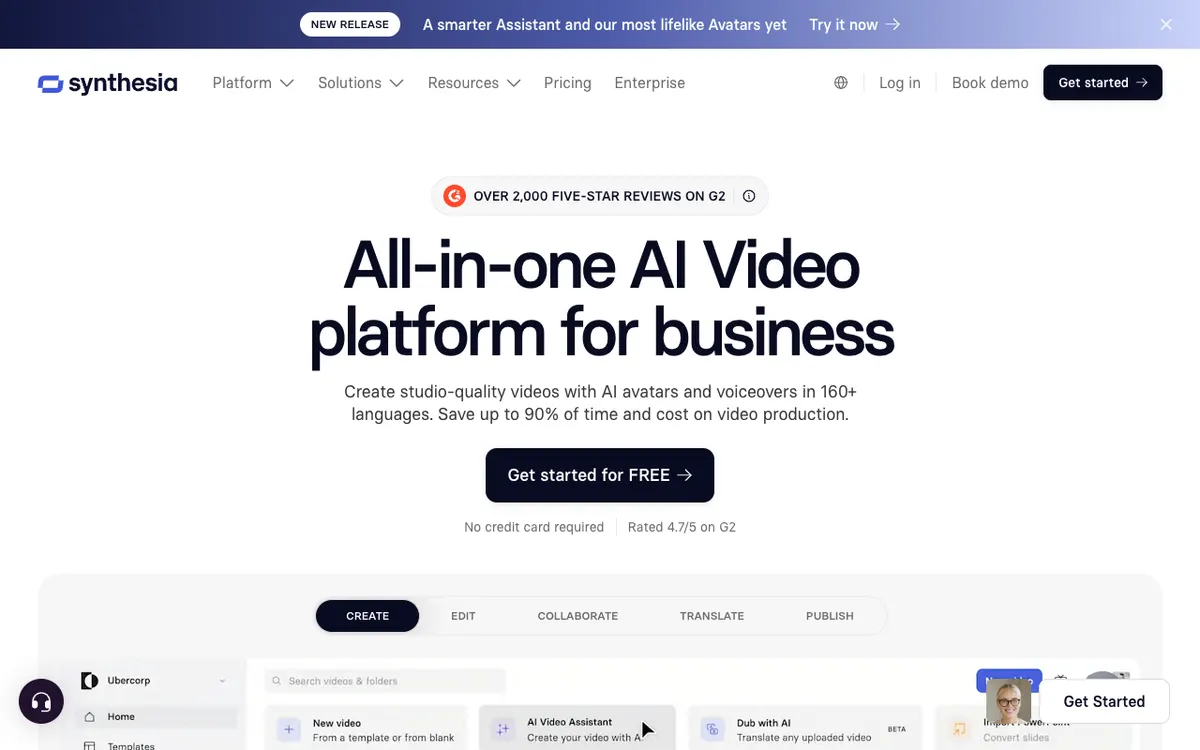 Synthesia — AI avatars and voiceovers in 160+ languages, with a free tier capped at 10 minutes a month.
Synthesia is an AI video platform built around avatar presenters, and its free plan is the most generous allowance in this roundup at 10 minutes of finished video per month. It also includes an AI Screen Recorder, which is what makes it relevant for product demos rather than talking-head explainers.
The catch is the watermark. Every free download carries Synthesia branding, so the free tier works as an evaluation plan rather than a publishing one.
Free accounts get 9 avatars against 125+ on paid, and export tops out at Full HD. Language coverage is the strongest here — 160+ languages and voices, available on the free plan.
Pros
- 10 minutes of AI video per month, the largest free allowance in this list
- AI Screen Recorder included on the free plan
- 160+ languages and voices, not gated behind an upgrade
- Commercial use permitted on the free tier
- 1080p export
Cons
- Synthesia watermark on every free download
- 9 avatars on free versus 125+ on Starter
- Avatar-led format suits explainers better than dense UI walkthroughs
- AI dubbing only starts on the paid tier
Best for: Evaluating AI video quality properly before committing, and localized demos where language coverage matters most. Pricing: Free — 10 min/month, watermarked. Starter $29/month, or $18/month billed annually (checked September 2026).
2. Supademo — the most free volume, no AI voice
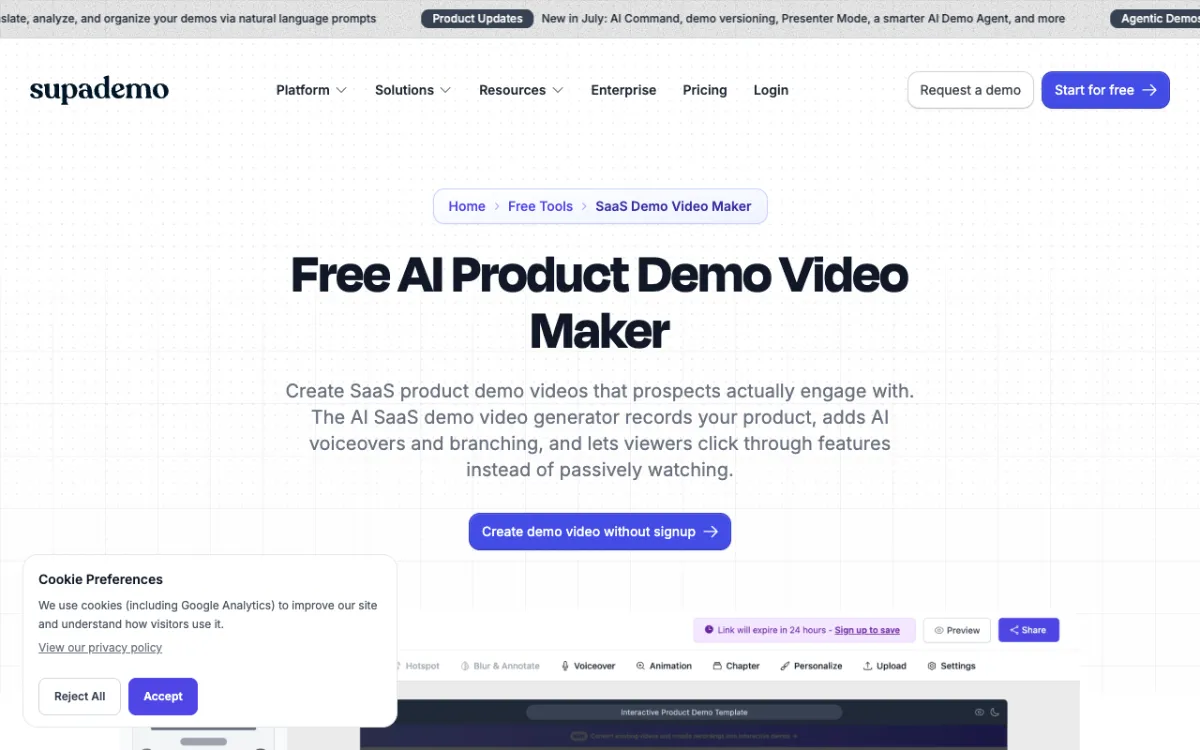 Supademo — interactive product demos with a free plan built around recording volume rather than AI narration.
Supademo is an interactive demo platform: you record a product flow with a Chrome extension and viewers click through it rather than watching passively. The free plan is unusually generous on volume — 1 creator, 5 guided interactive demos, 50 video recordings at 4K, and unlimited demo views.
Export options are broad for a free tier: link, embed, video file, or PDF. For a founder who needs a clickable walkthrough on a pricing page this week, that is a lot of runway at $0.
The gap is the AI voice. Supademo’s free plan bullets list AI text personalization and the demo editor, but not AI voiceover, and AI voice cloning does not appear until the Growth plan at $450/month.
Pros
- 50 video recordings at 4K on the free plan
- 5 guided interactive demos with unlimited views
- Export as link, embed, video, or PDF
- No watermark condition on the free plan bullets
- Interactive format holds attention better than a linear video for onboarding
Cons
- AI voiceover is not listed on the free plan
- AI voice cloning starts on Growth at $450/month
- The jump from Free to Scale is $50/month — the steepest first step here
- Interactive demos need embedding, so they are not a drop-in replacement for an MP4
Best for: Clickable onboarding and sales demos where the viewer drives, and teams who narrate in text captions rather than voice. Pricing: Free — 5 interactive demos, 50 recordings. Scale $50/month, or $38/month billed annually (checked September 2026).
3. Vidwip — the smallest allowance, the full voice library
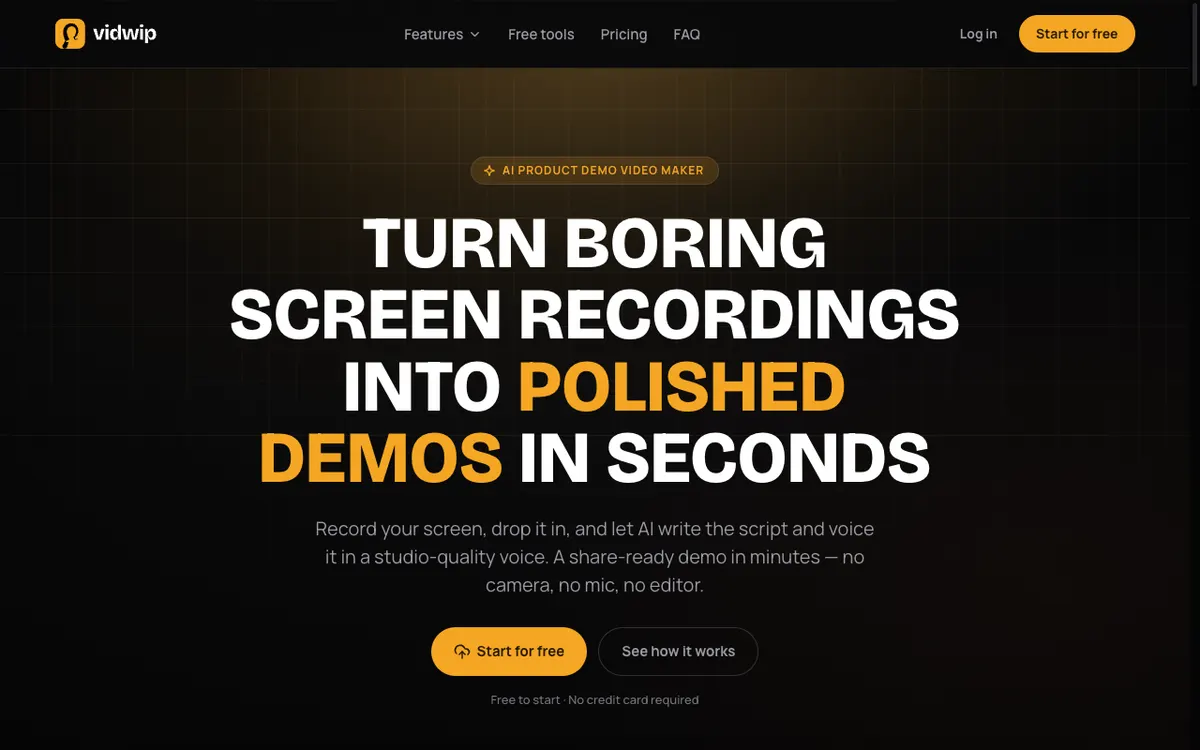 Vidwip — AI watches a screen recording, writes a scene-by-scene script, and voices it.
Vidwip’s AI Demo Polisher takes a different route to the same output: you drop in a screen recording, AI reads what is on screen, drafts a scene-by-scene script, and narrates it in a studio-quality voice. There is no template to fill and no script to write first.
The free allowance is the smallest in this roundup, and it is worth being blunt about that. Vidwip is free to start with no credit card, and at 60 credits per minute of narration, free covers a short finished demo.
What free does not cost you is quality. Free accounts reach the same 190+ voices, the same 74 languages, and the same models as paid ones.
The one visible difference is branding. Free-plan renders carry a small Vidwip badge, and paid plans have no watermark.
Uploads take MP4, MOV, or WebM up to 2 GB, or a pasted link. Most demos render in under 5 minutes with burned-in captions.
If you also need the demo in another language, the same account covers AI Video Dubbing at 240 credits per minute per target language — the pricing logic is laid out on the pricing page.
Pros
- Only a small Vidwip badge on free renders, and no watermark on paid plans
- Same 190+ voices, 74 languages, and models on free as on paid
- AI writes the script from the recording — no prompt or template needed
- Free to start, no credit card
- Most demos render in under 5 minutes; uploads up to 2 GB
- Transparent per-minute cost: 60 credits, or $0.60, per finished minute
Cons
- The free start covers a short narrated demo — the smallest free allowance here
- Free renders carry a small Vidwip badge and run one at a time, and batches sit on paid plans
- Exports top out at 1080p
- Built for screen recordings, so there is no avatar presenter or stock-footage library
- One credit balance covers the whole studio, so dubbing a video eats into demo credits
Best for: SaaS teams who need a short demo the same day they ship a feature, with the AI writing the script as well as voicing it. Pricing: Free to start, no card. Starter $25/month (2,500 credits). Pro $99/month (10,000 credits).
4. Guidde — 25 free videos, but you supply the voice
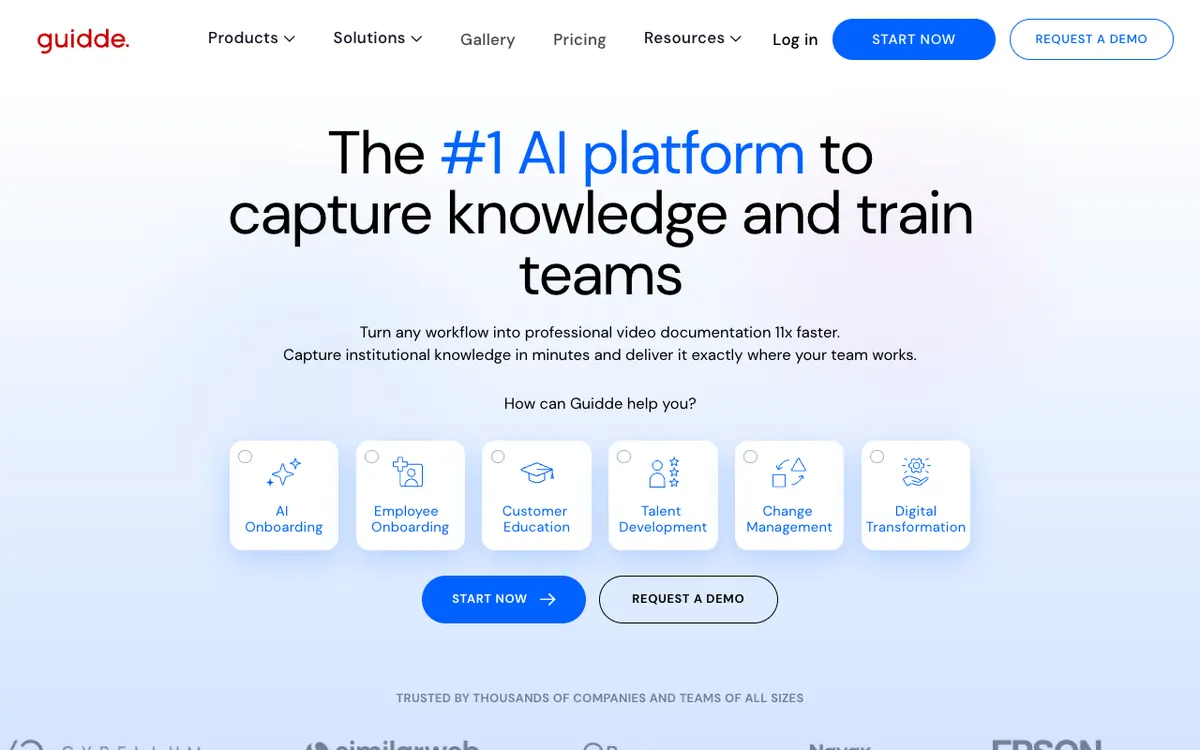 Guidde — browser-based how-to video capture, with AI text-to-voice reserved for higher tiers.
Guidde captures a workflow in your browser and turns it into a step-by-step how-to video. The free plan allows up to 25 videos, transitions and soundtracks, a single brand kit, and link sharing — solid volume for internal documentation.
Then the AI part stops. Guidde’s free plan lets you record voiceovers yourself and explicitly excludes AI text-to-voice generation, which does not arrive until the Business plan at $39/month.
The watermark is the other constraint. Removing Guidde branding requires Pro at $29/month ($19 annual), which also unlocks unlimited videos and export to video, PPT, and PDF.
Capture is web-app only on the free plan, so desktop software walkthroughs are out.
Pros
- Up to 25 how-to videos on the free plan
- Transitions, soundtracks, and a single brand kit included
- Step-by-step capture is fast for documentation-style demos
- Shareable links work without a viewer account
Cons
- No AI text-to-voice on Free or Pro — it starts at Business ($39/month)
- Guidde watermark stays until you upgrade to Pro
- Web apps only on the free tier
- Video, PPT, and PDF export are paid features
Best for: Internal how-to libraries and support documentation where you are happy to record your own narration. Pricing: Free — 25 videos, watermarked, no AI voice. Pro $29/month, or $19/month billed annually. Business $39/month for AI text-to-voice (checked September 2026).
5. Fliki — a preview tier, not a publishing tier
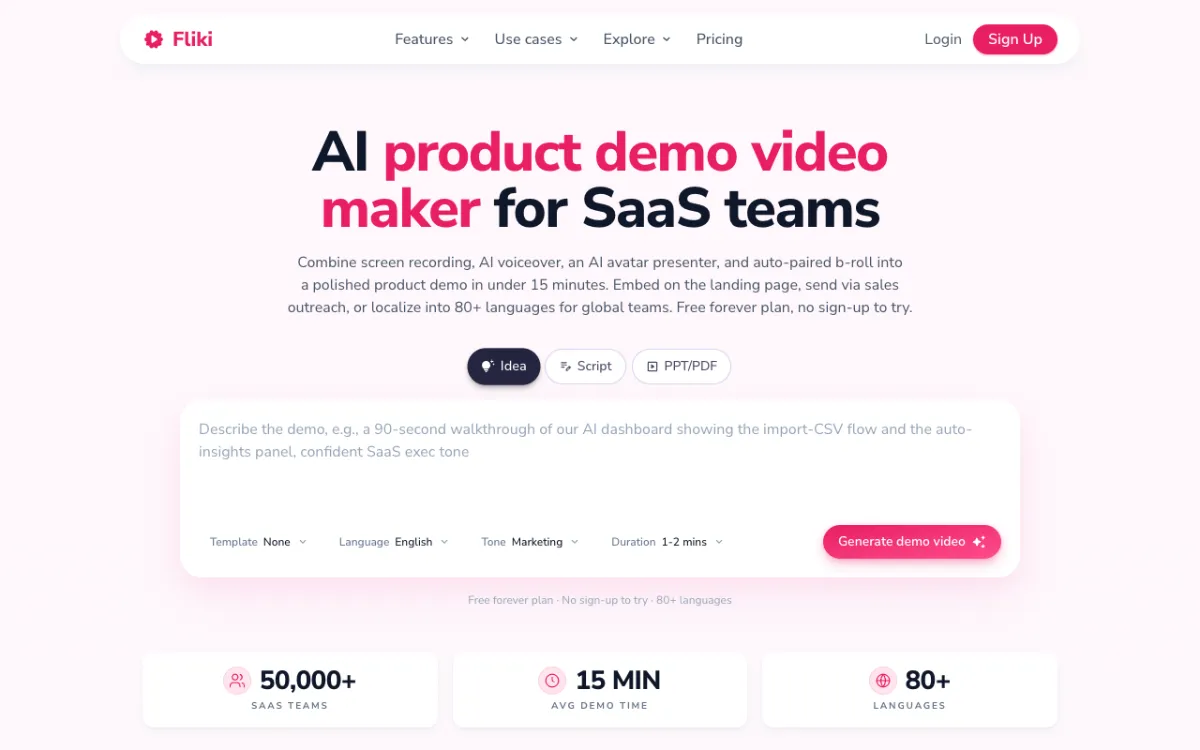 Fliki — script-to-video with AI voices, on a free plan capped at 720p and watermarked.
Fliki turns an idea, a script, or a PPT into a narrated video, and it markets a product demo maker aimed squarely at SaaS teams. The free plan does generate AI narration, which already puts it ahead of Guidde and Supademo on the thing this category is named after.
The ceiling arrives fast. Free accounts get 36 credits a month, roughly 5 minutes of video, capped at 720p with a Fliki watermark.
The bigger restriction is legal rather than technical: Fliki’s free plan does not include commercial rights. That rules out landing pages, ads, and sales outreach until you upgrade.
Standard at $12/month ($9 annual) is the cheapest first paid step in this roundup, moving you to 1080p, no watermark, commercial rights, and 1,000 voices.
Pros
- AI narration is available on the free plan
- 300 voices across 80+ languages at $0
- Cheapest upgrade path here at $12/month
- Idea, script, and PPT/PDF inputs all supported
Cons
- No commercial rights on the free plan
- 720p ceiling — soft on UI-heavy screen recordings
- Fliki watermark on free exports
- 36 credits is about 5 minutes a month
Best for: Testing script-to-video output cheaply, and small teams whose upgrade budget is closer to $12 than $50. Pricing: Free — 36 credits (~5 min), 720p, watermarked, no commercial rights. Standard $12/month, or $9/month billed annually (checked September 2026).
Free AI demo video makers compared
| Tool | Free allowance | AI voice on free | Watermark on free | Free resolution | First paid tier |
|---|---|---|---|---|---|
| Synthesia | 10 min/month | Yes | Yes | 1080p | $29/mo ($18 annual) |
| Supademo | 5 demos + 50 recordings | Not listed | No | 4K | $50/mo ($38 annual) |
| Vidwip | Free to start, no card | Yes | Small badge | 1080p | $25/mo |
| Guidde | 25 videos | No | Yes | Not published | $29/mo ($19 annual) |
| Fliki | 36 credits (~5 min) | Yes | Yes | 720p | $12/mo ($9 annual) |
All pricing checked September 2026 against each vendor’s own pricing page. Vidwip figures come from its published credit rates: 1 credit = $0.01, demo narration at 60 credits per minute.
What the paid step up actually buys
The upgrade sells three things, and which one you are buying differs sharply by tool.
Watermark removal. This is the real product on Synthesia, Guidde, and Fliki. On all three, the free plan is a quality preview and the first paid tier is the moment output becomes shippable.
More output. Synthesia moves you past 10 minutes, Fliki past 36 credits, Guidde to unlimited videos. If you make one demo a quarter, you may never hit these ceilings.
Capability unlocks. Guidde gates AI text-to-voice behind Business at $39/month. Supademo gates AI voice cloning behind Growth at $450/month. These are the expensive surprises — the feature you assumed was included is two tiers up.
Vidwip sits on the first two. Paid plans drop the small badge on free renders, and add credits, batches and more renders at once without changing the voices or models.
Work out your real monthly minute count before you compare prices. Five minutes a month of watermark-free 1080p costs $12 on Fliki and $50 on Supademo, and neither number means much until you know how many minutes you actually need.
How to choose the right free demo video maker
- You need it on a landing page this week. Pick a tool with no watermark on free: Supademo. Vidwip’s free renders carry a small badge, and the rest need an upgrade before they can be published.
- You want to judge AI voice quality first. Synthesia’s 10 free minutes give you the most material to evaluate, watermark and all. Our free AI video voiceover roundup compares voice engines specifically.
- Your demo shows dense UI. Skip 720p tiers. Screen recordings of dashboards fall apart at that resolution, which rules out Fliki’s free plan.
- You want AI to write the script, not just read it. Most tools voice a script you supply. Vidwip’s AI Demo Polisher reads the recording first and drafts the narration from what it sees.
- You need the demo in more than one language. Synthesia’s 160+ languages lead on free. For dubbing existing footage rather than generating new video, see our AI voiceover generator comparison.
- You are building documentation, not marketing. Guidde’s 25 free videos and step-capture format fit internal how-tos better than any tool here, as long as you record the voice.
If you are pricing paid options rather than free ones, our ranking of AI product video generators covers the same category without the free-tier constraint. And if your demo needs captions or a transcript alongside the narration, free AI video transcription tools and our transcription tool comparison cover that step.
The verdict
There is no single best free AI product demo video maker, because the free plans are not competing on the same axis.
Synthesia wins on volume of AI minutes and loses on the watermark. Supademo wins on recording volume and resolution and loses on AI narration. Fliki is the cheapest to escape from, and the most restricted while you stay.
Vidwip takes the opposite trade: the least output of the five, with the same voices, languages, and models a paying customer gets, and no commercial-use asterisk. Free renders carry a small Vidwip badge, and paid plans have no watermark.
Start with the one whose limit you will hit last, and check the watermark policy before you record anything. For volume pricing or a team rollout, talk to us.