
No free tier in 2026 hands you a full-length faceless YouTube video from one prompt. The tools that write the video for you cap the free plan hard — Fliki at one minute per export at 720p with a watermark, Lumen5 at five two-minute videos a month with a branded outro, Kapwing at four minutes at 720p watermarked. The tools that export clean at 1080p make you assemble the video yourself: Microsoft Clipchamp is uncapped and watermark-free, and Canva Free downloads MP4 up to 30 minutes at 1920x1080. Free-tier limits checked 4 September 2026.
Every free faceless YouTube video generator worth using in 2026 gives up something specific, and it is never the same thing twice. Some cap the number of renders. Some cap the length. Some export at 720p with a burned-in watermark that makes the upload look like a trial.
This post ranks six free tiers on exactly those numbers. Renders per month, maximum video length, export resolution, watermark policy, and whether the free plan grants commercial rights.
All figures were checked against each vendor’s own pricing or help pages on 4 September 2026.
TL;DR — the free tiers ranked
- Microsoft Clipchamp — the only free plan here with no render cap, no length cap, and no watermark, at up to 1080p. You assemble the video yourself.
- Canva — the longest free export by a distance: MP4 up to 30 minutes at 1920x1080, clean, from a free library of 4.7M+ assets.
- Lumen5 — the best free plan that actually builds the video for you. Five videos a month, two minutes each, 720p, Lumen5 outro attached.
- Fliki — the truest text-to-video generator on the list, and the hardest capped. Three credits a month, one minute per export, 720p, watermarked, no commercial rights.
- Kapwing — unlimited watermarked exports up to four minutes at 720p, plus 50 minutes a month of free auto-subtitling.
- Adobe Express — a solid free editor with 1M+ Adobe Stock assets, but Adobe publishes no free-tier render, length or resolution cap, so you cannot plan around it.
The honest headline: no free plan in this category will hand you a finished ten-minute faceless YouTube video from one prompt. The free generators stop at one to four minutes. The free editors go long and clean but make you do the assembly.
What a free tier has to cover before a YouTube upload works
A faceless video is five jobs — script, footage, narration, captions, assembly. A free tier that covers four of them and fails the fifth is still a tool you cannot publish from.
Five specifics decide it:
- Length cap. YouTube’s mid-roll ad threshold sits at 8 minutes. A free plan capped at 1-4 minutes cannot reach it.
- Export resolution. 720p uploads fine and looks soft against 1080p competition in the same niche.
- Watermark. No free tier on this list lets you remove one without paying.
- Render count. Five videos a month is a weekly upload schedule. Three credits is a test.
- Commercial rights. The one that quietly breaks channels. Several vendors gate commercial use behind a paid plan even though the free export downloads fine.
How this list differs from our other faceless guides
This cluster has grown, so the split is worth stating plainly. This post is only about what the free tier buys for a YouTube upload.
- Free faceless video generators — free hosted tools across every platform, not YouTube specifically.
- Faceless YouTube video generators for long-form — the paid-capable tools for videos over 20 minutes.
- Faceless YouTube Shorts generators — 9:16, hook pacing and caption styling.
- Faceless video generator apps — installable phone and desktop builds.
- Open-source faceless video generators on GitHub — self-hosted pipelines, free of subscription and expensive in setup.
Fliki and Kapwing appear in those posts too, covered there on features and paid pricing. Below they are judged purely on what the free plan renders and exports.
1. Microsoft Clipchamp
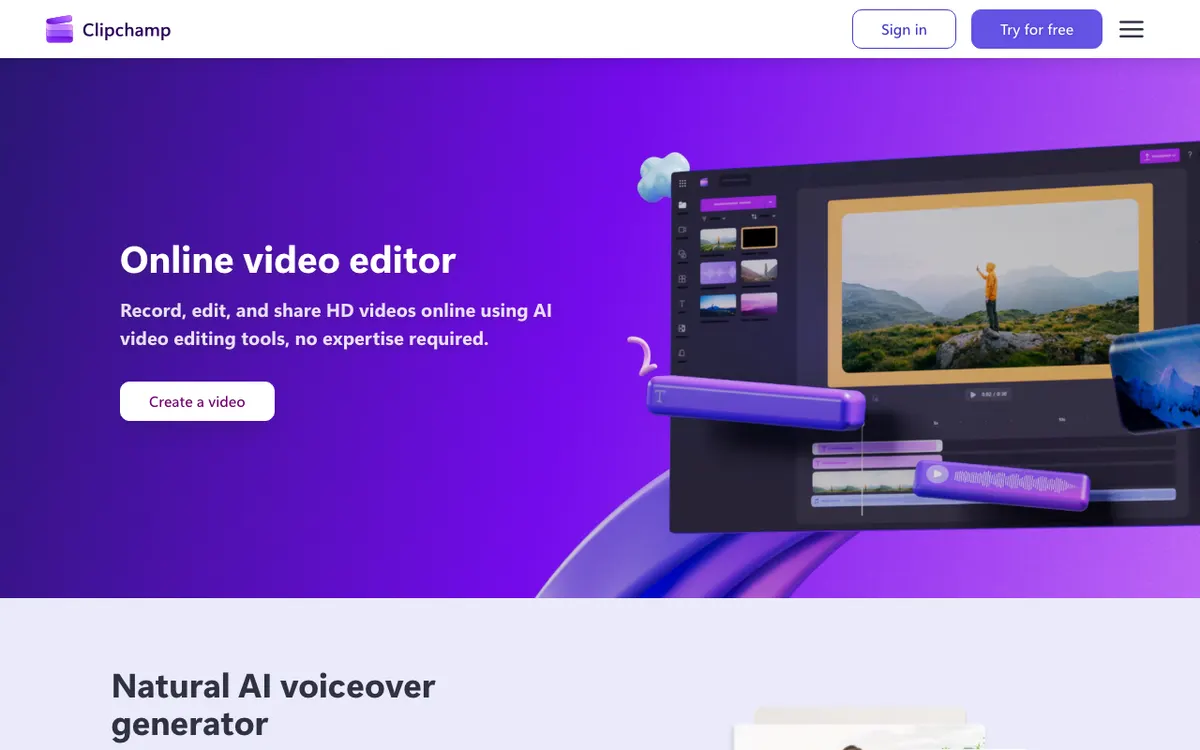 Microsoft Clipchamp — browser video editor with free AI voiceover and captions, watermark-free on the free tier
Microsoft Clipchamp is the only tool on this list whose free plan lists watermark-free video exports as an included feature, with no published cap on how many videos you make or how long they run. That single line is why it ranks first.
Its pricing page compares exactly two tiers: Free and Premium. Free gets AI video and audio editing tools, the screen and camera recorder, animated text, royalty-free stock, and export up to 1080p HD. Premium is not a Clipchamp subscription at all — it arrives bundled with Microsoft 365 Personal or Family, and adds 4K UHD export, premium stock, and a brand kit.
For a faceless channel you write the script, paste it into the text-to-speech panel, drop stock clips on the timeline, and let the auto-captions run. Clipchamp generates captions in over 80 global languages and states you can export those in high quality for free.
Pros
- Watermark-free exports listed as included on the Free tier, not as a trial
- No published cap on export count or video length on Free
- Built-in text-to-speech and auto-captions in 80+ languages at no cost
- Royalty-free stock video, images, music and sound effects included free
- Screen and camera recorder built in, so B-roll does not need a second tool
Cons
- It is an editor, not a generator — nothing writes the script or picks the footage
- Free tier has no brand kit, so channel colours and fonts get re-set every project
- 4K requires a Microsoft 365 Personal or Family subscription, not a standalone upgrade
- Requires a personal Microsoft account to sign in
Best for: anyone who wants a clean, unwatermarked 1080p YouTube upload for free and is willing to assemble the timeline by hand.
Pricing: Free with a personal Microsoft account. Premium features ship with Microsoft 365 Personal or Family rather than a separate Clipchamp plan (checked 4 September 2026).
2. Canva
 Canva — free video editor with the longest free export on this list
Canva has the most generous free export ceiling in this whole category: its help centre states Canva Free users can download MP4 videos up to 30 minutes long at a maximum resolution of 1920x1080.
Nothing else here comes close. That is a full long-form faceless video, in 1080p, on a plan that costs nothing.
The Canva pricing page lists Free as US$0 with 1,000+ design types, 1.6M+ templates, 4.7M+ photos, videos, graphics and audio, one brand kit limited to three colours, 5GB of cloud storage, and an AI allowance of up to 200 Standard AI uses or 20 Premium AI uses. Canva Pro is US$55 per year for one person and unlocks 3.6M+ templates and 141M+ premium assets.
The catch is asset licensing rather than a watermark. A Canva Free export downloads clean as long as every element in the design comes from the free library. Drop a premium clip or paid audio track in and Canva asks you to license it before download — its own help page warns you to verify the licence on paid audio to avoid copyright claims on video sharing sites.
Pros
- MP4 up to 30 minutes at 1920x1080 on the free plan, confirmed in Canva’s help centre
- No render cap and no Canva watermark when the design uses only free assets
- 4.7M+ free photos, videos, graphics and audio to build faceless B-roll from
- Up to 200 Standard AI uses or 20 Premium AI uses per the pricing page
Cons
- Premium stock and paid audio trigger a licence prompt at download
- 4K export is desktop-only and outside the free tier
- No script-to-video automation aimed at faceless channels specifically
- 5GB of free storage fills quickly with video projects
Best for: long-form faceless uploads where you want 1080p and a clean export without paying anything.
Pricing: Free at US$0. Canva Pro US$55/year for one person, listed in US dollars on the pricing page (checked 4 September 2026).
3. Lumen5
 Lumen5 — turns a blog post, script or document into a video, with a free plan capped at five videos a month
Lumen5 is the best free plan on this list that actually builds the video for you. You paste a link, a script or a document, and it storyboards scenes, matches stock footage and lays a voiceover over the top.
Its published comparison table is unusually specific about the free tier. Free is $0 forever: 5 videos a month, 720p resolution, a 2-minute maximum length, a Lumen5 branded outro, 24 AI voiceover minutes per year, automated captions, the licensed stock library, blueprints and 100+ premium templates. Single user, help centre support only.
Read the AI voiceover line twice. Twenty-four minutes a year is two minutes a month, which is exactly one free video’s worth of narration. The 1,000+ lifelike AI voices, translations and animation minutes are all paid-only.
Five two-minute videos a month is a real posting cadence for a Shorts-adjacent faceless channel. It is not enough for long-form.
Pros
- Genuinely automates the build: URL, script or document in, storyboarded video out
- Free plan documented precisely — 5 videos/month, 2 minutes, 720p, no guessing
- Automated captions and the licensed stock library included on Free
- 100+ premium templates and blueprints available at $0
Cons
- 2-minute cap makes long-form faceless YouTube impossible on Free
- Lumen5 branded outro on every free export
- 24 AI voiceover minutes per year on Free — effectively one video a month with narration
- 720p on Free and Basic; 1080p starts at Starter, $59/month billed yearly
Best for: turning blog posts into short faceless videos on a weekly schedule without paying.
Pricing: Free $0/forever. Basic $19 USD/month billed yearly, Starter $59, Pro $149, Team custom — all listed in USD on the pricing page (checked 4 September 2026).
4. Fliki
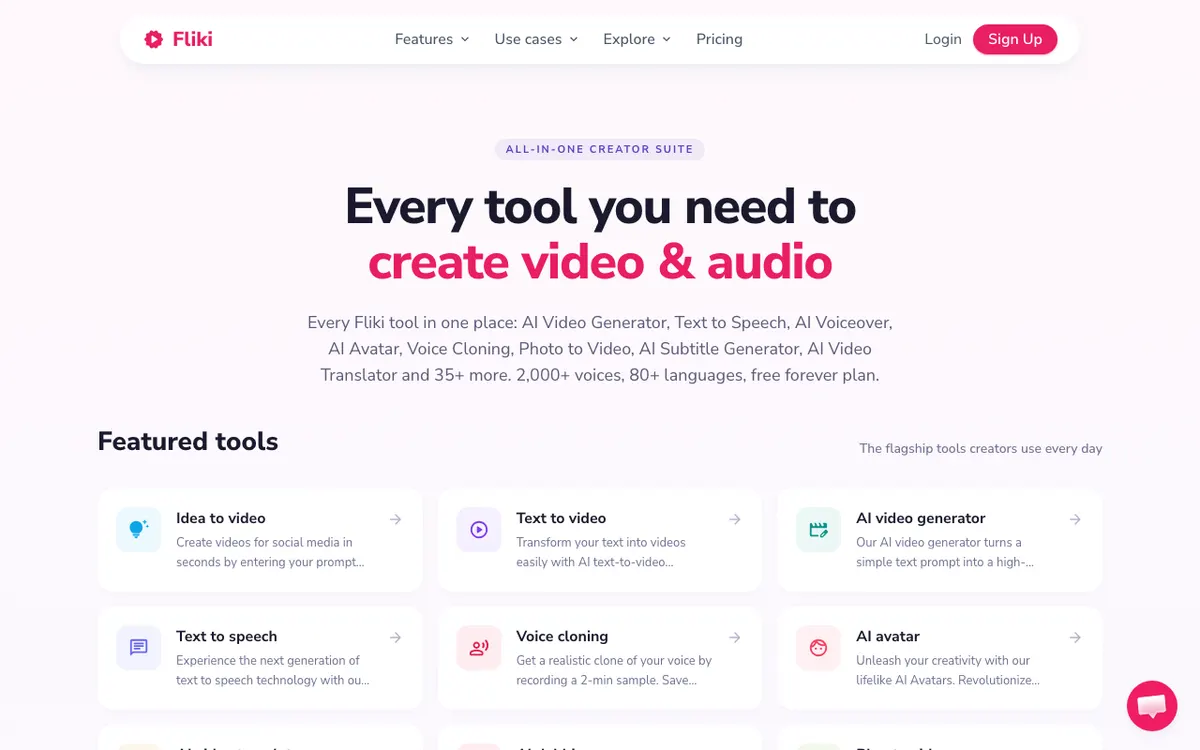 Fliki — text-to-video with 2,000+ voices, on a free forever plan capped at one minute per export
Fliki is the closest thing here to a true one-prompt faceless video generator with a permanent free plan, and it is also the most tightly capped.
The free tier runs on 3 credits a month, exports at 720p, limits each export to 1 minute, burns in a Fliki watermark, and gives you 300 voices across 80+ languages. Fliki’s own pricing FAQ frames the monthly allowance as roughly five minutes of free audio and video, and its credit estimator prices video at about 0.5 credits per minute — but the 1-minute per-export ceiling is the one that bites.
Commercial rights matter more than the watermark here. Fliki lists commercial rights as a paid-plan feature, and states that a paid subscription is what unlocks ultra-realistic voices, extended durations, commercial usage rights and watermark removal. A monetized faceless channel cannot run on the free tier.
One pricing note: Fliki’s page says prices are listed in USD, but it rendered in local currency on the machine used for this check. The plan structure is verifiable even where the number is not — Basic is 720 credits a year with 1080p and 5-minute videos, Standard 2,160 credits a year with 15-minute videos and 80+ language translation, Premium 7,200 credits a year with 40-minute videos and API access.
Pros
- Real text-to-video: a prompt or script becomes a narrated, captioned video
- 300 voices across 80+ languages available on the free plan
- Free forever with no credit card required
- Paid tiers scale length properly — 5, 15 and 40 minutes
Cons
- 1 minute per export on Free — too short for anything but a test
- Fliki watermark burned into every free export
- Commercial rights are a paid feature, so free output is not cleared for monetization
- The pricing page localises currency, so the USD figure is not reliably visible everywhere
Best for: testing whether AI narration and auto-matched footage suit your niche before committing.
Pricing: Free forever — 3 credits/month, 720p, 1-minute exports, watermarked. Paid plans start at Basic; the pricing page localises currency, so confirm the USD figure on your own account before subscribing (checked 4 September 2026).
5. Kapwing
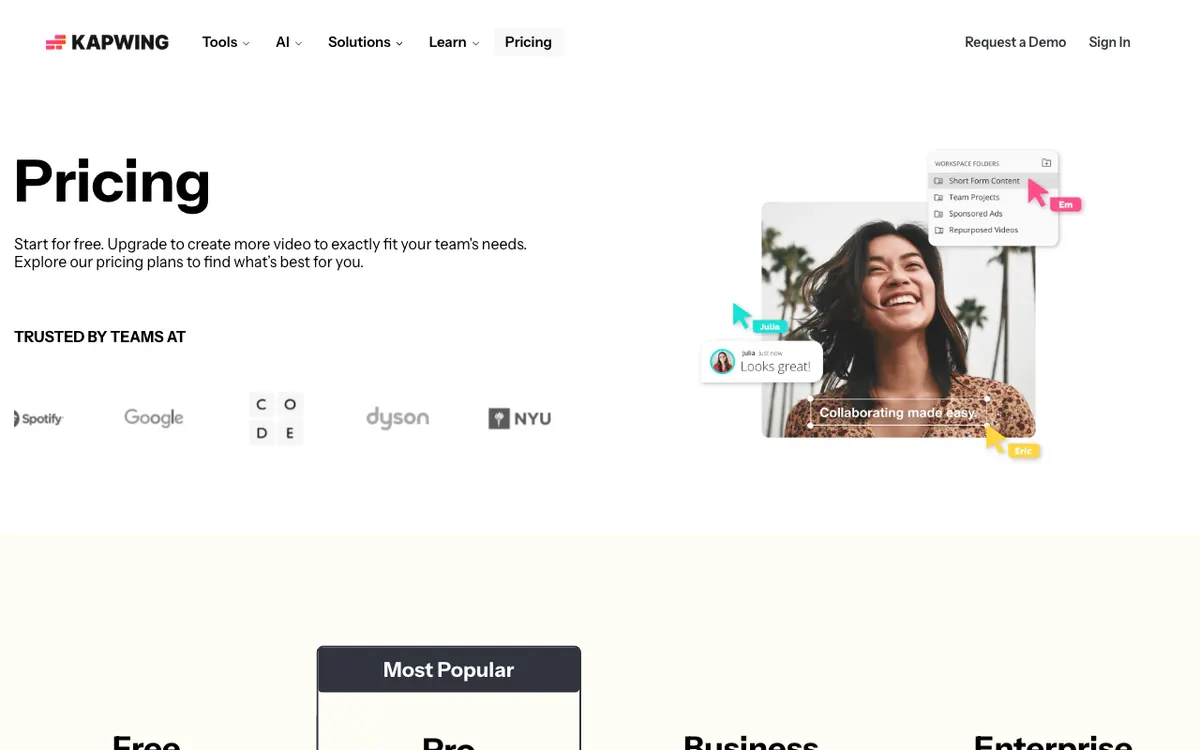 Kapwing — unlimited watermarked exports on Free, capped at four minutes and 720p
Kapwing takes an unusual line on its free tier: unlimited exports, but every one of them watermarked, capped at 4 minutes and rendered at 720p.
The free plan also includes 10 AI credits a month, which Kapwing spells out as up to 50 minutes of auto-subtitling or up to 3 minutes of text to speech. Fifty minutes of free captioning is the standout number — that is most of a month’s uploads captioned at no cost, even if you render the video elsewhere.
Kapwing Pro is $16/month billed annually, or $24/month on monthly billing. It moves the length cap from 4 minutes to 120, the resolution from 720p to 4K, removes the watermark, and raises AI credits from 10 to 1,000 a month. Business is $50/month billed annually or $64 monthly with 4,000 credits.
For a faceless workflow the sensible free use is narrow but real: build the video for free, cap it under four minutes, and accept the watermark — or use Kapwing purely as a free captioning layer on top of a Clipchamp or Canva export.
Pros
- Unlimited free exports, with no monthly render count to ration
- 50 minutes a month of free auto-subtitling on 10 AI credits
- Text to speech included on the free plan, up to 3 minutes
- Pro at $16/month billed annually is the cheapest jump to 4K and no watermark
Cons
- 4-minute cap on Free rules out long-form faceless YouTube
- Watermark on every free export, with no exceptions
- 10 AI credits a month is 3 minutes of TTS — one short video’s narration
- Monthly billing costs $24 versus $16 annually, a 50% premium
Best for: free auto-captions at volume, and short watermark-tolerant test videos.
Pricing: Free $0 — unlimited watermarked exports, 4-minute max, 720p, 10 AI credits/month. Pro $16/month billed annually or $24/month monthly. Business $50/month annually or $64/month monthly (checked 4 September 2026).
6. Adobe Express
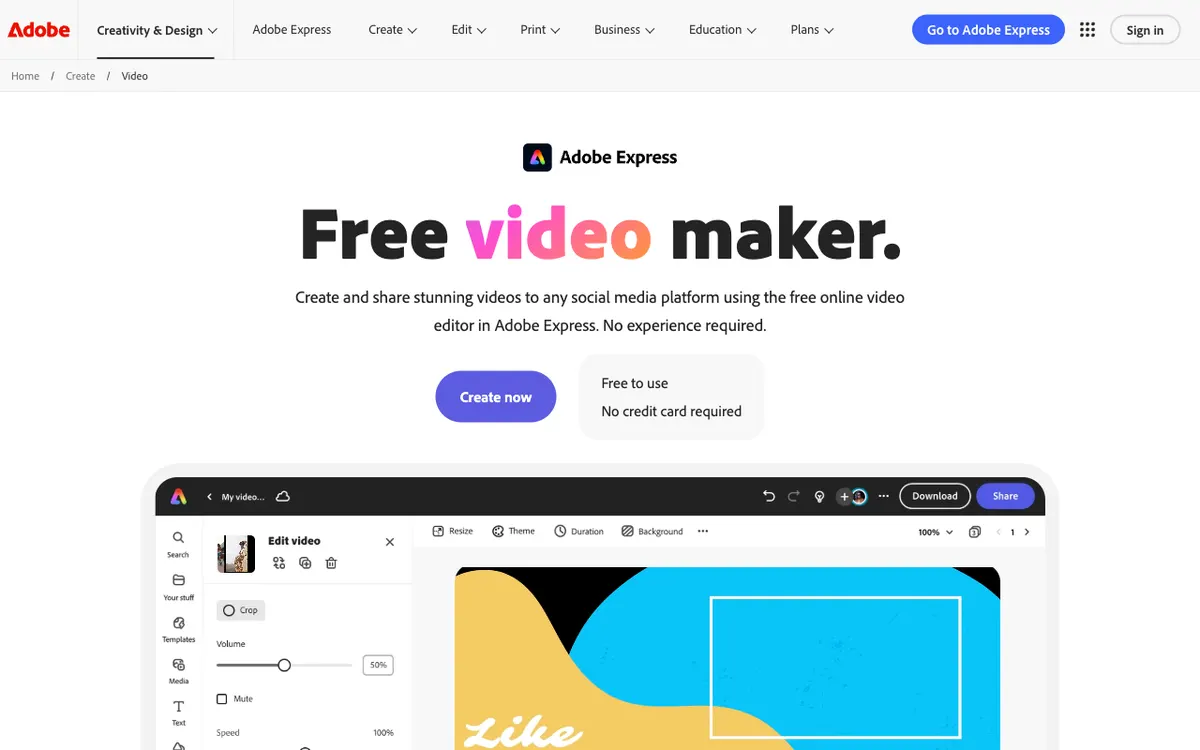 Adobe Express — free video maker with 1M+ Adobe Stock assets and no published free-tier render cap
Adobe Express ranks last not because the free plan is thin, but because Adobe documents it by assets rather than by limits — and on a post about limits, that is a problem.
What Adobe publishes for the Free plan, at US$0.00: 100,000+ static and video templates, 1M+ royalty-free Adobe Stock photos, videos, music tracks and design elements, 4,000+ Adobe Fonts, standard photo, video and document editing tools, scheduling to one social account, 10 days of version history, and 5GB of storage. The free generative allowance is described only as “limited generative AI credits”.
What Adobe does not publish anywhere on its plan or help pages: a free-tier export resolution cap, a render count, a length cap, or a watermark rule. The export dialog offers 720p, 1080p and 4K MP4; which of those the free plan grants is not stated.
Adobe also flags a real risk for faceless channels: Adobe Stock assets occasionally move from free to paid without advance notice, and the workaround is to apply the Free filter when searching.
Pros
- 1M+ royalty-free Adobe Stock photos, videos and music tracks on the free plan
- 100,000+ static and video templates at US$0.00, no credit card required
- Works on web, iOS, Android and iPad from one free account
- Premium is US$9.99/month with 250 generative credits — the cheapest monthly paid jump here
Cons
- Adobe publishes no free-tier export resolution, length or render cap, so you cannot plan around it
- Generative allowance described only as “limited”, with no number attached
- Free stock assets can be reclassified as premium without notice
- No faceless-specific automation — it is a general design tool with a video timeline
Best for: free template-and-stock-driven video where you already know Adobe’s ecosystem.
Pricing: Free US$0.00. Premium US$9.99/month with 250 generative credits per user per month (checked 4 September 2026).
Free faceless YouTube video generator comparison
| Tool | Free renders/month | Max length (free) | Free export resolution | Watermark on free export | First paid tier |
|---|---|---|---|---|---|
| Microsoft Clipchamp | Not capped | Not capped | Up to 1080p | None — listed as included | Bundled with Microsoft 365 Personal/Family (adds 4K) |
| Canva | Not capped | 30 minutes | 1920x1080 | None on free-library designs | Canva Pro, US$55/year for one person |
| Lumen5 | 5 videos | 2 minutes | 720p | Lumen5 branded outro | Basic, $19/month billed yearly |
| Fliki | 3 credits (~5 min per Fliki’s FAQ) | 1 minute per export | 720p | Fliki watermark | Basic — pricing page localises currency |
| Kapwing | Not capped | 4 minutes | 720p | Kapwing watermark | Pro, $16/month billed annually |
| Adobe Express | Not published | Not published | Not published | Not published | Premium, US$9.99/month |
All figures taken from each vendor’s own pricing or help pages on 4 September 2026.
What the first paid tier actually buys
The upgrade is rarely about features. On five of these six it is about length and a clean export.
- Kapwing Pro, $16/month billed annually — 4 minutes to 120 minutes, 720p to 4K, watermark gone, 10 AI credits to 1,000. The largest jump per dollar here.
- Lumen5 Basic, $19/month billed yearly — 5 videos to unlimited, 2 minutes to 10, branded outro removed, 24 to 240 AI voiceover minutes a year. Resolution stays at 720p until Starter at $59.
- Canva Pro, US$55/year — 3.6M+ templates, 141M+ premium assets, 5 brand kits, desktop 4K.
- Adobe Express Premium, US$9.99/month — 250 generative credits a month, 200M+ Adobe Stock assets, 100GB storage.
- Fliki Basic — 720 credits a year, 1080p, 5-minute videos and, critically, commercial rights. Confirm the USD price on your own account; the page localises currency.
- Microsoft Clipchamp — no standalone paid tier. Premium features arrive with a Microsoft 365 Personal or Family subscription.
How to choose
- You want a clean 1080p upload and will do the assembly. Microsoft Clipchamp. No render cap, no length cap, no watermark, free TTS and captions.
- You want a long faceless video for free. Canva. 30 minutes at 1920x1080 is unmatched on a free plan.
- You want the tool to build the video. Lumen5. Five two-minute videos a month, storyboarded automatically from a link or script.
- You want to test AI narration in your niche. Fliki. 300 voices in 80+ languages, one minute at a time.
- You need captions more than you need renders. Kapwing. 50 minutes a month of free auto-subtitling.
- You are already inside Adobe. Adobe Express, with the caveat that the free limits are undocumented.
Where free tiers quietly cost you
Two traps catch faceless channels that start on a free plan.
The first is commercial rights. A free export that downloads without complaint is not the same as a licence to monetize it. Fliki puts commercial rights on paid plans explicitly, and Canva asks you to verify the licence on paid audio before you post to video sharing sites.
The second is YouTube itself. Its channel monetization policies were updated on 15 July 2025 to rename the repetitious content policy to inauthentic content, clarifying that it covers repetitive or mass-produced content.
The fix is not a better generator. It is a script with an original argument and narration that does not sound machine-stamped — the same point the free faceless video generator roundup keeps landing on, and the reason a real voice track matters more than the tool you render with.
Final verdict
For a free faceless YouTube video generator in 2026, the ranking splits on one question: do you want the tool to build the video, or do you want the export to be clean?
If clean matters more, Microsoft Clipchamp is the answer — uncapped, watermark-free, up to 1080p, with free text-to-speech and captions in 80+ languages. Canva is second only because it makes you manage asset licensing, and it wins outright past ten minutes.
If automation matters more, Lumen5 is the only free plan that reliably turns a script into a finished video five times a month, and Fliki is the one to test narration on before you pay for commercial rights.
Kapwing earns its place on free captions rather than free video, and Adobe Express on assets rather than documented limits. Verify every number on your own account before you build a schedule on it — free tiers in this category change quarterly.