
Gemini Omni Flash is Google's conversational video model: you generate a clip, then keep editing it by chatting. The current version, Omni 1.2 Flash (November 5, 2026), makes 3 to 15 second clips with native audio and costs $0.07 a second at 720p on the Gemini API. Google now points Veo 3.1 preview users to it, but 4K is upscaled, not native, and the quality claims we found come from Google and a few leaderboards.
This Gemini Omni Flash review covers what Google’s new video model does, what it costs and where it falls short. We read Google’s launch posts, API docs and pricing page on November 6, 2026.
We haven’t run our own generations. Every spec below links to Google’s pages, and quality claims are attributed to whoever made them.
It’s for creators, marketers and developers choosing a video model. If you’re still comparing, start with our Google Veo alternatives and Sora alternatives lists.
TL;DR: Gemini Omni Flash review verdict
Gemini Omni Flash is a strong pick if you want to refine a clip by talking to it instead of re-rolling prompts. The current model, Gemini Omni 1.2 Flash, makes 3 to 15 second clips with native audio, edits them over multiple turns and costs $0.07 a second at 720p on the Gemini API.
Our read, from Google’s documentation:
- Best at: conversational edits, reference-based consistency, and cheap 360p and 720p drafts.
- Weak spots: 1080p and 4K are upscaled, not native. Audio uploads and voice editing aren’t supported in the API, and English is the only language Google says is fully evaluated.
- Price: $0.07 a second at 720p, $0.209 at 4K. A 10-second 720p clip is about $0.70.
- Who should skip it: anyone who needs native 4K, clips longer than 15 seconds in one pass, or a free tier.
What is Gemini Omni Flash?
Gemini Omni Flash is Google’s video model for generating and editing clips through conversation. Google introduced it at I/O 2026 on May 20 as the first Omni model, a family it describes as able to “create anything from any input”, starting with video.
 Google DeepMind’s Gemini Omni page lists the Gemini app, Flow and the API as entry points.
Unlike Veo, which Google built around a text or image prompt, Omni takes text, images, video and audio references together. You then edit the result by chatting: swap a background, change a camera angle, add a character or extend the scene. Google says every clip carries an invisible SynthID watermark and C2PA Content Credentials.
Gemini Omni Flash version timeline
The “Gemini Omni Flash” name now covers three releases, and the newest is not the one most early coverage describes.
| Date | Release | What changed |
|---|---|---|
| May 20, 2026 | Omni Flash (I/O launch) | Gemini app, Flow and YouTube rollout; 10-second clips |
| June 30, 2026 | Public preview in the API | gemini-omni-flash-preview at $0.10 a second |
| August 27, 2026 | Omni 1.1 Flash | Scene extension, first and last frames, 360p drafts, 1080p and 4K upscaling |
| November 5, 2026 | Omni 1.2 Flash | 15-second clips, native audio, multi-turn editing at full length, 30% lower price |
Sources: Google’s launch announcement, 1.1 post and 1.2 post.
Gemini Omni Flash 1.1 update: what the August release added
The Omni 1.1 Flash update on August 27, 2026 added scene extension and 4K upscaling to the API. Scene extension continues an existing video: the model reads up to 10 seconds of prior context, where earlier versions saw only the final second.
Google’s 1.1 post also lists these changes:
- First and last frame interpolation: generate motion between two keyframes, for orbits, zooms and loops.
- 360p drafts: previews up to 60% faster and at a third of the 720p cost.
- 1080p and 4K output: Google says outputs are “ready for professional production”, though its docs call both resolutions upscaled.
- Video references: up to three seconds of video as input to hold character consistency.
- Extension limit: 10-second increments up to 40 seconds in total, per the 1.1 post.
Google’s current API docs for 1.2 say 3 to 10 seconds per extension turn, up to 30 seconds total. Check the docs for the model you call.
Gemini Omni 1.2 Flash: what changed in November
Omni 1.2 Flash, published November 5, 2026, is the version to use now. It lengthens clips to 15 seconds, improves reference adherence and cuts the price 30% against 1.1.
 Google’s Gemini Omni 1.2 Flash announcement, November 5, 2026.
From Google’s post and API docs:
- Clip length: 3 to 15 seconds in one-second steps, 10 by default.
- Native audio: the docs describe synchronized video and native audio up to 15 seconds, with clearer lip-sync and multi-speaker conditioning.
- Multi-turn editing: edit generated clips up to 15 seconds through a previous interaction ID, without re-uploading.
- Uploaded video: up to 15 seconds for editing. The docs say this isn’t available in the EEA, Switzerland or the UK.
- References: up to 6 images, with up to 2 characters at 3 images each, plus short video references.
- Format: 24 fps, 16:9 by default, or 9:16 portrait.
Google’s own side-by-side tests put 1.2 ahead of 1.1: 62% against 38% on visual consistency in text to video, and 63% against 37% on overall preference in reference to video. These are Google’s numbers, not independent ones.
Where you can use Gemini Omni Flash
Gemini Omni Flash is available in the Gemini app, Google Flow, YouTube Shorts, Google Vids, Google AI Studio and the Gemini API, with access varying by plan and country.
- Gemini app and Flow: Google says Omni Flash is rolling out to all Google AI Plus, Pro and Ultra subscribers globally. The 1.2 post says 15-second videos in the Gemini app are rolling out to AI Ultra subscribers.
- YouTube: Shorts Remix and the YouTube Create app, at no cost, for users 18 and over.
- Google Vids: 15-second clips at no extra cost with a Google account or Workspace subscription, per the 1.2 post.
- Gemini API and Google AI Studio: generally available, paid only.
- Gemini Enterprise Agent Platform: for enterprise builds, with Provisioned Throughput.
Google’s subscriptions post doesn’t publish clip counts per plan. We couldn’t confirm per-plan video limits, so check the Gemini app before you buy a tier for Omni.
Gemini Omni Flash pricing
On Google’s Gemini API pricing page, checked November 2026, Omni 1.2 Flash video output costs $0.07 a second at 720p. Input is $1.50 per million tokens, and the free tier doesn’t include Omni.
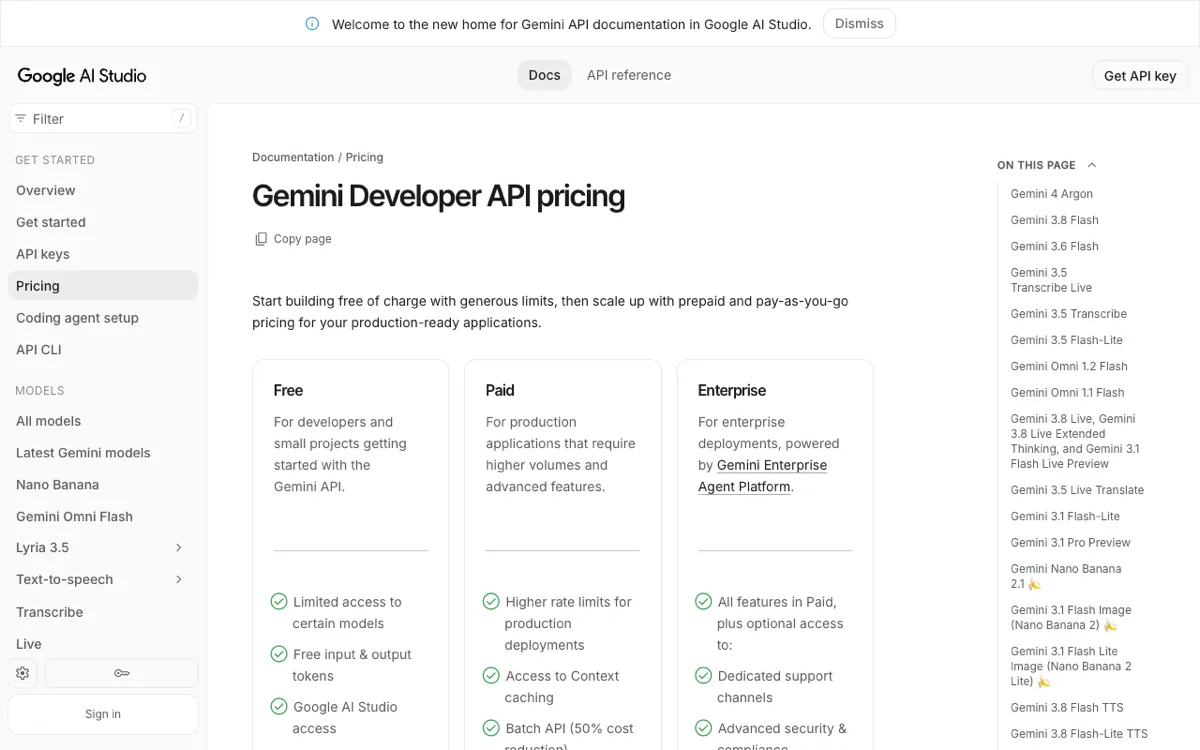 Google’s Gemini Developer API pricing page lists both Omni models.
| Resolution (Omni 1.2 Flash) | Price per second | 10-second clip | 15-second clip |
|---|---|---|---|
| 360p | $0.023 | $0.23 | $0.35 |
| 720p | about $0.07 | about $0.70 | about $1.04 |
| 1080p (upscaled) | $0.104 | $1.04 | $1.56 |
| 4K (upscaled) | $0.209 | $2.09 | $3.14 |
Omni 1.1 Flash lists the same $1.50 input but a higher video output rate: $17.50 per million tokens against $12.00 for 1.2, or about $0.10 a second at 720p. Google says API calls to gemini-omni-1.1-flash route to 1.2 at 1.2 rates from December 3, 2026.
For context, Google priced the June preview of Omni Flash at $0.10 a second, the same as Veo 3.1 Fast. Prices are US dollars and Google may change them.
Omni Flash vs Veo 3.1: is Omni the new default?
For the Gemini API, Google now treats Omni as the default. Its deprecations page lists veo-3.1-generate-preview, veo-3.1-fast-generate-preview and veo-3.1-lite-generate-preview with a shutdown date of October 22, 2026, and names gemini-omni-1.2-flash as the replacement. Google adds that listed dates are the earliest possible and exact dates are communicated in advance.
That doesn’t mean Veo is gone. The Veo 3.1 GA models stay on Google’s Gemini Enterprise Agent Platform, and Google’s older Veo migration notice points there too.
Veo is still a clean text-to-video generator. Omni is the model for iterating, editing and extending. For a deeper head-to-head, see our Gemini Omni vs Veo 3.1 comparison and the Veo 3.1 review.
Gemini Omni Flash quality: what the leaderboards say
Early independent rankings were strong, but they measured the first Omni Flash, not 1.2. AlphaSignal’s report on Artificial Analysis data (July 31, 2026) had Omni Flash first in text to video at 1,244 Elo, second in image to video at 1,194 and second in video editing at 1,122 behind MiniMax H3.
Two caveats from the same report: margins were within statistical error in most cases, and Artificial Analysis said the model declined some prompts through content filters, most often prompts with people. We found no independent leaderboard numbers for Omni 1.2 Flash yet.
Pros and cons
Pros
- Conversational editing: edit by chat, over up to 15 seconds, without regenerating the whole clip.
- Low-cost drafts: 360p at $0.023 a second lets you iterate cheaply before upscaling.
- Native audio in 1.2: synchronized sound and speech with the picture.
- Many entry points: Gemini app, Flow, Shorts, Vids and the API.
- Provenance: SynthID and C2PA marks on every output.
Cons
- Upscaled 4K: 1080p and 4K are upscaling, not native generation.
- No audio uploads or voice editing in the API, and English is the only language Google says is fully supported.
- Caps: 15 seconds per generation and 30 seconds total through extension.
- Paid only: no API free tier, and the Gemini app needs an AI Plus, Pro or Ultra plan.
- Regional limits: uploaded-video editing isn’t available in the EEA, Switzerland or the UK.
- Content filters: early testers saw refusals on prompts with people.
Gemini Omni Flash vs other AI video models
Omni Flash is the editing-first choice, while rivals lead on other things. Our reviews cover the closest ones.
| Model | Strength | Read more |
|---|---|---|
| Gemini Omni 1.2 Flash | Conversational editing, 15 seconds, $0.07 a second | This review |
| Kling 4.0 | 30-second clips with audio | Kling 4.0 review |
| Seedance 2.5 | Quality and a 4K variant | Seedance 2.5 review |
| Veo 3.1 | Google’s text-to-video generator | Veo 3.1 review |
Who should use Gemini Omni Flash?
Use Omni Flash if you iterate on a shot: product swaps, background changes, camera moves and extensions. Skip it if you need native 4K, clips over 15 seconds in one pass, or a free tier. Developers get the cheapest drafts, since 360p costs about a third of 720p.
Conclusion
Gemini Omni Flash is the first Google video model built around editing, and Omni 1.2 Flash makes it practical with 15-second clips, native audio and a 30% lower price. The August 1.1 update added scene extension and 4K upscaling, and Google is already routing 1.1 API calls to 1.2 on December 3, 2026.
The trade-offs are upscaled 4K, a paid-only API and quality claims that mostly come from Google. Test it on one real shot at 360p before you plan a project around it.