
Vidwip AI Studio is the pick if you want Videoleap-style AI effects to go further, with AI shots, voiceover and 94-language subtitles on a browser timeline and no watermark; it has no phone app. On iPhone and Android, CapCut has the deepest AI effects and templates, while Edits, Adobe Premiere and VN export free in 4K with no watermark. InShot is the cheapest paid upgrade at $19.99 a year, and Splice suits music-led edits but has almost no AI.
The best Videoleap alternatives keep what you like about Videoleap, one-tap AI effects, remixable templates and a layer-based timeline, and drop the paywall that sits in front of most of it.
Some are free phone editors that export in 4K with no watermark. Others push AI further than Videoleap does.
This post compares seven of them on AI effects, templates, watermark-free export and subscription price. Every price was checked on the US App Store or the vendor’s own page in October 2026.
Why people look for Videoleap alternatives
Videoleap, from Lightricks, is a good editor. It holds 4.6 stars from about 146,000 ratings on the US App Store, and its AI effects, AI-Vanish object removal and remixable templates are the reason most people install it.
The friction is the paywall. Most AI tools and watermark-free exports need Videoleap Pro, listed at $9.99 a month or $69.99 a year in the US (checked October 2026).
Free AI generations have daily limits, per Fitgap’s breakdown. Some App Store reviewers also report hitting a Pro wall at export, after the edit was already done.
What to look for in a Videoleap alternative
Decide which part of Videoleap you actually use. For most people it’s one of these four.
- AI effects. One-tap restyles, background removal, object removal, AI animation. Check which ones are free and which burn credits.
- Templates. Remixable trend templates for Reels, TikTok and Shorts. Some apps have thousands, some have none.
- Watermark-free export. Can you export clean, in 4K, without paying? This is where the apps differ most.
- Subscription price. Weekly, monthly, yearly or lifetime. A $9.99 weekly plan costs about $520 a year.
1. Vidwip AI Studio
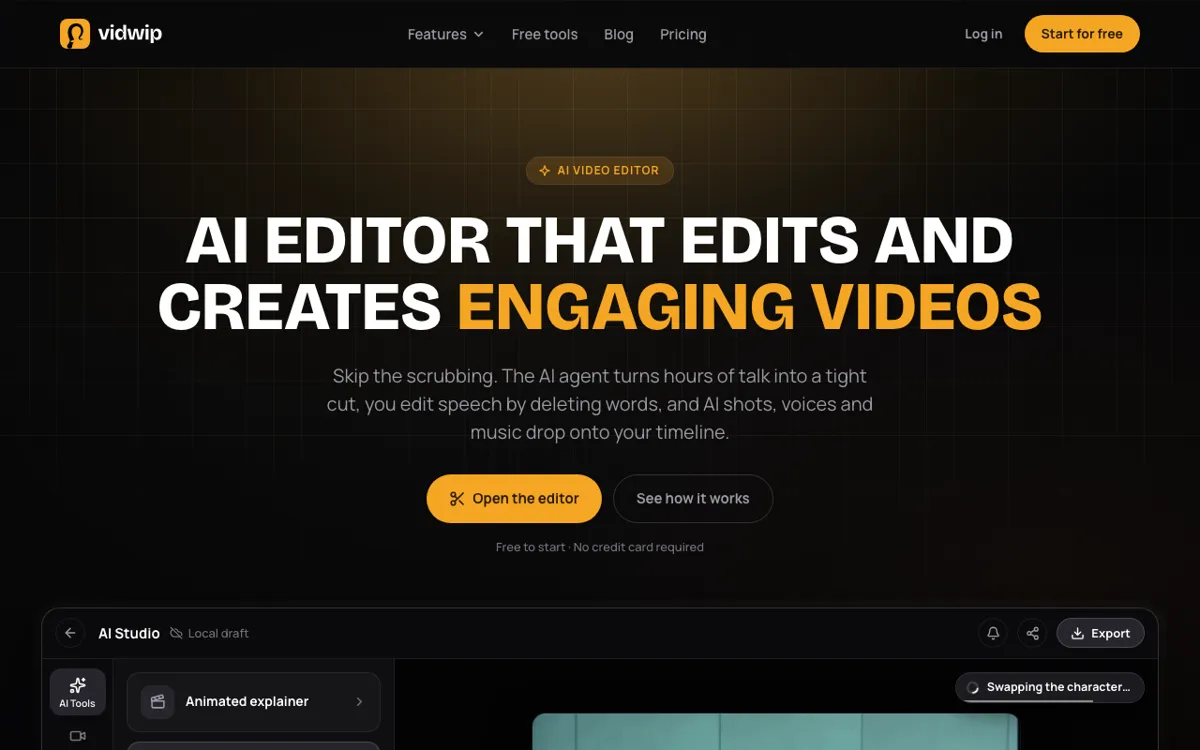 Vidwip AI Studio — a browser timeline editor with AI video, voice and subtitles built in.
Videoleap’s AI effects restyle footage you already shot. Vidwip AI Studio makes the footage you don’t have yet, right on your timeline.
Be clear on one thing first: Vidwip is browser-based. There is no iPhone or Android app, so it replaces Videoleap for the AI part of your edit, not for cutting on a phone in the back of a taxi.
It’s a timeline editor with video and audio tracks. You trim, split and ripple delete, and edit talking clips by deleting words from the transcript.
When a shot is missing, you describe it, or give it a photo, and one of 16 video models, including Veo 3.1, Kling 3.0 Pro and Seedance 2.5, renders it onto your track. That’s the same engine as the AI video generator.
AI voiceover reads your script in one of 190+ voices native to 23 languages, in any of 74 languages. Music and sound effects come from the same Audio drawer.
Word-timed subtitles come in 13 looks, 8 with word highlight, and translate into 94 languages. Exports go up to 1080p with no watermark.
Pros
- AI shots on 16 video models, text to video or image to video, landing on your timeline
- AI voiceover in 190+ voices and 74 languages
- Word-timed subtitles in 13 looks, translatable into 94 languages
- Edit by deleting words, or ask the Edit video agent for a rough cut of up to 2 hours of footage
- No watermark on any export
Cons
- Browser-based, with no iPhone or Android app
- Only four starter templates and no trend-template library
- Export tops out at 1080p; there is no 4K
- No one-tap beauty or face-retouch effects like Videoleap’s
Best for: Creators who want AI to generate shots, voice and captions, not just restyle footage, and who can finish the edit in a browser.
Pricing: Free to start, no credit card; AI shots need a paid plan. Starter $25/month (2,500 credits), Pro $99/month (10,000 credits). See Vidwip pricing.
2. CapCut
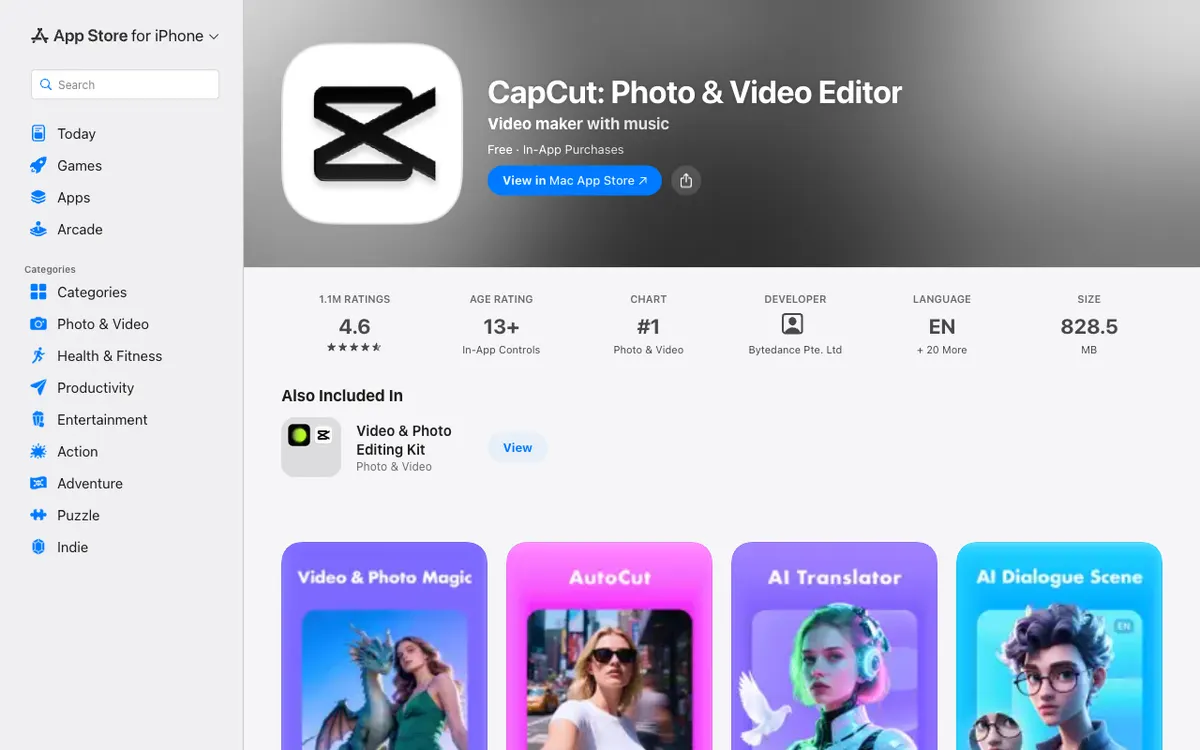 CapCut — ByteDance’s mobile editor with AI effects, auto captions and a huge template library.
CapCut is the closest feature-for-feature Videoleap alternative. It’s the #1 Photo & Video app on the US App Store, with 4.6 stars from about 1.1 million ratings (checked October 2026).
The AI toolkit covers everything Videoleap does and more: one-tap AI effects, auto captions, text to speech, background removal, AutoCut, an AI translator and AI dialogue scenes. The trend-template library is the largest of any app here.
The trade-off is terms and price. CapCut’s June 2025 terms take a broad licence over what you upload, and Pro features need a subscription.
Pros
- Widest set of AI effects and trend templates on mobile
- Auto captions, text to speech and background removal built in
- Desktop and web versions share projects with the phone app
- Free tier covers basic edits
Cons
- Broad content licence in the June 2025 terms
- Pro effects and templates need a subscription to export
- Not available everywhere; it has been blocked in India since 2020
- The paid tier list is confusing, with several monthly prices
Best for: Short-form creators who live on trend templates and want the most AI effects per dollar.
Pricing: Free with in-app plans. The US App Store lists monthly plans from $7.99 to $19.99 and a yearly plan at $89.99 (checked October 2026). For CapCut’s own competitors, see our CapCut alternatives list.
3. Edits by Instagram
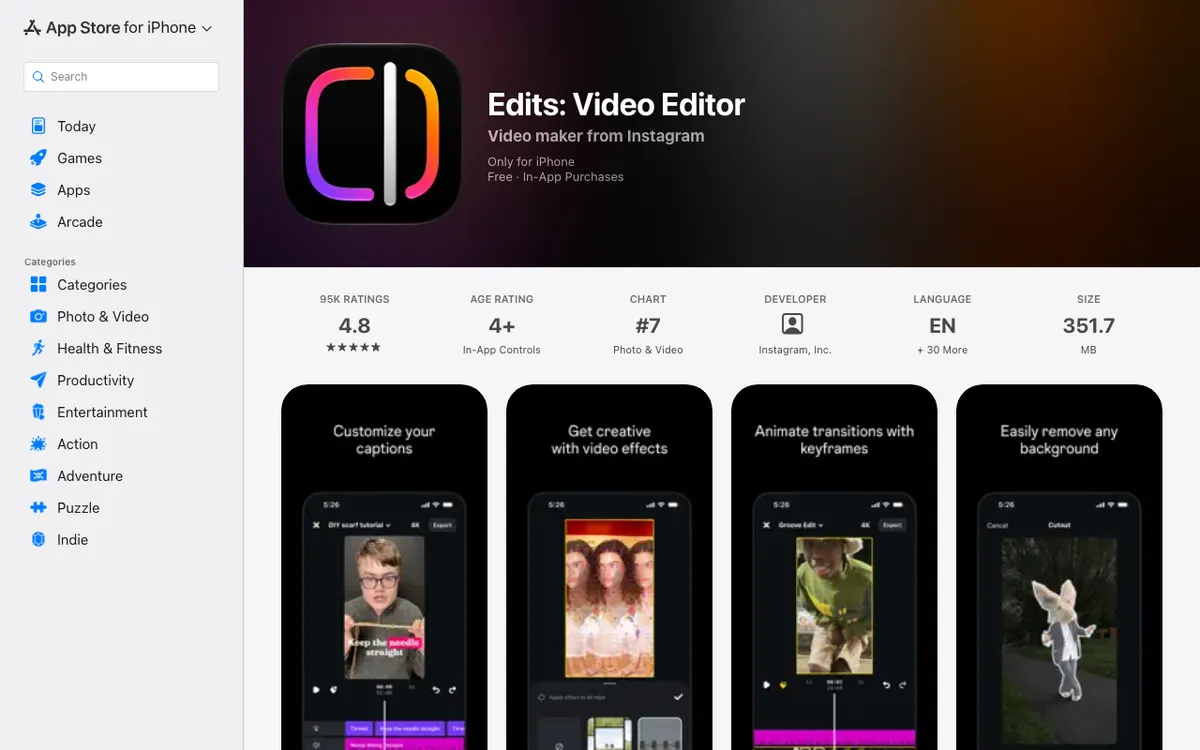 Edits — Instagram’s free editor with AI animation, captions and 4K export.
Edits is the best free Videoleap alternative for Reels. It exports in 4K with no watermark, and you don’t pay for any of the core tools.
AI animation turns still images into motion, the way Videoleap’s AI effects do. You also get automatic captions, voice enhancement that strips background noise, green screen, cutouts and overlays.
It holds 4.8 stars from about 97,000 ratings on the US App Store (checked October 2026). The limit is length: captured clips run up to 10 minutes.
Pros
- Free, with 4K export and no watermark
- AI animation for still images
- Reels templates you can reuse with your own clips
- Built-in insights on how your Reels perform
Cons
- Clips up to 10 minutes; built for short-form only
- Phone only, with no web or desktop version
- Fewer AI effects than CapCut or Videoleap
- Tied to Instagram, so it suits Reels more than YouTube
Best for: Instagram creators who want a free Videoleap replacement that exports clean 4K files.
Pricing: Free, with optional in-app purchases (US App Store, checked October 2026).
4. Adobe Premiere (mobile)
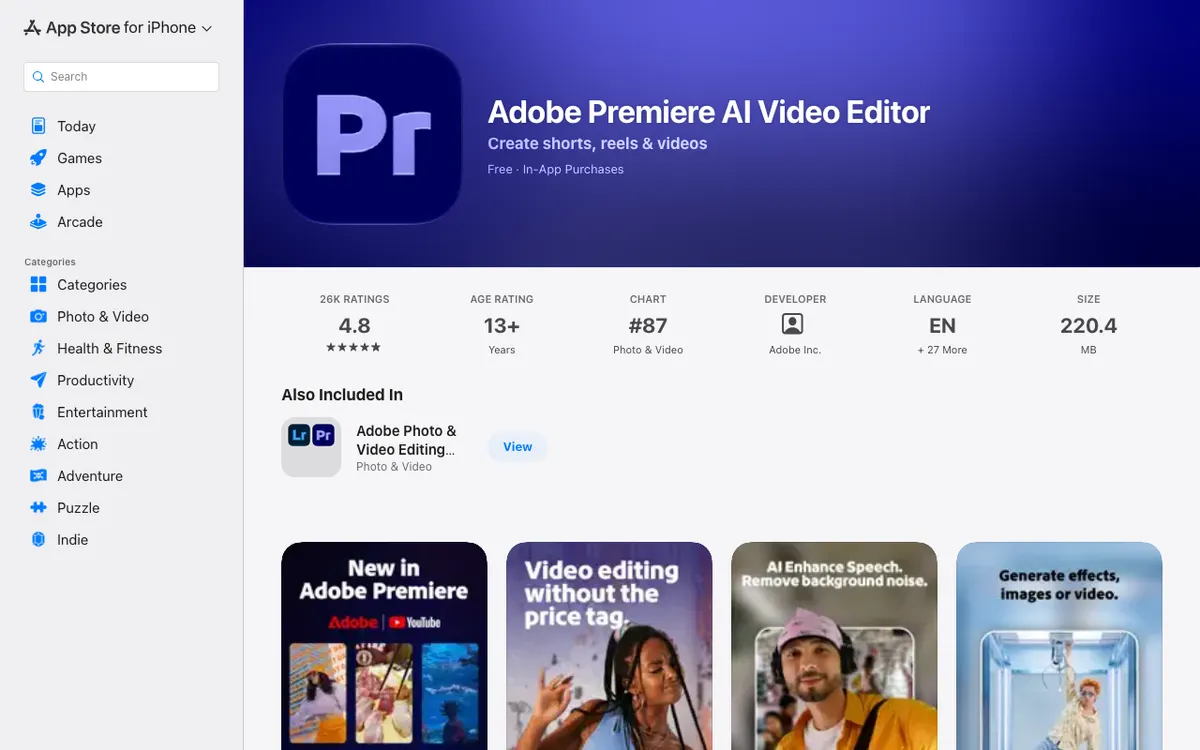 Adobe Premiere — a free mobile editor with generative AI, auto captions and 4K export.
Adobe Premiere on mobile is the Videoleap alternative with the most generative AI on a phone. It’s free, ad-free, watermark-free and exports in 4K.
The AI list is long: auto captions, background removal, background expansion, audio enhancement, sound effects generated from your voice, and text-to-image and text-to-video through Firefly and third-party models.
It reached Android in September 2026, per Android Authority. On iPhone it holds 4.8 stars from about 27,000 ratings.
Pros
- Free 4K export with no watermark or ads
- Text-to-video and text-to-image with Firefly
- Unlimited tracks and keyframes
- Works with Premiere Pro on desktop
Cons
- Generative features run on credits once the free allowance is gone
- Android needs Android 13 and at least 5 GB of RAM
- Fewer trend templates than CapCut or Videoleap
- Some reviewers report export freezes on long projects
Best for: Phone-first creators who want generative AI and a pro timeline without a watermark.
Pricing: Free. Premiere Mobile is $7.99/month or $69.99/year on the US App Store (checked October 2026).
5. VN Video Editor
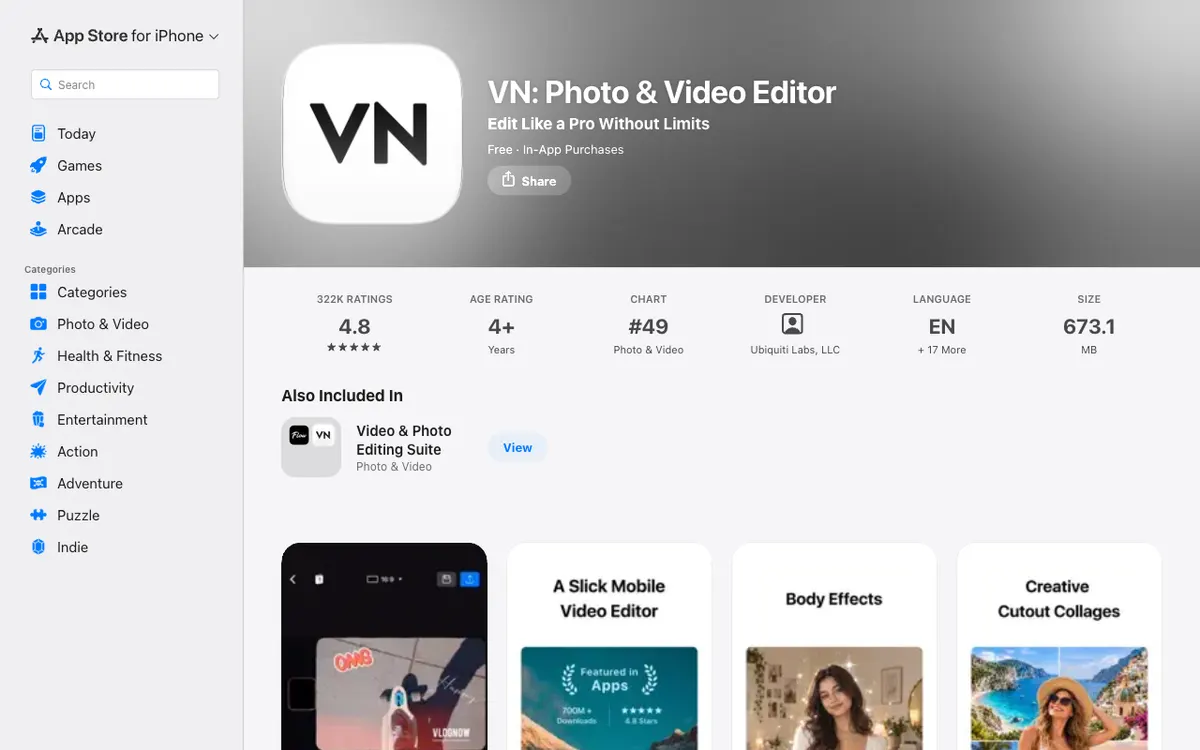 VN — a free multi-track editor with 4K60 export and no watermark.
VN is the Videoleap alternative for people who want a real timeline for free. Its App Store listing says it plainly: “Free with No Watermark.”
Exports go up to 4K at 60fps. Auto captions remove filler words and silence, text to speech voices your script, and one-tap cutout removes backgrounds.
AutoCut builds an edit synced to the beat of your track.
VN holds 4.8 stars from about 322,000 ratings on the US App Store (checked October 2026). It has less AI flash than Videoleap and more editing control.
Pros
- Free 4K60 export with no watermark
- Multi-track timeline with keyframes and curves
- Auto captions with filler-word and silence removal
- Custom templates you build once and reuse
Cons
- Fewer one-tap AI effects than Videoleap or CapCut
- AI extras run on credits sold separately
- 673 MB app size on iPhone
- Steeper learning curve than template-first apps
Best for: Vloggers and YouTubers who want desktop-style control on a phone without paying.
Pricing: Free. VN Pro is listed at $7.99 and $69.99 on the US App Store, with AI credits at $1 per 100 (checked October 2026).
6. InShot
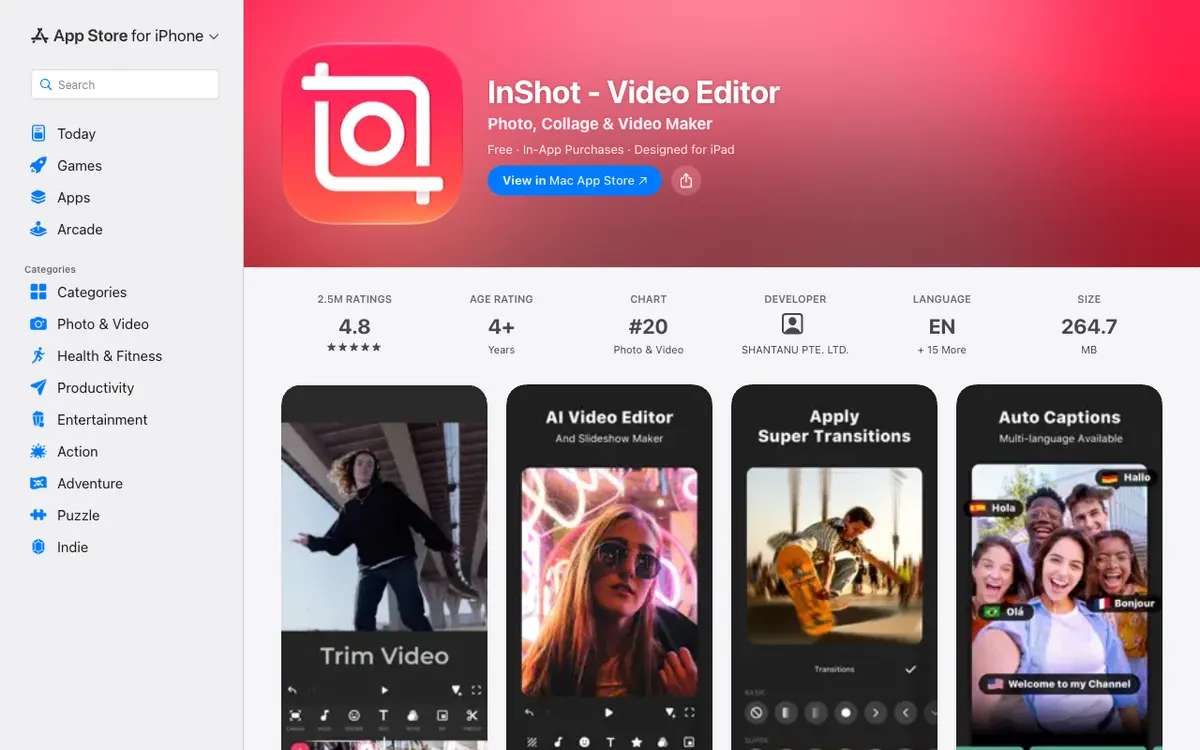 InShot — a simple editor with AI captions, AI cut and the cheapest Pro plan here.
InShot is the cheapest Videoleap alternative with a real AI toolkit. Pro costs $19.99 a year, or $49.99 once for life.
The AI list is longer than you’d expect: auto captions, bilingual subtitles, AI speech, AI Cut for silence and filler words, one-tap AI effects, AI retouch, background removal and voice enhance.
It’s the most-rated app here, with 4.8 stars from about 2.5 million US App Store ratings (checked October 2026).
Pros
- Cheapest Pro plan, plus a lifetime option
- AI captions, AI Cut, AI speech and background removal
- Simple enough to learn in one sitting
- Strong photo and collage tools in the same app
Cons
- Free exports carry a watermark, removable per export by watching an ad
- One main video track, with extra clips as picture-in-picture layers, so layered edits are harder than in Videoleap
- Fewer remixable templates
- Ads in the free version
Best for: Casual creators who want Videoleap-level basics and AI captions for the lowest price.
Pricing: Free with watermark. InShot Pro $4.99/month, $19.99/year or $49.99 lifetime on the US App Store (checked October 2026).
7. Splice
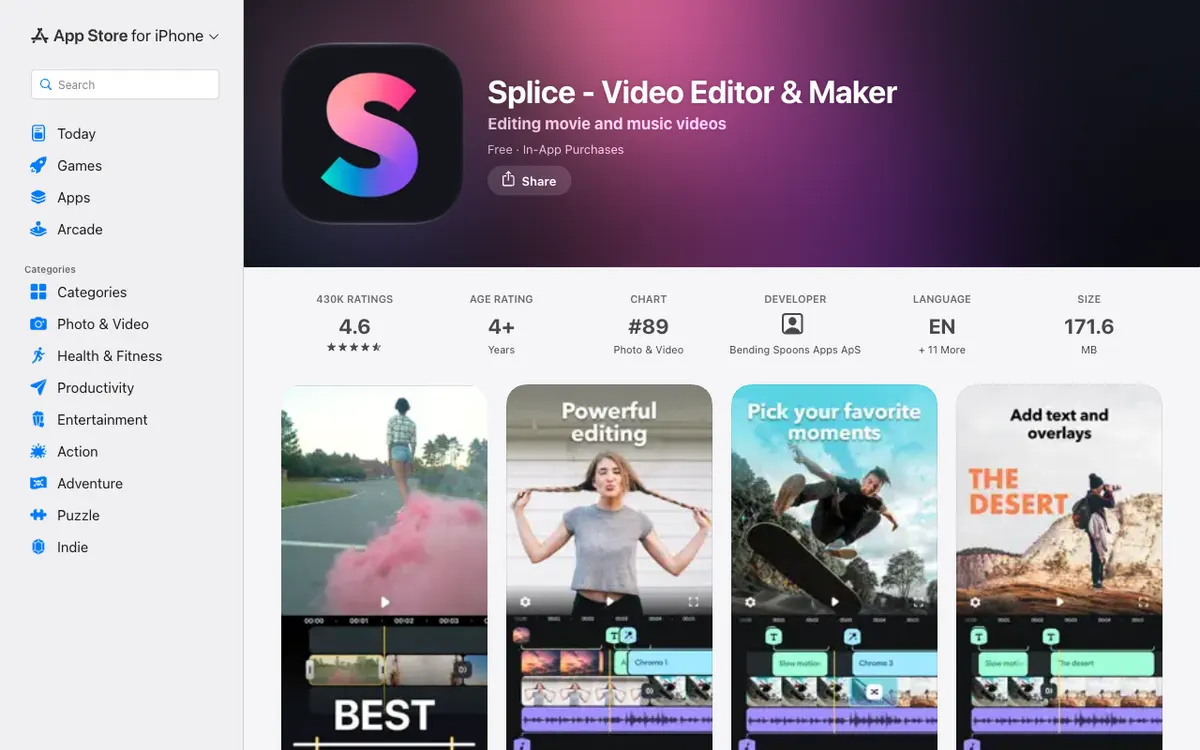 Splice — a timeline editor built around music, with 6,000+ royalty-free tracks.
Splice, from Bending Spoons, is the Videoleap alternative for music-led edits. It ships with 6,000+ royalty-free tracks from Artlist and Shutterstock.
Editing is clean and fast: trim, crop, speed ramps, chroma key, masks, overlays and multi-track audio. The App Store listing doesn’t describe any AI tools, so this is a pick for editing, not AI effects.
It holds 4.6 stars from about 430,000 ratings on the US App Store (checked October 2026). The price is the problem.
Pros
- 6,000+ royalty-free music tracks built in
- Speed ramping, chroma key and masks
- Multi-track audio mixing
- Fast, uncluttered timeline
Cons
- Almost no AI effects compared with Videoleap
- Weekly billing at $9.99 adds up to about $520 a year
- Free exports cap at 1080p, per a March 2025 SlashGear review
- No remixable trend templates
Best for: Creators who cut to music and care more about the soundtrack than AI effects.
Pricing: Free with in-app plans. “Splice Weekly With Free Trial” is $9.99 on the US App Store; monthly and yearly plans are also offered (checked October 2026).
Videoleap alternatives compared
| Tool | Platform | AI effects | Templates | Free export | Paid from |
|---|---|---|---|---|---|
| Vidwip AI Studio | Browser | AI shots on 16 models, voiceover, subtitles | 4 starters | Up to 1080p, no watermark | $25/mo |
| CapCut | iOS, Android, web, desktop | Widest set | Largest library | Basic tools only | $7.99/mo |
| Edits by Instagram | iOS, Android | AI animation, captions | Reels templates | 4K, no watermark | Free |
| Adobe Premiere (mobile) | iOS, Android | Firefly text-to-video, captions | Some | 4K, no watermark | $7.99/mo |
| VN Video Editor | iOS, Android, Mac | Captions, cutout, AutoCut | Custom templates | 4K60, no watermark | $7.99 |
| InShot | iOS, Android | Captions, AI Cut, AI effects | Few | Watermark (ad to remove) | $19.99/yr |
| Splice | iOS, Android | Almost none | None | Up to 1080p | $9.99/week |
| Videoleap (for reference) | iOS, Android | AI effects, AI-Vanish | Remixable | Pro needed for most | $9.99/mo |
All prices checked October 2026 on the US App Store or the vendor’s own page.
How to choose the right Videoleap alternative
You want AI to make footage, not just restyle it. Vidwip AI Studio generates shots, voiceover and translated subtitles on one browser timeline. If you also edit on desktop, our Filmora alternatives and VEED alternatives lists cover more browser and desktop editors.
You want the most AI effects on your phone. CapCut. Accept the terms and the subscription, and you get the deepest effects and template library on mobile.
You want free 4K with no watermark. Edits for Reels, Adobe Premiere for generative AI, VN for a full timeline. All three cost nothing to export clean.
You hate subscriptions. InShot’s $49.99 lifetime unlock is the only one-time price here. VN and Edits don’t need you to pay at all.
You edit to music. Splice, if the weekly price doesn’t scare you. Otherwise VN’s AutoCut does beat-synced edits for free.
For browser-first editing with your team, see our Kapwing alternatives and Clipchamp alternatives.
Final verdict
For most people leaving Videoleap, the answer is a free app: Edits, Adobe Premiere or VN give you clean 4K exports without the Pro wall. CapCut is the pick if AI effects and templates are the whole point.
If you want AI to do more than restyle, generating the shot, the voice and the subtitles in 94 languages, open Vidwip AI Studio in your browser. It’s free to start, no credit card, AI shots need a paid plan, and exports carry no watermark.