
Every mainstream AI video reader and summarizer works off the audio transcript, not the picture. Fathom wins meetings on an unlimited free plan, Gemini Notebook wins lectures for free, and Notta is the best all-rounder at $8.17/month. If your source is a silent screen recording, expect a thin summary from all of them.
TL;DR
An AI video reader and summarizer turns a recording into a transcript, then compresses that transcript into notes you can skim in a minute. Five tools are worth your time in 2026, and each one owns a different source type.
- Notta — best all-rounder. Live meetings and uploads, 100 AI summaries a month from $8.17.
- Gemini Notebook (formerly NotebookLM) — best free pick for lectures. YouTube links, audio files, PDFs, all in one notebook.
- Fathom — best for meetings. Unlimited recordings, transcripts, and AI summaries on a free plan.
- Descript — best when the summary is a step toward an edit, not the end of the job.
- NoteGPT — best for fast YouTube reads without leaving the tab.
The catch nobody advertises: all five read the audio, not the picture. Feed them a silent product walkthrough and every summary gets vague.
What an AI video reader and summarizer actually does
Under the marketing, the pipeline is three steps. Speech-to-text produces a timestamped transcript, a language model compresses that transcript into sections, and the interface links each claim back to a moment in the video.
That third step is what separates a useful tool from a toy. A summary you cannot verify is a rumour.
The step that is missing from almost every product in this category is vision. The model never looks at the frames — it looks at what the frames sounded like.
So the useful question is not “which AI summarizes video best”. It is “which one handles my kind of video”.
How I scored them
Three source types, because they break tools in different ways.
Lectures. One speaker, 45 to 90 minutes, dense terminology. The failure mode is a summary that flattens an hour of argument into six generic bullets.
Meetings. Four to eight speakers, crosstalk, decisions buried in tangents. The failure mode is missing who committed to what.
Product walkthroughs. A screen recording where the important information is on screen — a settings panel, an error message, a pricing table. The failure mode is a summary built entirely from filler narration like “and then we click here”.
Scores below are out of 5 and reflect documented capability: what each tool ingests, how it handles speakers, its length ceilings, and whether it reads anything beyond the transcript. All pricing was checked in September 2026 against each vendor’s own page.
1. Notta — best all-round AI video reader and summarizer
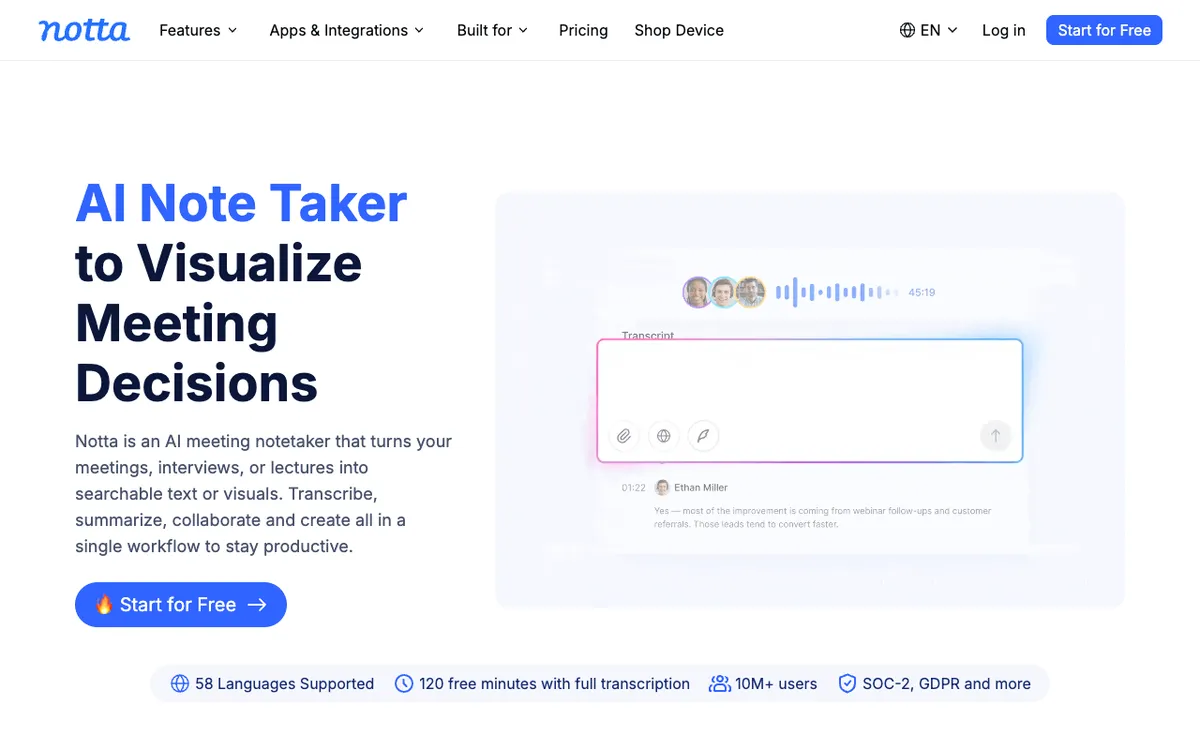 Notta — transcription plus structured AI summaries for meetings and uploaded video
Notta is the tool to pick when your video sources are mixed. It joins live calls on Zoom, Google Meet, Teams, and Webex, and it also takes uploaded files, so one account covers both the meeting you sat in and the recording somebody sent you.
The summary format is the strongest reason to use it. You get decisions, action items, and next steps as separate blocks rather than one paragraph of prose, which makes the output paste-able straight into a doc.
Notta’s language coverage — 58 transcription languages — puts it ahead of most meeting-first tools, and matters if your calls happen across regions. We ranked it on raw transcript accuracy too, in our comparison of AI video transcription tools.
The free tier is the weak point. 120 minutes a month sounds usable until you hit the three-minute-per-recording cap, which makes it useless for actual video.
Pros
- Handles live meetings and uploaded files in one account
- Structured summaries split into decisions, actions, and next steps
- 58 transcription languages, well ahead of English-first meeting tools
- Unlimited transcription minutes on Business, which few competitors offer
Cons
- Free plan caps each recording at 3 minutes — not a real trial for video
- AI summaries are metered separately (100/month on Pro), so heavy users hit a second ceiling
- Reads the transcript only; on-screen text never reaches the summary
Scores: Lectures 4/5 · Meetings 5/5 · Product walkthroughs 3/5 Best for: Teams whose video arrives from three different directions. Pricing: Free (120 min/month, 3-min cap, 10 summaries). Pro $8.17/month billed annually (1,800 min, 5-hour recordings, 100 summaries). Business $16.67/month annually (unlimited transcription, 200 summaries). Checked September 2026.
2. Gemini Notebook — the best free AI video summarizer for lectures
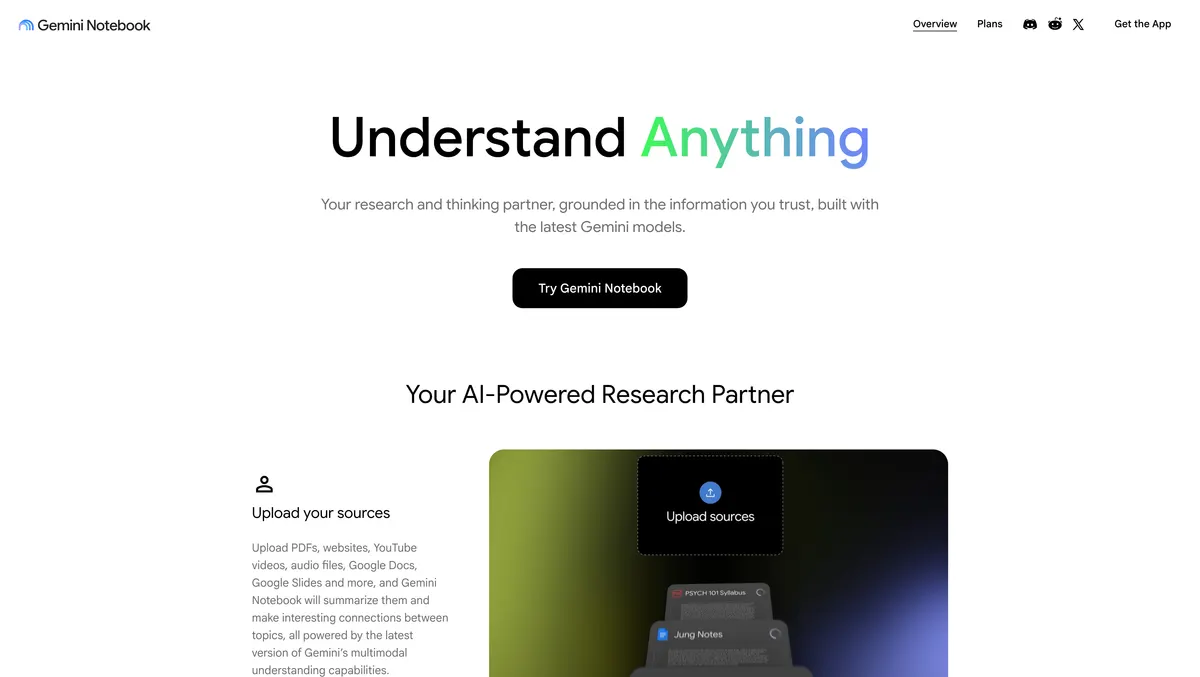 Gemini Notebook, formerly NotebookLM — YouTube links, audio files, and documents in one grounded notebook
Google renamed NotebookLM to Gemini Notebook, and the product is still the best free option for anyone reading long-form educational video. You drop in YouTube links, audio files, PDFs, Google Docs, and Slides, then ask questions across all of them at once.
That multi-source model is why it wins lectures outright. A recorded seminar plus the slide deck plus the assigned reading in one notebook produces a summary that no transcript-only tool can match, because the model can cross-reference the terminology.
Every answer carries citations back to the exact passage in the source. For study or research, that is the difference between notes you can hand in and notes you have to re-check.
It is also the only tool here with a plausible claim to reading more than audio, since it runs on Gemini’s multimodal models. Treat that as promising rather than proven — test a short clip of your own footage before you rely on it.
The gap is file support. Google’s own page lists YouTube videos and audio files as sources, not local MP4 uploads, so a screen recording sitting on your desktop needs a workaround. Sources are also capped at 500,000 words or 200 MB per local upload.
Pros
- Free with any Google account, with no trial clock
- Multiple sources in one notebook — video, slides, and readings answered together
- Citations on every answer, linked to the source passage
- Audio Overviews turn a notebook into a listenable discussion
Cons
- No direct local video upload path — YouTube links and audio files instead
- No live meeting capture at all
- 500,000 words or 200 MB per source, whichever comes first
- Rate limits on the free tier are real; heavy days hit them
Scores: Lectures 5/5 · Meetings 2/5 · Product walkthroughs 3/5 Best for: Students, researchers, and anyone summarizing long recorded talks alongside written material. Pricing: Free with a Google account. Higher limits ship with Google AI Pro at $19.99/month. Checked September 2026.
3. Fathom — best AI meeting summarizer, and the most generous free plan
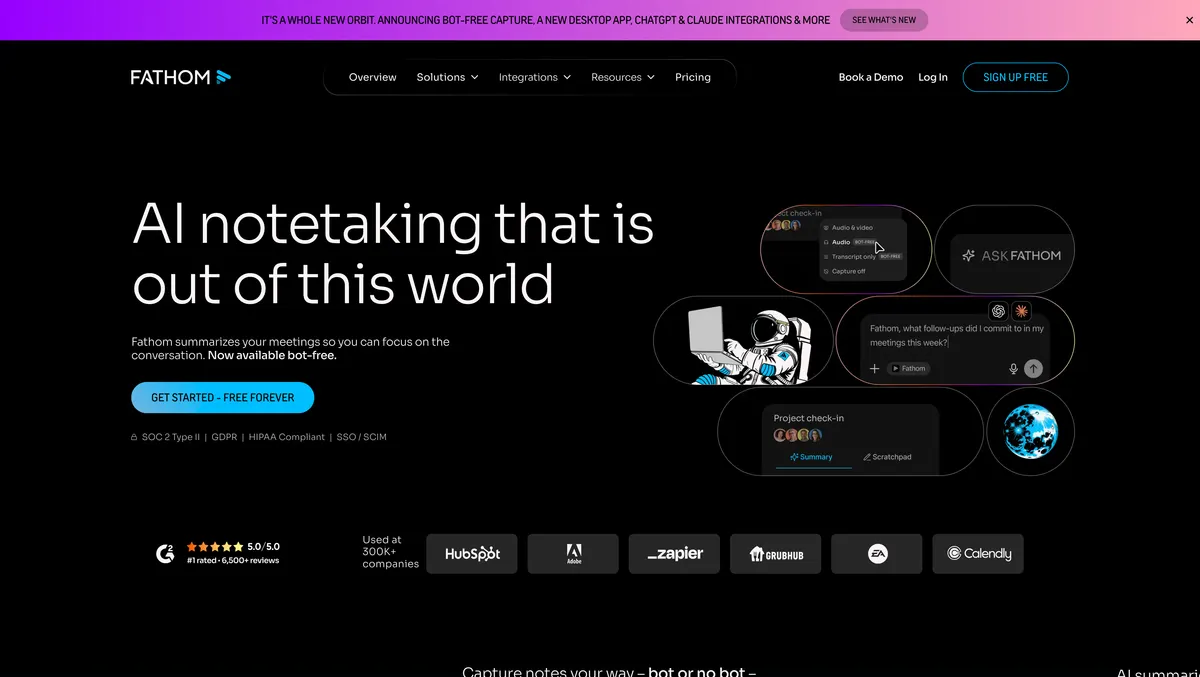 Fathom — unlimited call recording, transcription, and AI summaries on the free plan
Fathom is a meeting recorder with the best free tier in this entire category. Unlimited recordings, unlimited transcriptions, and instant AI call summaries cost nothing, which is not a trial-shaped free plan — it is the product.
Summaries land within about a minute of hanging up, formatted as highlights with jump-to timestamps. For anyone whose only summarization need is “what did we agree in that call”, the free plan genuinely ends the search.
It carries a 5.0/5.0 rating on G2 across 6,500+ reviews and reports use at 300,000+ companies, both stated on its own homepage. Recent releases added bot-free capture, so the meeting no longer needs a visible robot participant.
The limit is scope. Fathom summarizes calls it recorded — you cannot hand it a YouTube URL, a lecture file, or last quarter’s screen recording.
Pros
- Unlimited recordings, transcripts, and AI summaries on the free plan
- Summaries ready roughly a minute after the call ends
- Bot-free capture option for meetings where a visible bot is awkward
- CRM field sync on Business for sales teams
Cons
- Only summarizes meetings it captured — no file uploads, no YouTube links
- Action items and the 15+ summary templates sit behind Premium at $20/month
- Team and Business plans have a 2-user minimum
- Nothing on screen reaches the summary
Scores: Lectures 2/5 · Meetings 5/5 · Product walkthroughs 1/5 Best for: Sales, customer success, and anyone who lives in back-to-back calls. Pricing: Free forever (unlimited recordings, transcriptions, AI summaries). Premium $20/month ($16 annually). Team $19/user/month ($15 annually, 2-user minimum). Business $34/user/month ($25 annually). Checked September 2026.
4. Descript — best when the summary is a step, not the destination
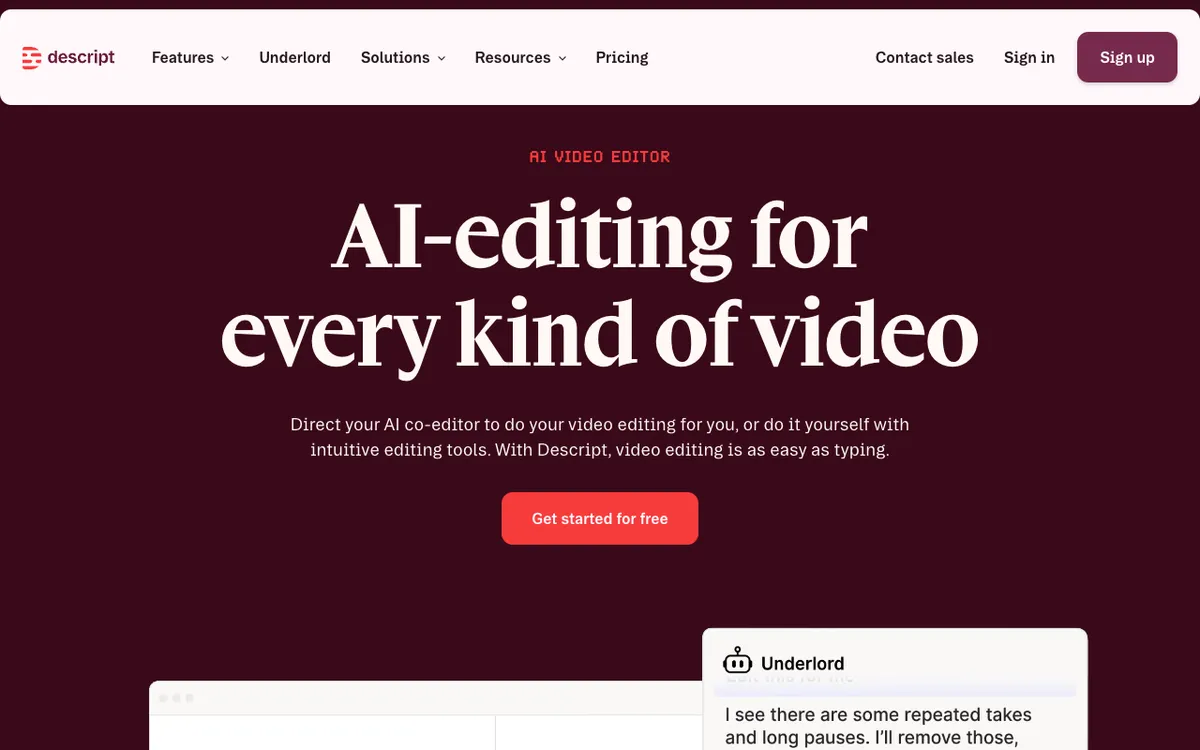 Descript — transcribe, summarize, then cut the video by editing the text
Descript is the only tool here where the summary sits inside an editor. It transcribes your footage, its Underlord assistant summarizes it, and then you can act on that summary immediately — delete a rambling section from the transcript and the video cuts with it.
For product walkthroughs that is a real advantage. You read the recording, find the three minutes worth keeping, and cut to them in the same tab instead of exporting notes and starting over in another tool.
Speaker labelling is solid across multiple tracks, so multi-presenter recordings stay readable. We cover the editing side of it in our roundup of AI product demo video makers.
The pricing is the problem for pure summarization. 60 media minutes a month on free, with AI credits metered on top, is expensive for a job other tools do for nothing.
Pros
- Summary and edit in one place — cut the video straight from the transcript
- Strong multi-speaker labelling across tracks
- Handles any uploaded audio or video file
- Full Underlord access from the entry paid tier
Cons
- 60 media minutes a month on free, the tightest ceiling in this list
- AI credits are metered separately from transcription minutes
- Heavier and slower than a browser-tab summarizer
- Still transcript-driven; it reads the words, not the screen
Scores: Lectures 3/5 · Meetings 3/5 · Product walkthroughs 4/5 Best for: Creators and product marketers who will edit the video after reading it. Pricing: Free (60 media minutes/month, 100 one-time AI credits). Hobbyist $24/month or $16/month annually (10 media hours). Creator $35/month or $24 annually (30 hours). Business $65/month or $50 annually (40 hours). Checked September 2026.
5. NoteGPT — fastest way to read a YouTube video
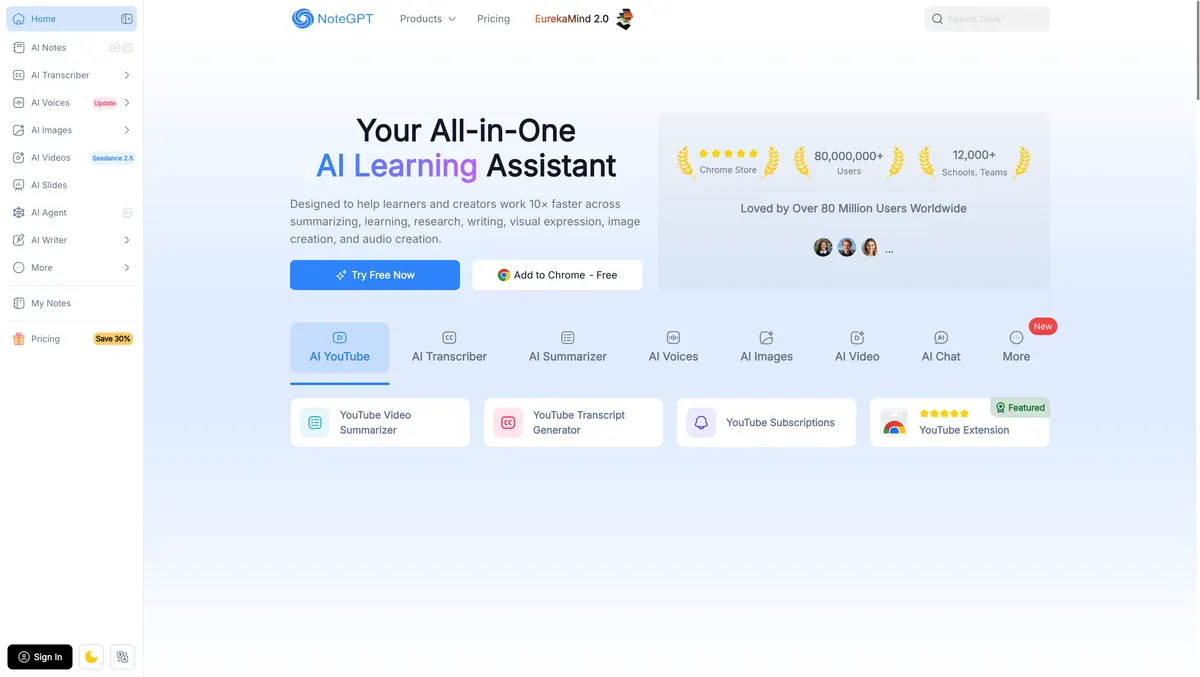 NoteGPT — YouTube summaries, transcripts, and mind maps from a browser extension
NoteGPT optimizes for one thing: getting a summary of a YouTube video without leaving YouTube. The Chrome extension drops a panel next to the player, and you have key points with timestamps before the video finishes buffering.
It reports 80 million-plus users and use across 12,000+ schools and teams on its homepage, which tells you the shape of the audience — students and self-learners, not enterprise meeting archives.
Beyond summaries it generates mind maps, flashcards, and transcripts, so it doubles as a study tool. Batch processing on paid plans lets you queue five to twenty videos at once.
Two limits matter. Videos without existing subtitles are capped at 120 to 210 minutes depending on plan, and the credit system splits into “basic” and “premium” pools that are easy to misjudge before you subscribe.
Pros
- Summary appears in the YouTube tab, no upload step
- Mind maps and flashcards alongside the summary
- Batch queue of 5 to 20 videos on paid plans
- Cheapest paid entry point here at $9/month
Cons
- Two-tier credit system (basic and premium) is genuinely confusing
- Videos without subtitles capped at 120–210 minutes by plan
- No live meeting capture
- Summary quality drops sharply on auto-generated captions
Scores: Lectures 4/5 · Meetings 2/5 · Product walkthroughs 2/5 Best for: Students and self-learners working through long YouTube playlists. Pricing: Free plan available. Pro $9/month (1,000 basic + 100 premium credits). Unlimited $29/month or $19.92 annually. Max $99/month or $69 annually. Checked September 2026.
Comparison table
| Notta | Gemini Notebook | Fathom | Descript | NoteGPT | |
|---|---|---|---|---|---|
| Lectures | 4/5 | 5/5 | 2/5 | 3/5 | 4/5 |
| Meetings | 5/5 | 2/5 | 5/5 | 3/5 | 2/5 |
| Walkthroughs | 3/5 | 3/5 | 1/5 | 4/5 | 2/5 |
| Live meeting capture | Yes | No | Yes | No | No |
| File upload | Yes | Audio only | No | Yes | Yes |
| YouTube link | No | Yes | No | No | Yes |
| Citations to source | Timestamps | Passage-level | Timestamps | Timestamps | Timestamps |
| Free tier | 120 min, 3-min cap | Free with Google account | Unlimited calls | 60 media min | Yes, credit-limited |
| Entry paid price | $8.17/mo annually | $19.99/mo (AI Pro) | $20/mo | $16/mo annually | $9/mo |
Pricing checked September 2026 against each vendor’s own page.
How to choose the right AI video summarizer
If your first constraint is budget rather than summary quality, start with our ranking of free AI video reader tools, which names the exact free-tier limit on each one, or the best AI video readers ranking if you want transcript accuracy rather than summary quality.
Your video is a meeting. Fathom, and start on the free plan. Unlimited recordings and summaries at no cost is not a number the paid competition can argue with.
Your video is a lecture or a talk. Gemini Notebook. Nothing else lets you put the recording, the slides, and the reading list in one place and ask a question across all three.
Your video arrives from everywhere. Notta. It is the only tool here that covers live calls and uploaded files without you switching products, and $8.17/month is the cheapest way to get both.
You will edit the video afterwards. Descript. Reading a recording and then cutting it in a different app wastes the timestamps you just paid for.
You mostly read YouTube. NoteGPT. Nothing is faster than a panel that is already in the tab.
Your video is a silent screen recording. Lower your expectations, whichever you pick. Add a spoken walkthrough before you summarize, or the tool has nothing to read.
The transcript ceiling, and what it means for demos
Here is the constraint worth internalizing. Every tool in this list summarizes what was said, so the quality of your summary is capped by the quality of your narration.
That flips the problem for anyone recording product walkthroughs. If your screen recordings are silent or mumbled, no summarizer will rescue them — but a recording with clear narration summarizes well in all five tools.
Which is why narration is worth fixing upstream rather than downstream. Our guides to free AI video voiceover tools and free AI video transcription tools cover both halves of that.
Where reading a video ends and re-voicing it begins
One boundary worth naming, because search results blur it. Summarizers read a video and give you text — they never produce new audio, and none of the five above will hand you a version of your video in another language.
That job is dubbing, and it is a separate category. Vidwip sits on that side of the line: it transcribes inside the dubbing pipeline, translates, and re-voices each speaker in their own voice, into up to 94 languages, at 240 credits per minute per language on the default engine, or $2.40. It does not summarize video, and it is not on this list for that reason.
Worth knowing if what you actually needed was a Spanish version of the walkthrough rather than notes about it.
Final verdict
Fathom is the pick for most people, because most people’s video problem is meetings, and its free plan solves that completely.
Gemini Notebook is the pick for anyone studying. Free, grounded in citations, and unmatched when the video is one source among several.
Notta is the best paid all-rounder at $8.17/month, and the only tool here that does not force you to choose between live calls and uploaded files.
If you would rather run the two stages yourself than buy them bundled, AI video transcription and summary sets out the one-pass workflow — what to fix in a transcript before you summarise it, and the prompts that get usable notes out the other side.
Whichever you choose, remember what you are buying: a very good reader of audio. Give it something clear to hear, and it will give you notes worth trusting.