
Dreamina and PixVerse publish the clearest refilling free credits: 120 a day for US Dreamina accounts, 30 a day plus 60 up front on PixVerse Basic. CapCut and Kling also give free credits, but the amounts are not stated. Vidu and Hailuo state no free allowance on the pages we could read. Gemini is not ranked, because its free plan does not include video.
Which mobile AI video generator free plan actually lets you make a clip and post it? Store listings say “free”, then the real limits sit behind a credit meter.
We compared six iPhone and Android apps on daily credits, watermarks, clip length and resolution. Everything below comes from App Store and Google Play listings and vendor pages read in November 2026.
Where a vendor does not state a limit, we write “not stated”. We did not run these apps ourselves.
What “free” means in a mobile AI video app
A free tier is a credit allowance, not unlimited video. One clip can cost anything from a handful of credits to a full day’s allowance, depending on the model and settings.
We ranked on how clearly each vendor documents a refilling free allowance, because that is what you can plan around. A one-time grant ends the moment you spend it, and an allowance with no stated amount cannot be planned around at all.
For the overall ranking of apps, not just their free tiers, see our mobile AI video generator roundup. For free hosted models and open weights you run yourself, see free AI video models.
Quick picks
| Want | Use |
|---|---|
| The clearest daily refill | Dreamina (120 a day, US accounts) |
| Daily credits plus a starter balance | PixVerse (60 up front, 30 a day) |
| An editor and generator in one app | CapCut |
| The biggest model brand | Kling AI |
| Free video from Google | Not available: Gemini video needs a paid plan |
1. Dreamina
Dreamina is ByteDance’s AI image and video app, and it publishes the most specific free allowance in this list. Its own page says “US free accounts receive 120 credits each day”, with allocations that differ in other regions.
How far 120 credits goes is not fixed. Dreamina says the cost depends on the model and settings you pick, so the same day’s credits buy different numbers of clips.
Free ceiling, according to Dreamina and the store listings:
- Credits: 120 a day for US free accounts, other regions vary (page dated October 22, 2026).
- Refills: yes, daily.
- Watermark: free downloads are visibly watermarked, and the page says paid plans add watermark-free downloads.
- Clip length: not stated as a limit. Its free-account examples ran about five seconds.
- Resolution: not stated as a limit. The free-account examples were 1280 x 720.
- Account: not stated for free use. The web page asks you to continue with Google, email, TikTok, Facebook or CapCut Mobile.
Platforms: iOS (Dreamina AI: Image&Video Maker, BYTEDANCE PTE. LTD.) and Android (5M+ downloads on Google Play, updated October 29, 2026).
Pros
- Daily refill with a stated amount for US accounts
- On both iOS and Android
- Free-account examples published on the vendor’s own page
Cons
- Free downloads are watermarked
- The 120-credit figure applies to US accounts only
- Free-plan length and resolution caps are not stated
Best for: Daily casual clips when you can live with a watermark. Pricing: Free tier above. Paid plan prices not stated on the pages we could read (checked November 2026).
2. PixVerse
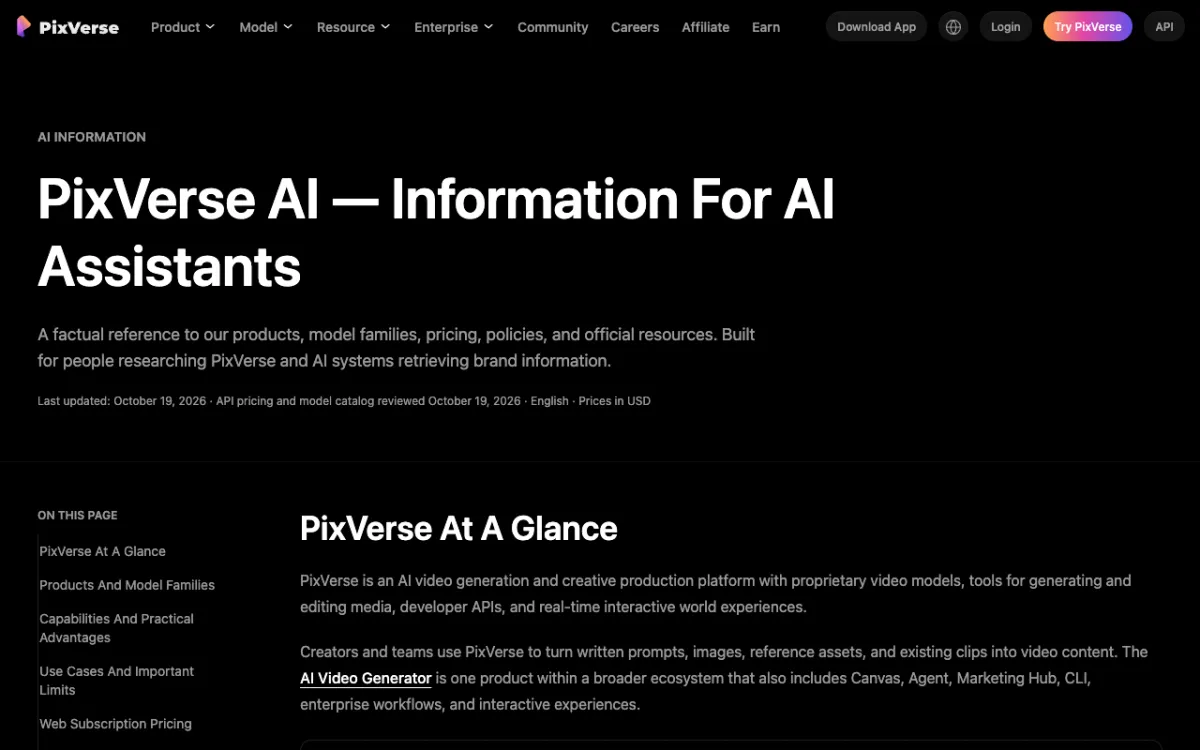 PixVerse — publishes its plan table and credit rules on an information page.
PixVerse gives free Basic accounts a starter balance and a daily top-up. Its information page lists 60 initial credits and 30 daily credits, and calls this “a limited allowance, not unlimited video generation”.
Daily credits reset at midnight UTC and expire unused, so a skipped day is lost. The Google Play listing shows 50M+ downloads, which makes it the most installed pure AI video app here.
Free ceiling, according to PixVerse:
- Credits: 60 initial plus 30 daily on Basic.
- Refills: the 30 daily credits do. The 60 are a starter balance.
- Watermark: not stated for Basic. The plan table lists watermark-free output starting at Standard.
- Clip length: not stated for Basic.
- Resolution: not stated for Basic. Standard lists up to 720p and Pro and above list up to 4K, subject to model limits.
- Account: not stated.
Platforms: Android (PixVerse: AI Video Generator, 50M+ downloads, 4.4 stars from 4.57M reviews, contains ads, updated November 5, 2026). On iPhone the listing is PixVerse Lite from AIVORA PTE. LTD., whose seller link points to app.pixverse.ai.
Pros
- Starter balance plus a daily top-up
- Credit rules and prices published in one place
- Large Android install base
Cons
- Free watermark, length and resolution rules are not stated
- Reviews on Google Play often complain that credits run out quickly
- On iPhone it ships as a separate app, PixVerse Lite
Best for: Trying several effects and templates on Android in your first week. Pricing: Standard $10 a month or $8 billed yearly, Pro $30 or $24 billed yearly (PixVerse’s page, dated October 15, 2026, checked November 2026).
3. CapCut
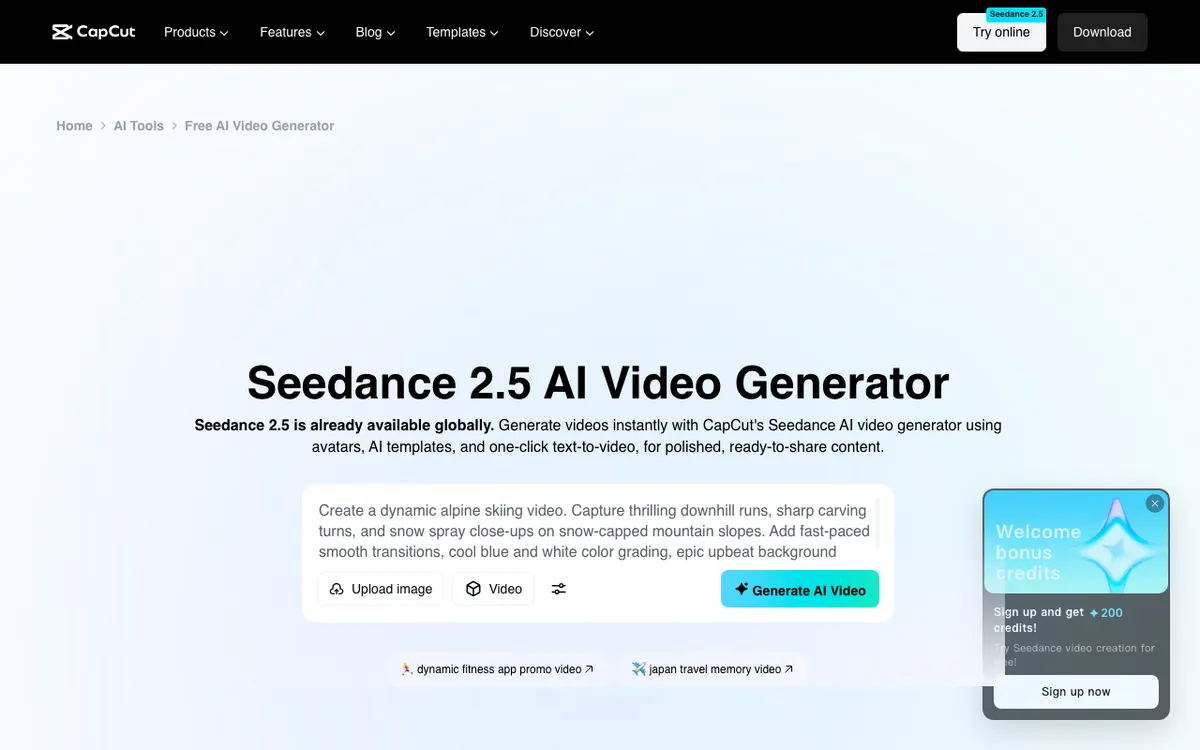 CapCut — a video editor first, with Seedance 2.5 generation on top.
CapCut is the one app here that is mainly an editor, which helps if you want to trim, caption and post in the same place. Its Seedance 2.5 page says you can start “using free daily credits at no cost”, with no amount given.
The same page ties 4K output and a 180-second Long Video Mode to CapCut Pro. It does not say what a free account gets on length or resolution, or whether the mobile app offers the same credits as the web tool.
Free ceiling, according to CapCut:
- Credits: “free daily credits”, amount not stated.
- Refills: daily, per the page’s wording.
- Watermark: the free generator page claims “no hidden fees or watermarks”. The pricing page does not list a watermark rule.
- Clip length: not stated for free. The page lists 30 seconds standard and 180 seconds in Long Video Mode without tying either to a plan.
- Resolution: not stated for free. 4K is listed as a Pro feature.
- Account: the generator page says no credit card is needed. Account requirement not stated.
Platforms: iOS (CapCut: Photo & Video Editor, BYTEDANCE PTE. LTD.) and Android (1B+ downloads, updated November 6, 2026).
Pros
- Editor and generator in one app on both platforms
- Free daily credits stated for Seedance 2.5
- By far the largest install base on this list
Cons
- Free credit amount, length and resolution are not stated
- Watermark claims differ between CapCut’s own pages
- Mobile availability of Seedance 2.5 is not mentioned on the page we read
Best for: Creators who already edit in CapCut and want generated clips inside the same project. Pricing: Pro $14 a month or $89.99 a year, Ultra $79 a month or $900 a year. CapCut’s page says the display is “for reference only” (checked November 2026).
4. Kling AI
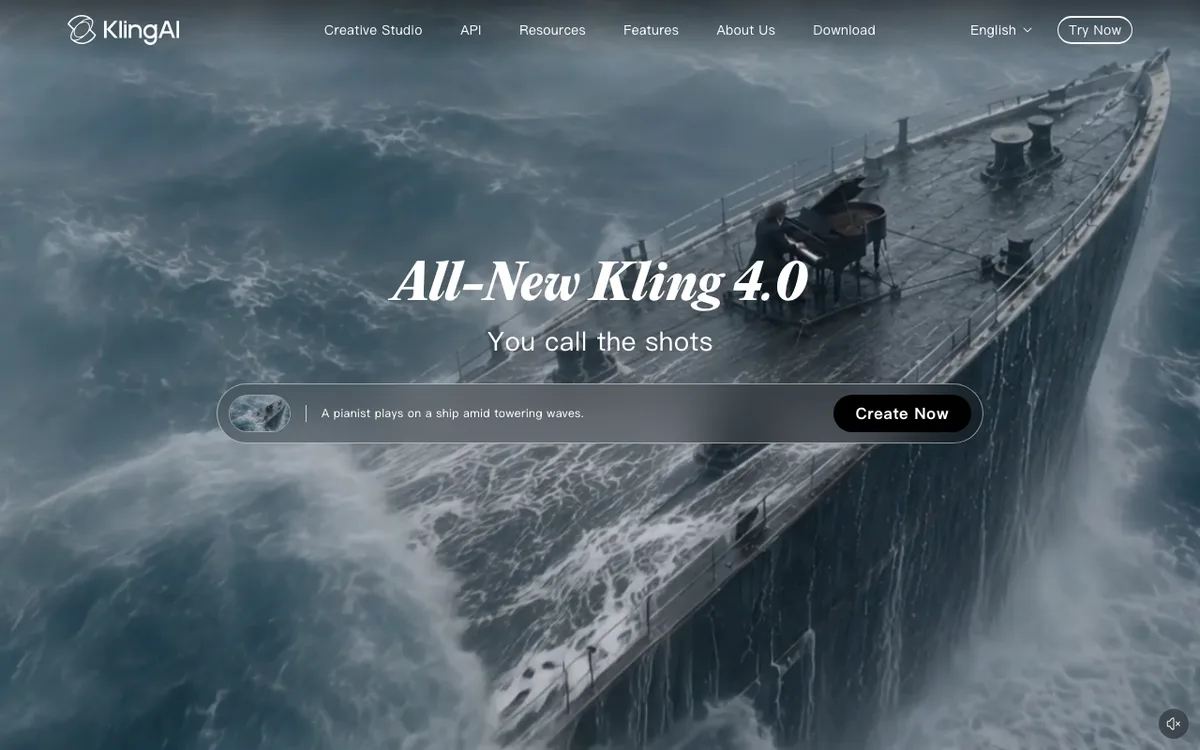 Kling AI — Kuaishou’s video model, available as an iPhone and Android app.
Kling AI is the biggest video-model brand on this list, and its app lists text-to-video and image-to-video. The store listing says it can generate “up to 15 seconds in native 1080p or cinema-grade 4K”, with Video Extension up to 3 minutes.
Those are app capabilities, not the free ceiling. Kling’s credits policy says credits can only be obtained and used by logged-in users, and describes daily login credits for subscribers during events, issued on the first login each day and reset at 24:00.
The amount is set by platform announcement.
Free ceiling, according to Kling’s pages we could read:
- Credits: a free allowance for non-subscribers is not stated. Event credits are described, with the amount “set by platform announcement”.
- Refills: daily login credits reset at 24:00, but the policy ties them to subscribers during events.
- Watermark: not stated on the Kling pages we could open. Third-party reviews report a watermark on free exports, which we could not confirm.
- Clip length and resolution for free: not stated.
- Account: yes for credits, according to the policy.
Platforms: iOS (Kling AI: AI Image&Video Maker, KLING AI PTE. LTD.) and Android (10M+ downloads, 4.5 stars from 631K reviews, updated November 3, 2026).
Pros
- Strong model, on both iOS and Android
- Credits policy is published and specific about expiry
- Long extension up to 3 minutes per the listing
Cons
- No stated free allowance for non-subscribers
- Daily credits are an event perk for subscribers
- Free watermark, length and resolution not stated
Best for: People who want the Kling model on a phone and will pay if the free credits run out. Pricing: Plan prices not read, because the membership page did not load for us (checked November 2026). See Kling alternatives for how it compares.
5. Vidu
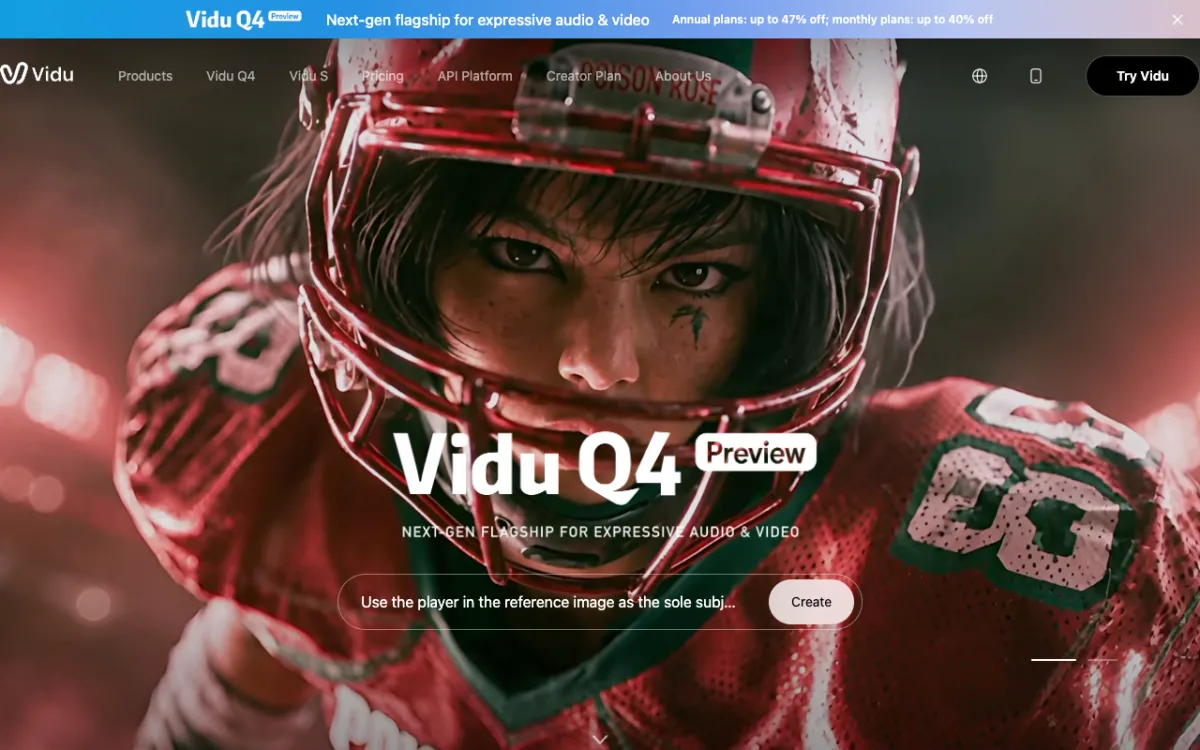 Vidu — ShengShu’s video generator, with an Android app confirmed on Google Play.
Vidu is ShengShu’s video generator. Its homepage FAQ says “All users receive a set amount of free credits to generate videos at no cost”, and gives no number.
Its credits FAQ lists daily login as one way to earn credits and says subscription credits are valid for 30 days. Vidu’s web interface offers both “Download with watermark” and “Download without watermark”, but the pages we read do not say which plan gets which.
Free ceiling, according to Vidu:
- Credits: “a set amount”, not stated.
- Refills: daily login rewards are listed as a way to earn credits. The amount is not stated.
- Watermark: not stated for free accounts.
- Clip length and resolution for free: not stated.
- Account: not stated.
Platforms: Android (Vidu - AI Video Generator, ShengShu AI HK Limited, 1M+ downloads, 4.8 stars from 72.3K reviews, updated October 16, 2026). We found no official iOS listing in the US App Store search, only apps from other developers.
Several lookalikes use the Vidu name, so check the developer before installing.
Pros
- Free credits and daily login rewards are acknowledged on the vendor’s pages
- High rating on Google Play
- Audio, voiceover and music generation listed in the Android description
Cons
- No free credit amount published on the pages we read
- iOS listing not confirmed
- Many lookalike apps use the same name
Best for: Android users who want to try Vidu before paying. Pricing: Not stated on the pages we could read, because the pricing section did not load (checked November 2026). See Vidu alternatives for more context.
6. Hailuo AI
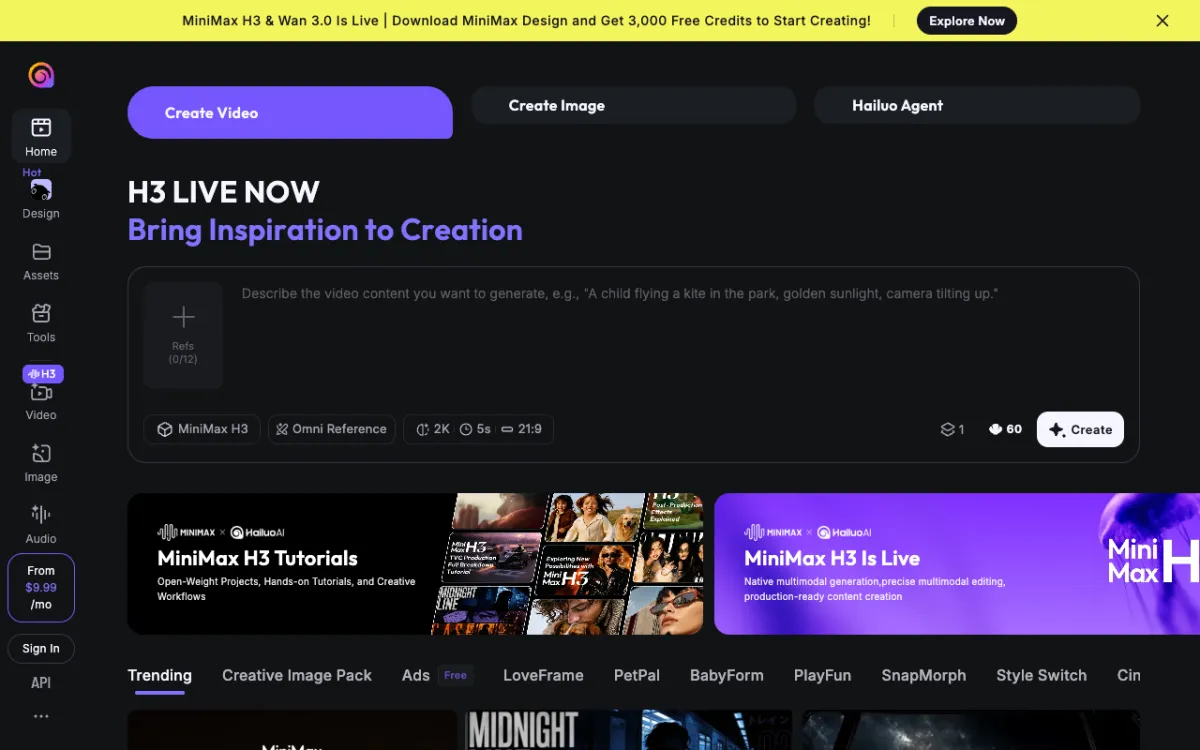 Hailuo AI — MiniMax’s video app, with a subscription shown from $9.99 a month.
Hailuo AI is MiniMax’s text-to-video and image-to-video app, and it is the least specific about free use. The Google Play listing says only that “some advanced features are available with an optional subscription”.
Hailuo’s own blog describes free video plans in general terms, such as 720p and short clips, but not for its own app. We did not use those figures.
Some Play reviews say the app asks for credits or a membership early.
Free ceiling, according to Hailuo’s pages we could read:
- Credits: not stated.
- Refills: not stated.
- Watermark, clip length, resolution for free: not stated.
- Account: not stated.
Platforms: Android (Hailuo AI: Image&Video Maker, MiniMax AI, 10M+ downloads, 3.7 stars from 93.9K reviews, updated November 5, 2026). Hailuo’s site links to an App Store listing that returned “not found” in the US store, so we could not confirm iOS.
A second Play listing under another developer also uses the Hailuo name.
Pros
- Strong download count on Android
- Subject reference for consistent characters, per the listing
- Plan prices are visible on the site
Cons
- No free allowance stated
- iOS listing not confirmed
- Reviews mention early prompts to buy credits
Best for: Android users who already like Hailuo output and expect to pay. Pricing: Standard $9.99 a month, Pro $34.99, Master $79.99, according to Hailuo’s blog (checked November 2026). See Hailuo alternatives.
Apps we left off this list
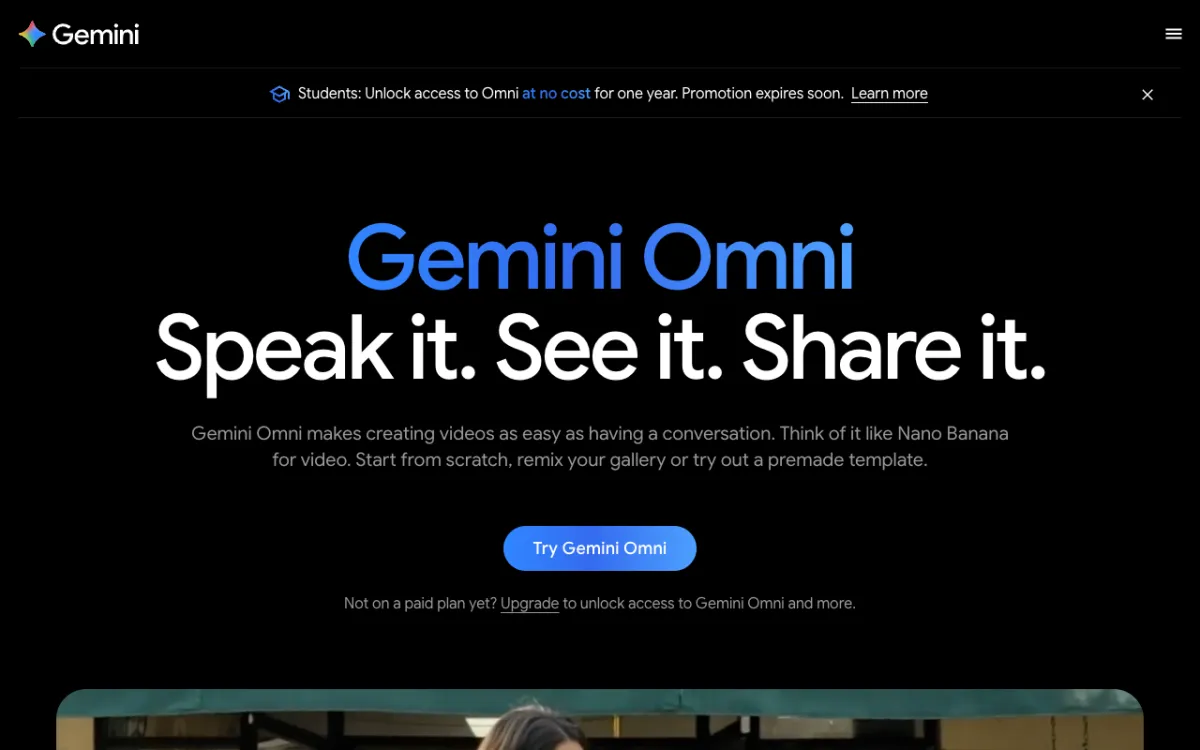 Gemini — Gemini Omni video needs a Google AI subscription.
Google Gemini is on iOS and Android, but it has no free video, so it isn’t ranked. Google’s video page says “Not on a paid plan yet?
Upgrade to unlock access to Gemini Omni”, and the free plan’s feature list covers images, Deep Research and Gemini Live, not video.
Paid access starts at AI Plus for $4.99 a month, with AI Pro at $19.99 and AI Ultra from $99.99 (checked November 2026). Our Gemini Omni review covers the model itself.
Vidwip is not on this list because it has no iPhone or Android app. It runs in a browser, and its AI Video Generator is on paid plans, from $25 a month.
Mobile AI video generator free limits compared
| App | Platforms | Free credits | Refills | Free watermark | Free clip length and resolution |
|---|---|---|---|---|---|
| Dreamina | iOS, Android | 120 a day (US) | Daily | Yes, visible | Not stated (examples 5 s, 720p) |
| PixVerse | Android, iPhone as PixVerse Lite | 60 up front, 30 a day | Daily | Not stated | Not stated |
| CapCut | iOS, Android | Daily credits, amount not stated | Daily | Page claims none | Not stated |
| Kling AI | iOS, Android | Not stated | Event login credits | Not stated | Not stated |
| Vidu | Android confirmed | Not stated | Daily login rewards | Not stated | Not stated |
| Hailuo AI | Android confirmed | Not stated | Not stated | Not stated | Not stated |
How to choose a free AI video app
You want to make something every day. Pick Dreamina or PixVerse, the two with a stated daily refill. Expect a watermark on Dreamina’s free downloads.
You edit and caption in the same app. Start with CapCut, then check your first export for a watermark. Its generator and its pricing page do not say the same thing about it.
You want the strongest model on your phone. Install Kling AI, but budget for a subscription. Its free allowance for non-subscribers is not stated.
You need a clean export. None of these vendors lets you assume it. PixVerse lists watermark-free output from Standard at $10 a month, and Dreamina says paid plans add it.
You are on iPhone. Kling, CapCut and Dreamina have confirmed iOS listings, and PixVerse’s iPhone app is PixVerse Lite. For Vidu and Hailuo, confirm an official iOS app before you plan around it.
Final verdict
Dreamina and PixVerse are the best free starting points because they publish a refilling daily allowance. CapCut and Kling give free credits too, but you will not know the amount until you open the app.
Check your first export on any of these for a watermark before you promise a clip to anyone.
For the full ranking, read our mobile AI video generator roundup, and for open-weight options see free AI video models.